
 Accounting
Avoid GST Mistakes and Stay Tax Ready
Incorrect GST entries, wrong tax rates, or missing details can create problems later. With Vyapar, you can calculate GST correctly, maintain proper records, and stay ready for returns — without manual confusion.
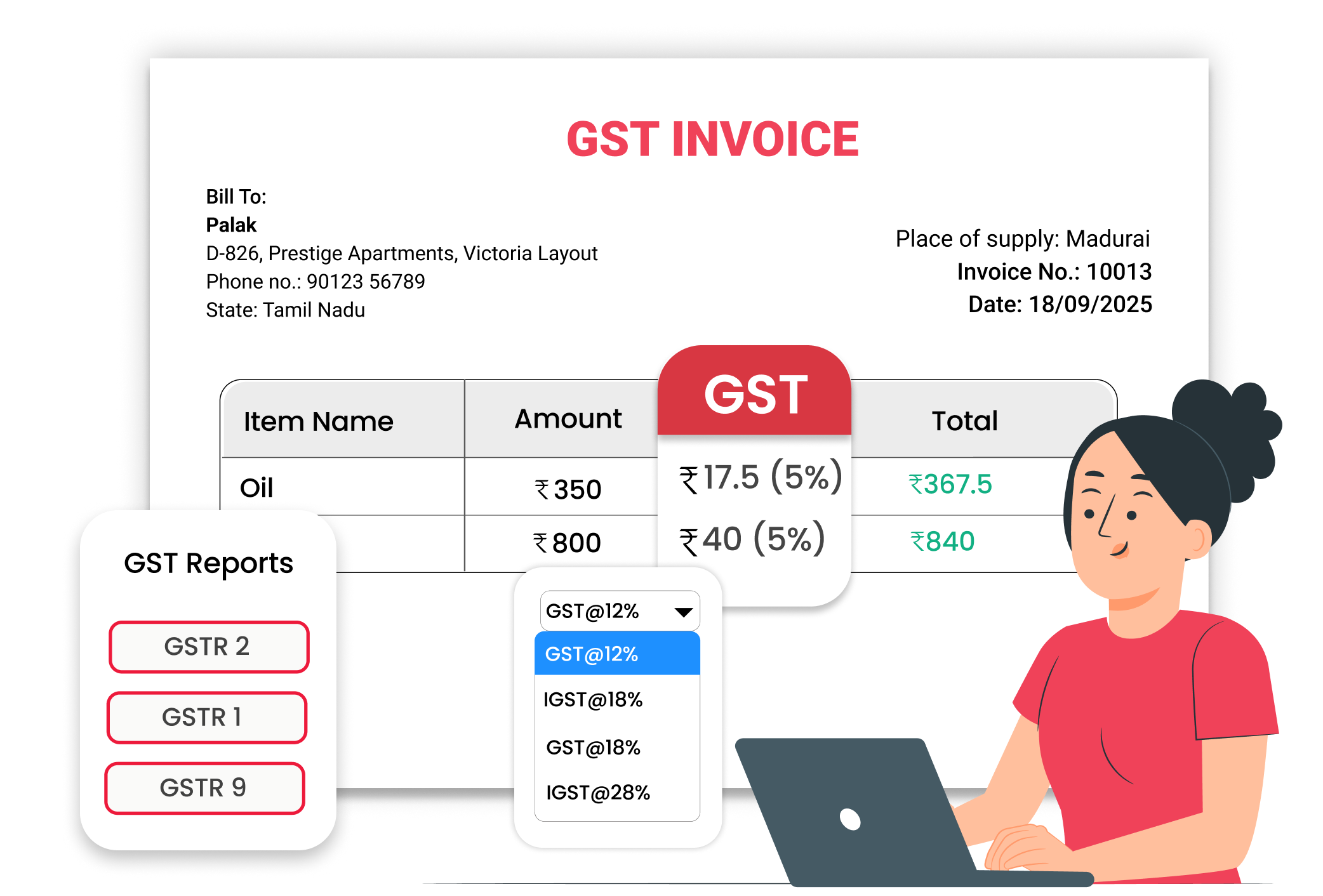
Why Avoiding GST Mistakes Matters
Small GST errors can create big issues during return filing. Wrong tax breakup, missing invoices, or manual calculations may lead to penalties and rework. Staying GST-ready every day helps you file returns smoothly, avoid last-minute stress, and maintain clean business records.
No Wrong Tax Calculations
Apply the correct GST rate every time. Vyapar automatically calculates CGST, SGST, or IGST based on the invoice type, ensuring accurate tax breakup without manual intervention.
Proper GST Records Maintained
Every GST invoice is saved with complete tax details. You can quickly access past transactions when preparing returns, audits, or reconciling records.
Easy and Quick GST Return Preparation
All sales data is stored systematically in the system. Built-in reports help you gather the required information for GST filing quickly and accurately.
 The Transformation
Before & After Vyapar App
Before
Without Vyapar App
- Manual GST calculations
- Wrong tax percentage applied on items
- Missing invoice records during return filing
- Time spent checking and correcting GST entries

After
With Vyapar App
- Automatic GST calculation on invoices
- Correct tax breakup shown clearly
- All GST invoices saved safely
- Easy access to GST reports
 Business Impact
Real Results for Your Business
Vyapar helps you stay compliant, save time, and reduce correction work — so you can focus more on growing your business.
High
GST Accuracy
Automatic tax calculation reduces manual errors
60%+
Less Correction Work
Fewer mistakes mean less time spent fixing entries.
Better
GST Preparedness
Stay ready with organized data for return filing
How This Feature Solves GST Problems
Vyapar simplifies GST billing and record-keeping by automating tax calculation, storing invoices properly, and generating helpful reports — so you stay accurate and tax-ready every day.
1

Create GST Invoice
Select GST billing while creating the invoice.
2
Add Items with GST Rates
Choose products with saved GST percentages.
3

Automatic Tax Breakup
Vyapar calculates GST Automatically
4
Check Reports for Filing
View GST reports to prepare data for returns.
Start billing with the correct GST option. While creating an invoice, select GST billing, add customer details, and enter your GST number. Vyapar uses a GST-enabled format so every required tax field is included properly.
No need to remember tax percentages. Each product in Vyapar can have a saved GST rate. When you add items to the invoice, the correct tax rate is applied automatically, avoiding manual entry mistakes.
Correct tax breakup is shown instantly. Vyapar calculates CGST, SGST, or IGST based on the transaction type, and displays the tax amount clearly on the invoice to reduce calculation errors.
Stay prepared before return submission. View GST-related reports inside Vyapar to check total taxable sales and tax amounts. This helps verify your data before filing returns and keeps records organized.
Where This Helps Most
Ideal for These Businesses
This use case is perfect for businesses that generate frequent invoices and rely on quick, dependable billing.

Retail Stores
Daily GST billing for customers.
Easy to manage with Vyapar
Edit Link

Wholesalers
GST invoices for dealers
Easy to manage with Vyapar
Edit Link

Pharmacies
GST billing with item-wise tax details.
Easy to manage with Vyapar
Edit Link

Manufacturers
GST billing for goods supplied to businesses.
Easy to manage with Vyapar
Edit Link

Service Providers
GST & Non GST invoices for professional services.
Easy to manage with Vyapar
Edit Link

Traders
Regular GST transactions with multiple customers.
Easy to manage with Vyapar
Edit Link
Related Use Cases
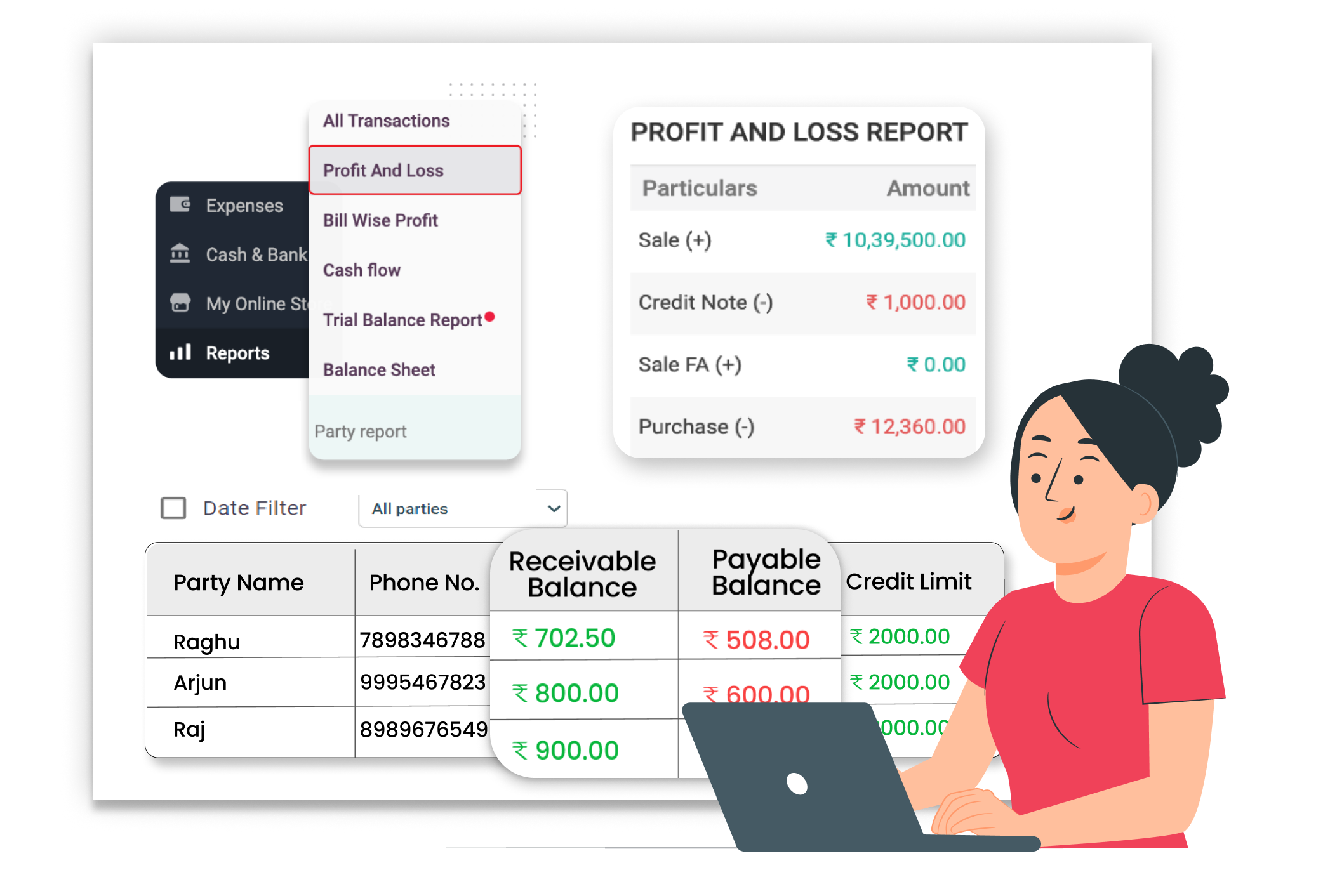
Reduce Manual Bookkeeping

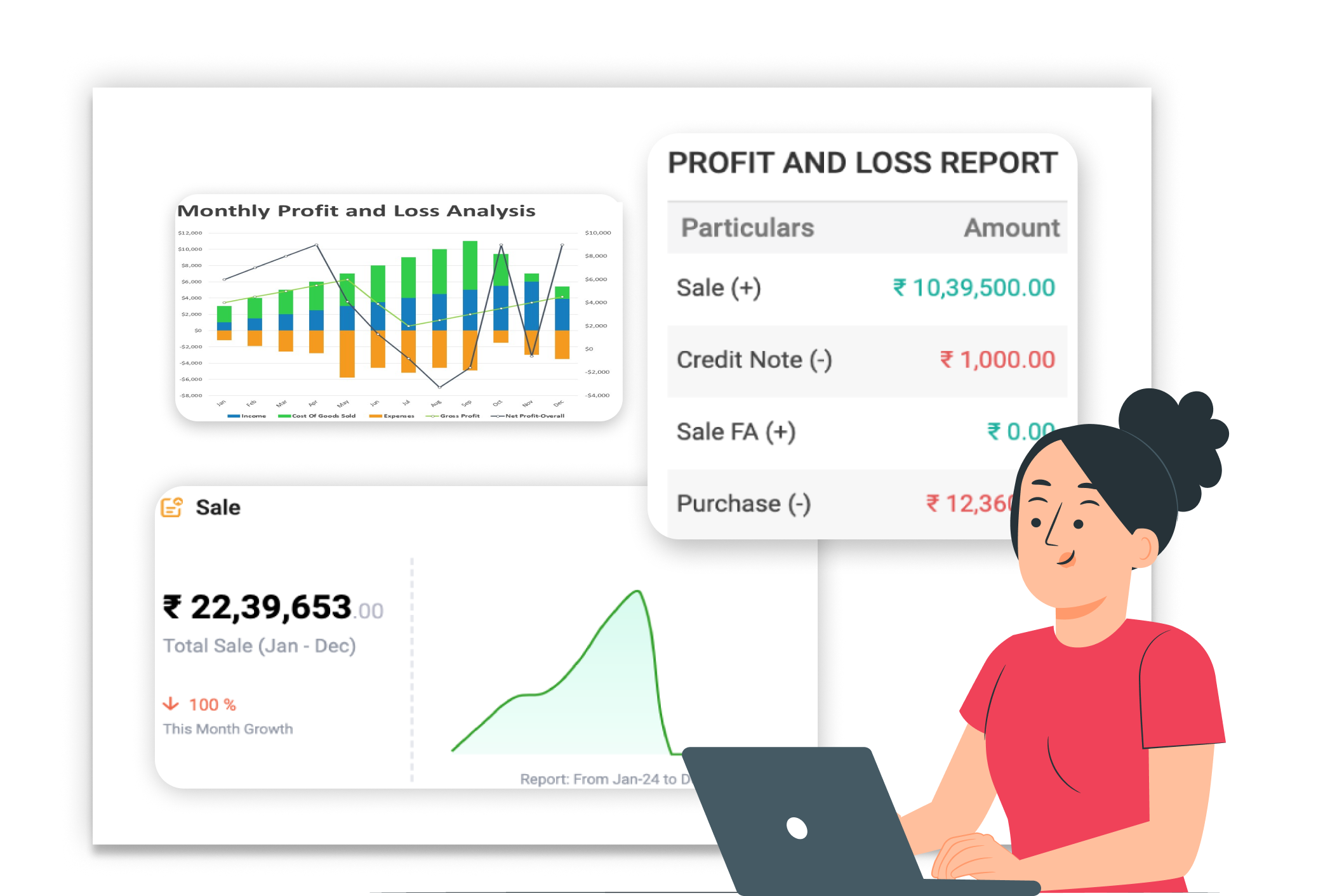
Real-Time Profit & Loss Reports
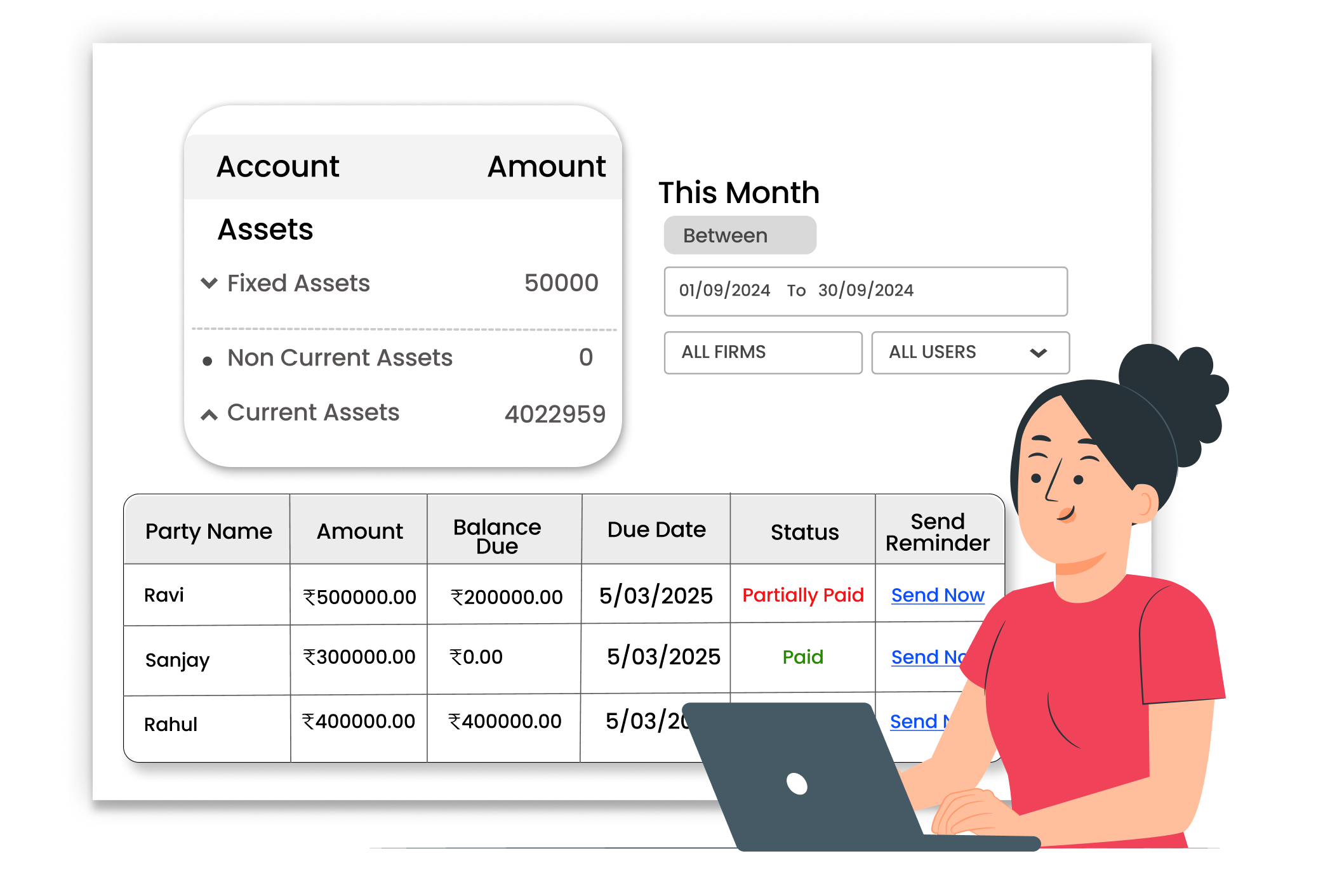
Generate Balance Sheet easily





