
Trusted by 10+ Million Businesses
Free Invoice Formats
Download Professional Invoice Templates
Looking for a best invoice format or bill format for your business? Vyapar offers free invoice templates in Word, Excel, and PDF formats. Download, customize, and use these invoice formats to create professional invoices, improve billing accuracy, and get paid faster.
Ready-to-use Templates
Free Professional Invoice Templates – Download Now
Download free and ready-to-use invoice templates in Word, Excel and PDF for your business for quick invoice generation.
Filter by Format
Word
Excel
Filter by Types
Small Business
Acknowledgement
Cumulative
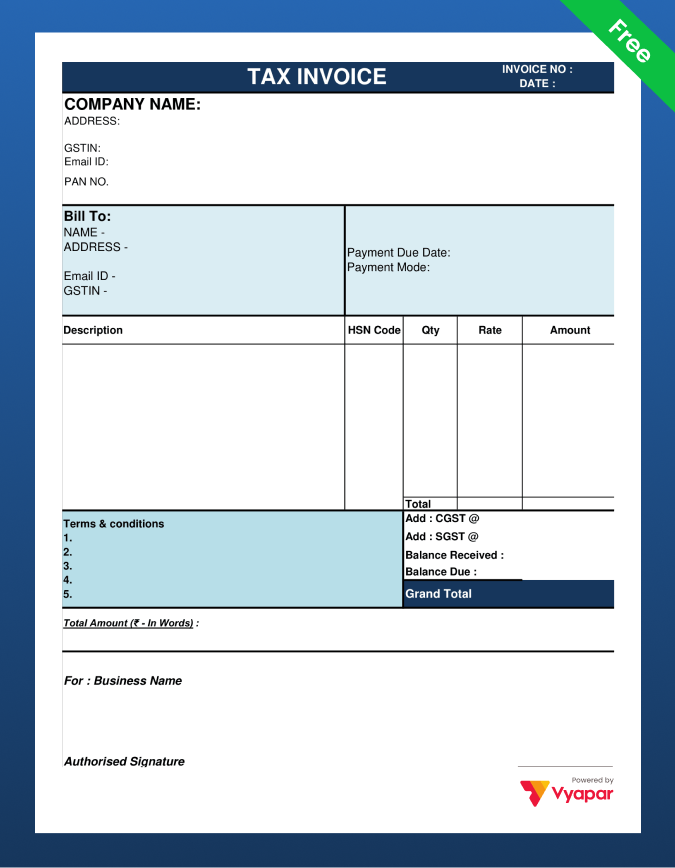
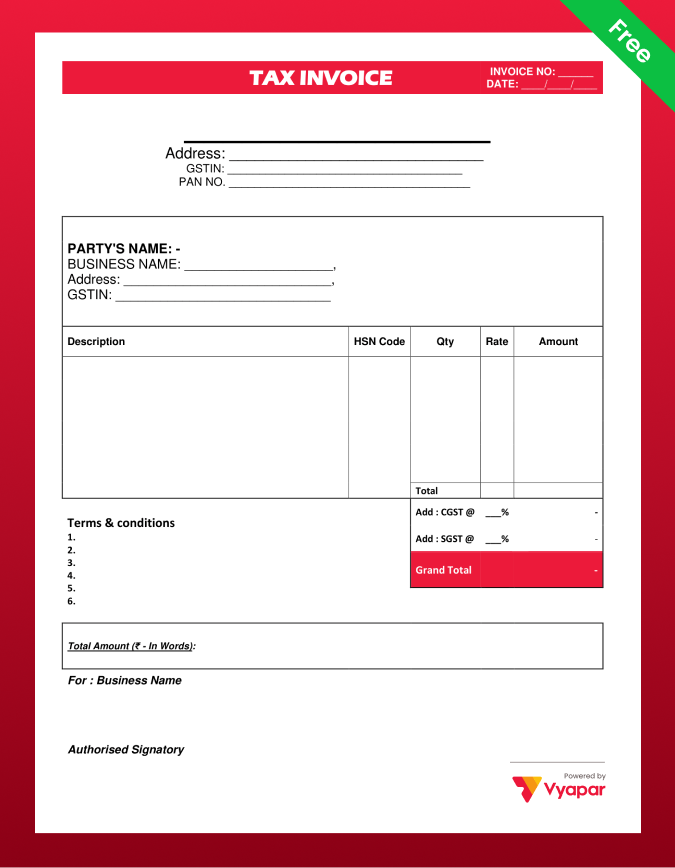
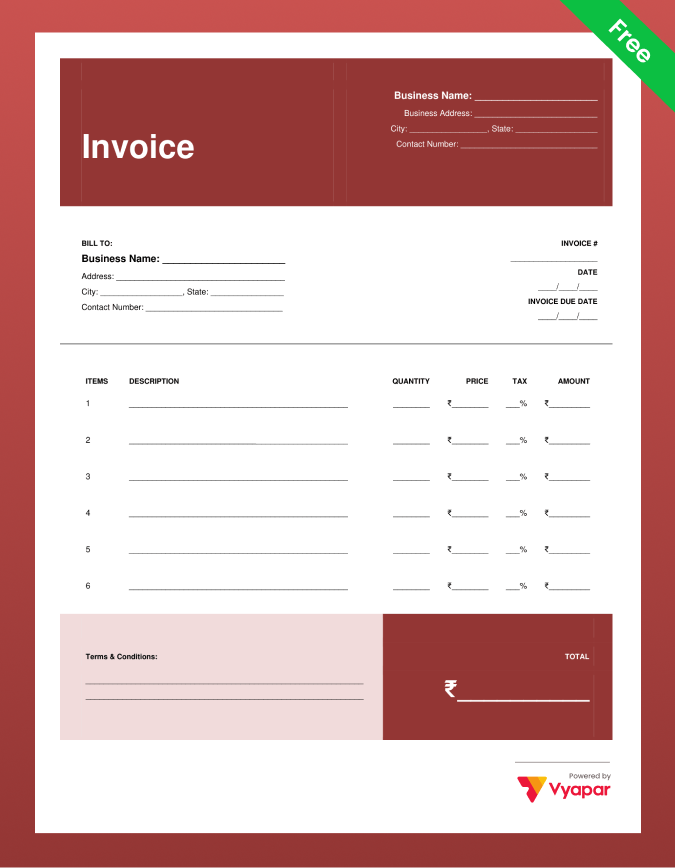
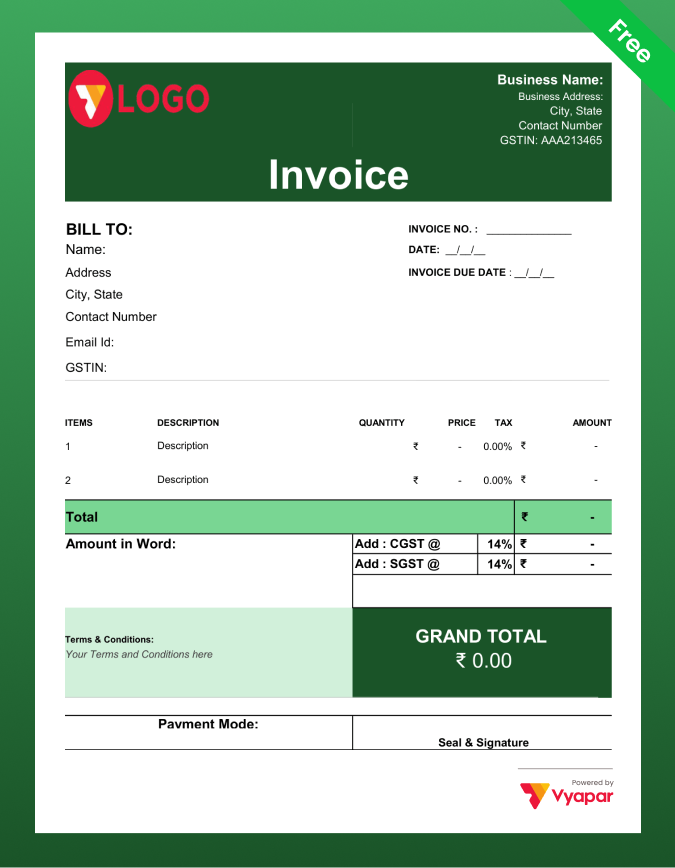
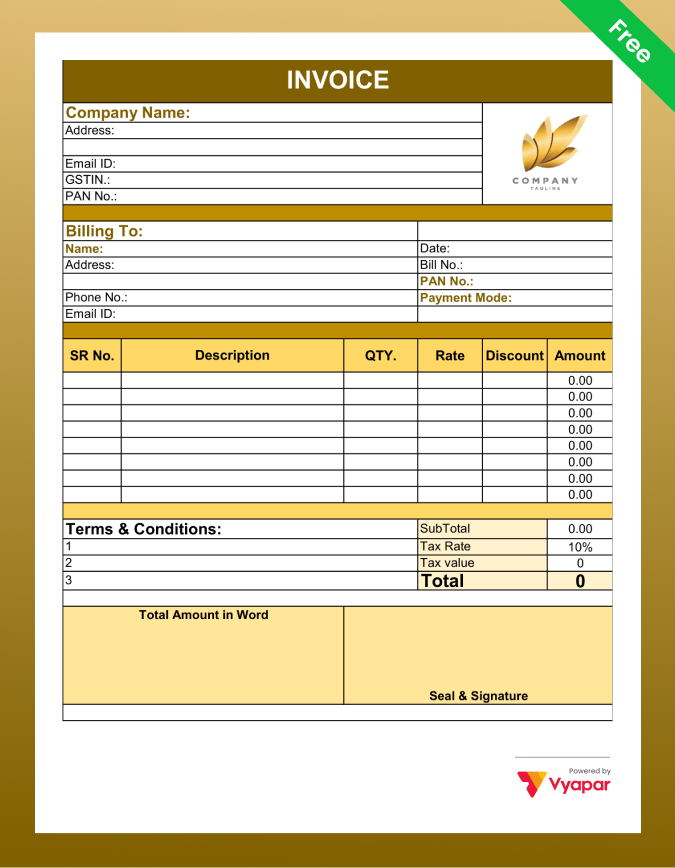
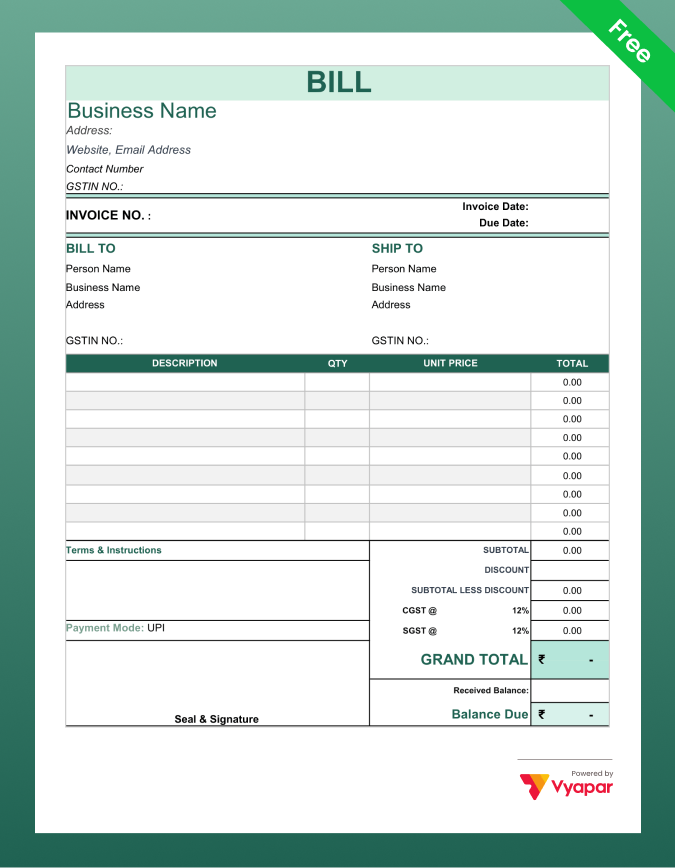
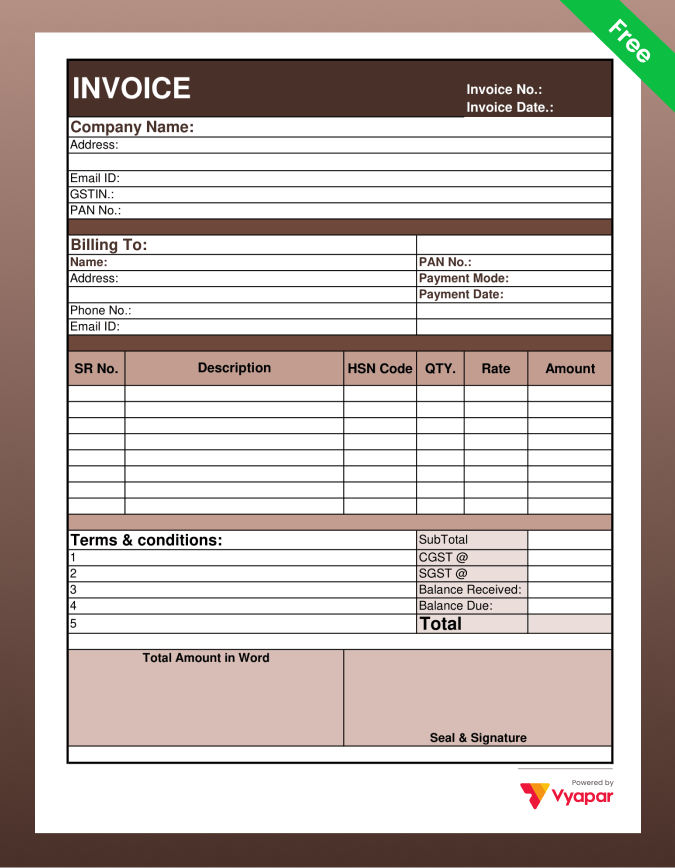
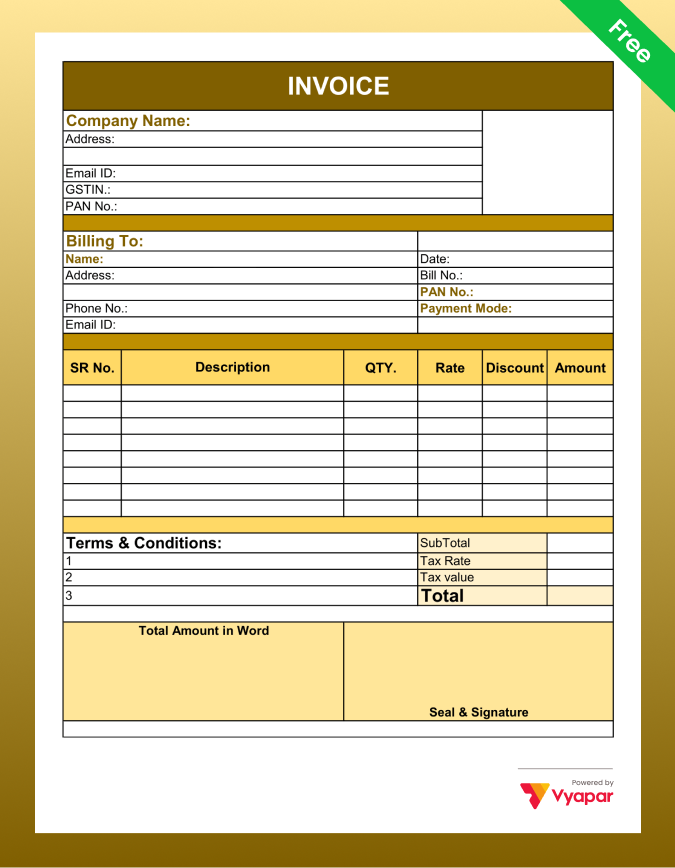
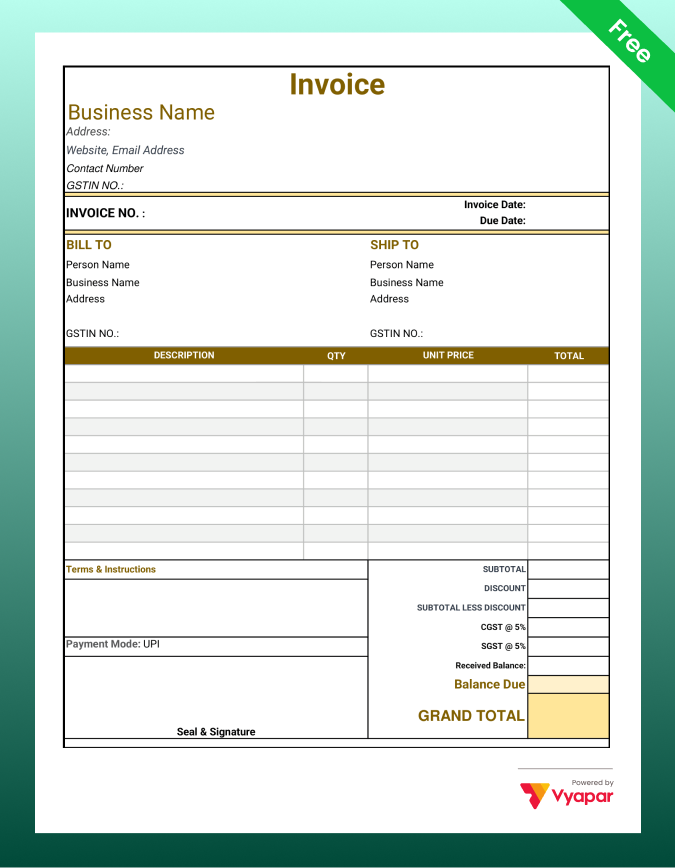
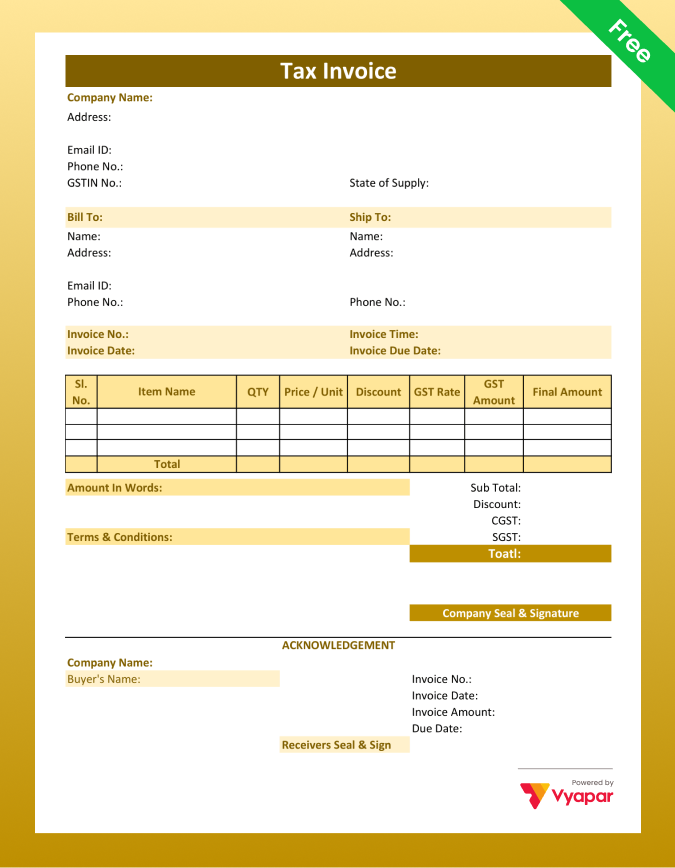
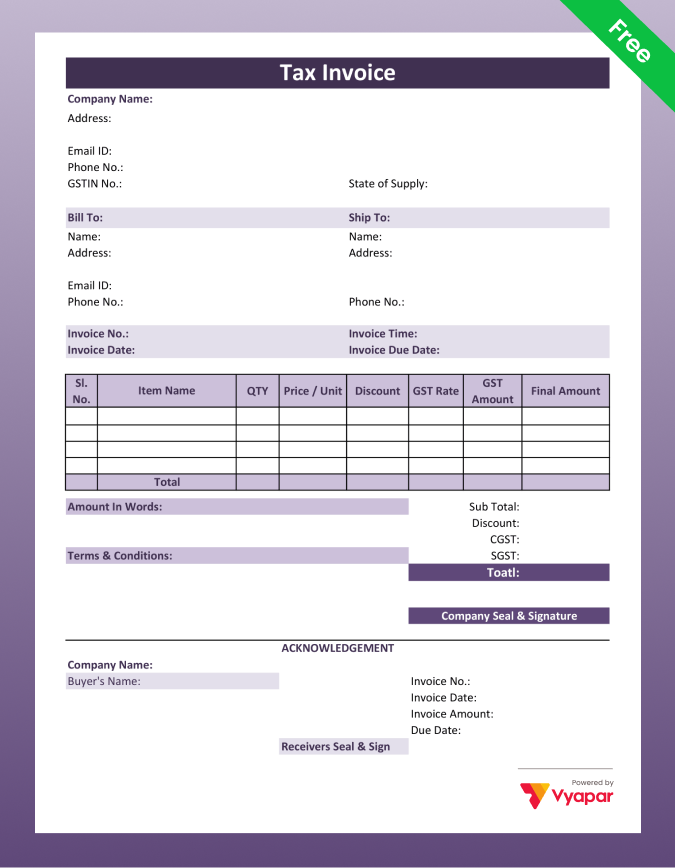
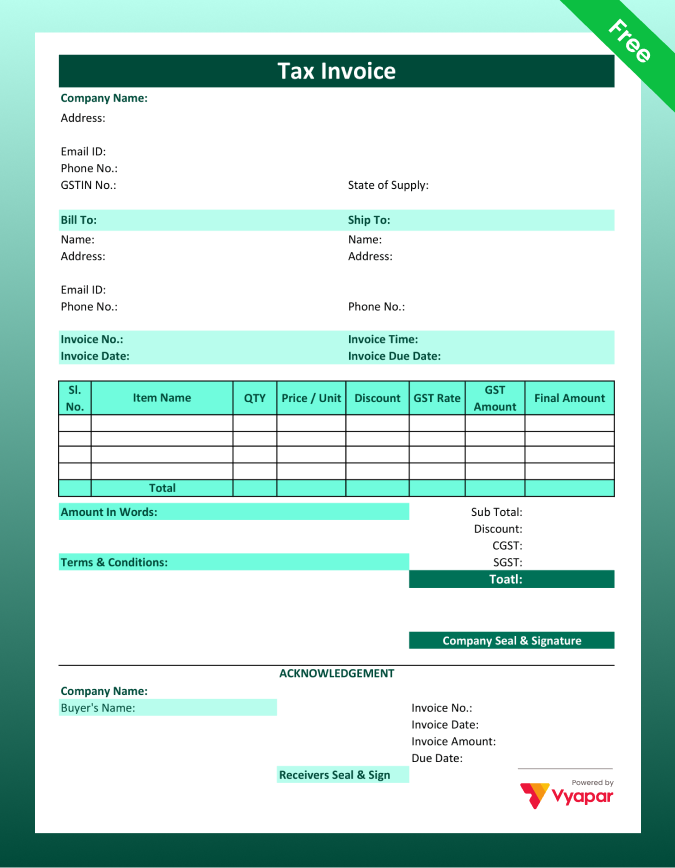
No templates found
Try adjusting your filters to find the templates you’re looking for.
WHAT IT IS
What is an Invoice Format?
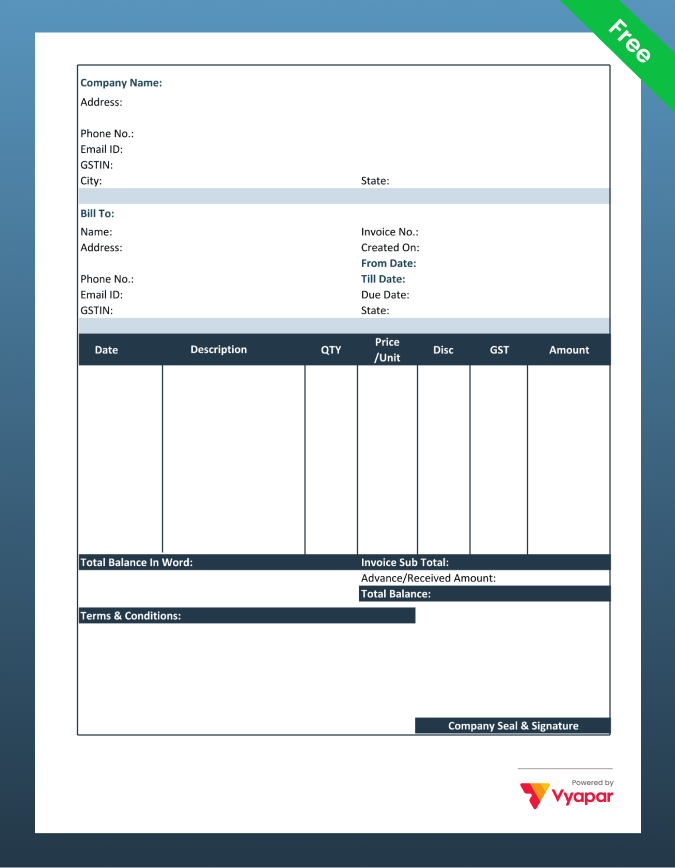
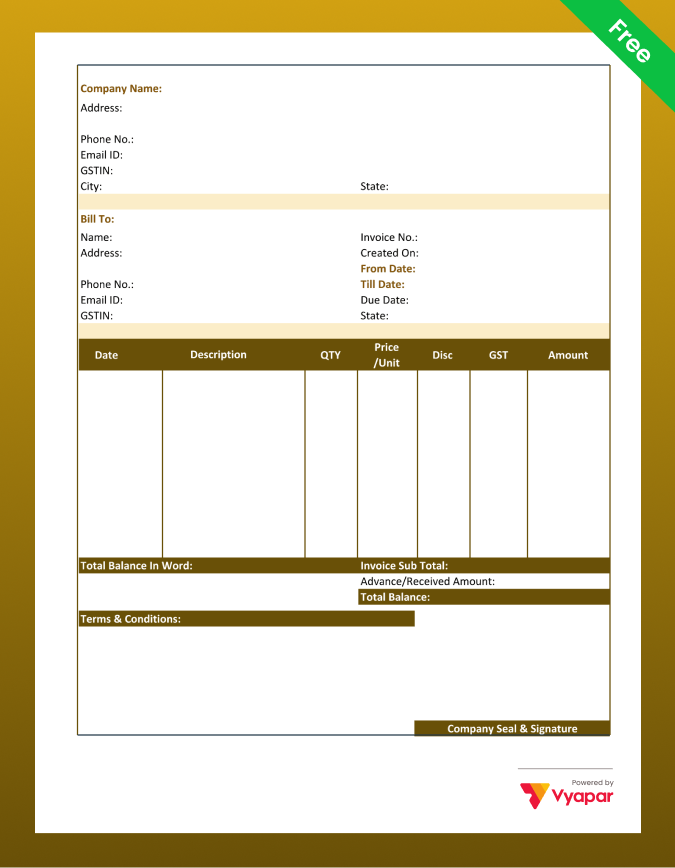
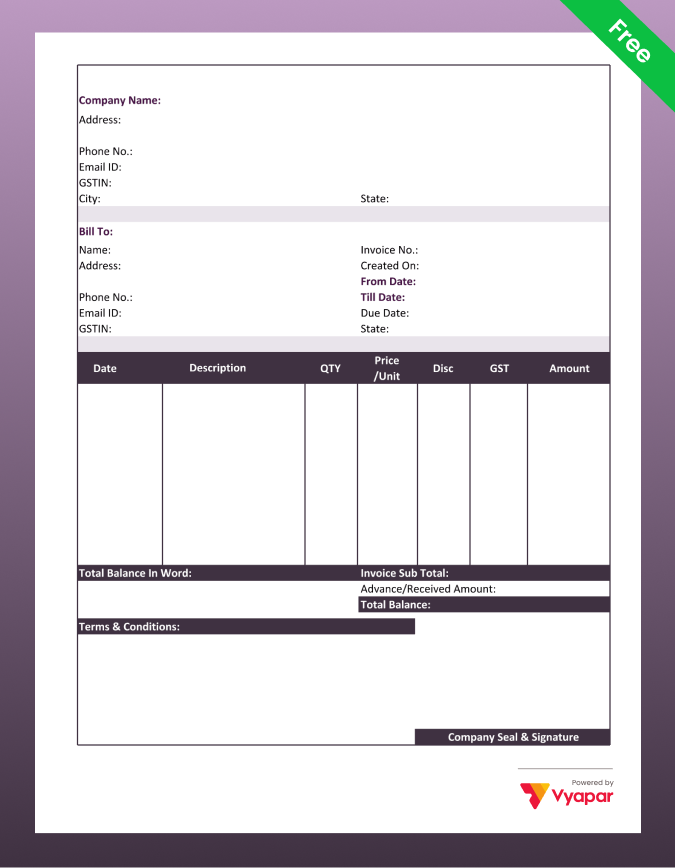
An invoice format is a pre-designed layout that includes all the fields required to create a professional, legally valid bill. For Indian businesses, a correct invoice format ensures GST compliance, allows the buyer to claim Input Tax Credit, and serves as the primary financial record of a sale. Using a consistent format also builds trust with customers and makes accounting and tax filing significantly easier.
In simple terms, an invoice format, also called a “bill format”, is the structure you follow every time you raise a bill for goods sold or services provided. Whether you run a retail shop, a wholesale business, a service agency, or work as a freelancer, the format you use tells your customer exactly what they bought, what it cost, and how much tax was applied.
Invoice Format vs Bill Format: Is There a Difference?
In everyday business language, invoice and bill are used interchangeably by most Indian small business owners. A shopkeeper calls it a bill format. An accountant or a company calls it an invoice format. Legally, under GST, the document issued for a taxable sale is called a tax invoice. All three terms refer to the same document, a written record of a sale that includes the seller’s details, item list, and the amount due.
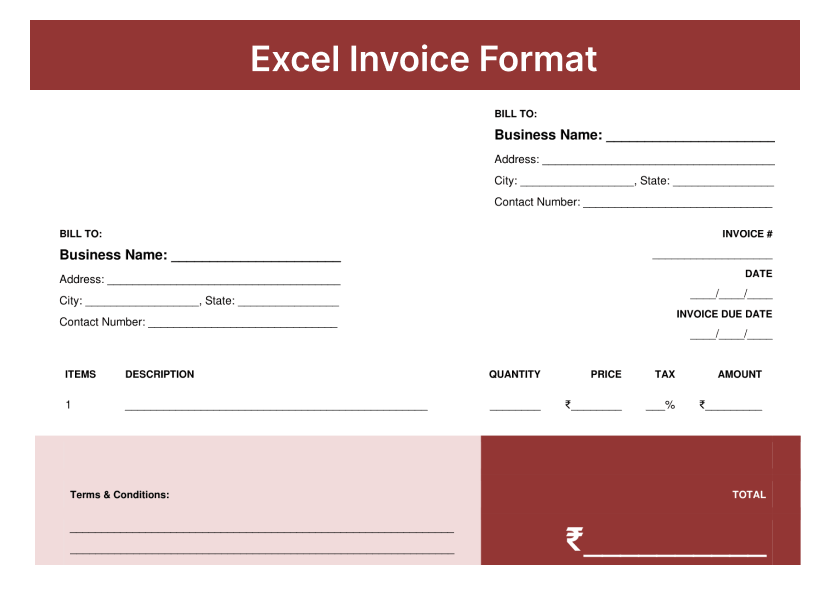
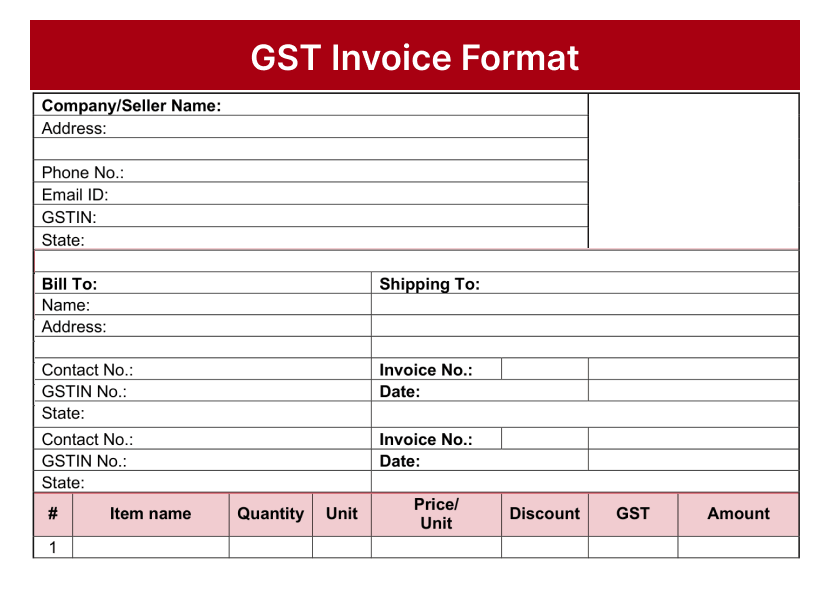
If you are GST-registered, your invoice must follow the GST invoice format prescribed under the CGST Act, including your GSTIN, the buyer’s GSTIN for B2B sales, HSN or SAC codes, and a clear CGST, SGST, or IGST breakup. If you are not registered under GST, a simple bill format with your business details, item list, and total amount is enough.
Quick Guide
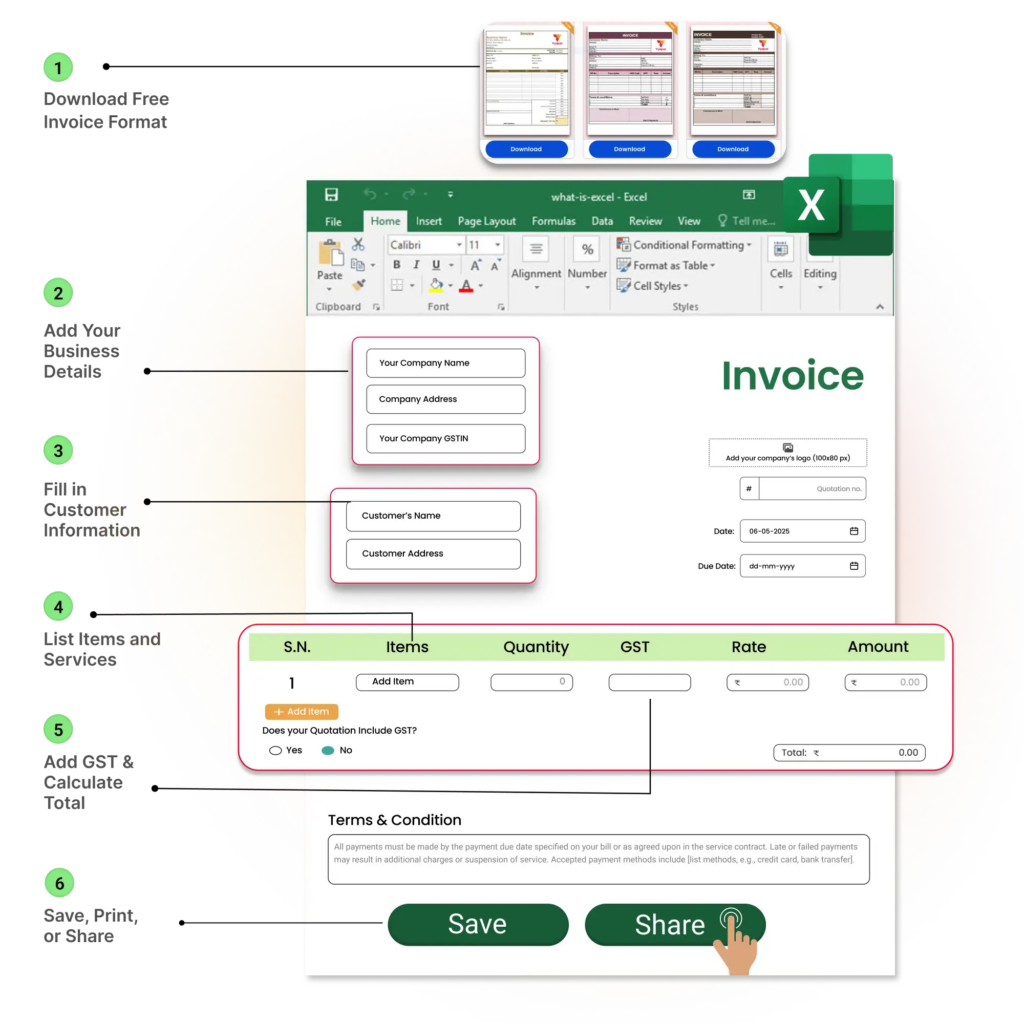
How to Create and Share Invoices
01
Download Your Template
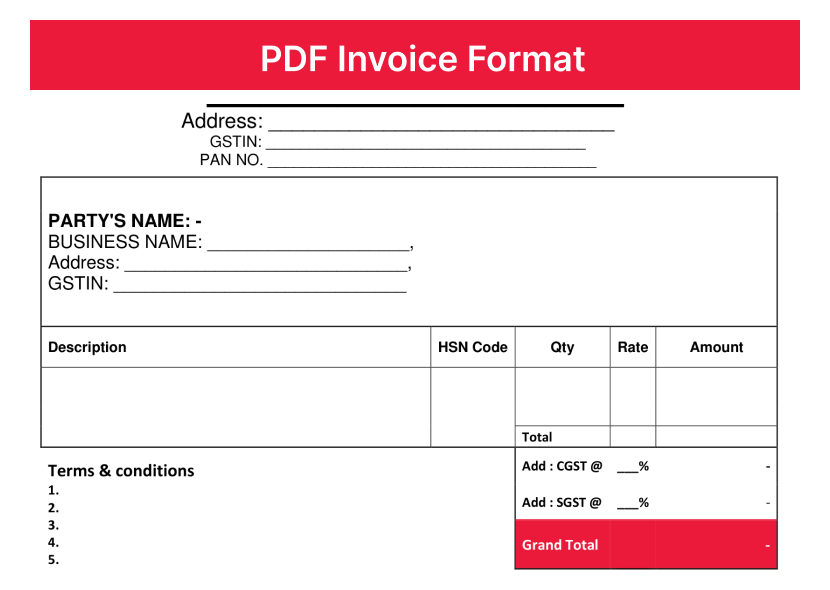
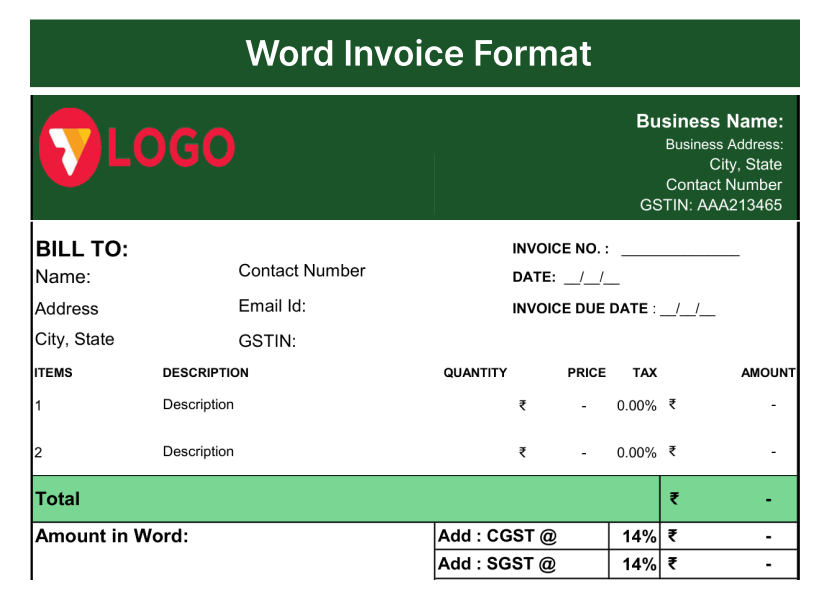
Choose between Excel, Word, or PDF based on what suits you. Excel is great if you want auto-calculated totals. Word works if you prefer a simple, editable document. PDF is ideal for sending a clean, locked copy to clients. Click the download icon on any template, no login or sign-up needed.
02
Add Your Business Details
Enter your business name, address, phone number, and GSTIN at the top. Add your logo if you have one. If you are GST-registered, your GSTIN is mandatory; without it, your buyer cannot claim Input Tax Credit on the purchase.
03
Add Your Customer’s Information
Fill in your buyer’s name, address, and contact number. For B2B sales, add their GSTIN too. Without the buyer’s GSTIN on the invoice, they cannot claim ITC, which is a common reason buyers reject invoices.
04
List Your Products or Services
Add each item with its description, quantity, unit, and rate. If GST-registered, include the HSN code for goods or SAC code for services. These codes determine the correct GST rate for each item.
05
Apply GST and Calculate Total
For sales within your state, split GST into CGST and SGST equally. For sales to another state, charge IGST as a single amount. Add the GST to your subtotal to get the grand total. Write the total in both figures and words.
06
Save, Print, or Share on WhatsApp
Save a copy for your records and export the invoice as a PDF before sending. PDF invoices look professional and cannot be easily edited. You can then print, email, or share the invoice directly on WhatsApp with your customers.
Understanding The Basics
Key Components of Invoice or Bill Format

Business Details
Include your business name, address, contact number, email ID, GSTIN, and company logo to clearly identify the seller on the invoice.
Invoice Number & Date
Add a unique invoice number and invoice date to maintain accurate records, GST compliance, and smooth financial tracking.

Customer Information
Mention the customer’s name, billing address, shipping address, and GSTIN details for accurate billing and tax reporting purposes.

Product or Service Details
List each item separately with description, quantity, unit, rate, HSN/SAC code, and total taxable value for better clarity.

GST & Place of Supply
Include the applicable GST rates, tax amounts, and place of supply to determine the correct GST type on invoices.

Total Amount & Payment Details
Show the final payable amount, discount details, payment methods, and amount in words for complete invoice transparency.
Types of Invoice Formats
Choose the Right Invoice Format for Your Business
GST Invoice Format
Use this if your business is registered under GST and you’re selling taxable goods or services. A GST invoice includes GSTIN details, HSN/SAC codes, and CGST, SGST, or IGST tax breakdowns. It is mandatory for taxable sales and helps buyers claim Input Tax Credit.
Simple Bill Format (Non-GST)
Use this if your business is not registered under GST, usually when turnover is below ₹20 lakh. It includes business details, item description, quantity, rate, and total amount without GST fields. Ideal for local shops, small businesses, and home-based service providers.
Proforma Invoice Format
A proforma invoice is a draft bill shared before confirming the actual sale. It helps buyers review pricing and approve orders before delivery. Commonly used by exporters, manufacturers, and businesses requiring advance approval before shipping products or starting work.
Service Invoice Format
This format is used for billing services instead of physical goods. It usually includes SAC codes, service descriptions, hourly or project charges, and tax details without inventory tracking. Commonly used by freelancers, agencies, consultants, accountants, and professionals.
Why Professional Invoice Formats Matter
Benefits of Using a Professional Invoice Format
- Improve Billing Accuracy and Professionalism: Invoice bill templates bring consistency to your billing. A well-structured format with predefined fields for totals and taxes reduces manual errors and presents a strong, trustworthy brand impression to every client.
- Save Time with Ready-to-Use Invoice Templates: Reusable invoice designs eliminate repetitive work. With pre-filled and auto-calculating fields, you can generate and share accurate invoices in just a few clicks, leading to quicker payments.
- Simplify GST Compliance and Tax Reporting: With built-in sections for GSTIN, HSN/SAC codes, and tax summaries, our invoice templates ensure you meet all of India’s regulatory requirements, making GST filing much less stressful.
- Improve Cash Flow with Clear Payment Terms: By clearly specifying due dates and accepted payment methods upfront, your invoices encourage timely payments and help you maintain a healthier cash flow.
- Strengthen Branding with Custom Invoice Designs: Customizable templates let you include brand elements like your logo and colour themes. This enhances brand recall and provides a smooth, professional experience for your clients.
- Maintain Better Financial Records and Audit Readiness: Digital templates make invoice storage and retrieval simple. This is ideal for tracking payments, simplifying audits, and generating financial reports.
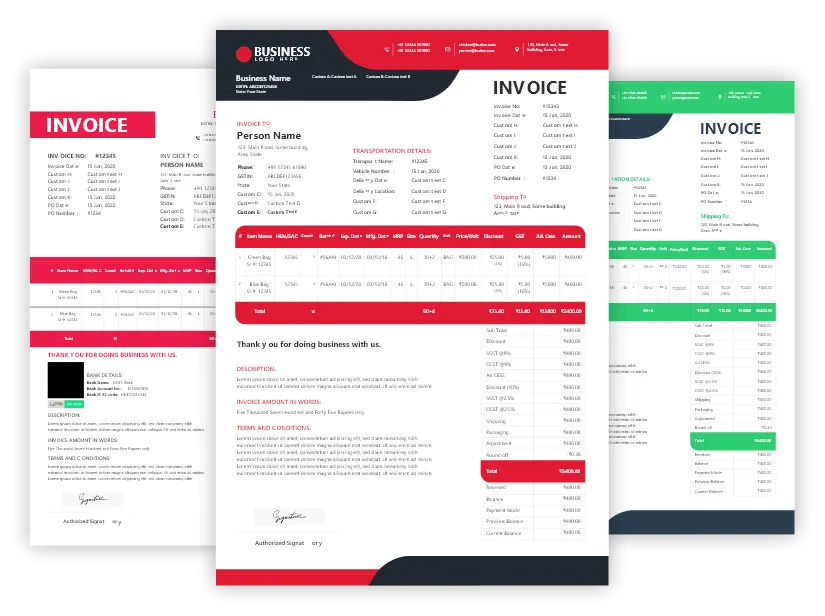
Premium Collection
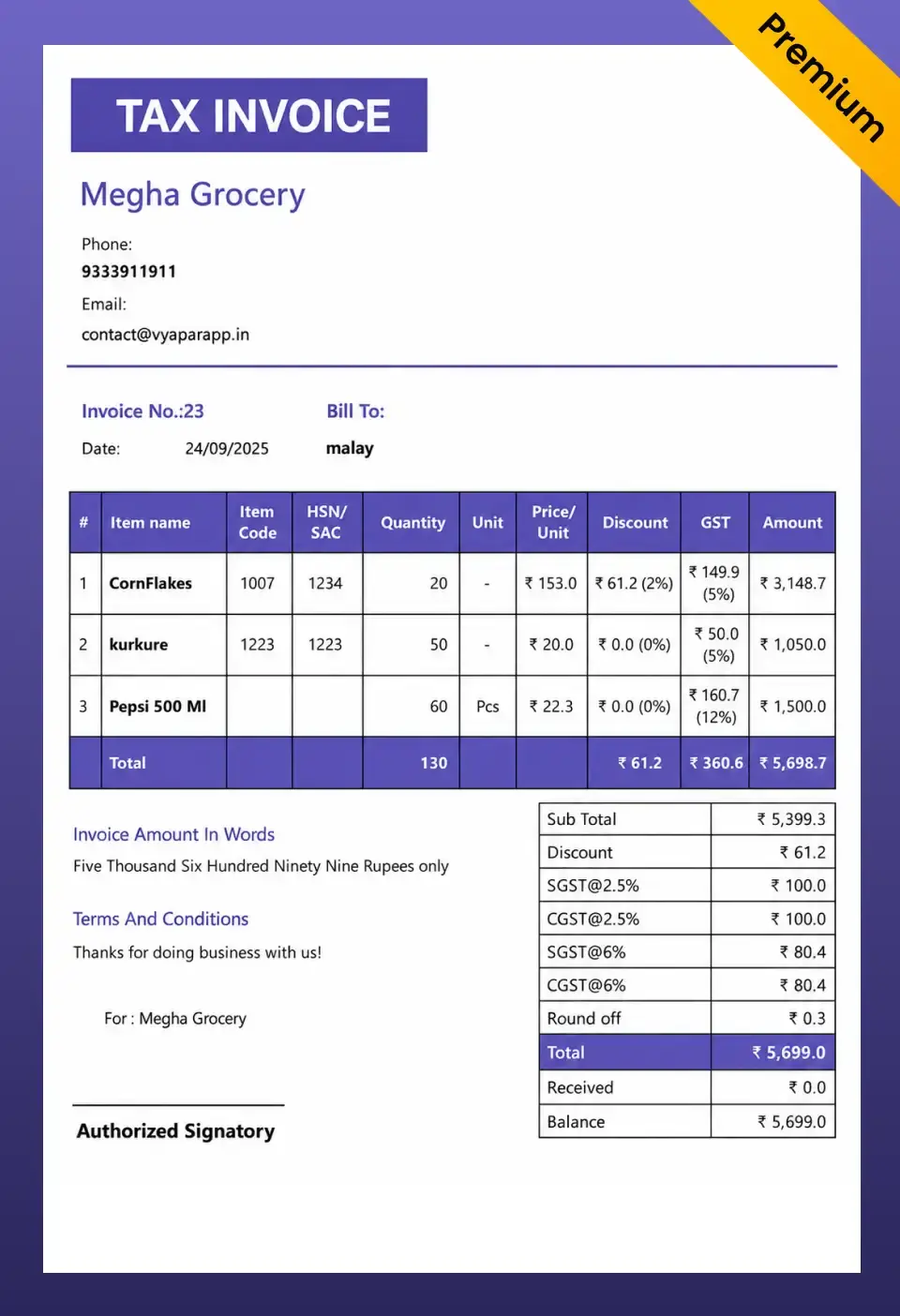
Premium Invoice Templates
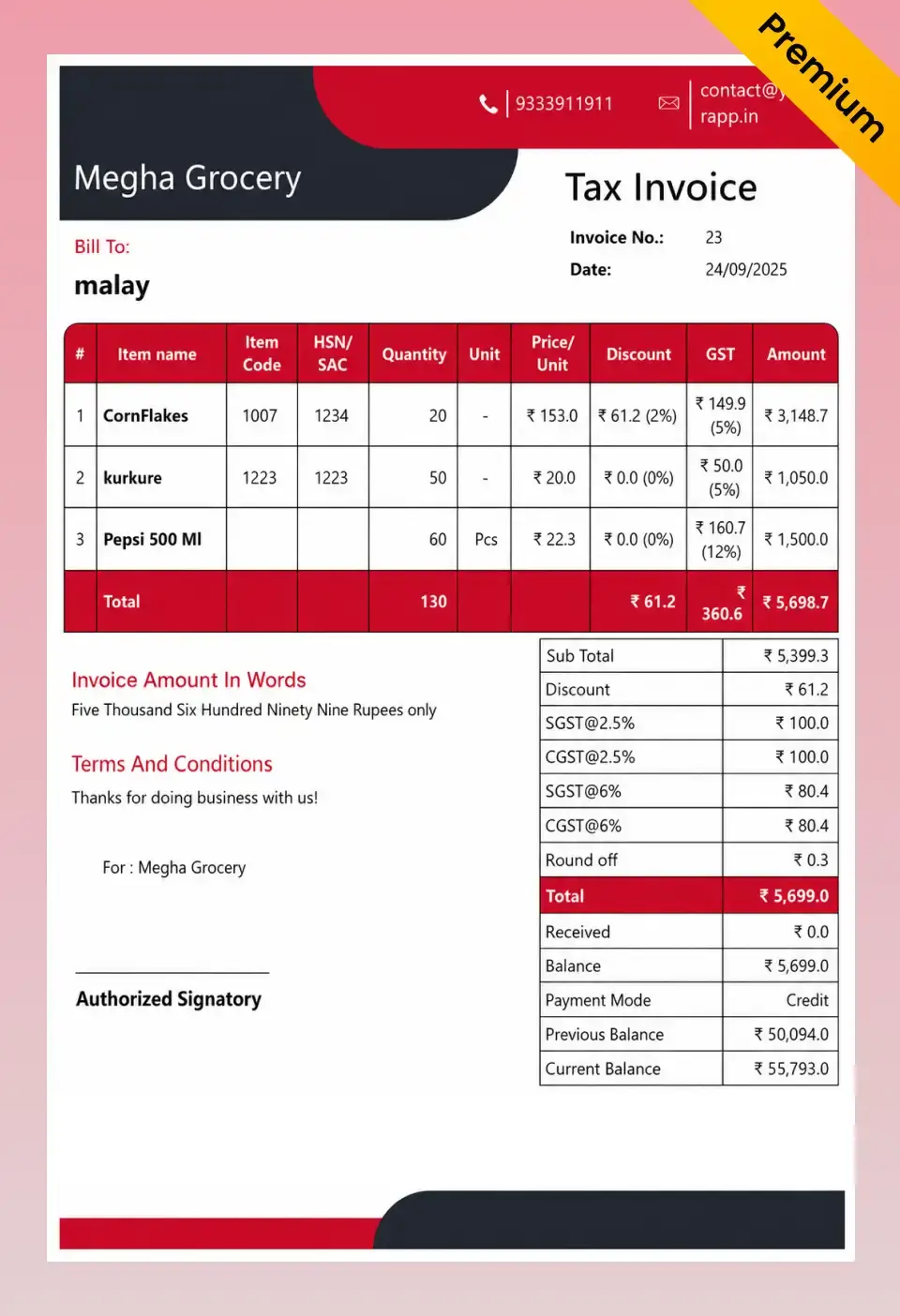
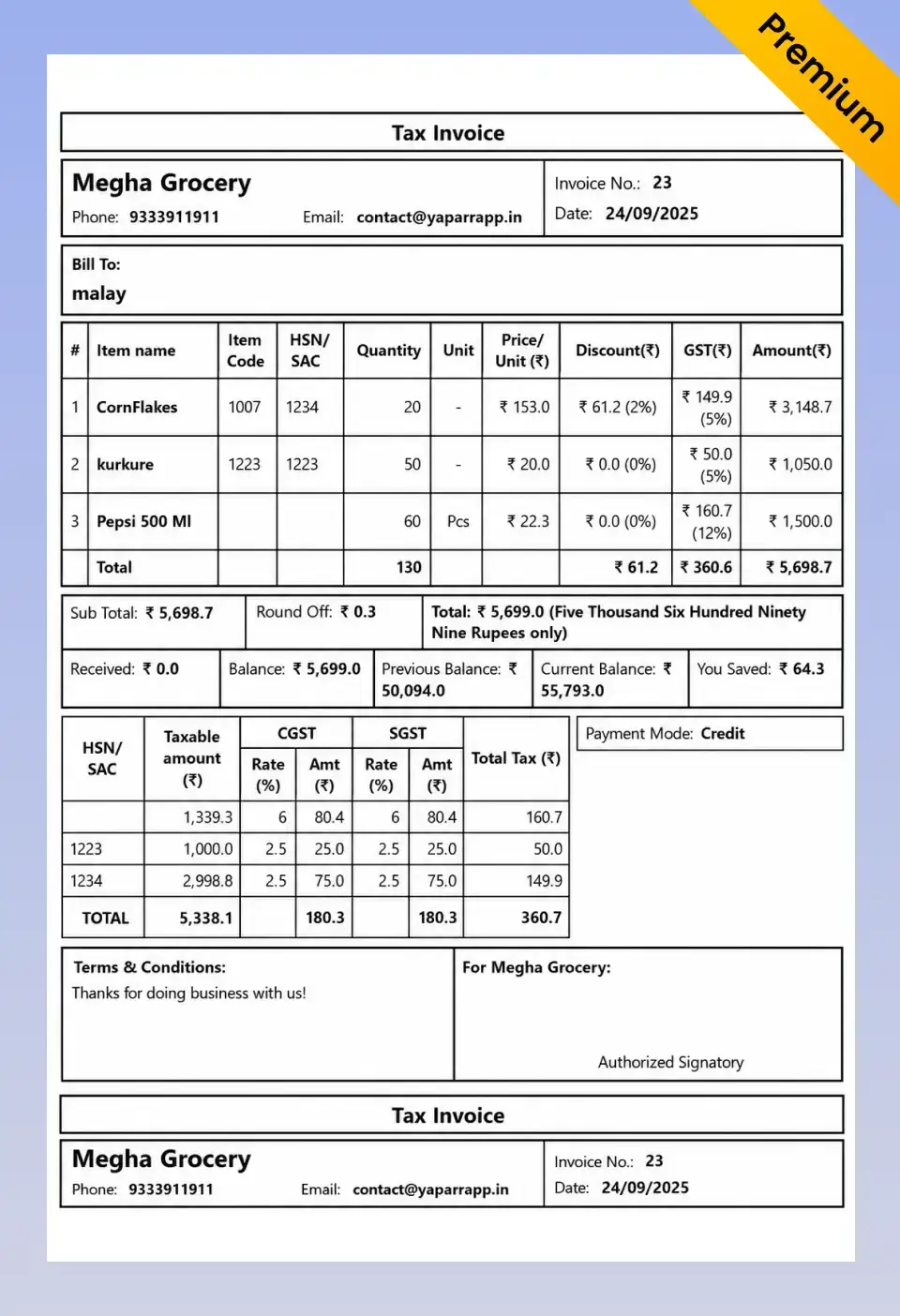
If you want an invoice that makes your business look premium – with custom colours, logos, and modern layouts, download the Vyapar App.
French Elite
Double Divine
Landscape
Go Beyond Invoice Templates with Vyapar
Stop Creating Invoices Manually. Let Vyapar Automate It.
More than just invoice formats and templates – a complete billing, accounting, and business management solution.
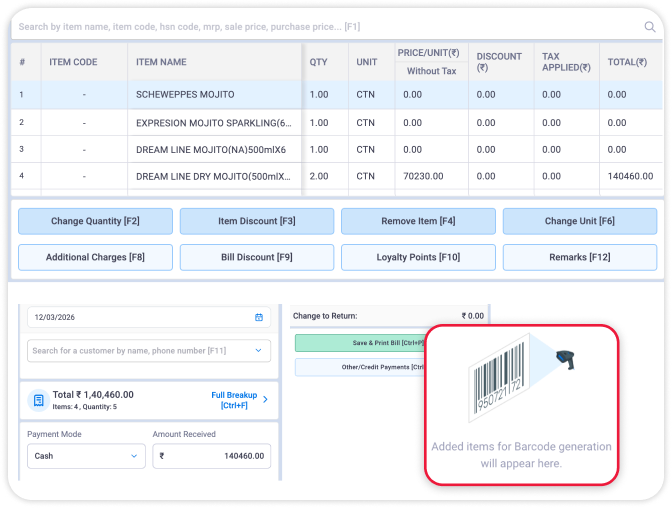
Instant Billing
Create bills in seconds
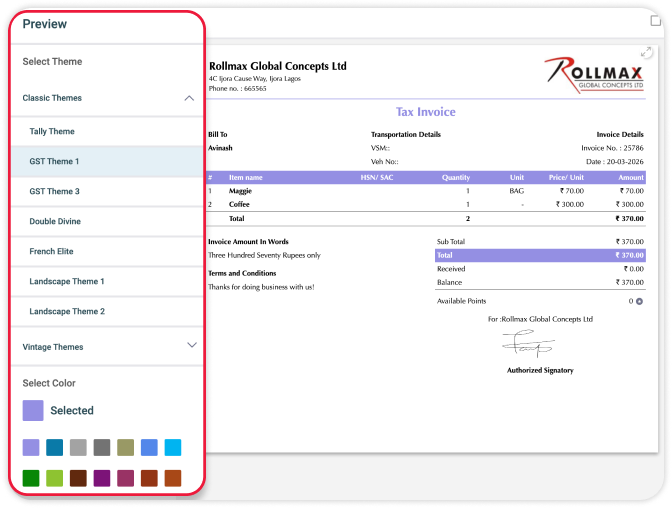
Multiple Templates
50+ Professional Themes
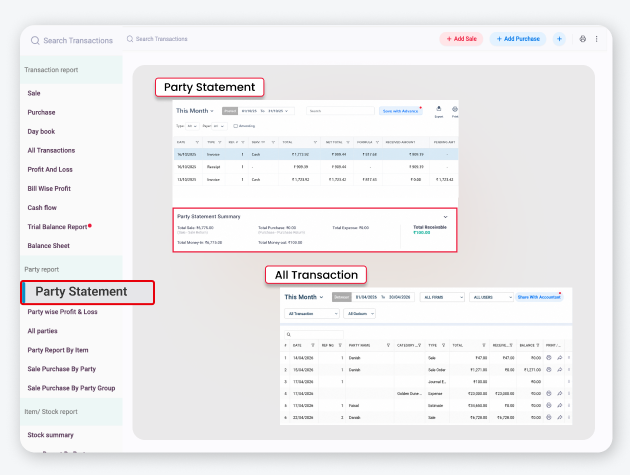
Smart Reports
Know Who Hasn’t Paid
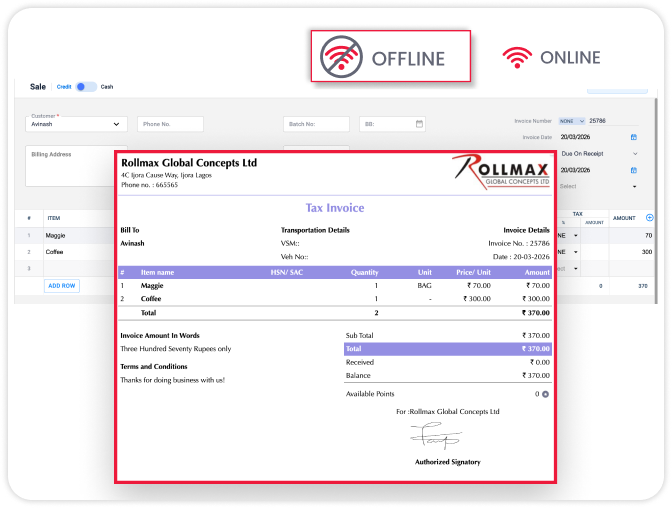
Offline Billing
Access without internet
Run Your Entire Business from One App
- Auto GST calculations
- Instant invoice Generation
- Automated Payment reminders
- Multi-device sync
Available in Android, iOS, Mac and Windows
Got Questions?
Frequently Asked Questions
Find answers to common questions about Invoice formats
What details should be included in an invoice format?
A professional invoice format should include business details, customer information, invoice number, invoice date, item descriptions, quantity, rate, tax details, total amount, and payment terms.
Can I create GST invoices using these invoice formats?
Yes, you can use GST invoice formats that include GSTIN, HSN/SAC codes, tax rates, and CGST, SGST, or IGST details to comply with GST requirements.
Which invoice format is best for small businesses?
The best invoice format depends on your needs. Excel formats are ideal for calculations, Word formats are easy to customize, and PDF formats are best for sharing professional invoices.
Can I customize the invoice format with my business logo and branding?
Yes, you can customize invoice formats by adding your business logo, company details, colors, and payment information to match your brand identity.
Is billing software better than using invoice templates?
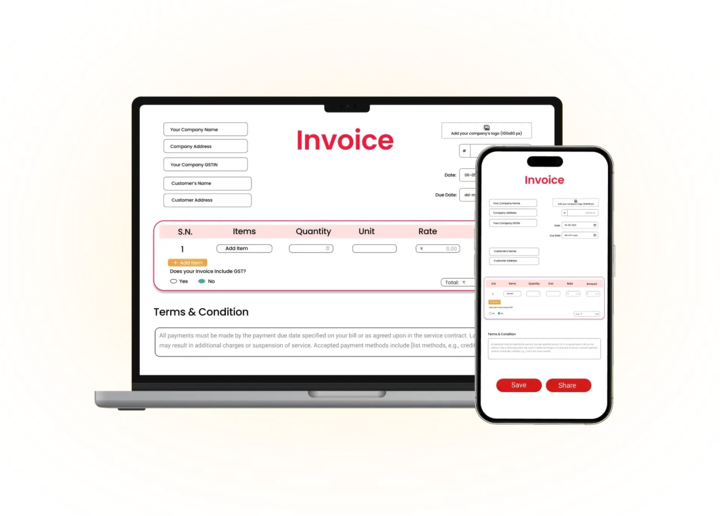
Invoice templates are useful for manual invoicing, while Vyapar billing software helps automate invoice creation, GST calculations, payment tracking, inventory management, and reporting.
Can I generate invoices on mobile and desktop devices?
Yes, with billing software like Vyapar, you can create, manage, and share invoices from both mobile and desktop devices.


Billing software in India for small businesses




