
 Accounting
Maintain Accurate Books with Proper Journal Entries
With Vyapar, you can record proper journal entries, update ledgers correctly, and keep your accounts balanced — without manual mistakes.
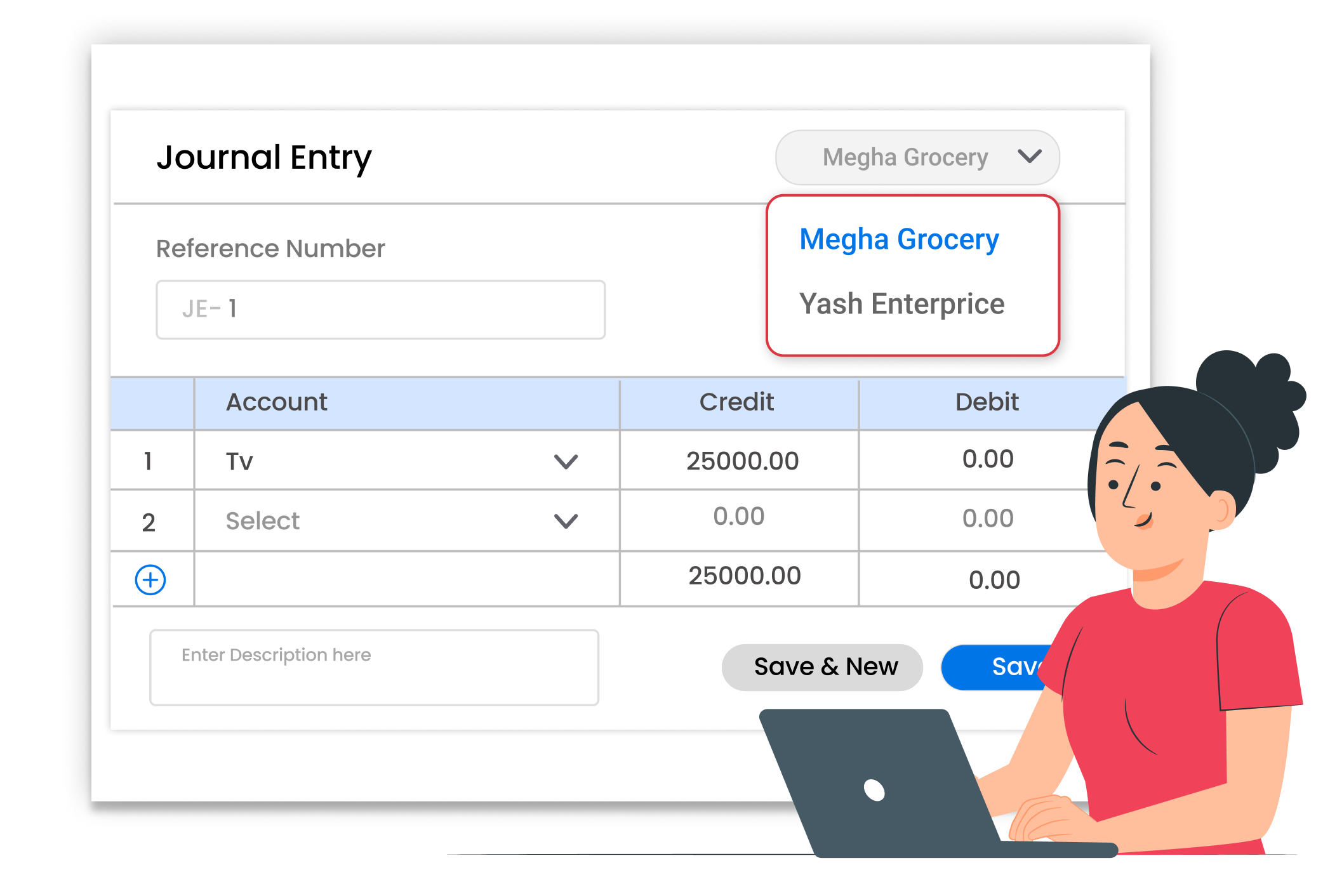
Why Proper Journal Entries Matter
Small accounting mistakes can create big problems later. Missing entries, wrong debit-credit posting, or manual errors can disturb your profit and loss statement. Recording journal entries properly helps maintain accurate books, understand real profit, and stay ready for financial review anytime.
No Missing Transactions
Record every adjustment clearly. Journal entries help capture expenses, income adjustments, and corrections properly so nothing is left out of your accounting records.
Balanced Debit & Credit
Maintain a proper double-entry system. Every journal entry updates the correct ledger accounts automatically, ensuring debit and credit balances remain accurate.
Clear Financial Reports
When journal entries are recorded properly, your profit and loss statement and balance sheet reflect the true financial position of your business.
 The Transformation
Before & After Vyapar App
Before
Without Vyapar App
- Manual adjustments written in notebooks
- Confusion in debit and credit posting
- Unbalanced ledgers
- Wrong profit calculation

After
With Vyapar App
- Easy journal entry recording
- Proper debit and credit tracking
- Automatic ledger updates
- Balanced accounts
 Business Impact
Real Results for Your Business
Maintaining proper journal entries keeps your books clean, reduces accounting confusion, and helps you understand your true business position.
High
Accounting Accuracy
Proper debit-credit entries reduce posting mistakes
60%+
Less Correction Work
Organized entries reduce time spent fixing errors.
Better
Financial Clearity
Accurate books help you make informed decisions.
How This Feature Solves Accounting Problems
Vyapar simplifies journal entry recording by allowing you to pass proper debit and credit entries, update ledgers automatically, and generate accurate reports — so your books stay balanced every day.
1

Open Journal Entry Option
Go to the journal entry section inside Vyapar.
2
Select Debit & Credit Accounts
Choose the correct accounts for debit and credit
3

Enter Amount & Details
Add the amount and description for clarity.
4
Save & Update Ledgers
Save the entry and ledgers update automatically.
Access journal entries easily from the accounting section inside Vyapar. This allows you to record non-cash adjustments, expense entries, and correction entries properly without confusion.
Choose the correct accounts clearly. Vyapar follows the double-entry system in the background, helping you maintain proper accounting structure while selecting debit and credit accounts.
Keep entries clear and simple. Enter the amount and add a short description so you can easily understand the purpose of the entry during future reviews.
Once saved, Vyapar updates the related ledger balances instantly. Your trial balance, profit and loss report, and balance sheet reflect the changes automatically, keeping books accurate.
Where This Helps Most
Ideal for These Businesses
This use case is perfect for businesses that want proper accounting control and accurate books.

Retail Stores
Maintain correct daily accounting adjustments.
Easy to manage with Vyapar
Edit Link

Wholesalers & Distributors
Record purchase and expense adjustments properly.
Easy to manage with Vyapar
Edit Link

Pharmacies
GST billing with item-wise tax details for Pharmacies
Easy to manage with Vyapar
Edit Link

Manufacturers
Pass production-related accounting entries.
Easy to manage with Vyapar
Edit Link

Service Providers
Adjust income and expense entries accurately.
Easy to manage with Vyapar
Edit Link

Traders
Keep books balanced with correct journal posting.
Easy to manage with Vyapar
Edit Link
Related Use Cases
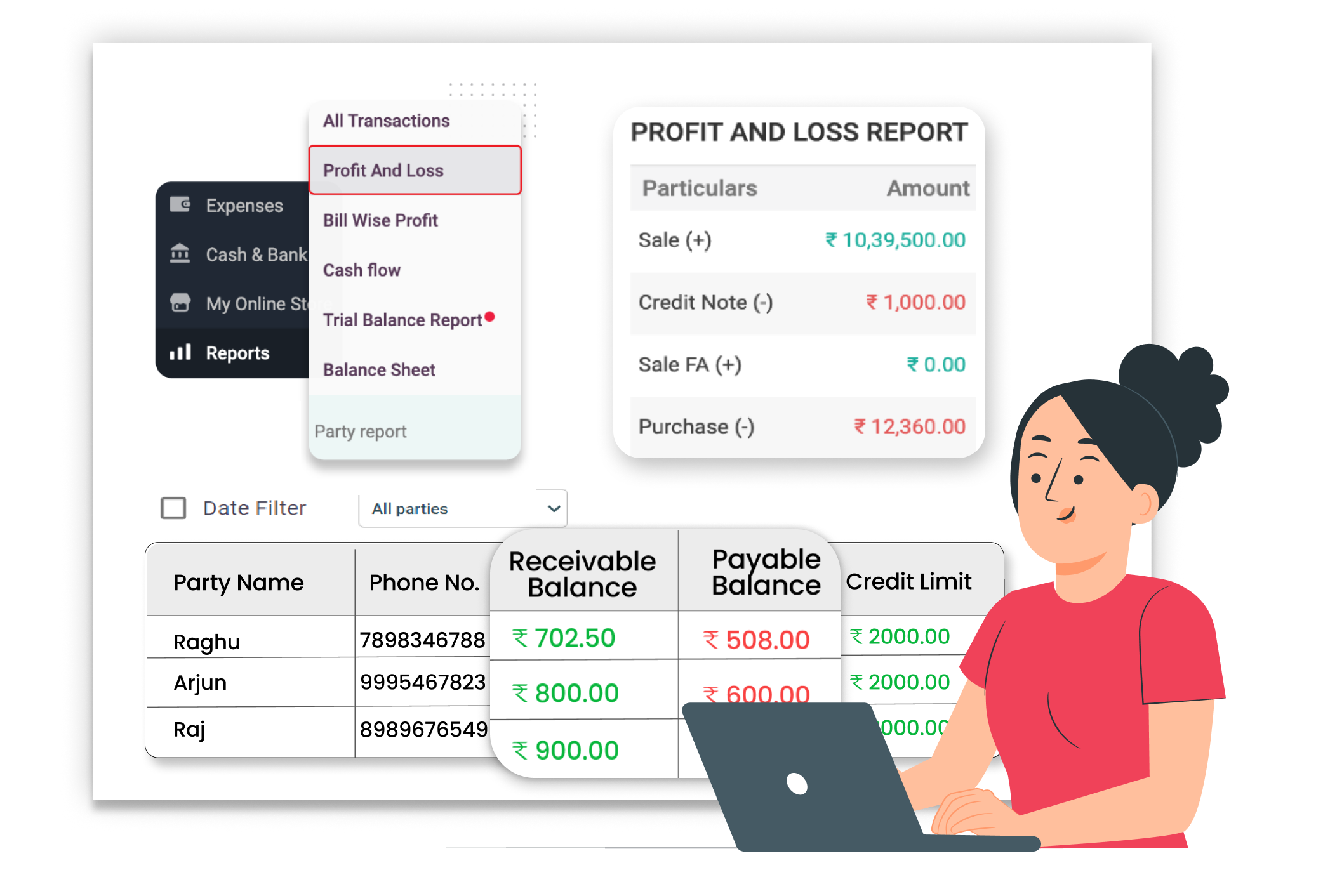
Reduce Manual Bookkeeping


Real-Time Profit & Loss Reports
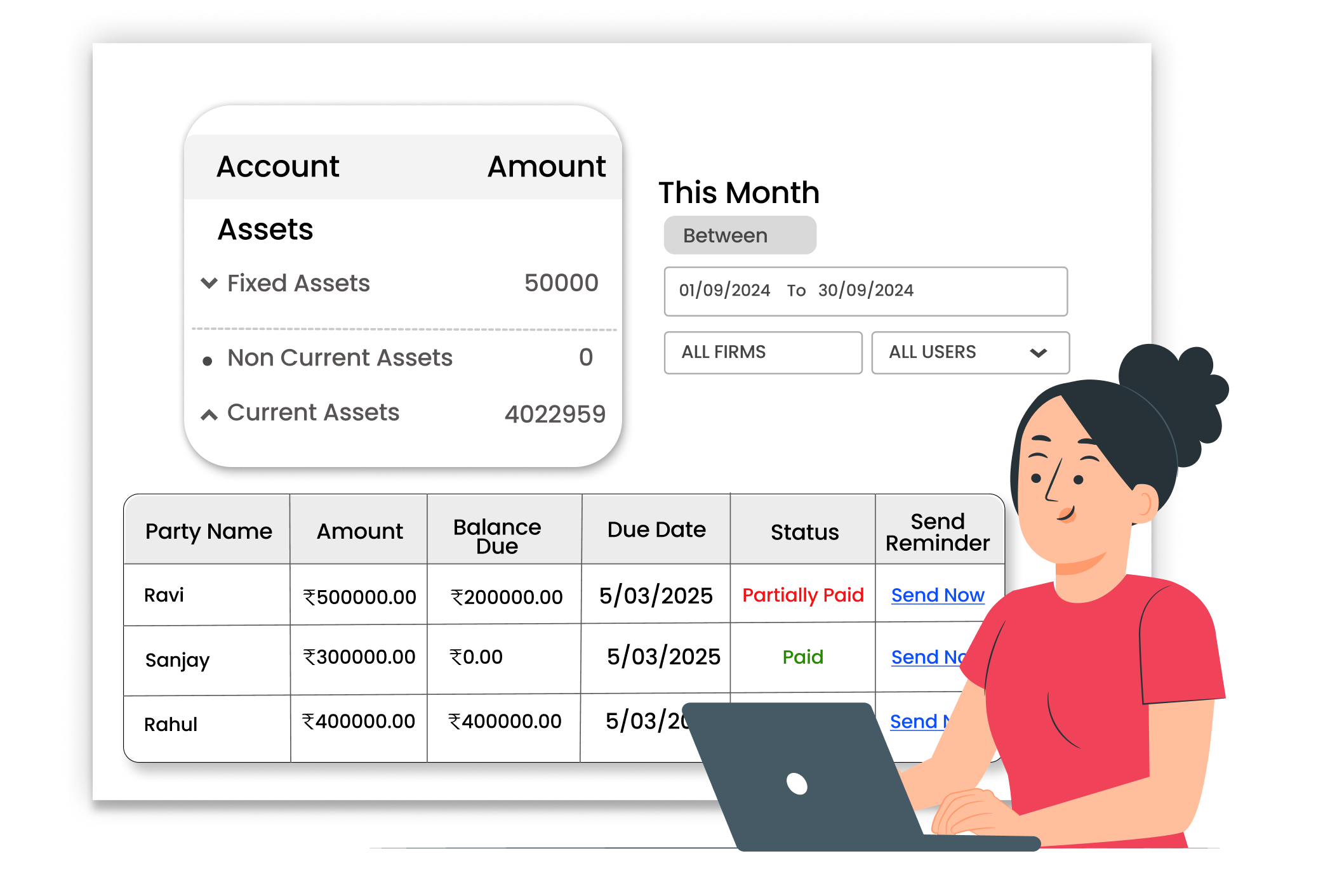
Generate Balance Sheet easily





