
 Invoicing
Manage Due Dates and Terms
With Vyapar, you can set payment due dates clearly, define credit terms, and track pending payments — so you always know when money is expected
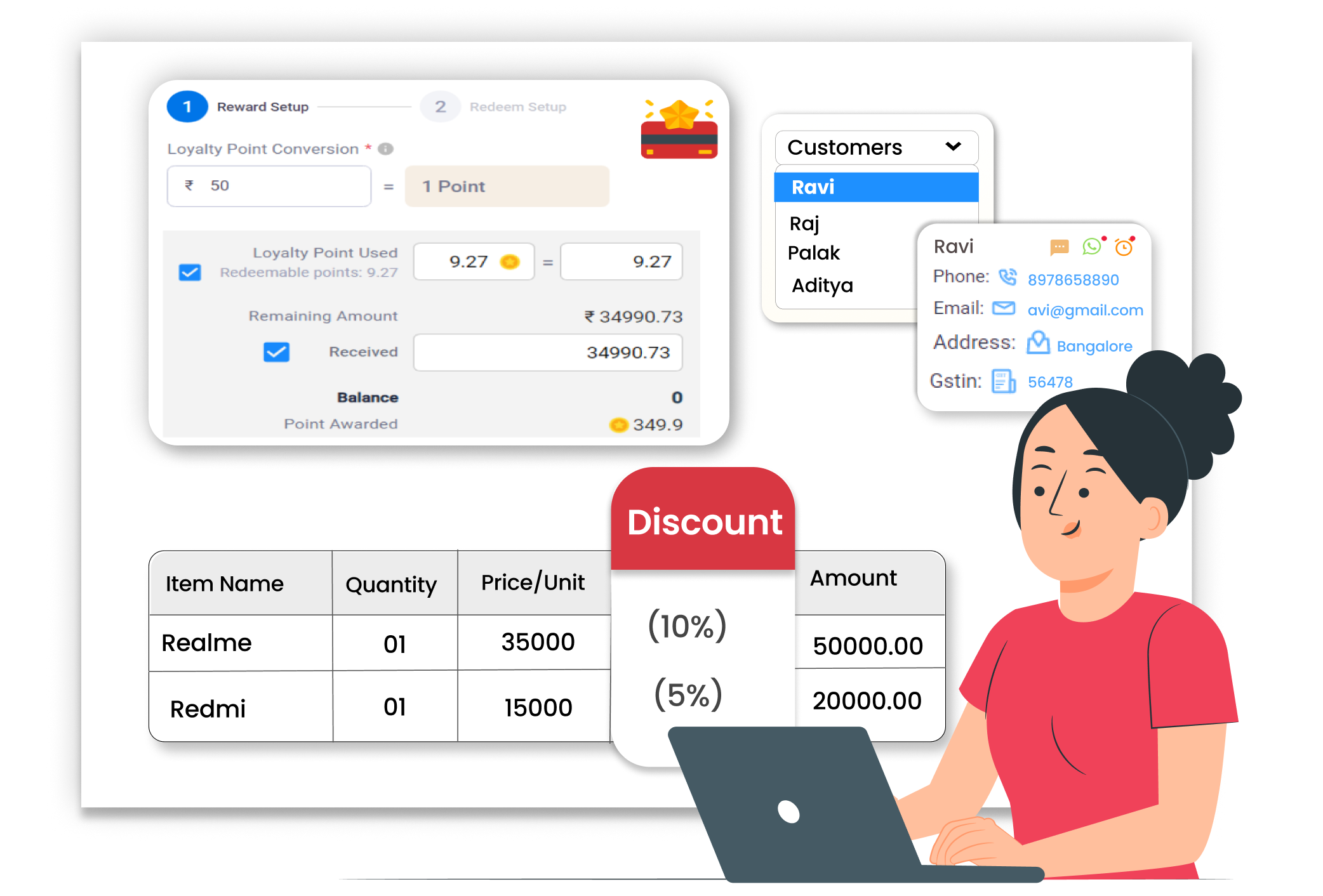
Why Managing Due Dates & Terms Matters
When payment terms are not written clearly, customers may delay payments. Manual tracking of due dates can lead to missed follow-ups and blocked cash flow. Clear credit terms and proper tracking help you collect payments on time, maintain customer discipline, and manage working capital better.
Clear Payment Due Dates
Set a clear due date for every invoice you create. Vyapar lets you define payment terms so customers know exactly when the payment should be completed and avoid unnecessary delays.
Defined Credit Terms
Provide structured credit days to selected customers easily. Set 7 days, 15 days, 30 days, or custom payment terms based on your business policies and customer relationships.
Track Pending Payments & Invoices
Easily monitor unpaid and overdue invoices from one place. Vyapar App shows which customers have pending dues and how many days are remaining or already overdue.
 The Transformation
Before & After Manage Due Dates & Terms
Before
Without Payment Reminders & Tracking
- No clear payment due dates on invoices
- Customers delaying payments
- Manual diary tracking of credit sales
- Missed follow-ups on overdue bills

After
With Payment Reminders & Tracking
- Due date mentioned clearly on every invoice
- All pending payments visible in one place
- Easy tracking of overdue invoices
- Improved cash flow control
 Business Impact
Real Results for Your Business
When you manage due dates and terms properly, you collect payments faster and reduce confusion — helping your business run smoothly.
High
Payment Visibility
Know exactly who needs to pay and by when.
60%+
Less Follow-up efforts
Clear terms reduce payment misunderstandings
Better
Better Cashflow Planning
Plan expenses based on expected payment dates
How This Feature Solves Payment Tracking Problems
Vyapar helps you define payment terms, add due dates on invoices, and monitor outstanding amounts — so you stay in control of your receivables every day.
1

Create Invoice with Due Date
2
Set Credit Period
3
Track Outstanding Invoices
4
Monitor Overdue Payments
Mention the payment timeline clearly. While creating an invoice, set a due date or select payment terms. The due date appears clearly on the invoice so customers know the payment deadline.
Define credit days easily for regular customers. Set fixed terms like 15 or 30 days, and Vyapar automatically calculates the due date based on the invoice date and selected credit period.
See pending payments in one place. Vyapar shows a list of unpaid and partially paid invoices so you can quickly check how much amount is pending and from which customer.
Identify delayed payments quickly. Overdue invoices are visible inside the reports section, helping you follow up with customers and reduce long pending dues.
Where This Helps Most
Ideal for These Businesses
This use case is perfect for businesses that need fast and simple billing communication.

Retail Stores
Track credit sales and pending dues.
 Perfect fit for Vyapar
Edit Link

Super Market
Manage dealer payment cycles.
Perfect fit for Vyapar
Edit Link

Pharmacies
Track regular customer credit bills.
Perfect fit for Vyapar
Edit Link

Restaurants
Follow up on order payments with customers.
Perfect fit for Vyapar
Edit Link

Hardware & Electrical Shops
Send Payment reminders for invoices to customers.
Perfect fit for Vyapar
Edit Link

Garment Shop
Manage multiple customer outstanding amounts.
Perfect fit for Vyapar
Edit Link
Related Use Cases
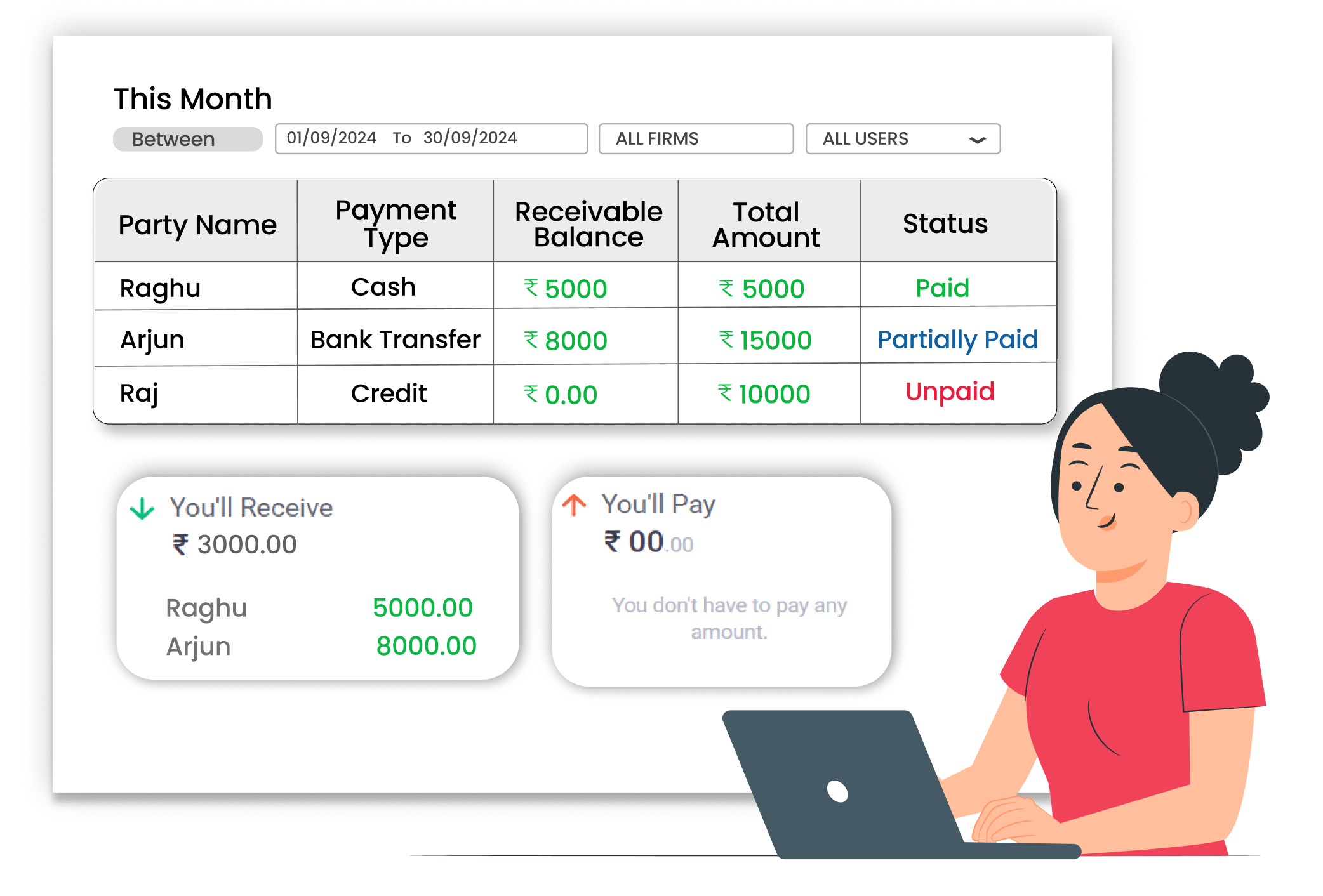
Avoid Confusion with Clear Transaction Reports

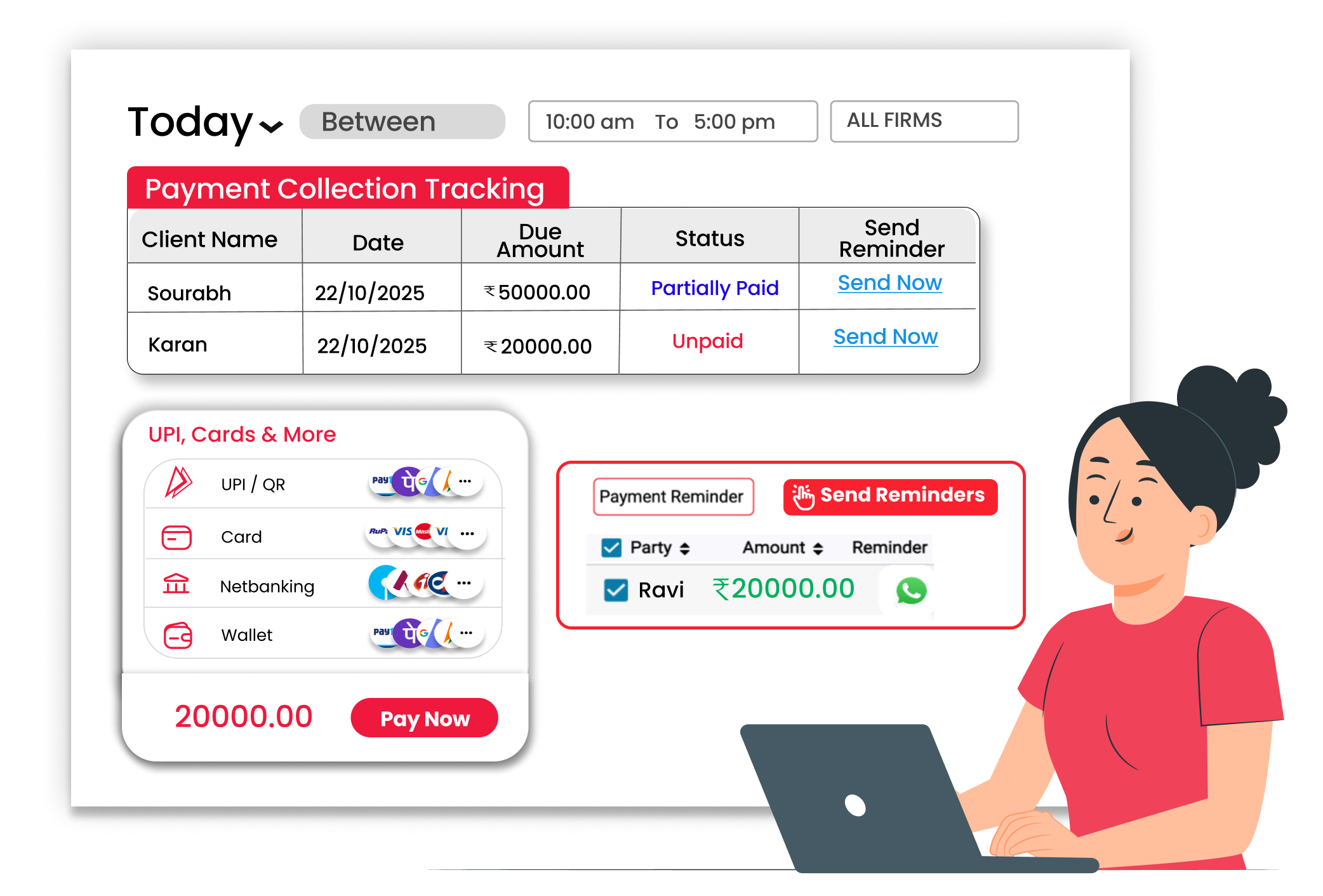
Avoid Payment Confusion with Proper Integrations
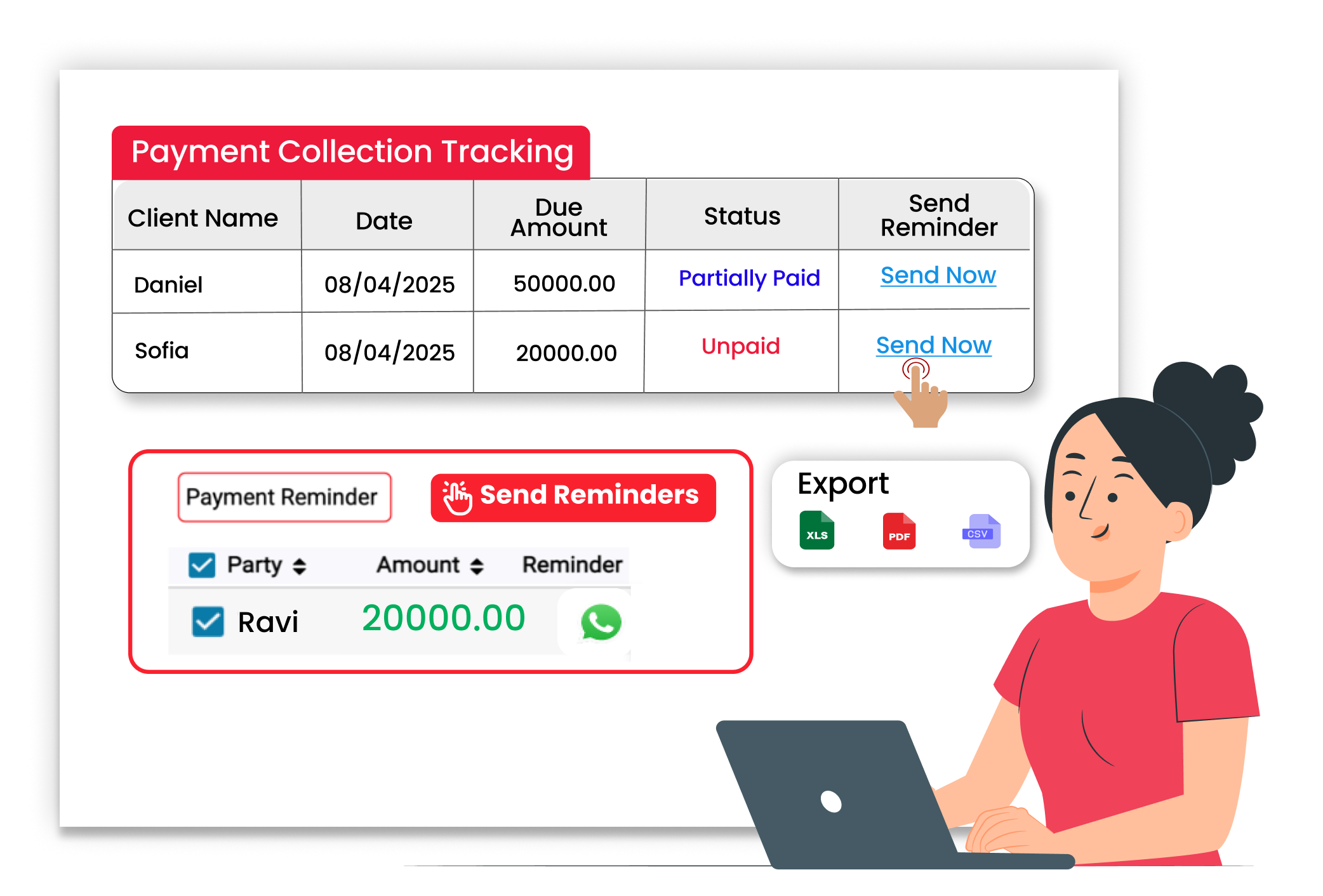
Send Payment Reminders & Track Transactions Easily





