
 Invoicing
Avoid Payment Confusion with Proper Integrations
With Vyapar, you can record different payment modes directly while billing — so every transaction is tracked clearly inside your system.
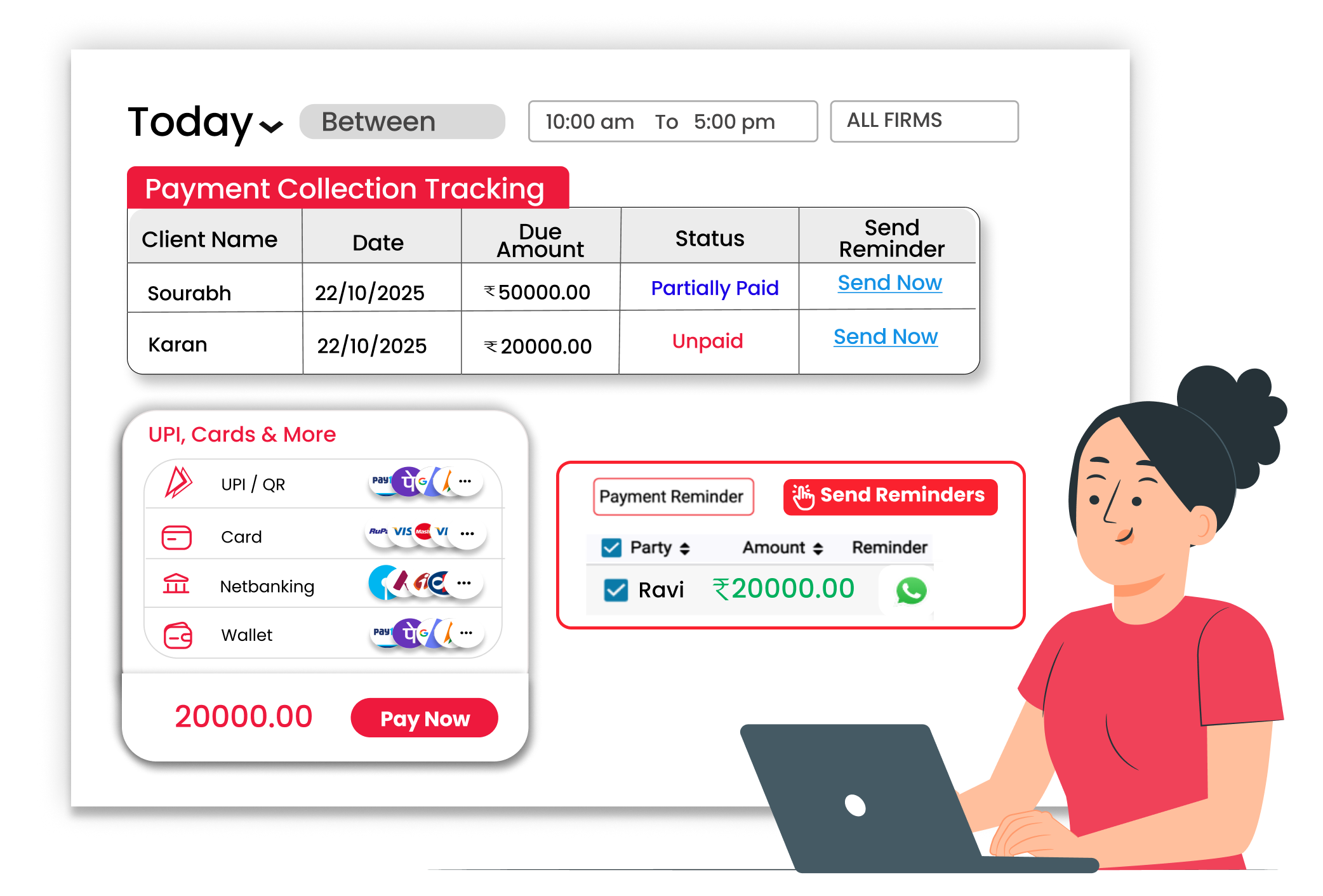
Why Payment Integrations Matter
When payments are not updated correctly, businesses may face issues like wrong outstanding balances, missed payment entries, confusion between paid and unpaid invoices, and difficulty during account checking. Recording payments properly at the time of billing helps maintain clear books and avoid costly mistakes.
Multiple Payment Modes Supported
Accept payments the way your customers prefer. Record cash, UPI, or mixed payments directly while creating the invoice.
Accurate Payment Recording
Mark invoices as paid or partially paid instantly during billing. Keep track of pending amounts clearly within the system.
Better Cash Flow Visibility
Know exactly how much money your business received each day. Check payment summaries and outstanding reports quickly anytime.
 The Transformation
Before & After Payment Integration
Before
Without Payment Integration
- Payments noted separately in diary
- Confusion between paid and unpaid bills
- Missed entries of online payments
- Manual checking of bank transactions

After
With Payment Integration
- Payment mode recorded during billing
- Clear status of paid and unpaid invoices
- Online and offline payments tracked
- Easy outstanding reports
 Business Impact
Real Results for Your Business
Proper payment recording reduces confusion, improves cash flow tracking, and keeps your accounts clear — so you always know how much you have received and how much is pending.
High
Payment Accuracy
Payments recorded correctly with mode details.
60%+
Clear Payment Confusion
Clear invoice status reduces mistakes
Better
Better Cashflow Control
Track collections and dues easily.
How This Feature Solves Payment Tracking Problems
Vyapar App helps you record different payment modes while creating invoices. You can update paid amounts, mark partial payments, and track pending dues — so your payment records stay clear and organized.
1

Create Invoice
2
Select Payment Mode
3
Enter Paid Amount
4
Track Outstanding
Start billing normally in Vyapar. While creating a sales invoice, enter customer and item details. After adding items, you can proceed to choose the payment option before saving the bill.
Record how the customer paid. Vyapar allows you to choose different payment modes like cash, UPI, card, or bank transfer. You can also split payments into multiple modes if required.
Handle full or partial payments easily. If the customer pays the full amount, mark the invoice as paid. If only a partial payment is received, record the paid amount and keep the remaining balance pending.
Always know what is pending. View outstanding reports to check which customers still have dues. This helps you follow up on payments and manage your business cash flow properly.
Where This Helps Most
Ideal for These Businesses
This use case is perfect for businesses that need fast and simple billing communication.

Retail Stores
Daily customer payments in different modes
Easy to manage with Vyapar
Edit Link

Super Market
Track customer payments and outstanding balances.
Easy to manage with Vyapar
Edit Link

Pharmacies
Handle mixed payment methods at billing counter.
Easy to manage with Vyapar
Edit Link

Restaurants
Record payments received from business clients.
Easy to manage with Vyapar
Edit Link

Hardware & Electrical Shops
Track partial and full payments easily with simple clicks.
Easy to manage with Vyapar
Edit Link

Garment Shop
Manage regular customer collections clearly.
Easy to manage with Vyapar
Edit Link
Related Use Cases
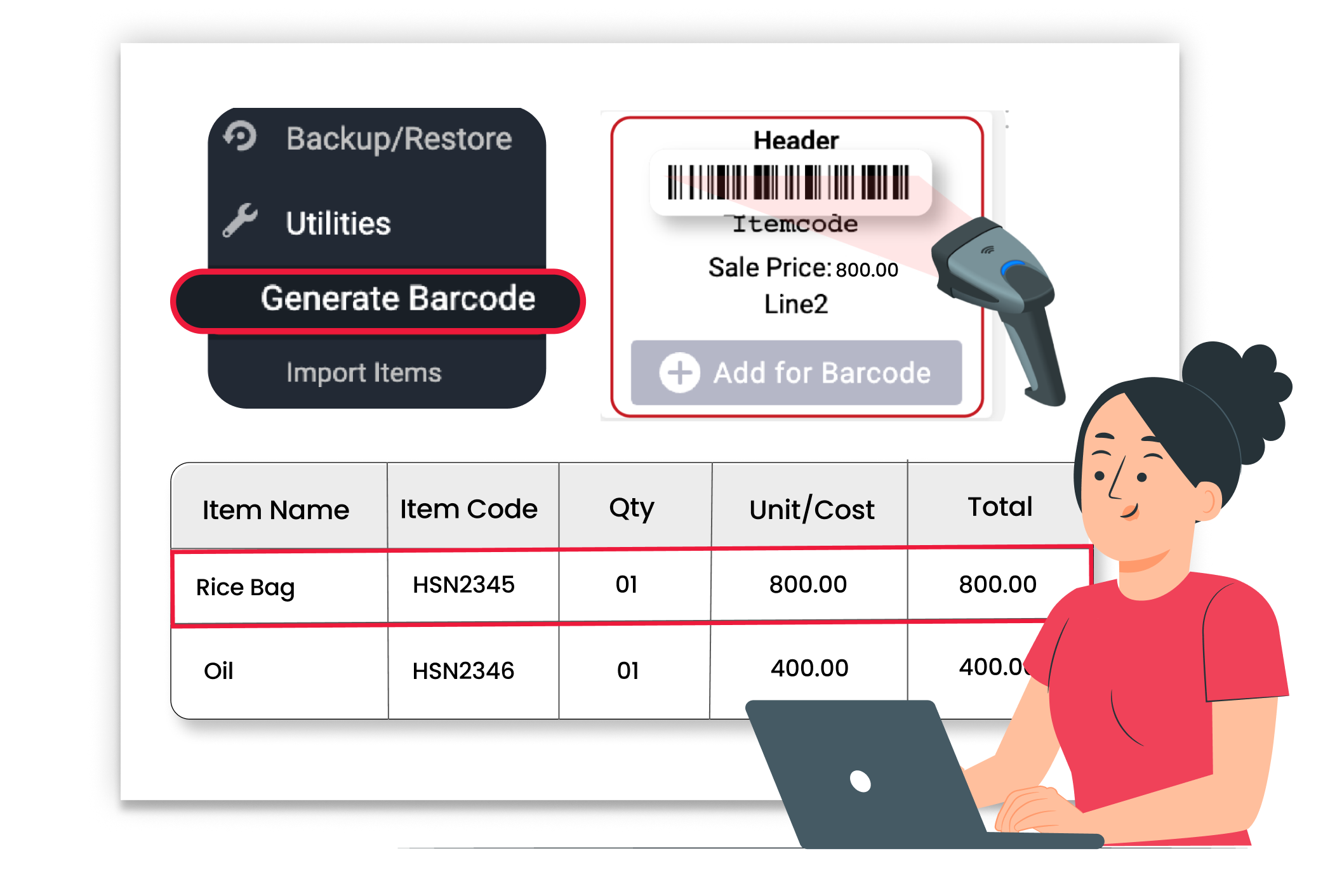
Manage Due Dates & Terms

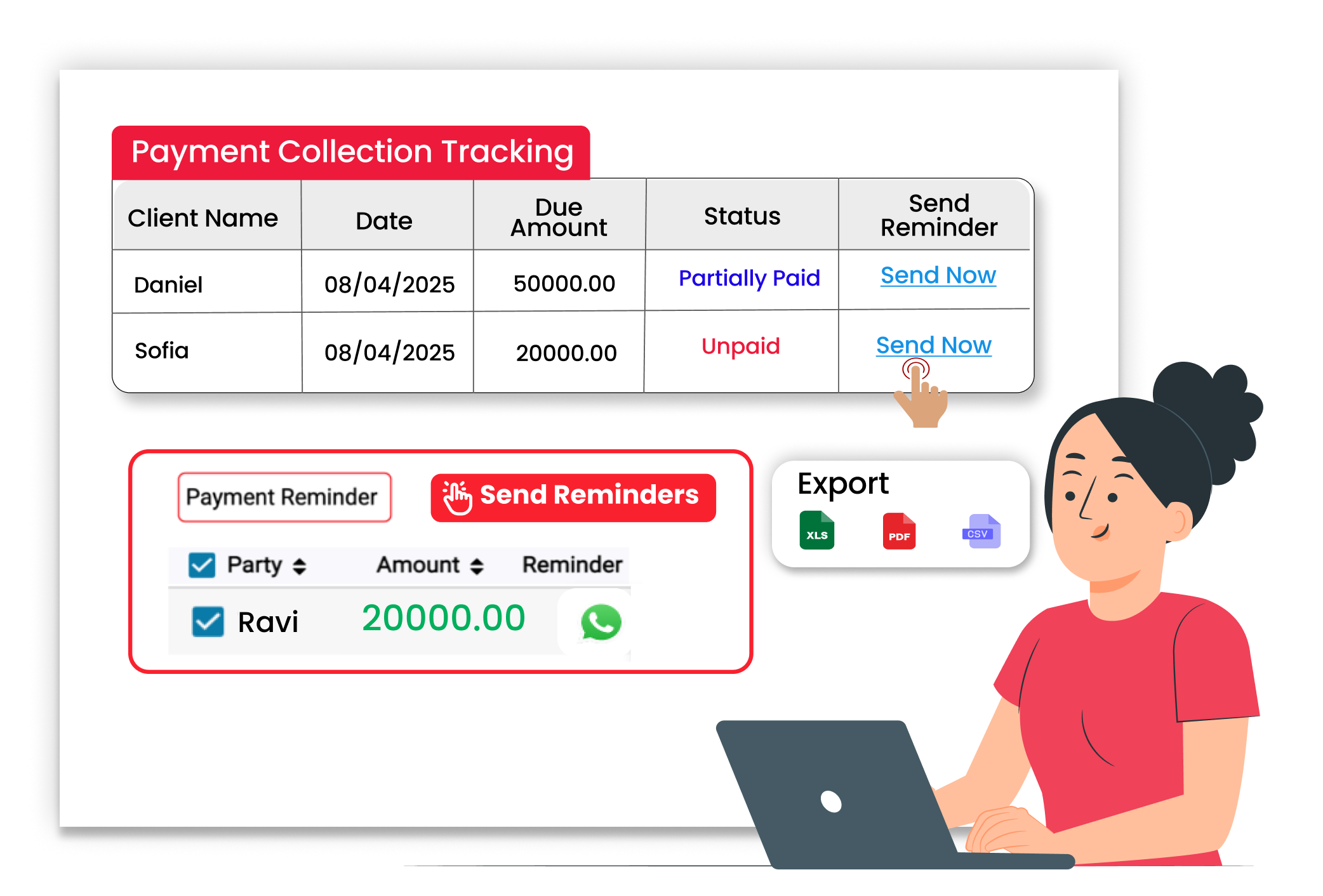
Send Payment Reminders
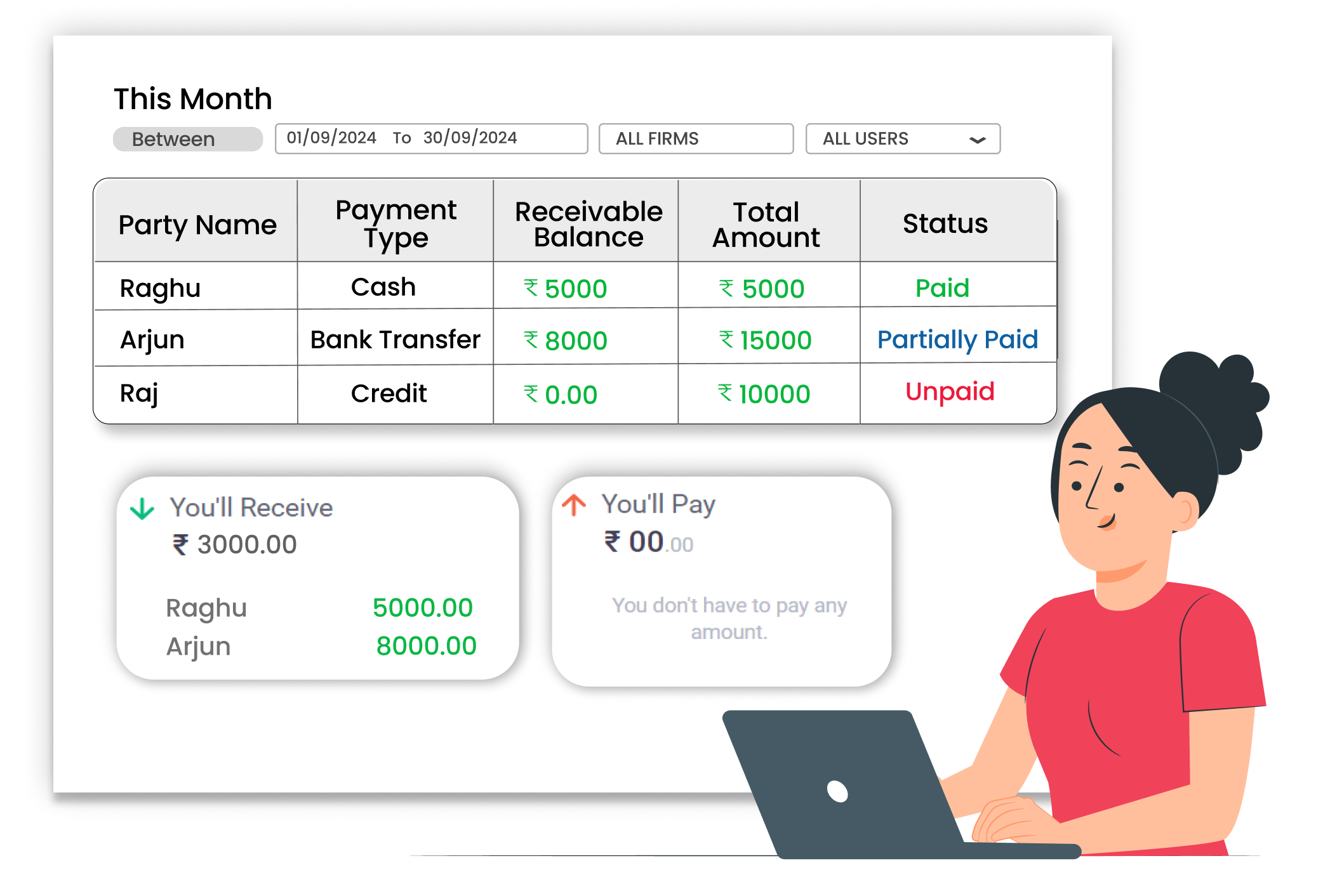
Avoid Confusion with Clear Transaction





