
Free Cash Receipt Format in Word
Create professional cash receipts in Word within minutes – simple, clear,
and ready to use for any business.
- ⚡️Easy to customise
- ⚡Clean, printable layout
- ⚡️Better cash tracking
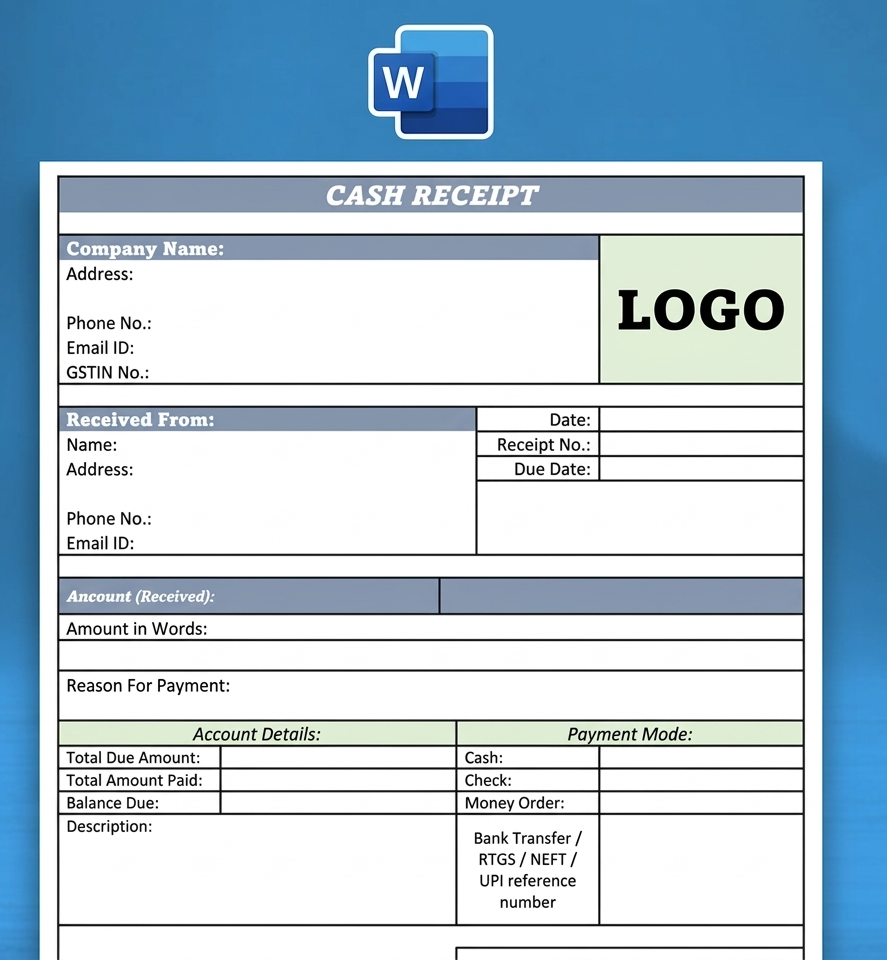
Download Ready-to-Use Cash Receipt Format in Word
Pick a ready-made cash receipt template, edit in seconds, and start recording payments without any hassle.
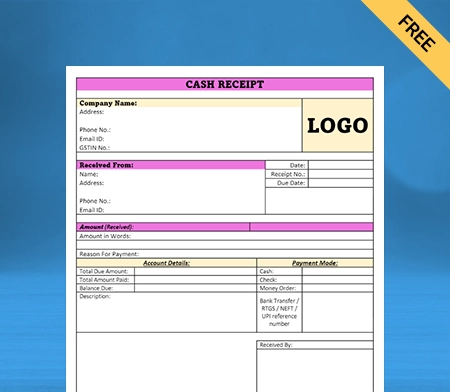
Cash Receipt Format in Word-1

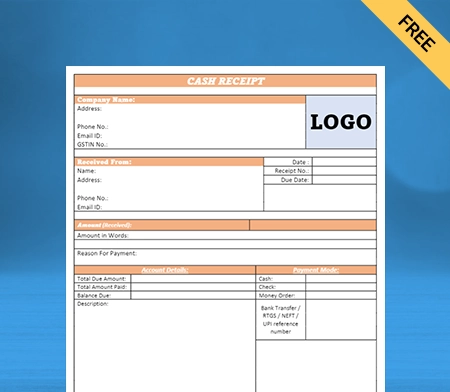
Cash Receipt Format in Word-2
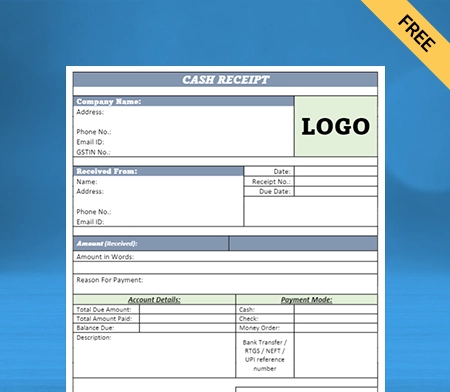
Cash Receipt Format Word-3
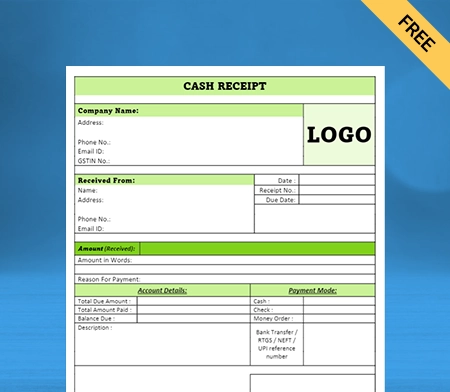
Cash Receipt Format in Word-4
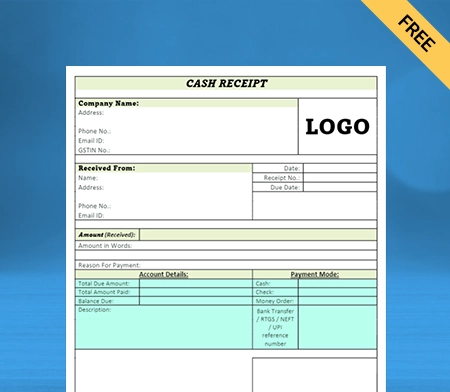
Cash Receipt Voucher Word Format-5
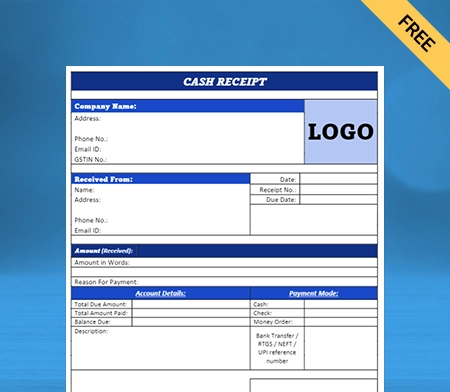
Cash Receipt Voucher Format in Word-6
Stop Manual Work – Start Using Vyapar
What Is a Cash Receipt Format in Word?
A cash receipt format in Word is a ready-made template used to create cash receipts quickly. You simply enter details like date, amount, and payer name – no need to create one from scratch.
It helps businesses issue receipts faster while keeping records clear and consistent. It is commonly used for sales, rent, and service payments.
- Saves time with a ready format
- Easy to edit, print, and share
- Keeps records accurate and organised
- Maintains a professional, consistent layout
You can also use a cash receipt voucher format in Word to record advance payments or cash transactions in a simple and structured way.
Key Components of a Cash Receipt Word Format
A well-designed cash receipt format in Word should include specific details that make it easy to use, legally valid, and helpful for both the business and the customer.
Transaction / Invoice Number
Unique number to track payments and ensure GST compliance.

Date & Time
Shows exactly when the payment was made.

Business Name & Address
Identifies your business and builds trust.

Payer Details
Name of the person or business making the payment.

Product/Service Details
List of items or services with their prices.

Total Amount (with Tax)
Final amount paid, including subtotal and applicable taxes.
Benefits of Using a Professional Cash Receipt Format in Word
Using a professional cash receipt format in Word helps you manage payments more smoothly and keep your business records organised. It simplifies daily operations while improving accuracy and customer experience.
Makes Tax Filing Easier
Well-structured receipts keep all payment details in one place, making it easier with automatic GST and tax calculation for accurate billing and tax filing.
Builds Your Brand
You can add your business name, logo, and contact details to each receipt. This creates a consistent and professional impression for every customer.
Supports Digital and Paperless Work
Businesses can share invoices instantly through WhatsApp and email, making the process faster and more convenient.
Helps Track Money Better
Each receipt records what was sold and how much was received, helping you stay on top of your income and expenses.
Easy to Share Instantly
You can quickly print or send receipts through WhatsApp or email, saving time and improving customer satisfaction.
Importance of Using Cash Receipts for a Small Business
- Smooth Audits: Cash receipts create a clear transaction record, making audits faster and error-free.
- Proof of Payment: Acts as legal proof of sale, helping resolve disputes and customer issues.
- Better Accounting: Keeps all transactions organised, reducing mistakes in bookkeeping.
- Inventory Tracking: Helps monitor what’s sold, making stock management easier.
- Faster Financial Reviews: Provides a clean record for quick analysis of cash flow and reports.
- Improved Transparency: Builds trust with customers by clearly showing payment details and charges.
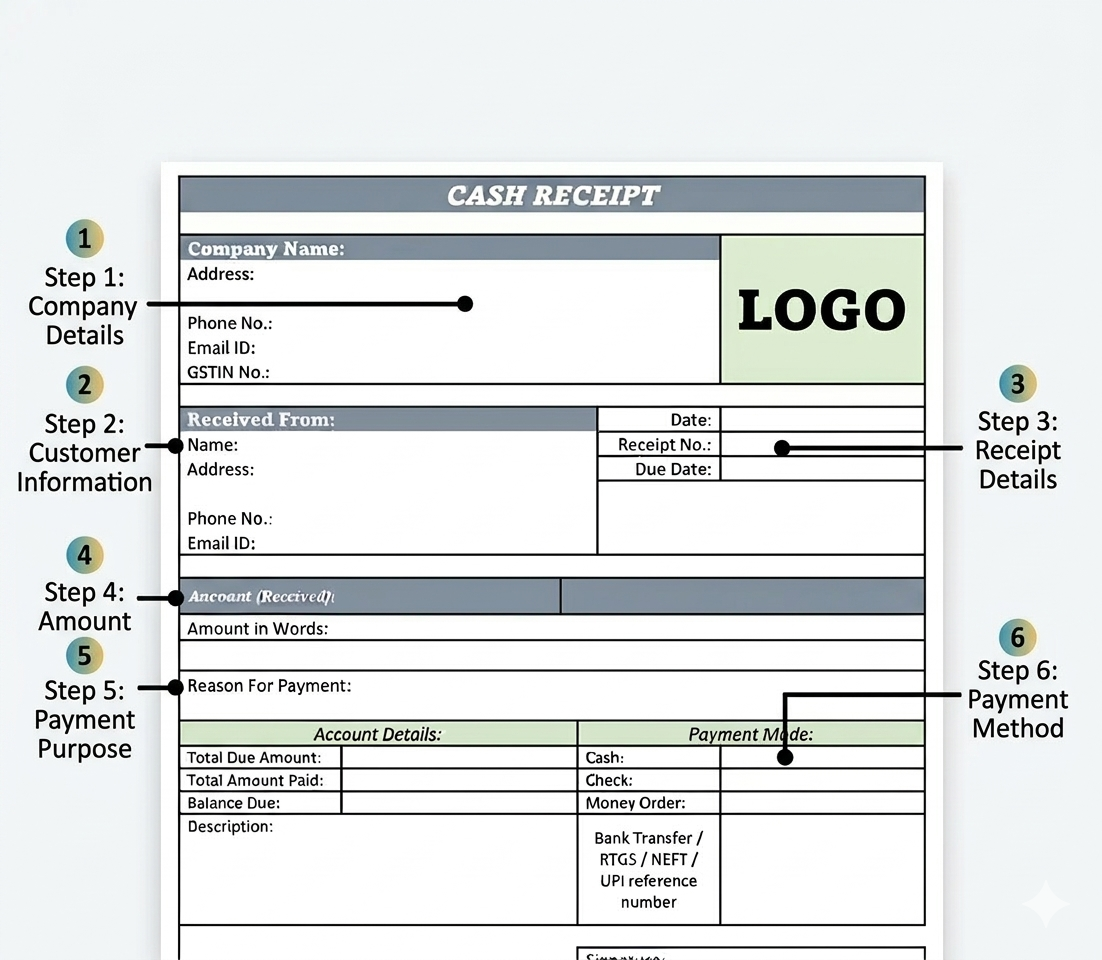
How to Use Cash Receipt Word Format
- Enter Company Details: Fill in your business name, address, phone number, email, and GSTIN at the top.
- Add Customer Information: Enter the name, address, and contact details of the person making the payment.
- Fill Receipt Details: Mention the receipt number, date, and due date (if applicable).
- Enter Payment Amount:
Write the amount received in numbers and also in words for clarity. - Specify Payment Purpose: Clearly mention the reason for payment (sale, service, rent, etc.).
- Complete Payment & Sign: Select the payment mode (cash, UPI, bank transfer), add any notes, and sign to validate the receipt.
Downloaded the Template? Now Make It Automatic.
Run Your Business Smarter with Vyapar
GST Billing and Invoicing

GST Billing and Invoicing
Vyapar allows you to create GST-compliant invoices, quotations, debit notes, and credit notes in just a few clicks. It automatically calculates CGST, SGST, and IGST, reducing manual errors and ensuring accurate tax reporting. This helps businesses stay compliant while speeding up the billing process.
Inventory Management with Stock Tracking
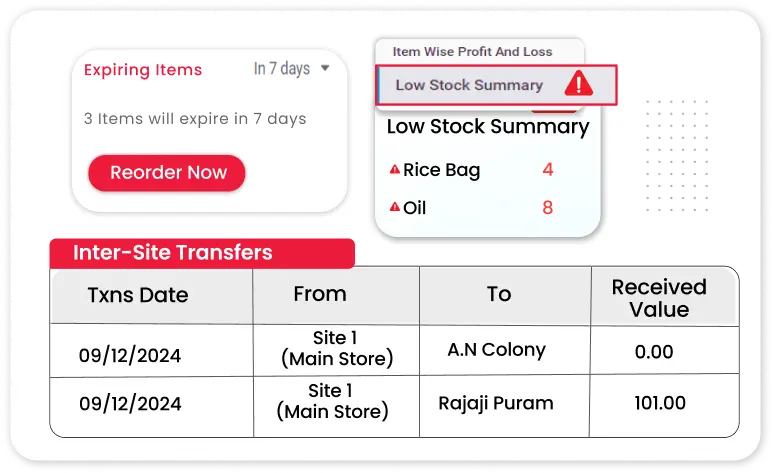
Inventory Management with Stock Tracking
Vyapar app provides inventory management software with real-time stock tracking and low-stock alerts for businesses. It prevents overstocking and stockouts, improves inventory control, and ensures smooth business operations.
Accounting and Financial Reports
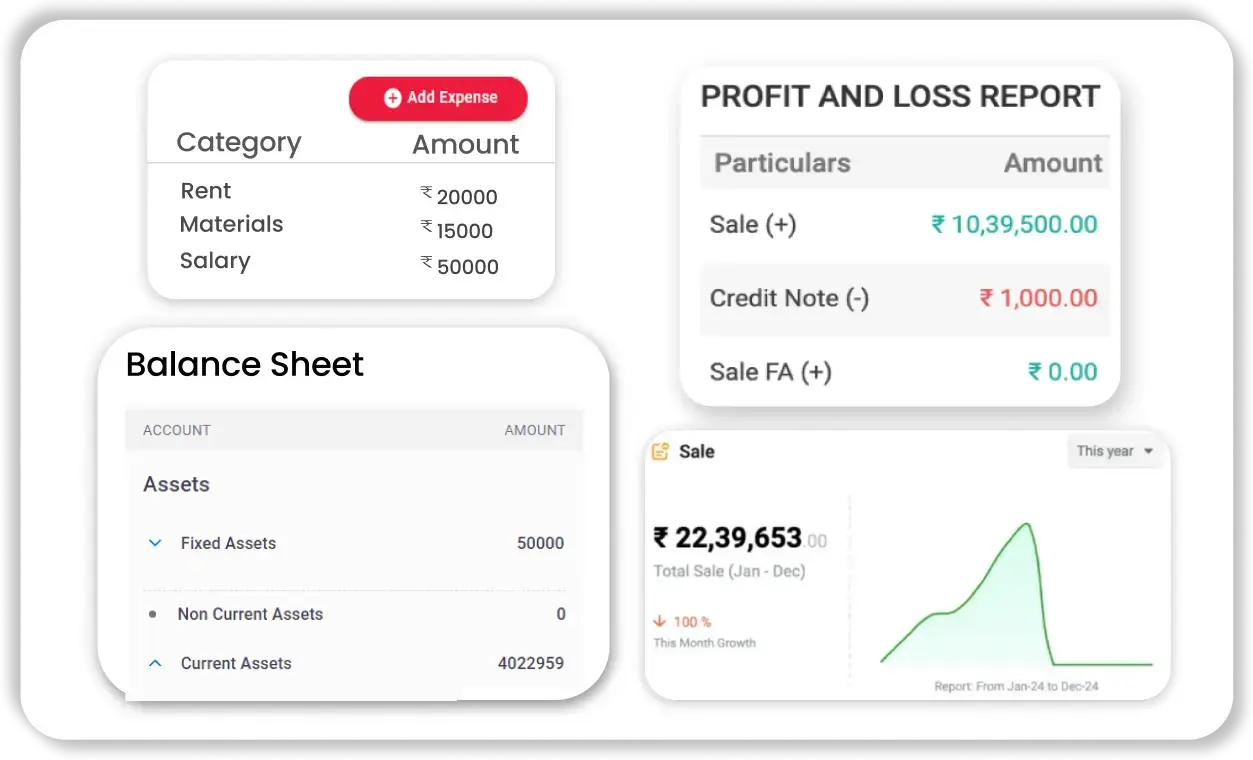
Accounting and Financial Reports
The app generates detailed financial reports such as Profit & Loss statements, Balance Sheets, GST reports, sales summaries, and expense reports using accounting software, helping business owners analyse performance, control costs, and make informed decisions for growth.
Expense and Purchase Management
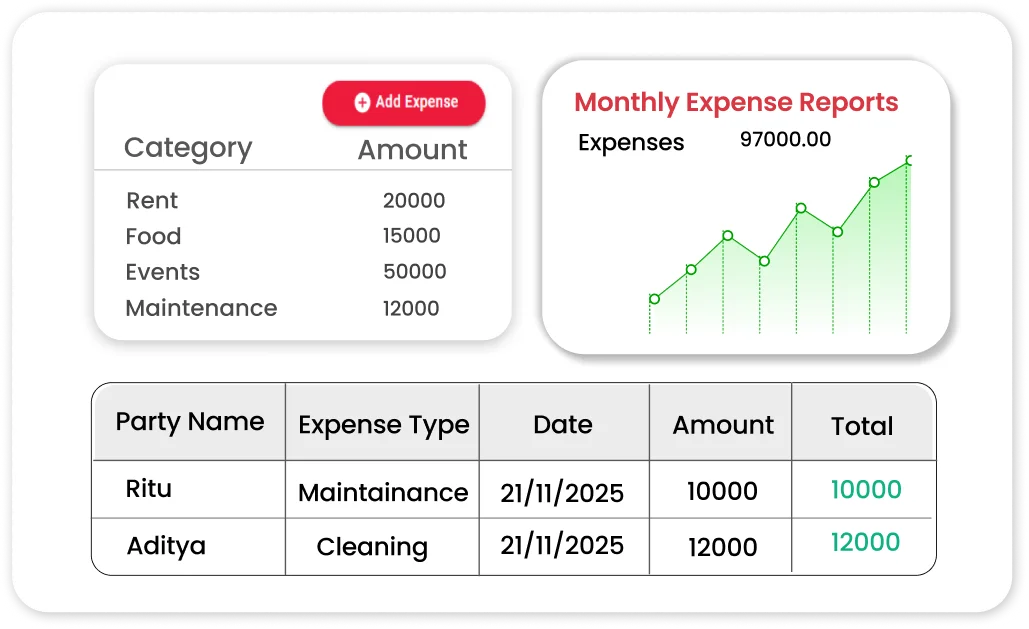
Expense & Purchase Management
Vyapar app helps record daily business expenses and manage purchase entries efficiently. You can track supplier payments, outstanding dues, and cash flow, improving financial transparency and better vendor management.
Multi-Device and Data Backup Support
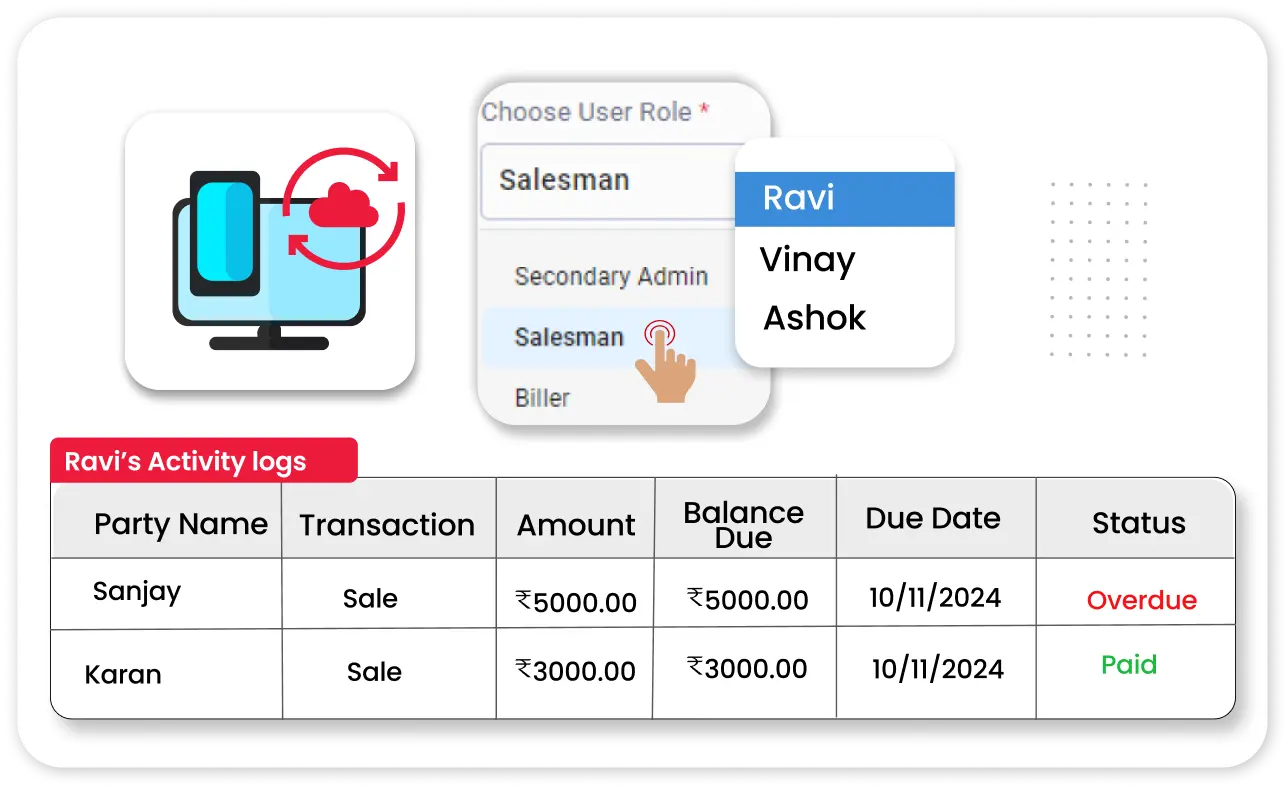
Multi-Device and Data Backup Support
Vyapar offers secure data backup options and multi-device access. This ensures your business data is protected from loss and accessible whenever required, improving reliability and operational continuity


Get a Free Demo
Frequently Asked Questions (FAQ’s)
A cash receipt format in Word is a ready-made template used to create payment receipts quickly. It helps businesses record details like date, amount, payer name, and payment purpose in a clear and professional way.
You can create a cash receipt in Word by using a pre-designed template or making one with basic fields like receipt number, date, payer details, amount, and signature. Using a template is faster and ensures a proper format.
A standard cash receipt should include the receipt number, date, business details, payer name, amount received, payment purpose, and signature. These details help maintain accurate records and act as proof of payment.
Yes, using billing software like Vyapar is more efficient than Word. It automates receipt creation, reduces manual errors, tracks payments, and also manages billing, inventory, and accounting in one place.
Did not find what you were looking for?


Billing software in India for small businesses




