
Create Non-GST Invoices in Vyapar App
If your business is below the GST threshold or you deal in exempt goods, you can generate simple non-GST invoices in Vyapar. By disabling the GST toggle, the app removes tax-specific columns, allowing you to provide a clean, professional bill without tax compliance overhead.

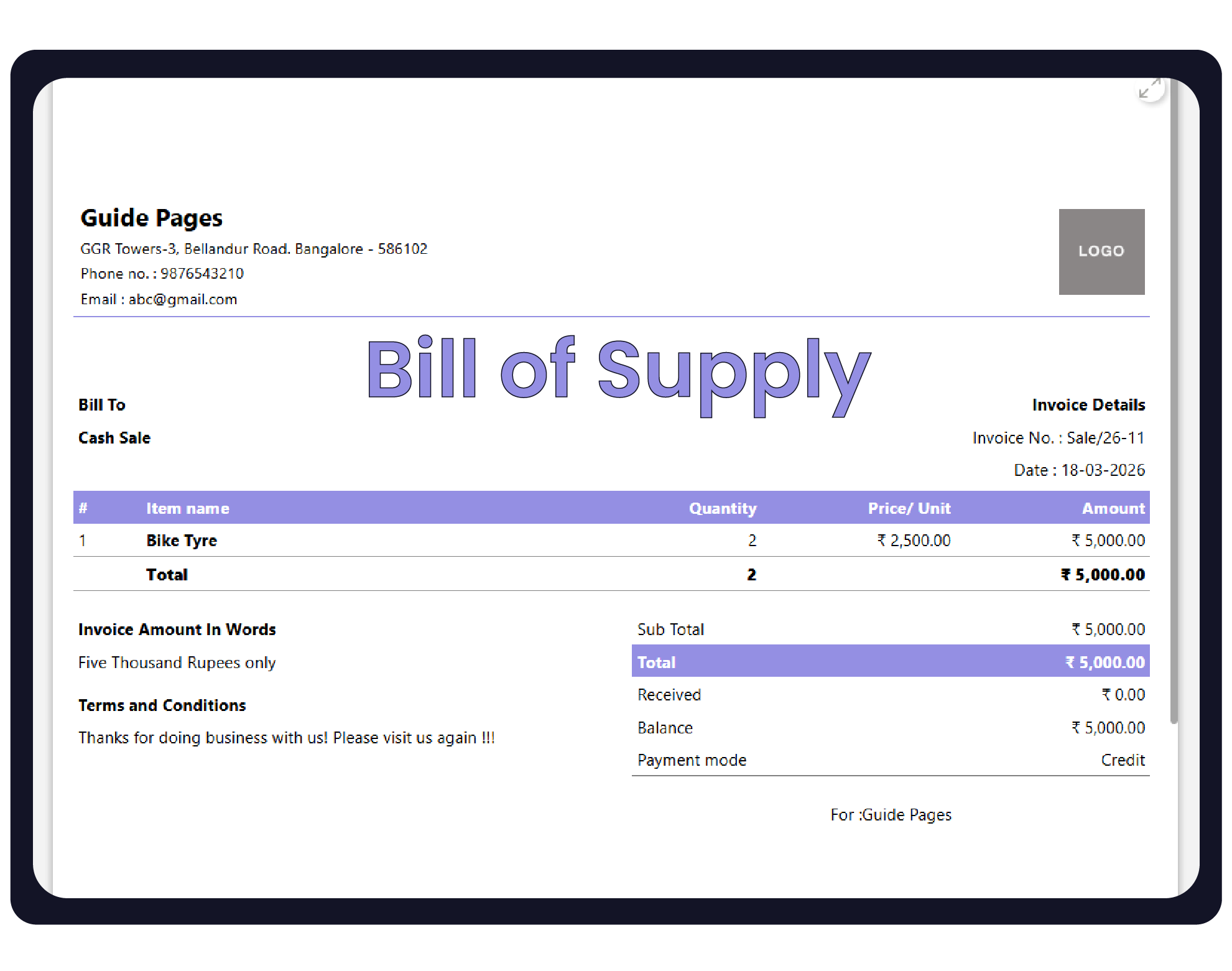

Before You Start

Verify Status: Confirm that your current transactions do not legally require a tax invoice.
Business Branding: Ensure your Business Name and Address are updated in your profile for professional branding on the bill.
Feature Check: Decide if you still need “Item-wise Discounts” or “Descriptions,” as these remain available in non-GST mode.
Step-by-Step Guide to Creating a Non-GST Invoice:
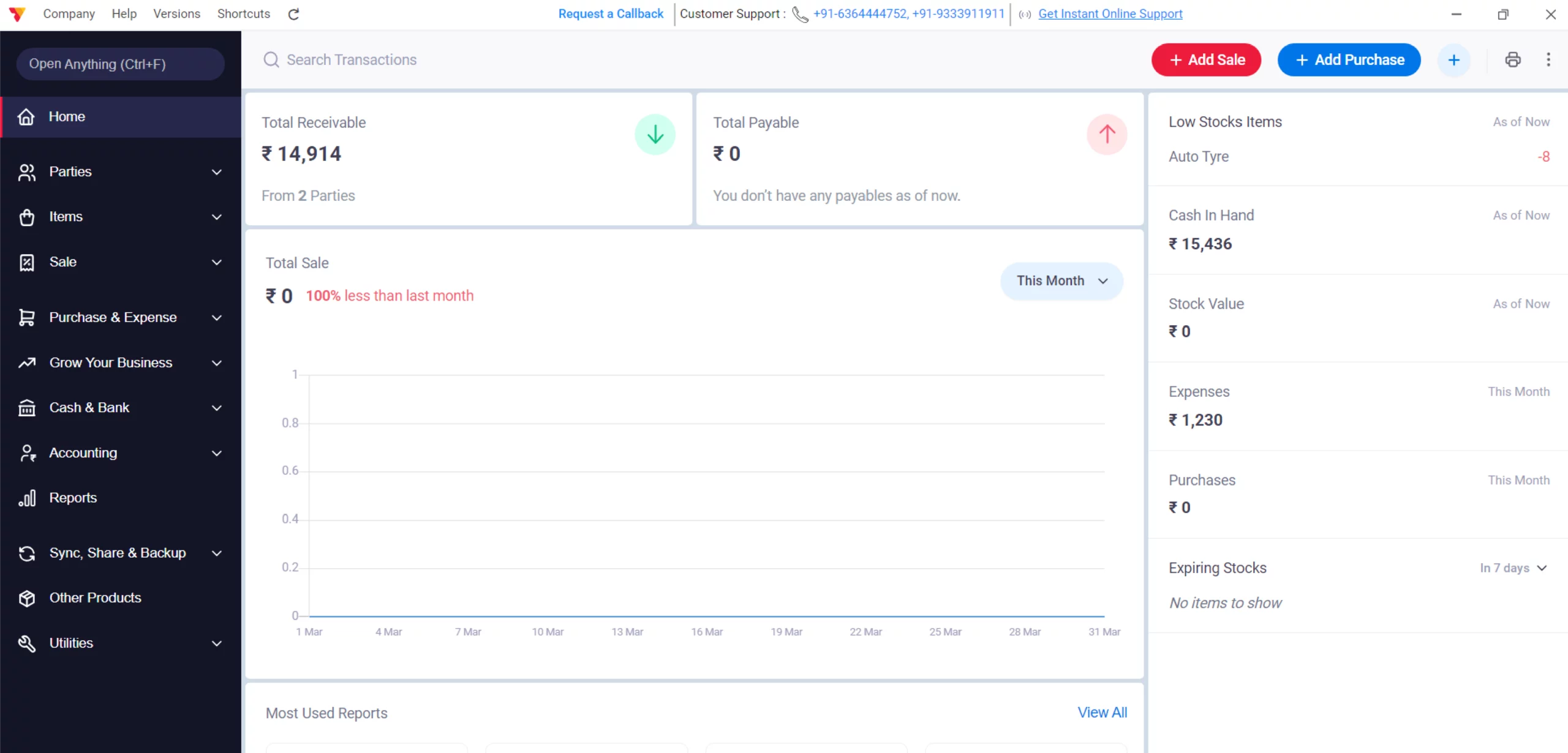
Open Vyapar App
Launch Vyapar invoicing software on your Desktop device.
01
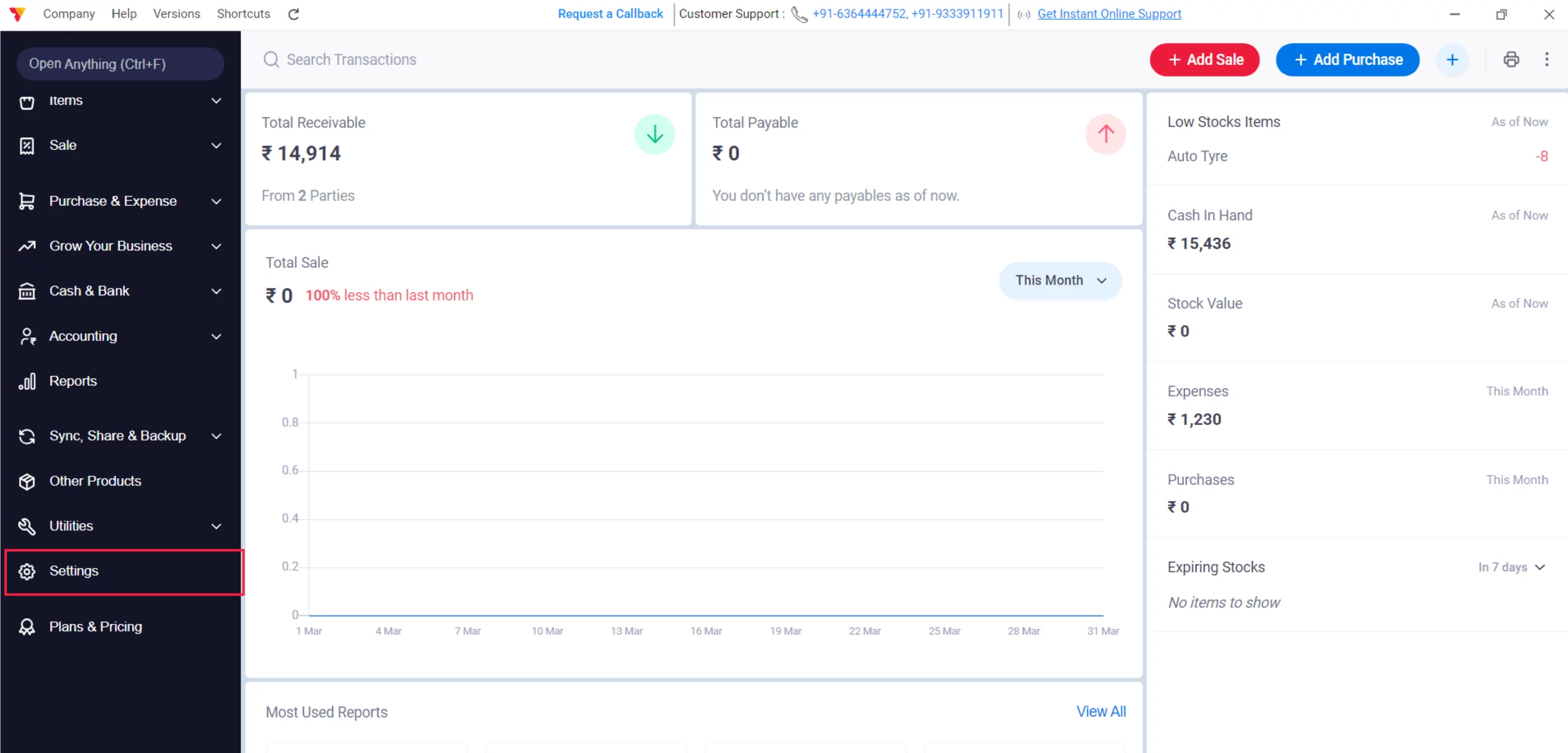
Access Settings
Navigate to the Left Menu, locate the Settings gear icon, and click it.
02
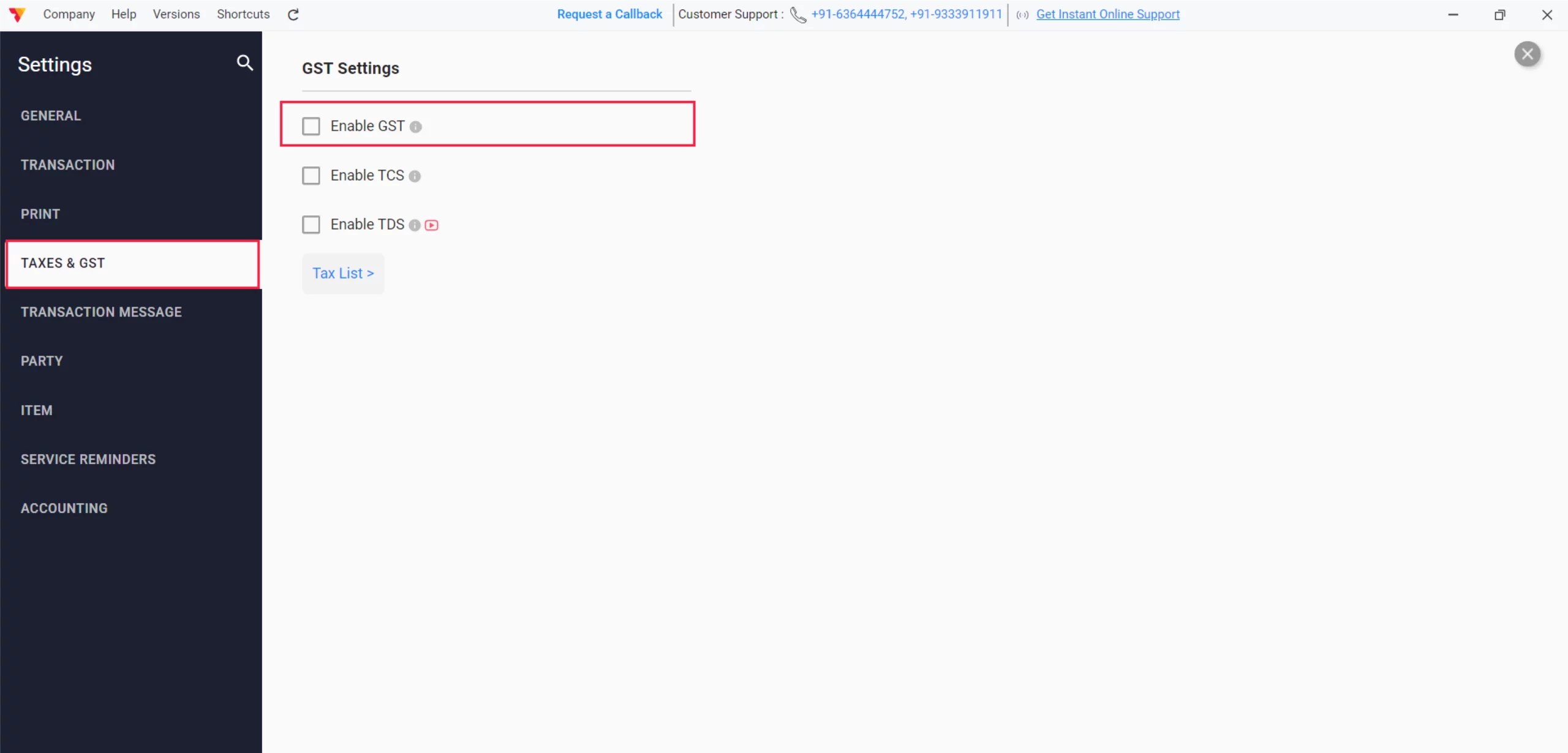
Disable GST
Click on Taxes & GST, check out the GST button ( Disable GST ) and close it.
03
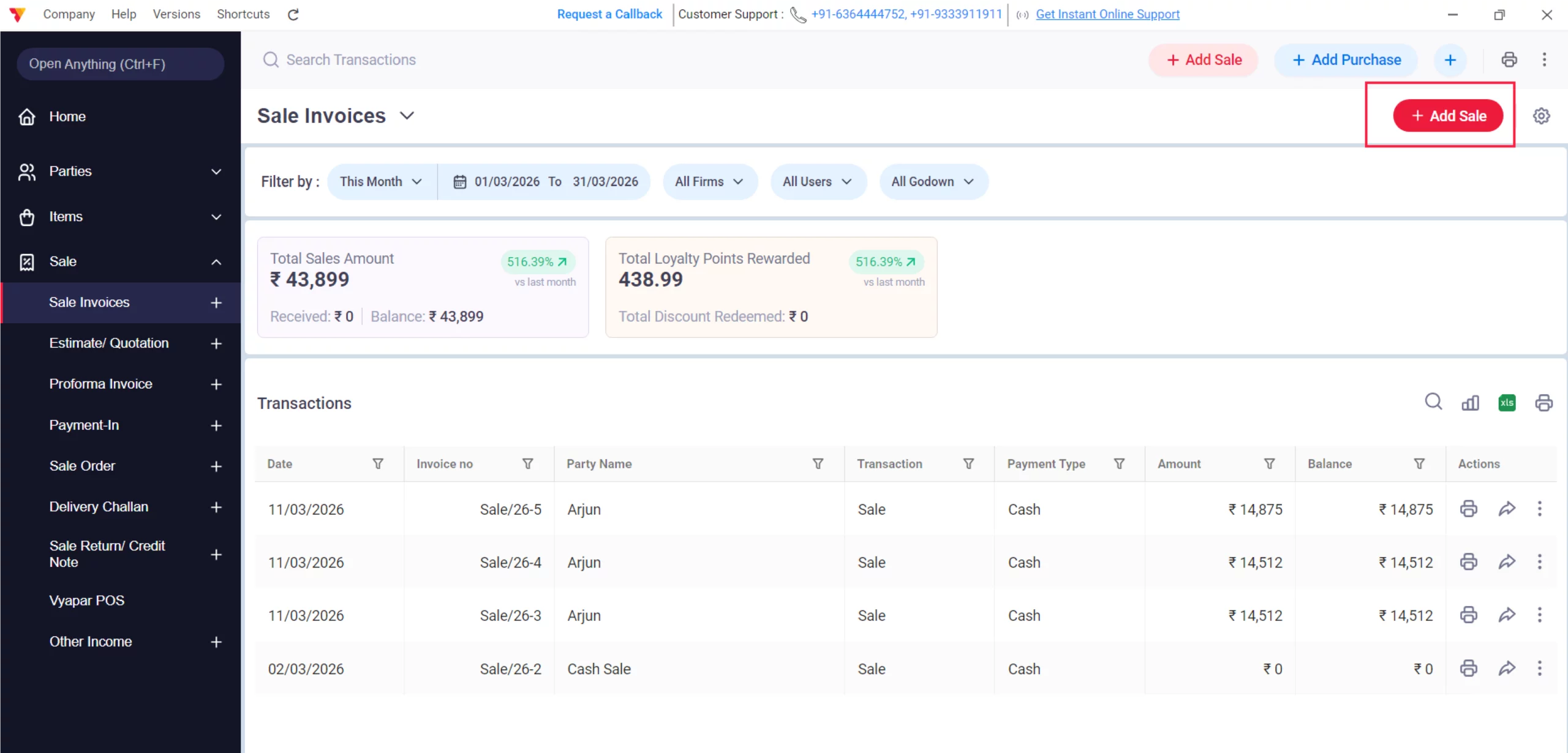
Create a Sale
On the main dashboard, click the + Add Sale button or go to the Sale section in the left-hand menu.
04
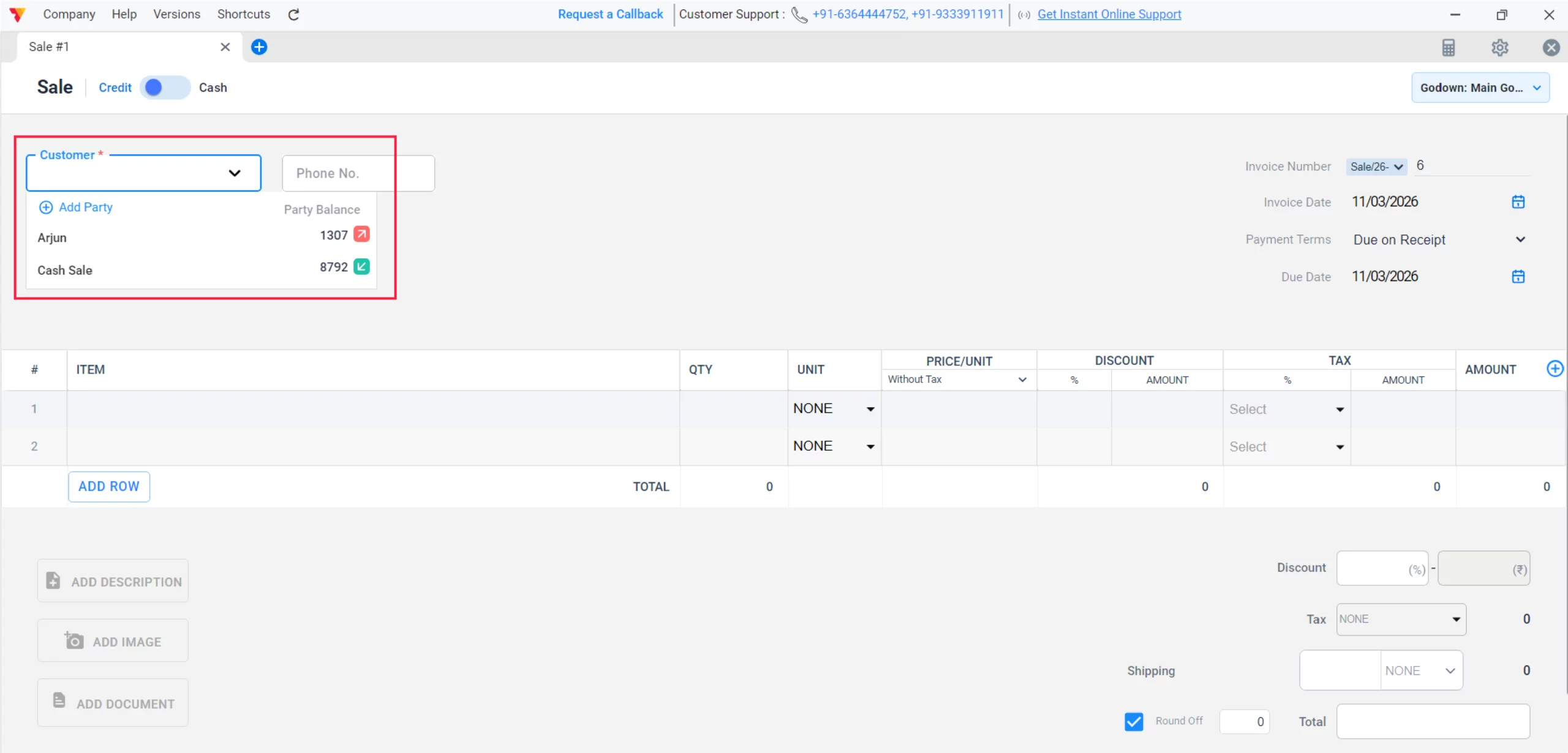
Select Customer
On the Sale screen, pick a Party or leave it as a “Cash Sale”.
05
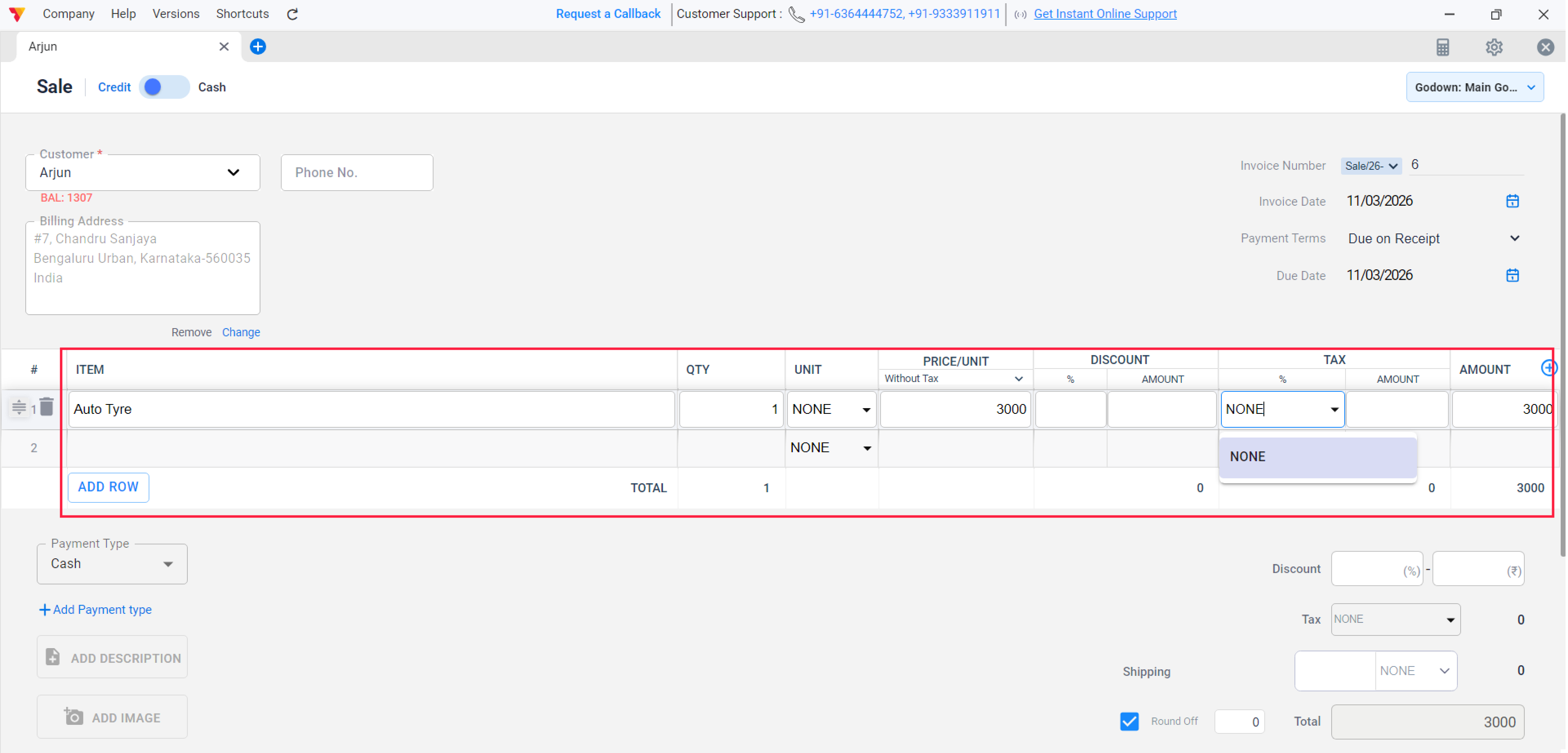
Add Items
Select your items; the TAX column will now be hidden or inactive.
06
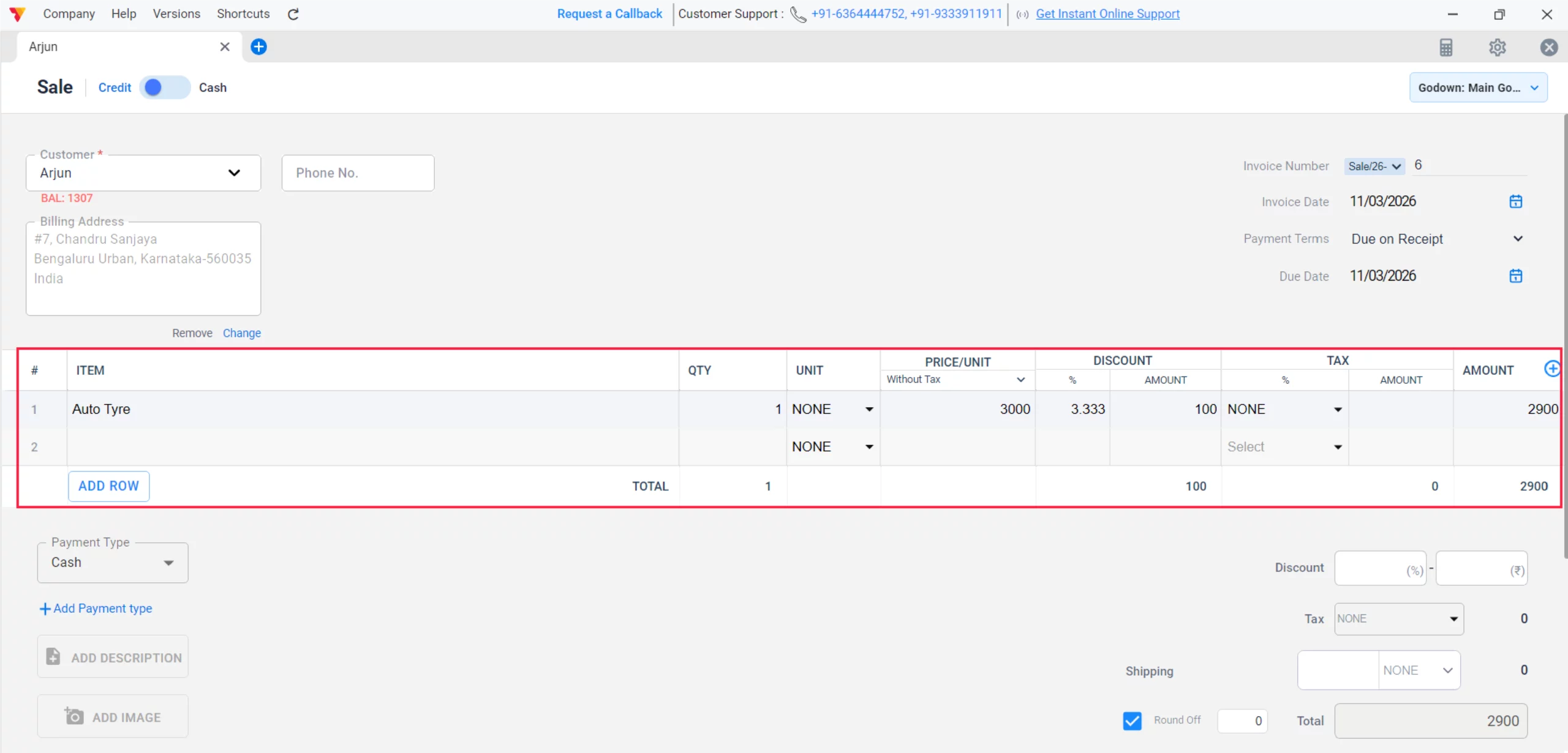
Set Pricing
Enter the Price/Unit, Quantity and Discount. The app will calculate the total without adding any tax amount.
07
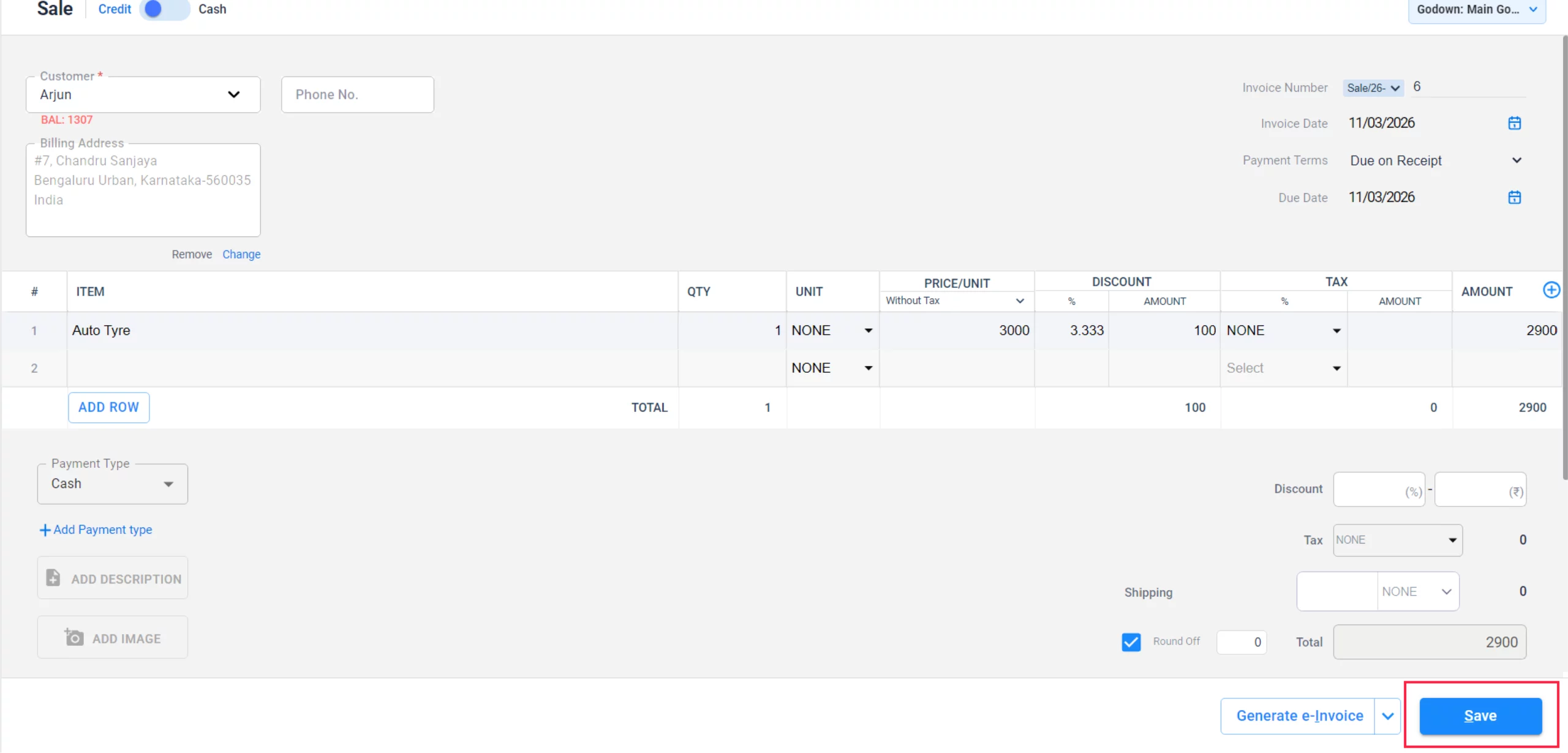
Finalize & Save
Review the final amount at the bottom right and click Save to generate the invoice.
08
Watch Step-by-Step Video Guide to Create Non-GST Invoice
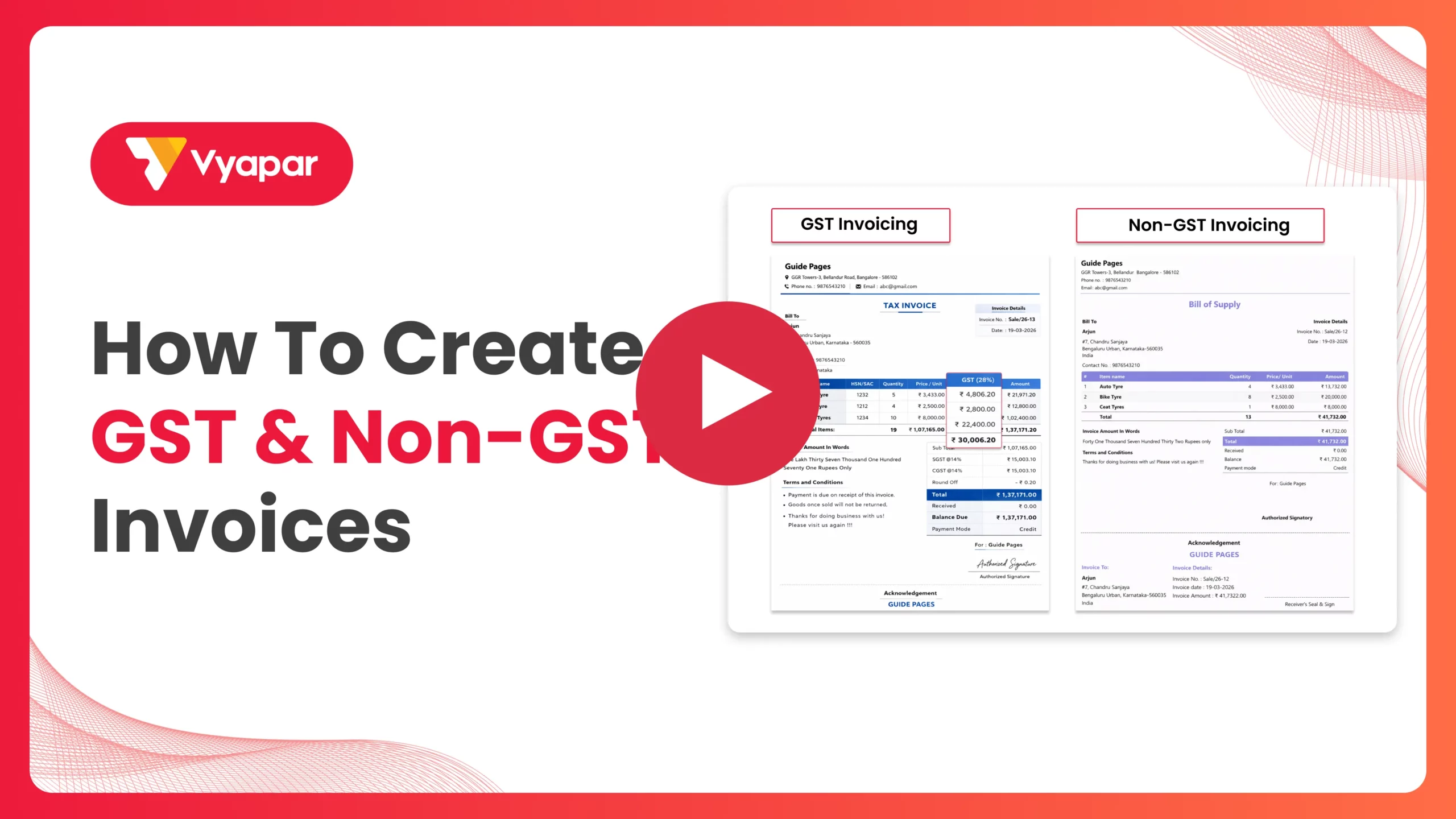
Create Non-GST Invoice: Desktop Guide.
Still stuck? Get help in minutes.
Our support team is ready to help you succeed.
 24/7 Support
Why Is This Important for Your Business?

Operational Simplicity
It removes the complexity of tax slabs for vendors who are not yet GST-registered.
Clean Financial Reporting
Recording these sales ensures your Profit & Loss report accurately reflects your revenue.
Professionalism
You can still provide itemized bills with your business logo and contact details.
Frequently Asked Questions (FAQs)
Can I switch back to GST invoices later?
While you can re-enable the GST toggle in Settings, we strongly suggest creating a “New Company” in Vyapar if you register for GST. Starting a fresh company profile ensures that your previous non-GST records do not mix with your new tax data, leading to more accurate GSTR reports and a better understanding of your tax liabilities moving forward.


Will non-GST invoices show up in my GSTR reports?
No, since no tax is calculated, these transactions will not be included in GSTR-1 or other tax-specific reports.
Can I still use HSN/SAC codes?
While not required for non-GST bills, you can keep the HSN Code column enabled if you want to maintain specific item categorization.
Ready to Bill Every Customer?
Create non-GST invoices today and finish your billing 2x faster.
 Download Vyapar Now





