
 Billing
Design Professional and Custom Invoice Formats
Design clean, branded invoice formats that match your business style. Add your logo, choose layout options, and generate professional invoices in seconds, without using separate design tools.
Why Professional & Custom Invoice Formats Matter
Your invoice is not just a bill. It represents your business. A plain or unclear invoice can look unprofessional and confuse customers. A well-designed invoice builds trust, improves clarity, and leaves a strong impression every time you bill.
Professional Business Image
Add your business logo and complete business details to every invoice. Clean and structured formatting helps customers clearly see item names, tax breakup, and total amount. This creates a stronger and more professional brand identity for your business.
Clear & Easy-to-Read Layout
Organised sections for item details, tax breakup, and totals make every invoice simple and easy to understand. Customers can clearly see what they are paying for, which improves clarity and builds stronger trust.
Consistent Format for Every Bill
Use ready-made structured invoice formats to keep billing consistent across all customers, whether retail or wholesale. This ensures a uniform and professional presentation in every invoice you create in Vyapar App.
 The Transformation
Before & After Vyapar
Before
Without Vyapar
- Plain invoice designs
- Messy layout with unclear totals
- Different formats are used manually
- Time spent editing invoice design

After
With Vyapar
- Custom invoices with business logo
- Clean and structured layout
- Consistent format across all customers
- Ready-to-use invoice templates
 Business Impact
Real Results for Your Business
Professional invoice formats improve your brand image and make billing more organised, helping customers trust your business more.
High
Professional Appearance
Clean, branded invoices create a better business impression.
60%+
Better Invoice Clarity
Structured format reduces confusion in billing.
50%+
Time Saved
No need to manually design or edit invoice layouts.
How This Solves Invoice Design Problems
Vyapar allows you to customise invoice formats with logo and structured layouts, so every invoice looks professional, clear, and consistent without extra effort.
1

Add Business Details
Enter your business name, address, and contact details.
2
Upload Business Logo
Add your logo to display on invoices.
3
Select Invoice Format
Choose from available invoice layouts.
4
Generate & Share Invoice
Create an invoice and share via PDF, print, or WhatsApp instantly.
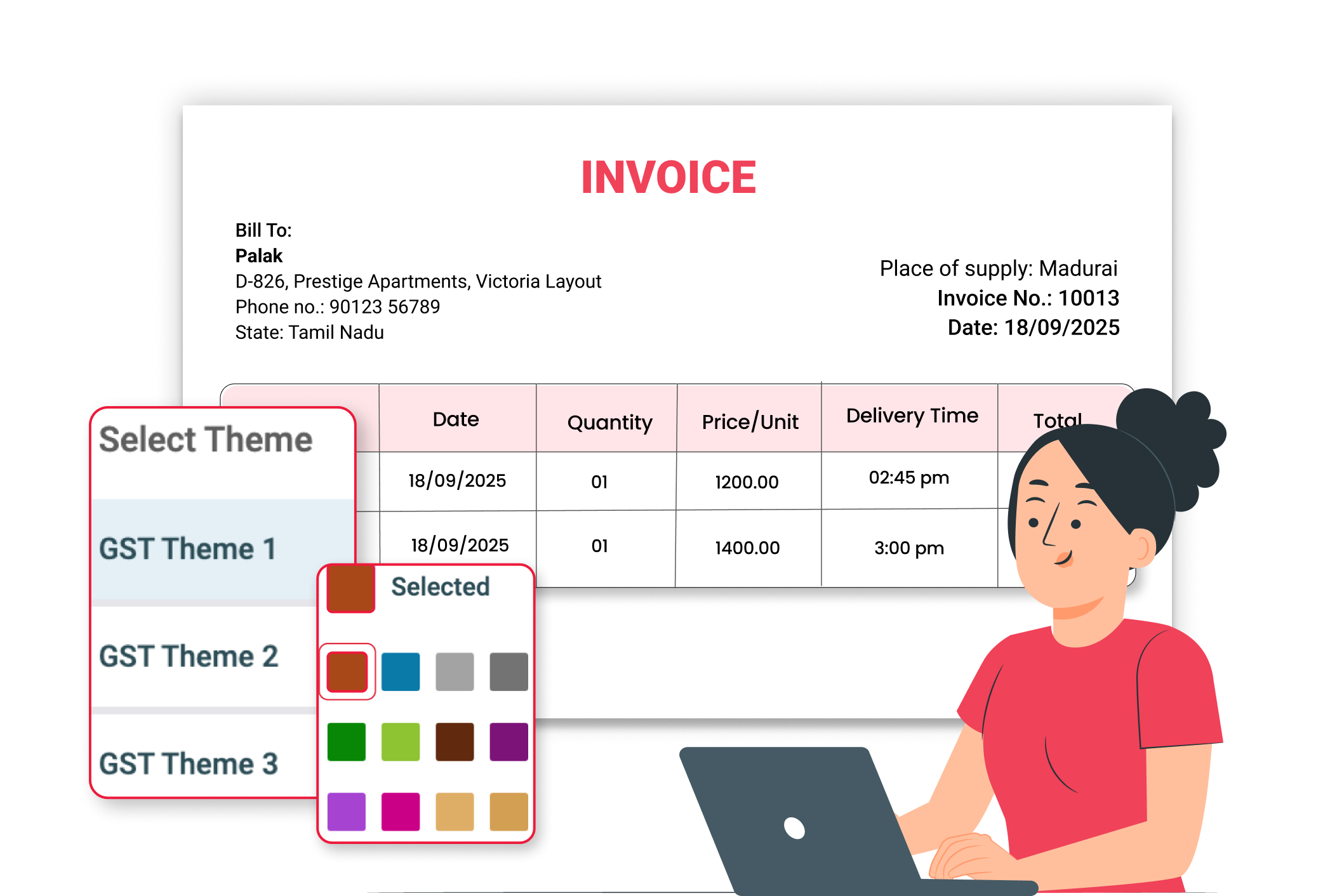
Add your brand identity to every bill. Upload and display your business logo on invoices. This helps customers recognise your brand easily and builds trust.
Choose a layout that suits your business. Select from the different structured invoice formats available in Vyapar. Pick the one that matches your billing style.
All important fields included. Invoice formats include item details, quantity, price, tax breakup, and total amount, ensuring professional and clear billing.
Professional invoices are delivered quickly. Download invoices as PDF, print instantly, or share through WhatsApp for faster billing and better customer experience.
Where This Helps Most
Ideal for These Businesses
This use case is perfect for businesses that want professional and branded invoices.

Retail Stores
Branded invoices for walk-in customers.
Easy to manage with Vyapar
Edit Link

FMCG Distributors
Professional billing for dealers and bulk buyers
Easy to manage with Vyapar
Edit Link

Pharmacies
Clear invoice layout for medicines and GST details.
Easy to manage with Vyapar
Edit Link

Grocery Stores
Neat bills for daily customers.
Easy to manage with Vyapar
Edit Link

Restaurants
Professional and clear bills for dine-in and takeaway customers.
Easy to manage with Vyapar
Edit Link

Stationery Shops
Neat and organised bills for school, office, and retail customers.
Easy to manage with Vyapar
Edit Link
Related Use Cases
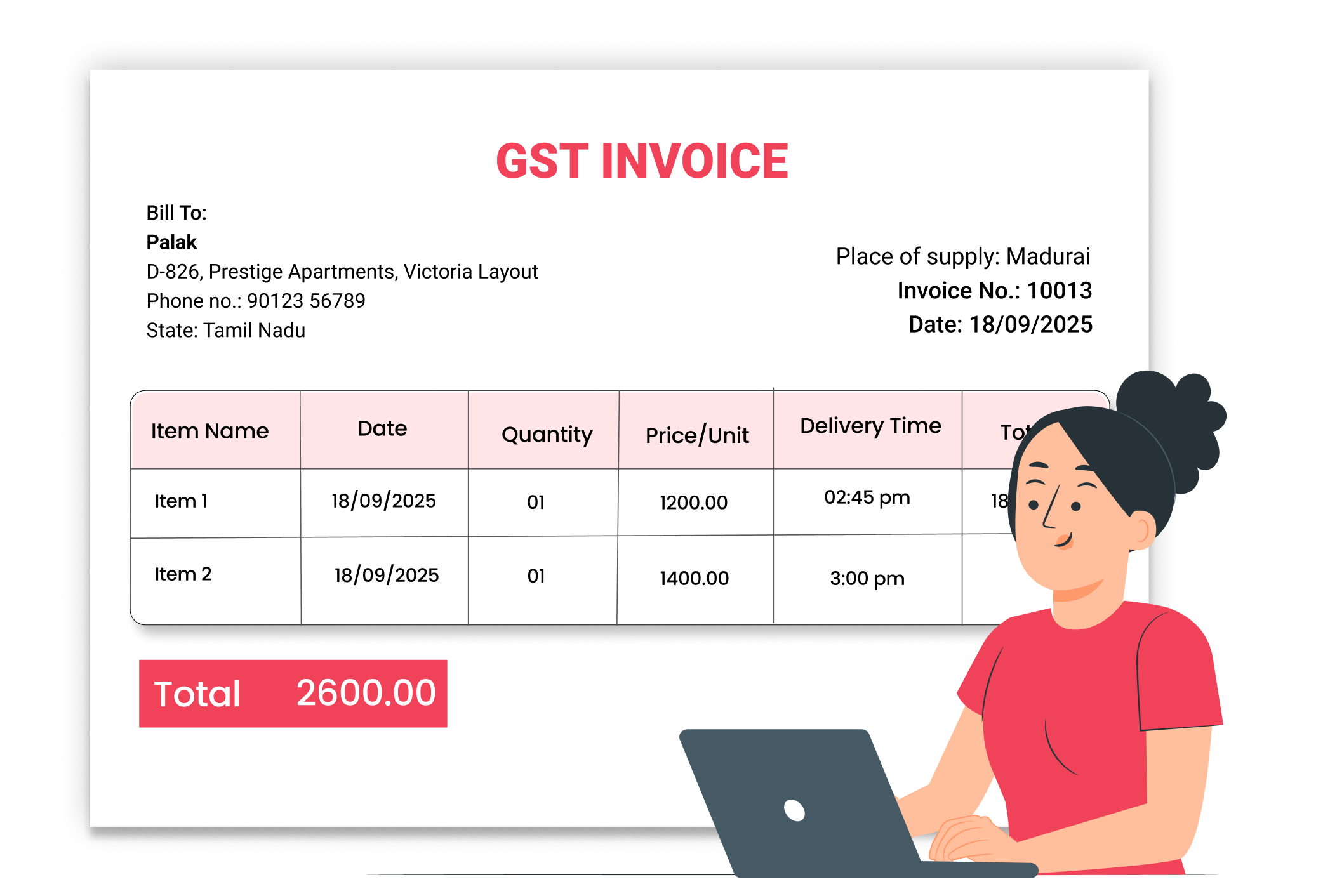
Create GST & Non-GST Invoices

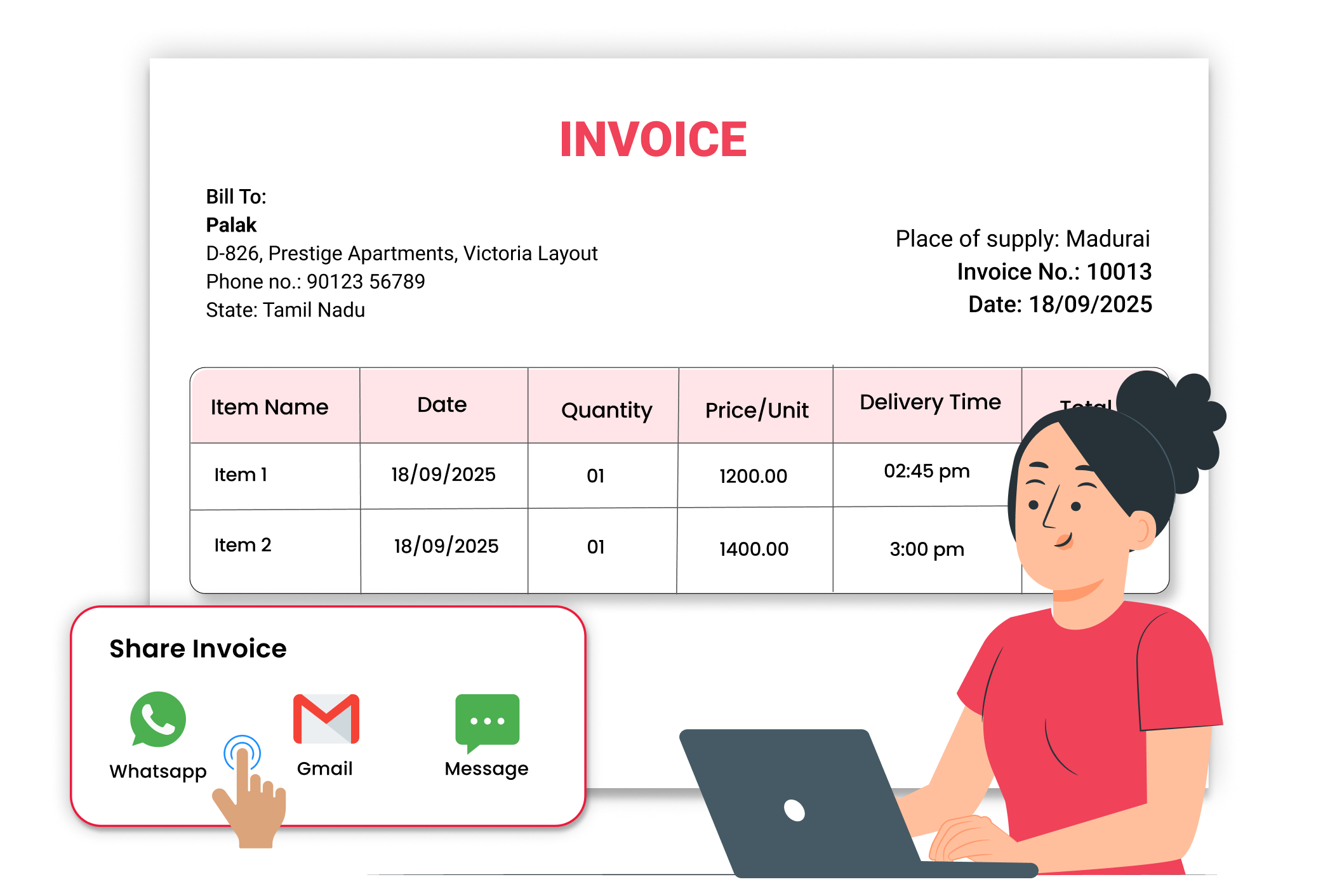
Instant Invoice Sharing
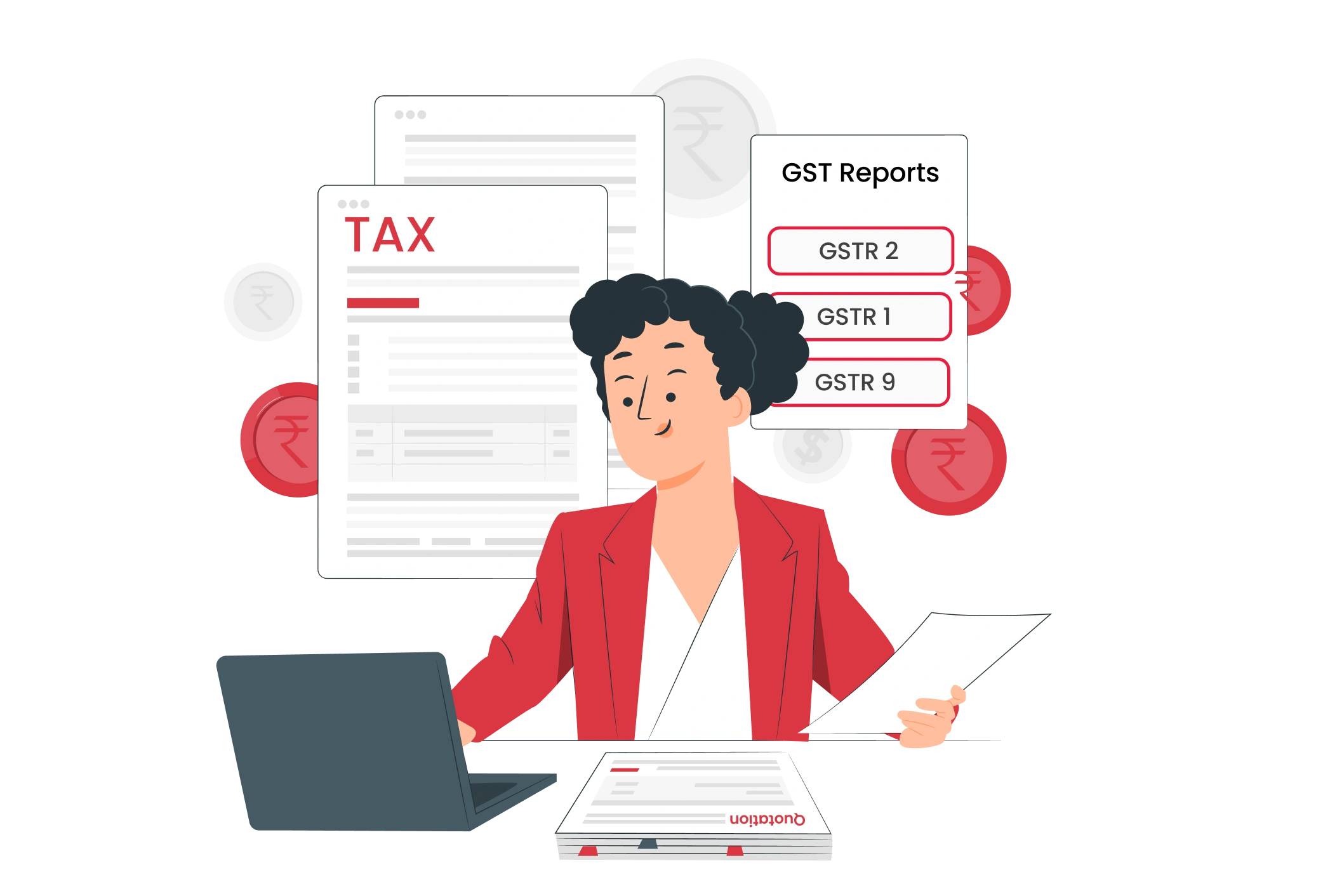
Automatic GST & Tax Calculation





