Jewellery Bill Format
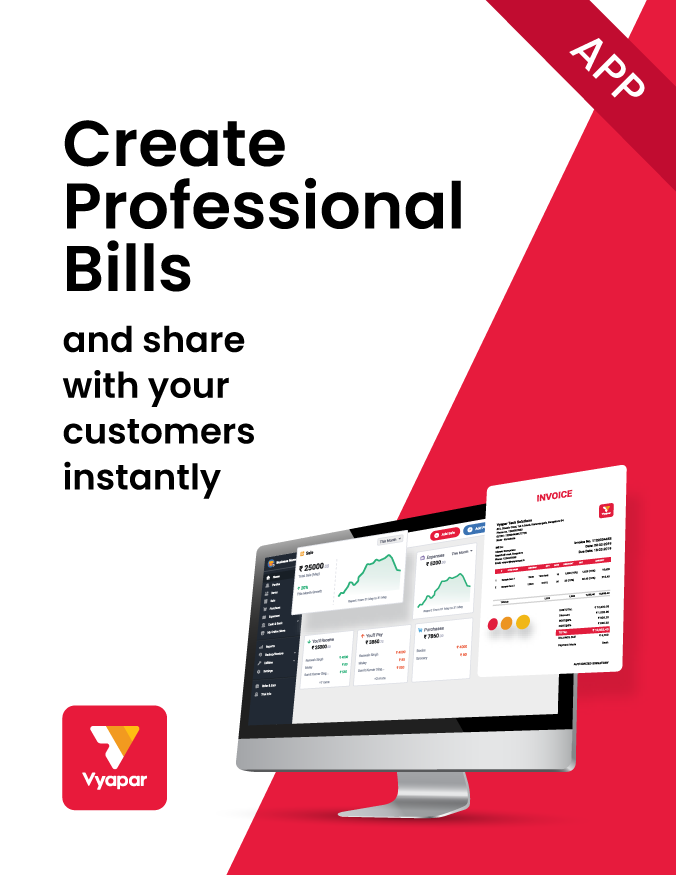
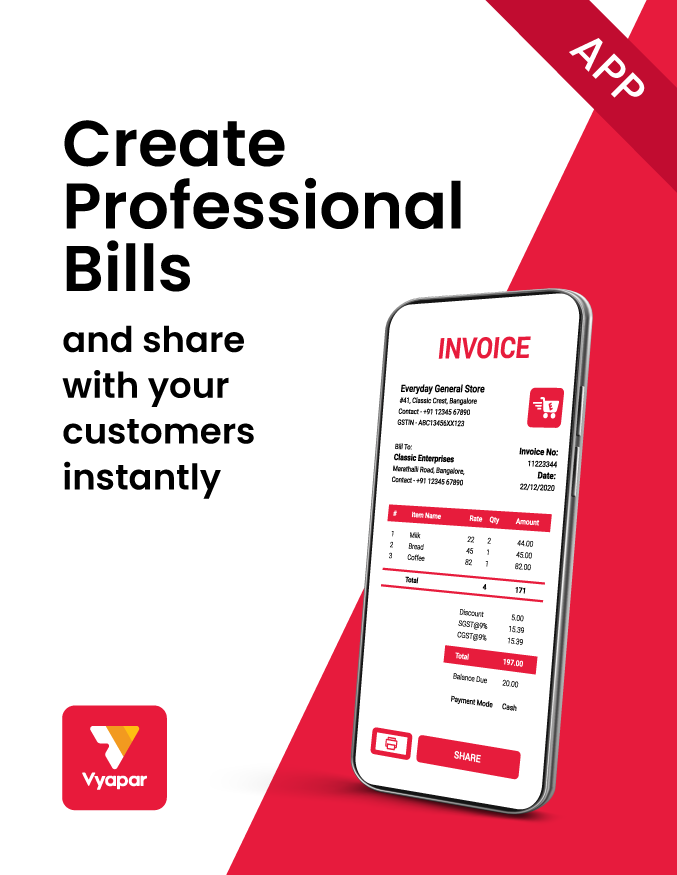
Download free jewellery bill book templates in Word, Excel and PDF. If you want to create bills digitally, try Vyapar App for free.
- ⚡️ Create professional bills for your jewellery sales
- ⚡ Share bills through WhatsApp and SMS
- ⚡️ Manage customer details and transactions
- ⚡️ GST and Non-GST billing
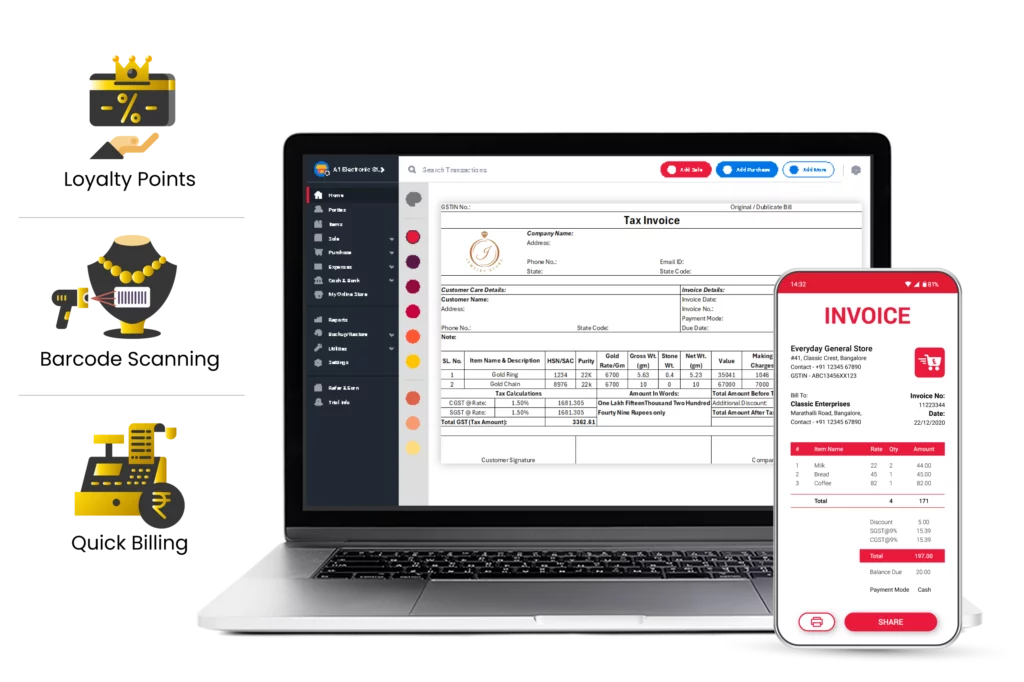
Jewellery Bill Book Format vs Vyapar App

Jewellery Bill Format
Vyapar App
Price
Free
Free
Professional invoice templates


Quick Billing
Digital invoice creation
Auto Calculation
Automatic calculations
Data Backup
Digital payment options
Payment reminders
Business reports
Download Professional Jewellery Bill Book Formats
Download professional free jewellery bill templates, and make customization according to your requirements at zero cost.
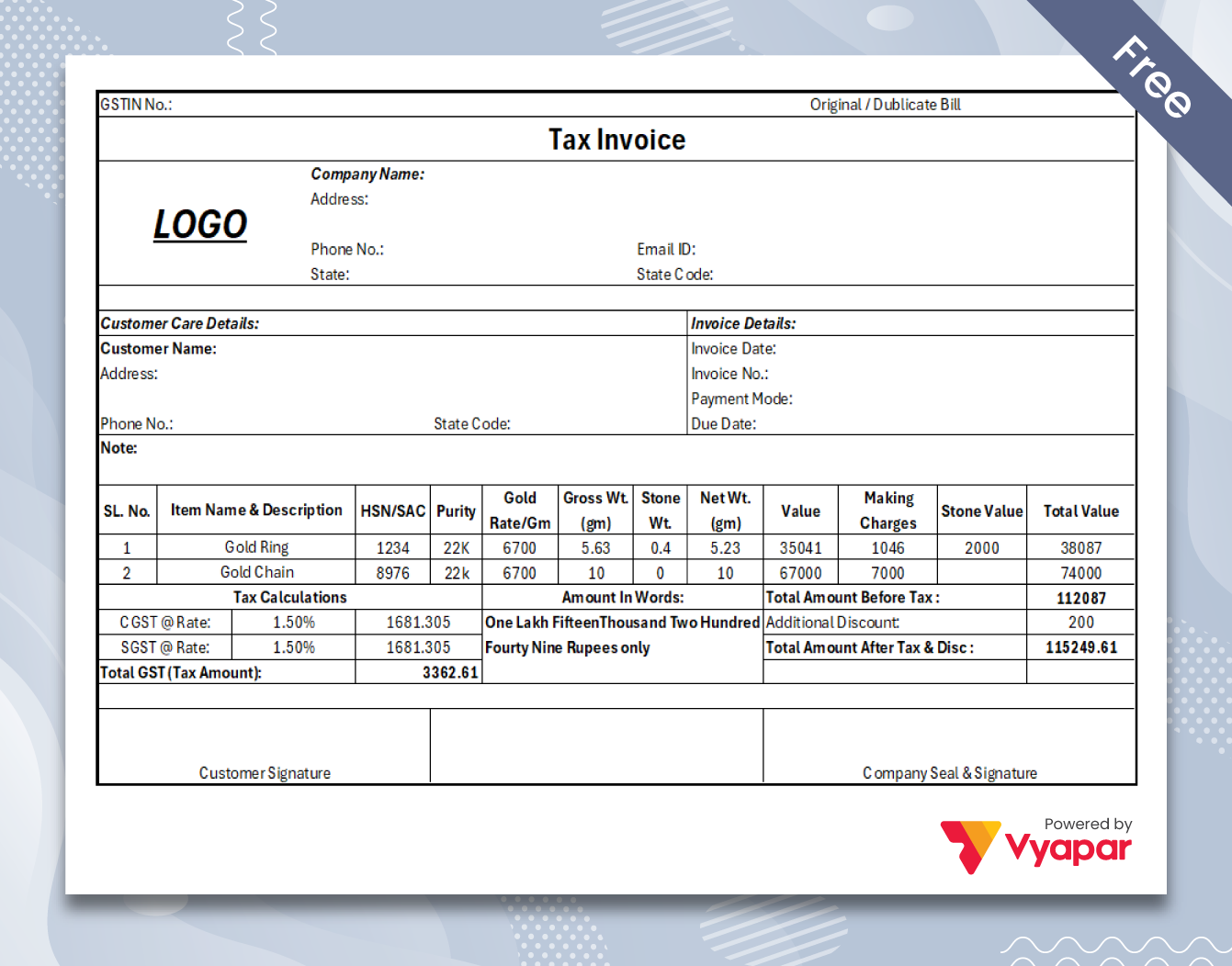
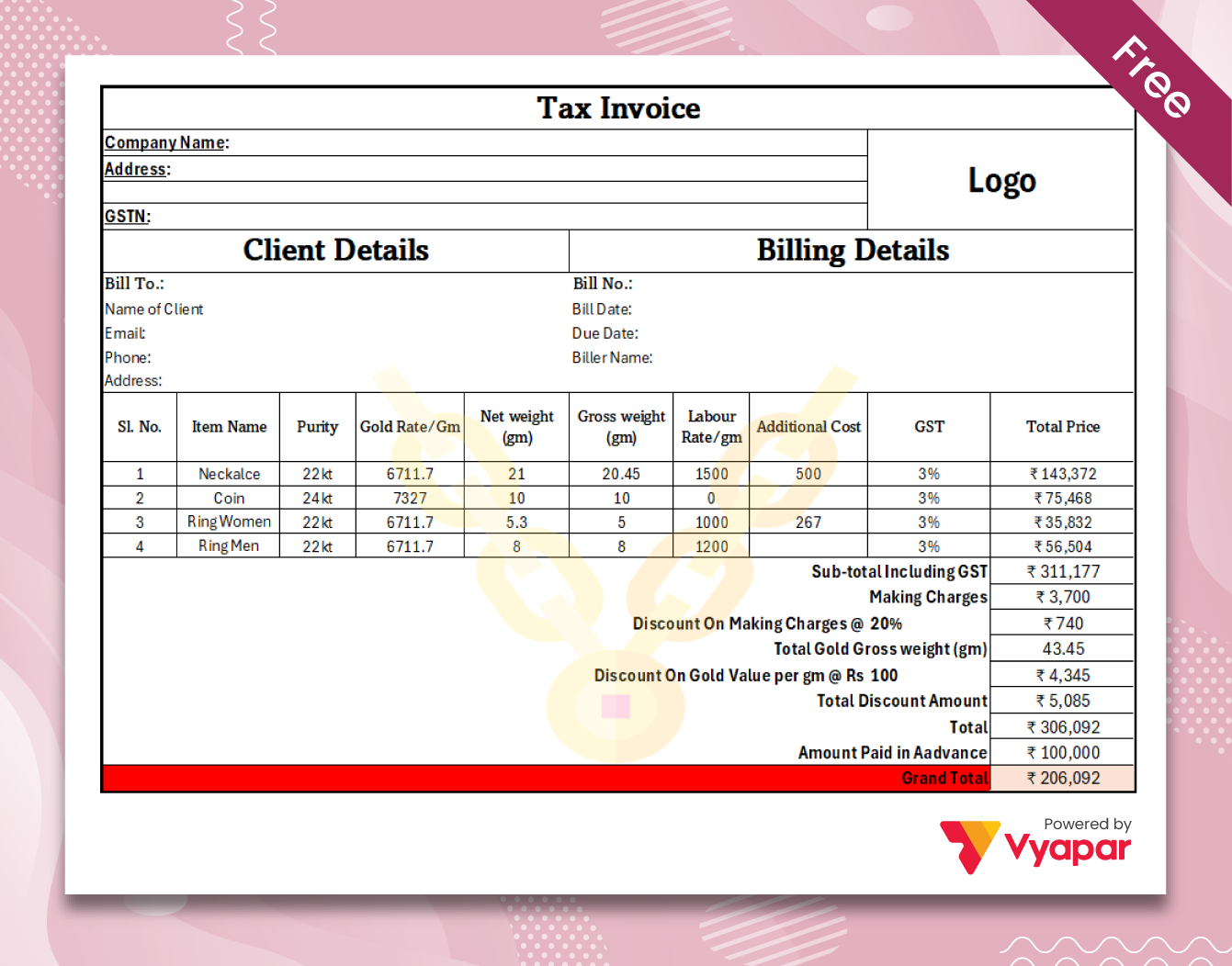
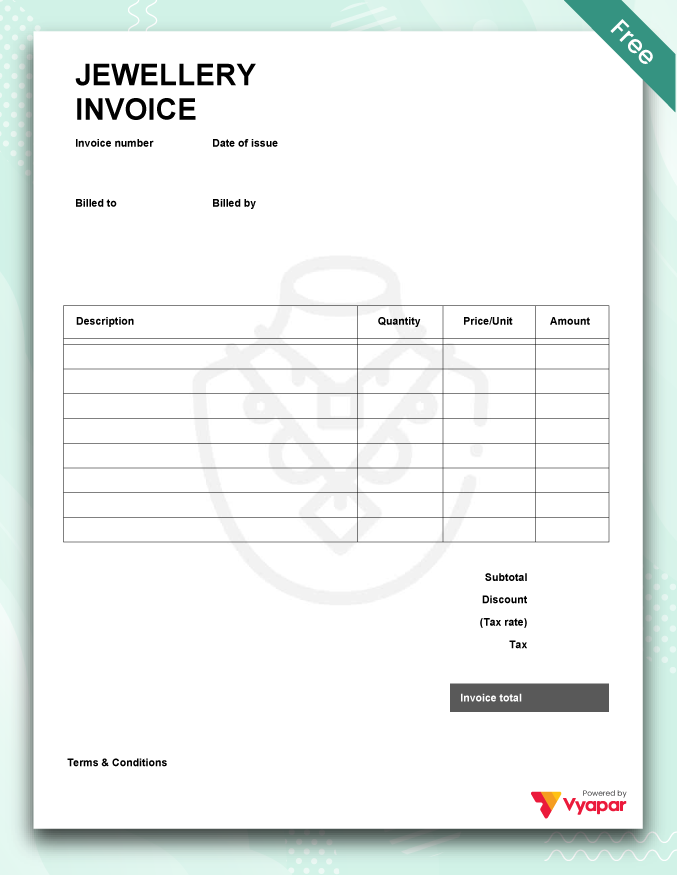
Simple Jewellery Invoice
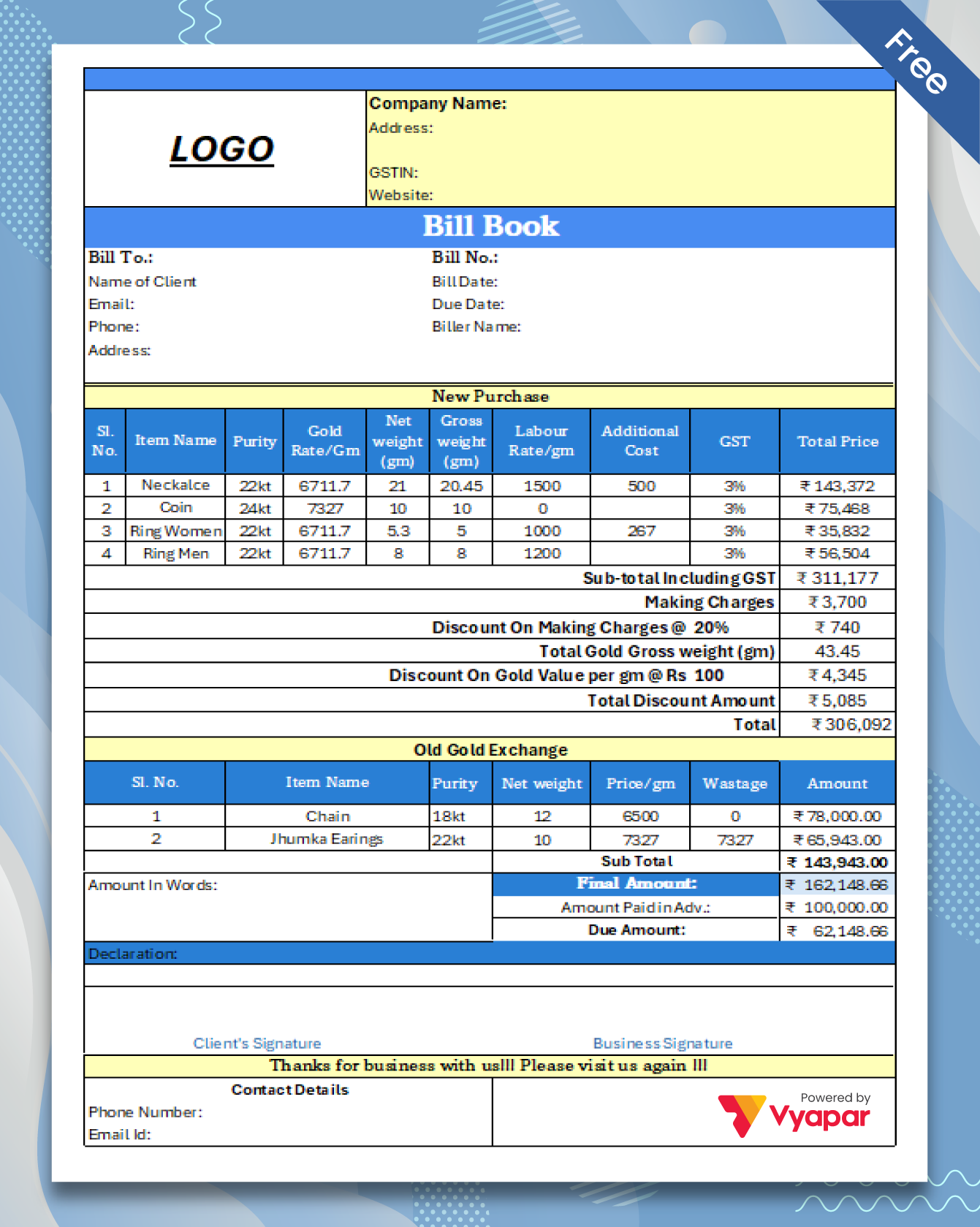
Jewellery Shop Bill Format
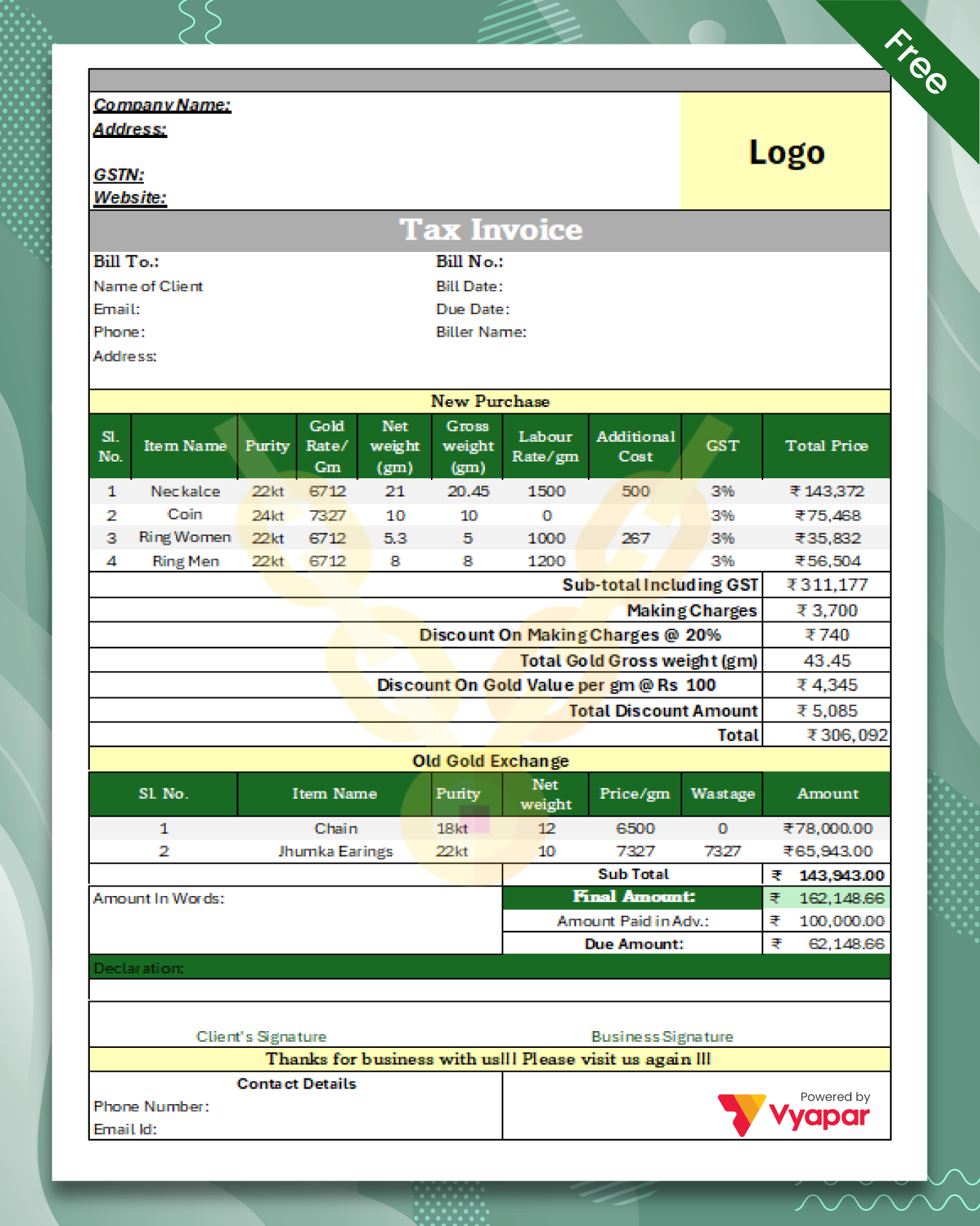
Old Gold Exchange Bill Format
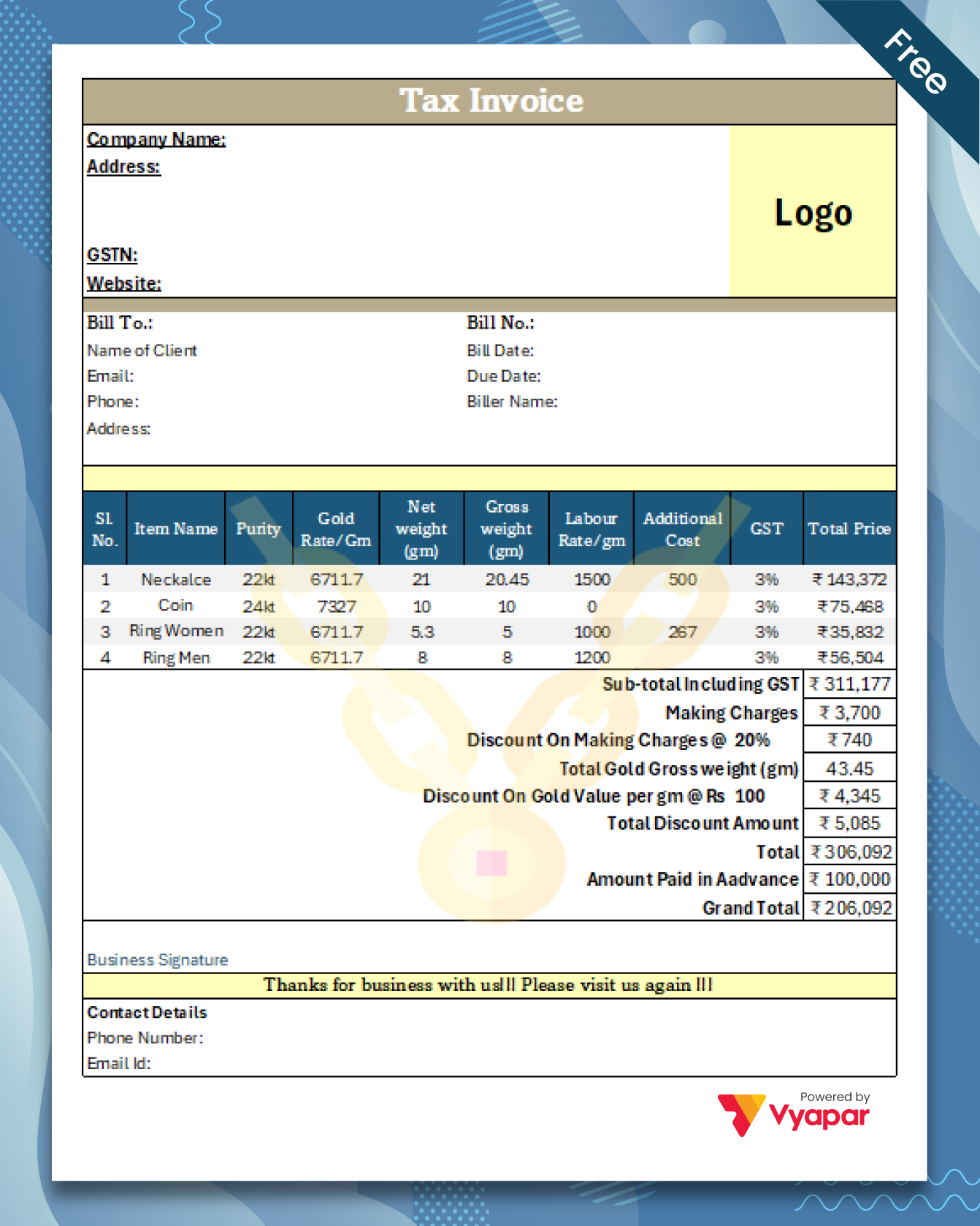
Gold Bill Format with GST
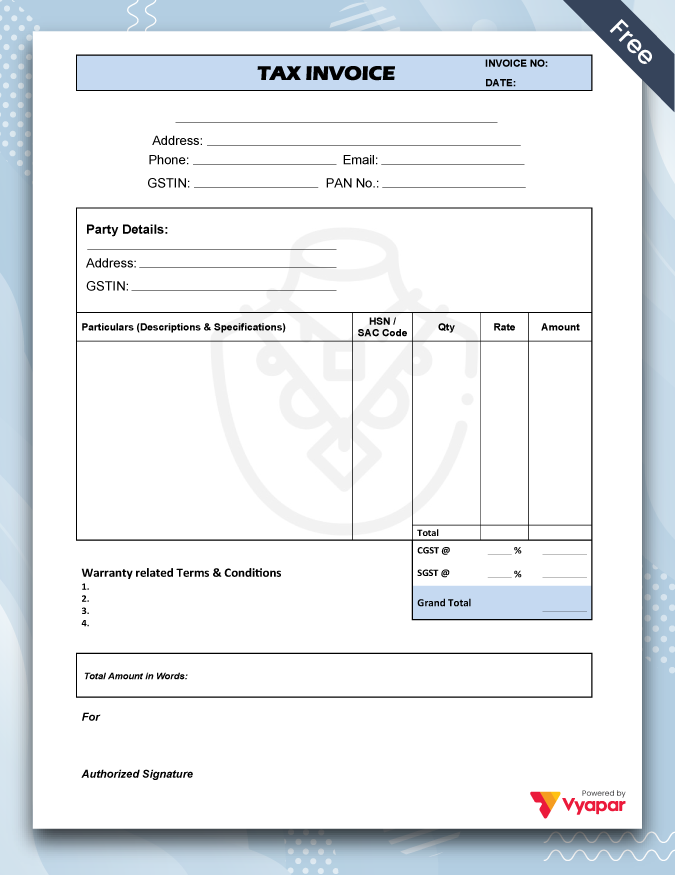
Jewellery Invoice with GST
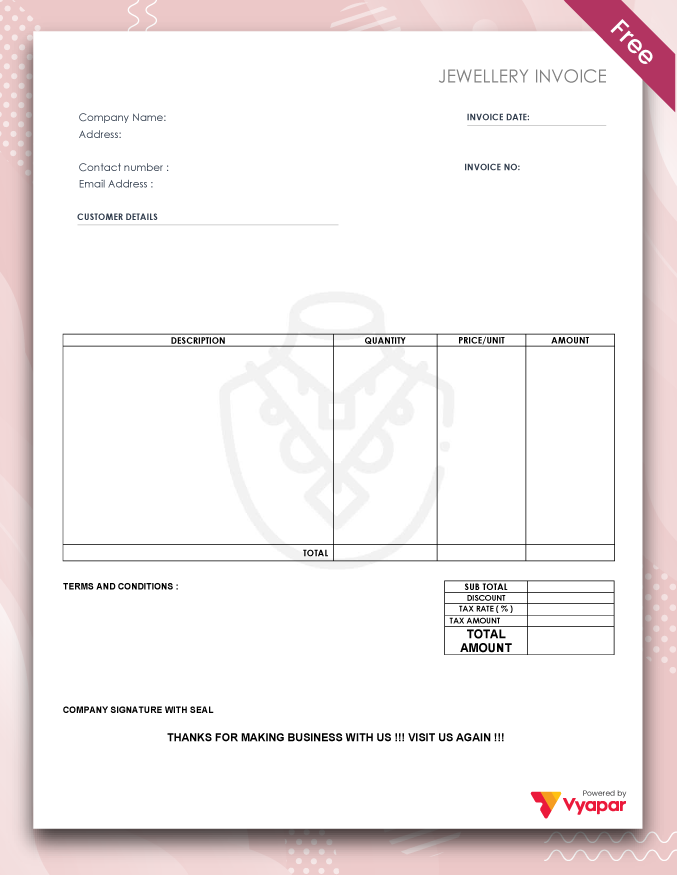
Jewellery Invoice with TnC
Manage Your Jewellery Business with Vyapar
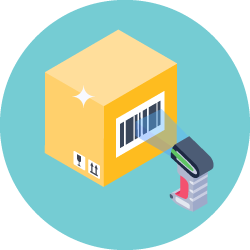
Barcode-Based Billing
Use barcode scanning to add items to invoices faster. Scan item barcodes while billing to reduce manual entry and speed up invoice creation.

Category-Wise Inventory Management
Organise jewellery items into categories and track stock quantities along with your other business inventory.

Online Store with Product Catalogue
Vyapar includes an online store feature where you can list products with images and share the catalogue with customers.
Customer Management
Manage customer details and transaction history in one place, making it easier to keep customer records organised.
Inventory Management
Track item quantities and organise stock by category, helping you keep your jewellery inventory records up to date.

Multi-User Access
Use Vyapar app on multiple devices and collaborate with more than one user effortlessly across devices. Add users as per roles and responsibilities.

Payment Reminder
Vyapar invoice reminder software automatically notifies you when a due date is over and sends payment reminders to your credit clients.
Set Credit limit
Set credit limits for customers to help control credit sales and keep customer dues easier to monitor.

Business Reports
View sales, expenses, inventory and other business reports to understand how your business is performing.

Accounting
Vyapar combines billing, inventory and accounting tools in one app. You can record expenses, track income, view profit & loss and generate a balance sheet.
Looking for more jewellery billing features?
Explore how Vyapar can help you manage billing, inventory and accounting for your jewellery business.
Watch How to Set Up Your Business on Vyapar App
Watch the step-by-step guide to set up your business on Vyapar. See how you can create invoices, manage inventory, track sales and view business reports. The same tools can be used to manage day-to-day records for a jewellery business.
Easily Manage Your Jewellery Transaction.
Try Vyapar App for Free Today!
Benefits of Using a Jewellery Bill Format
A jewellery bill format gives you a ready-made structure for recording a sale. It can save time, keep important details together and make your bills easier to read.
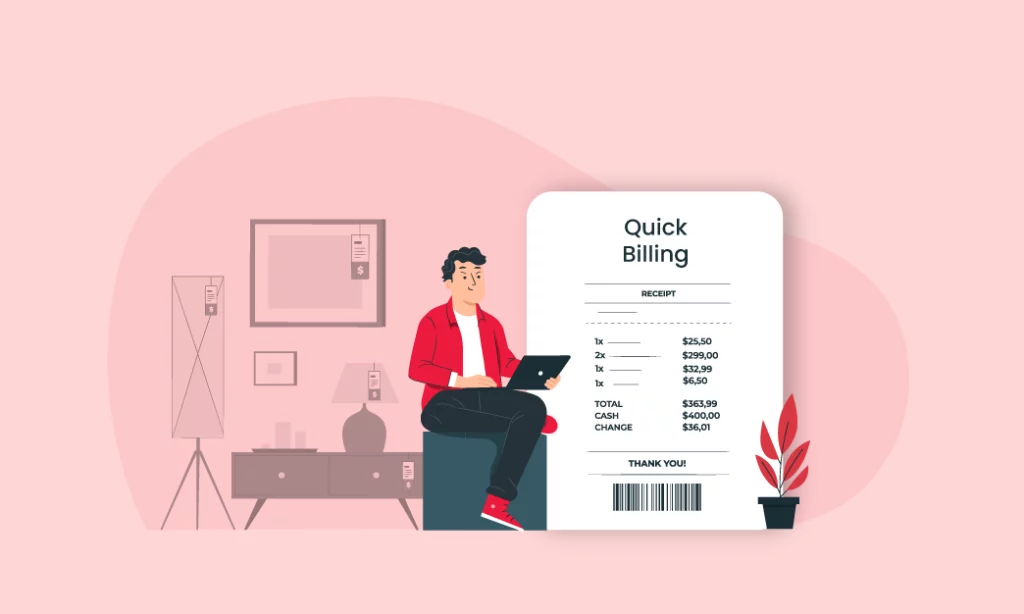
Quick Bill Generation
A ready-made template saves you from creating a bill layout from scratch. Fill in the required details and prepare the bill for your customer.
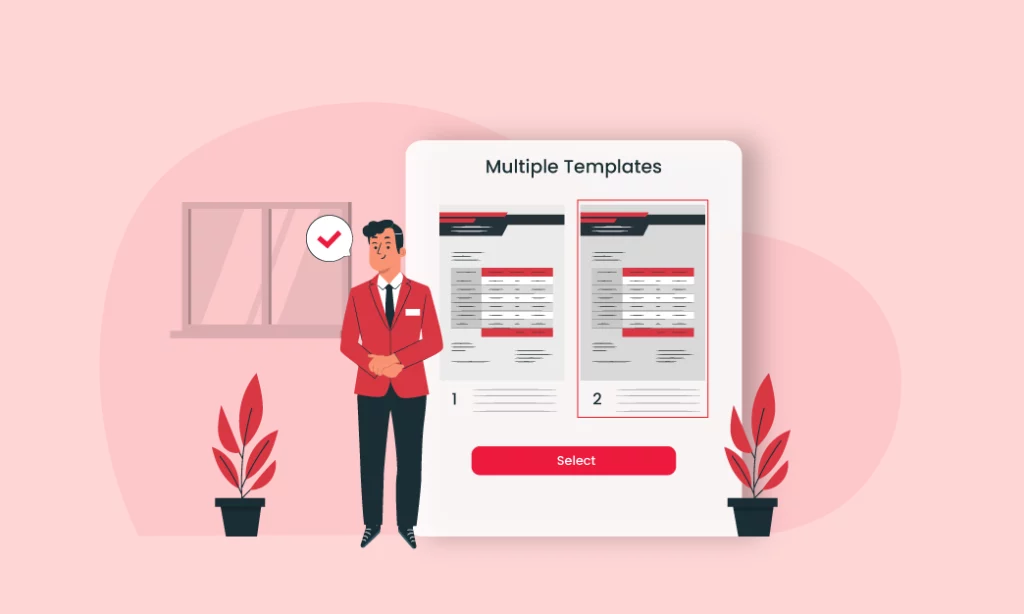
Multiple Formats
You can choose the format that works best for you. These jewellery bill templates are available in PDF, Excel and Word formats.
Data Security
A digital PDF copy is easy to store and share with the customer. Keep your bill files in a secure location and limit access to authorised people.

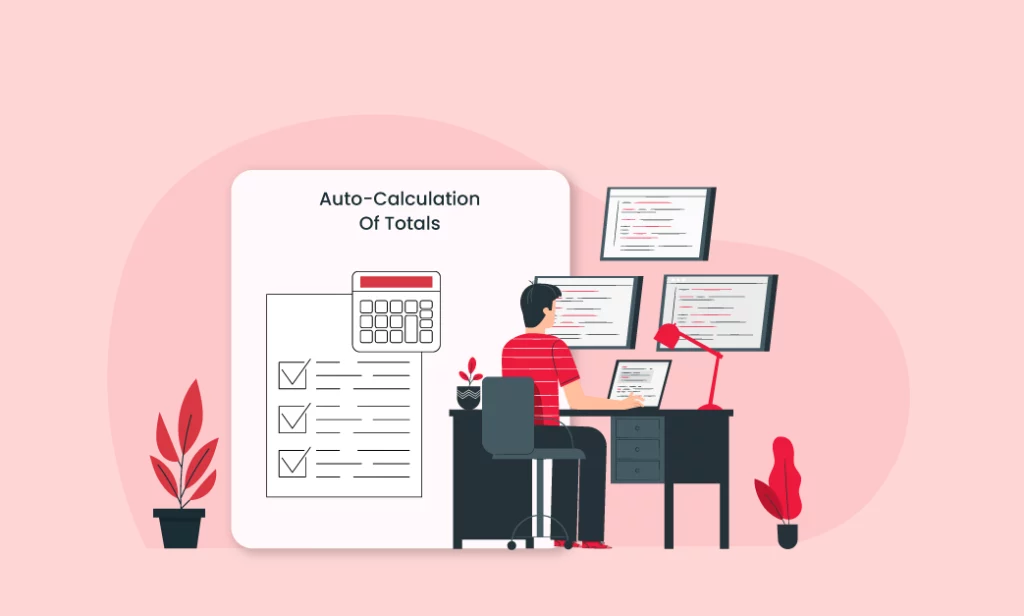
Easier and Faster Calculations
A structured bill format makes it easier to enter quantities, prices, taxes and totals in the right places and check the final amount.
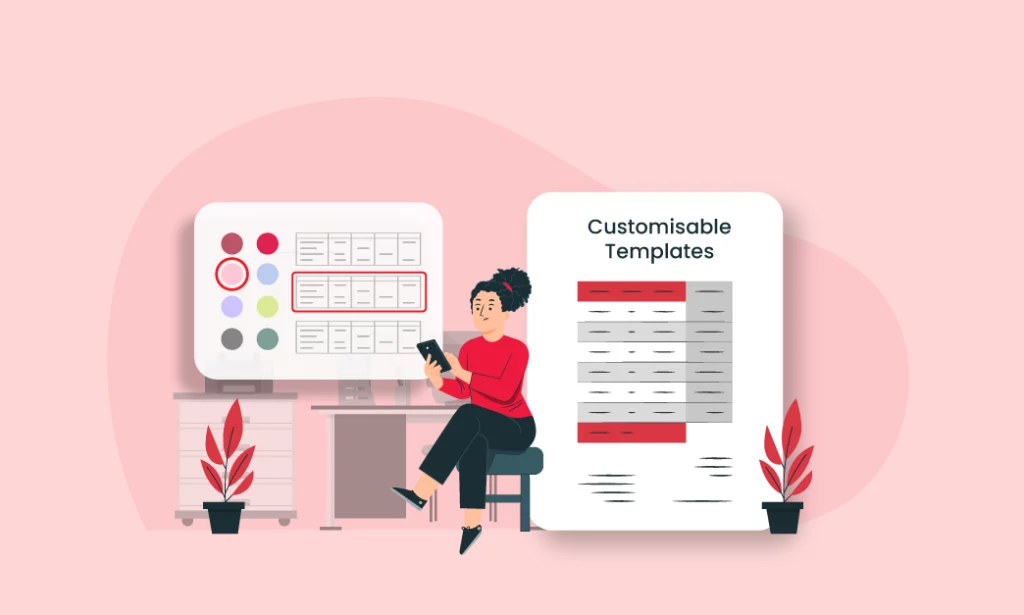
Colour-coded Templates
Different template designs let you choose a bill style that matches your business. You can add your business name, logo and other relevant details where supported.
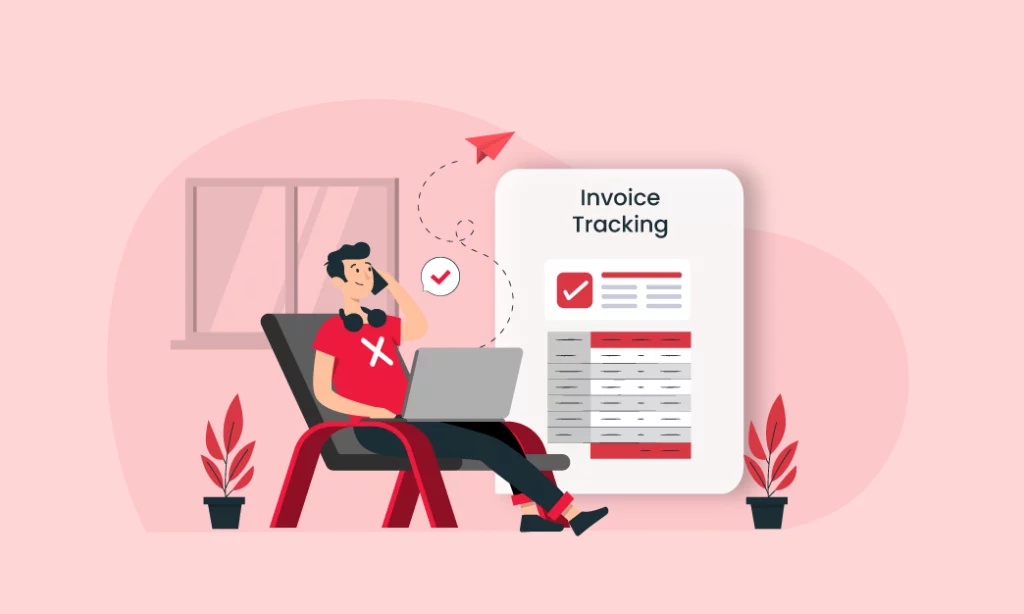
Tracking of Bills
Digital records are easier to search and organise than a stack of paper bills. With a billing app, you can also find past transaction details more quickly.
Choose the Perfect Jewellery Bill Book Format for Your Business
You can download jewellery bill templates in Excel, PDF and Word formats and choose the one that fits your needs. If you prefer digital billing, Vyapar can also be used for everyday billing, accounting and inventory management.

Excel
An Excel jewellery bill format gives you a simple table for entering item details, quantities, prices and totals. You can edit the template using Excel or a compatible spreadsheet tool.

Word
A Word jewellery bill format is easy to edit. You can change the text, business details, logo and other fields before printing or sharing the completed bill.
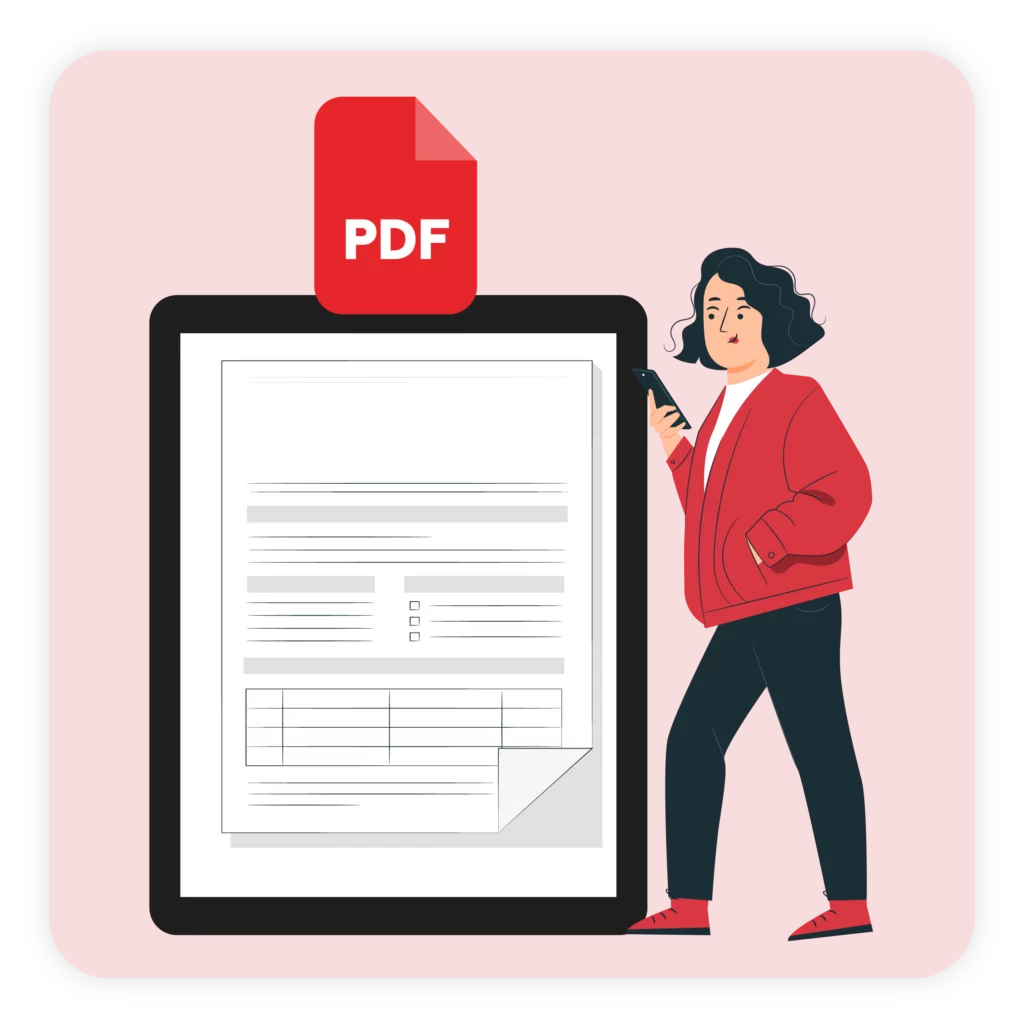
A PDF jewellery bill format is useful when you want a ready-to-share or printable bill. Fill in the required details, save the file and share it with your customer.
Frequently Asked Questions (FAQs’)
Yes. The jewellery bill templates on this page are available to download for free in formats such as Word, Excel and PDF.
Yes. You can edit the downloaded template in the supported format and add your business, customer, item and payment details.
A jewellery bill can include the seller and customer details, bill number and date, item description, quantity, price, applicable taxes, total amount and payment details.
Choose a suitable template, add your business and customer details, enter the jewellery items, prices, applicable taxes and total amount, then save, print or share the completed bill.
Yes. Vyapar is a general billing, accounting and inventory app that can be used by jewellery businesses for everyday invoicing, stock, customer records, payments and accounting. It is not a jewellery-specific software.
Yes. Vyapar supports GST and non-GST billing. For GST transactions, enter the applicable tax details for your products or services and review the invoice before issuing it.
Yes. You can use Vyapar’s inventory features to record items, organise stock and track quantities. The app provides general inventory management rather than jewellery-specific stock workflows.
Yes. Bills created in Vyapar can be shared with customers through supported sharing options such as WhatsApp, making it easier to send transaction details digitally.
Yes. Vyapar is available on mobile, so you can create invoices and manage supported business records from your phone. It can be used for day-to-day jewellery business management, but it is not designed specifically for jewellery businesses.
Yes. Vyapar lets you record customer transactions and track outstanding amounts, helping you see which payments are still pending and follow up when needed.
Vyapar is not a jewellery-specific billing software. It is a general billing, accounting and inventory app that jewellery businesses can use for everyday business management. If you need specialised jewellery workflows, check that the features you need are available before purchasing.





