
 POS
POS
Create Barcodes Quickly for Faster Billing
Handling many billing counters at the same time can become confusing. If sales are recorded in different places without control, mistakes and stock mismatches can happen.
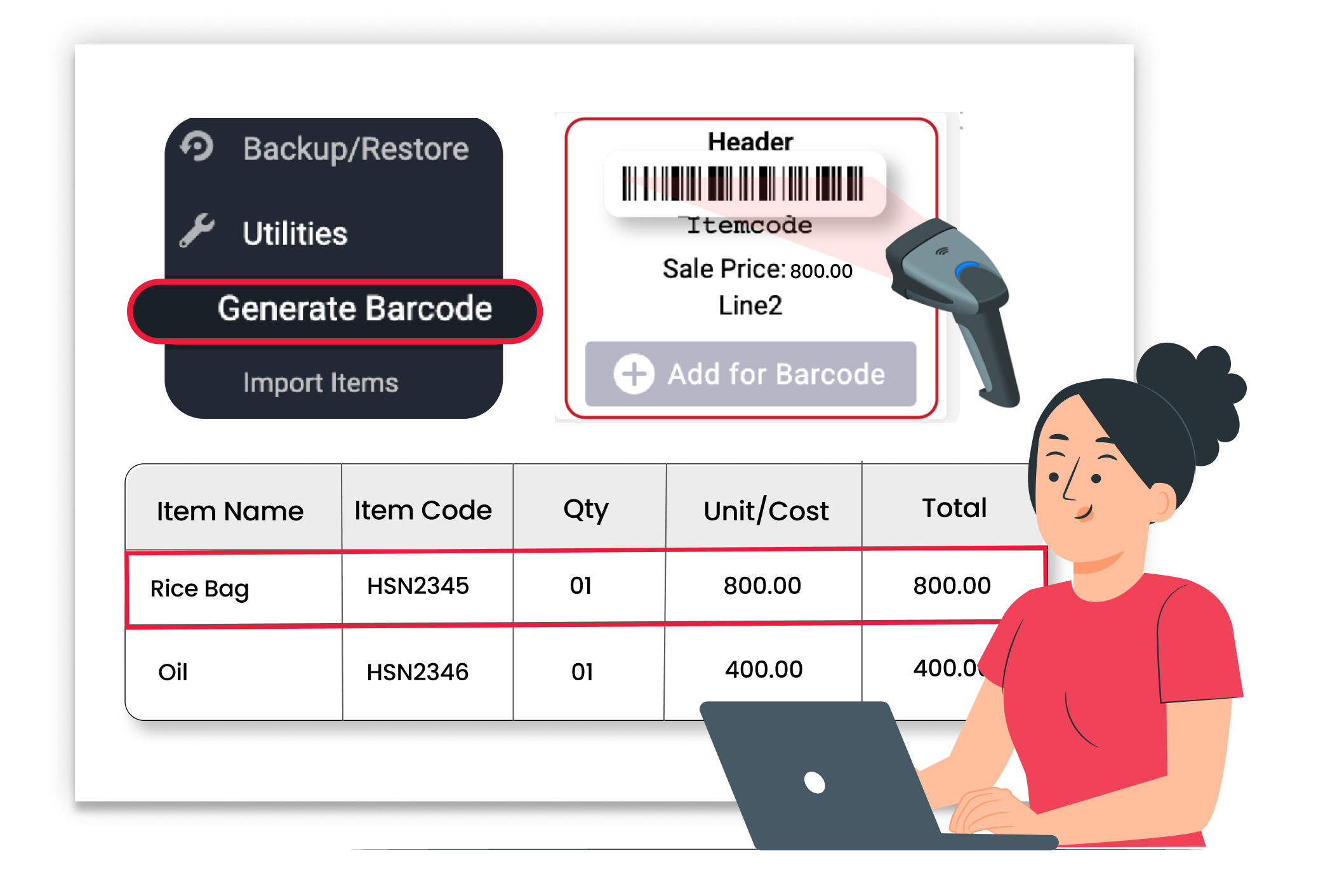
Why Fast Barcode Billing Matters
When billing is slow, customers have to wait. Manually selecting items increases mistakes, especially during busy hours. Fast barcode billing improves checkout speed, reduces errors, and keeps inventory accurate.
Faster Checkout Process
Scan and bill in seconds. No need to search items manually. Barcode scanning speeds up the entire checkout experience.
Reduced Billing Errors
The correct product is added automatically with every scan. This avoids wrong item selection and improves billing accuracy.
Better Stock Control and tracking
Each barcode scan updates stock instantly. You always know exactly how much inventory is left.
 The Transformation
Before & After Vyapar Barcodes
Before
Without Vyapar
- Manual item search during billing
- Wrong product selected by mistake
- Long queues at the counter
- Stock mismatch due to manual entry

After
With Vyapar
- Instant barcode scanning for billing
- Correct item added automatically
- Faster checkout process
- Stock updated automatically
 Business Impact
Real Results for Your Business
Using barcodes improves billing speed and reduces manual work — helping you serve more customers without increasing effort.
High
Billing Speed
Scan products and generate bills.
60%+
Faster Check-out
Reduce waiting time at counters.
Better
Stock Accuracy
Every scanned sale updates inventory.
How This Feature Solves Billing Delays
Vyapar makes billing simple by allowing you to create barcodes for products, print barcode labels, and scan them directly while billing — reducing manual work and improving speed.
1

Add Product Details
Create or open a product in Vyapar.
2
Generate Barcode
Use the barcode option to generate a barcode
3
Print & Attach Barcode
Stick Barcode on products.
4
Scan During Billing
Scan the barcode while creating an invoice
Create products inside Vyapar easily. Enter product name, price, and stock details. Each item is saved in your product list, making it ready for barcode generation and billing.
Assign a barcode to each product. Vyapar allows you to generate a new barcode or enter an existing barcode number. The barcode gets linked directly to the product in your system.
Print barcode labels directly from the system and attach them to products or packaging. This ensures smooth and quick scanning at the billing counter.
While creating an invoice, simply scan the barcode using a scanner. The product is added automatically to the bill with the correct price and details, making billing fast and error-free.
Where This Helps Most
Ideal for These Businesses
This Future is perfect for businesses that handle many products and need fast billing.

Retail Stores
Faster checkouts with easy barcode scanning
Easy to manage with Vyapar
Edit Link

Super Market
Large product range with quick billing needs.
Easy to manage with Vyapar
Edit Link

Pharmacies
Accurate item identification at the counter.
Easy to manage with Vyapar
Edit Link

Restaurants
Quick billing for multiple products and take-away.
Easy to manage with Vyapar
Edit Link

Hardware & Electrical Shops
Size and variant tracking through barcodes.
Easy to manage with Vyapar
Edit Link

Distributer
Bulk and easy billing with faster item entry.
Easy to manage with Vyapar
Edit Link
Related Use Cases
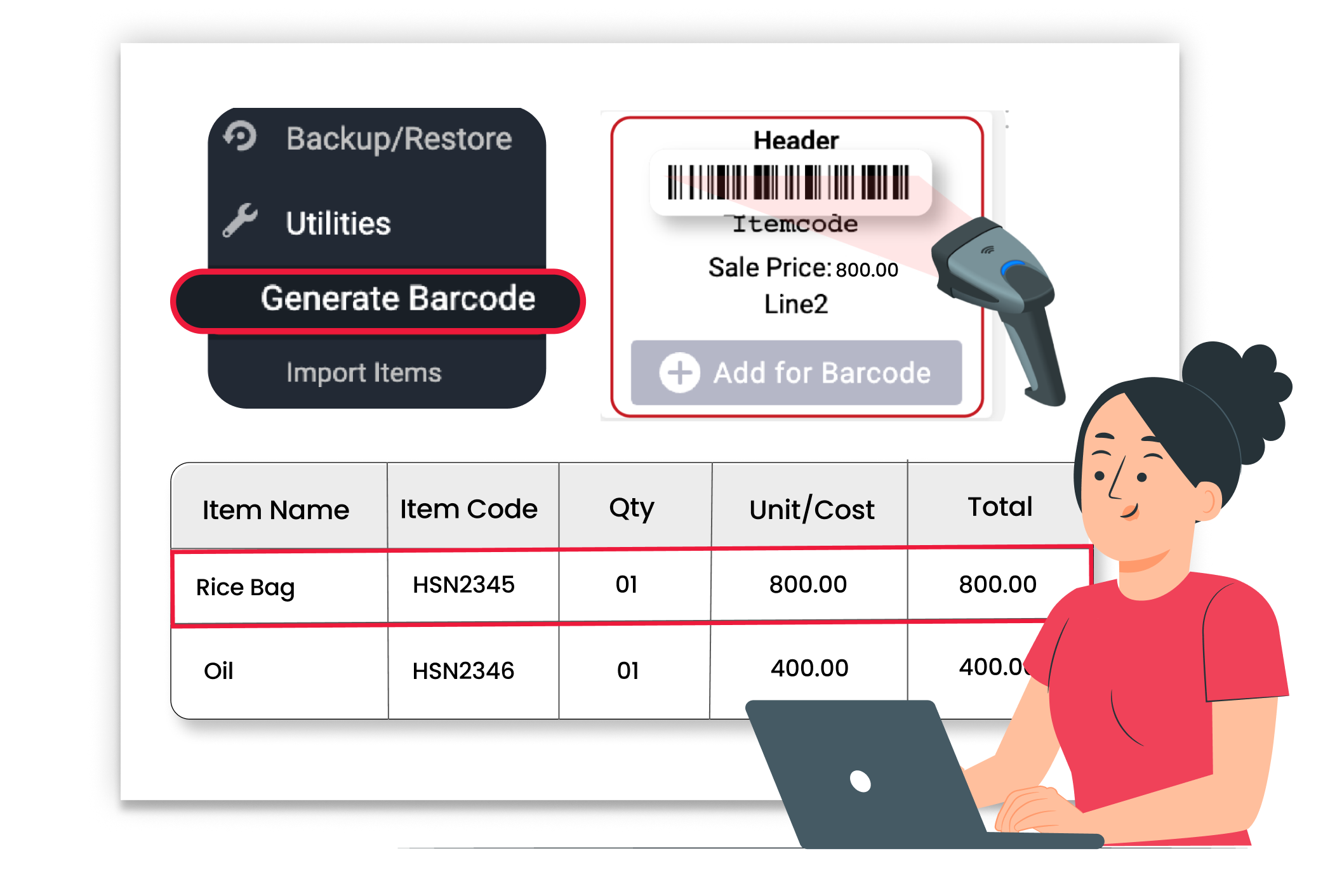
Fast Barcode-Based Checkout

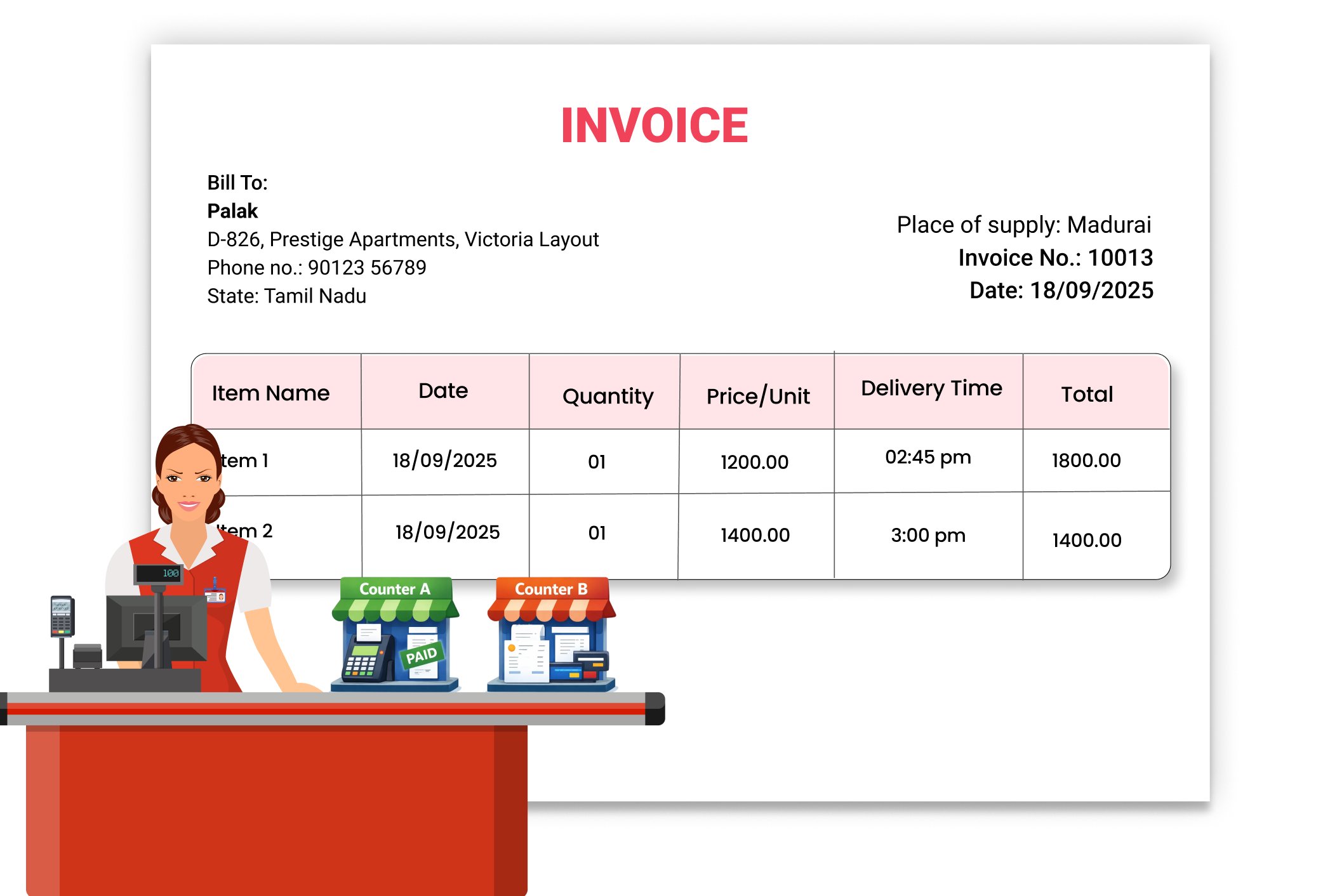
Manage Multiple Billing Counters Seamlessly
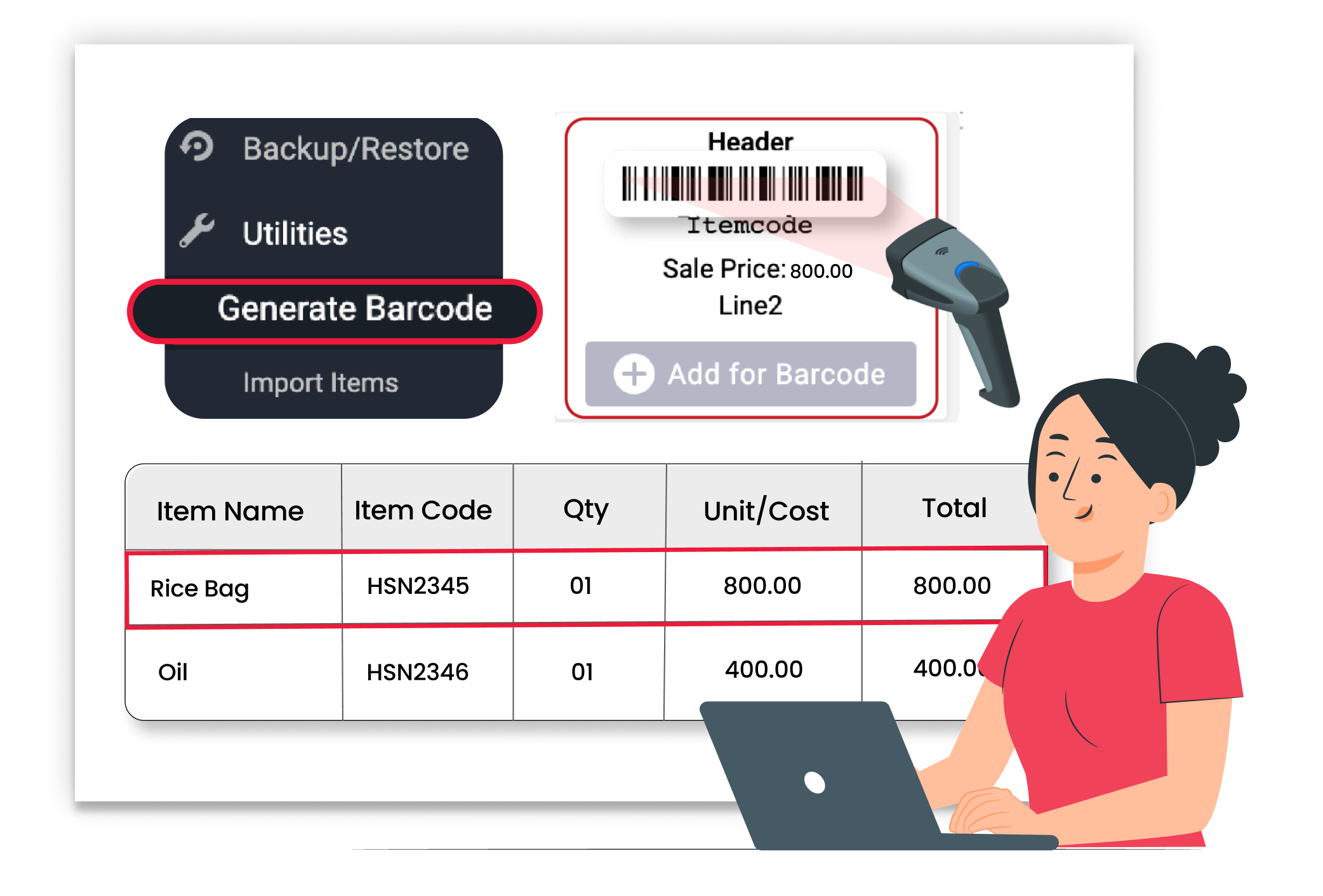
Reward Customers with Loyalty Points





