
 POS
POS
Manage Multiple Billing Counters Seamlessly
Handling many billing counters at the same time can become confusing. If sales are recorded in different places without control, mistakes and stock mismatches can happen.
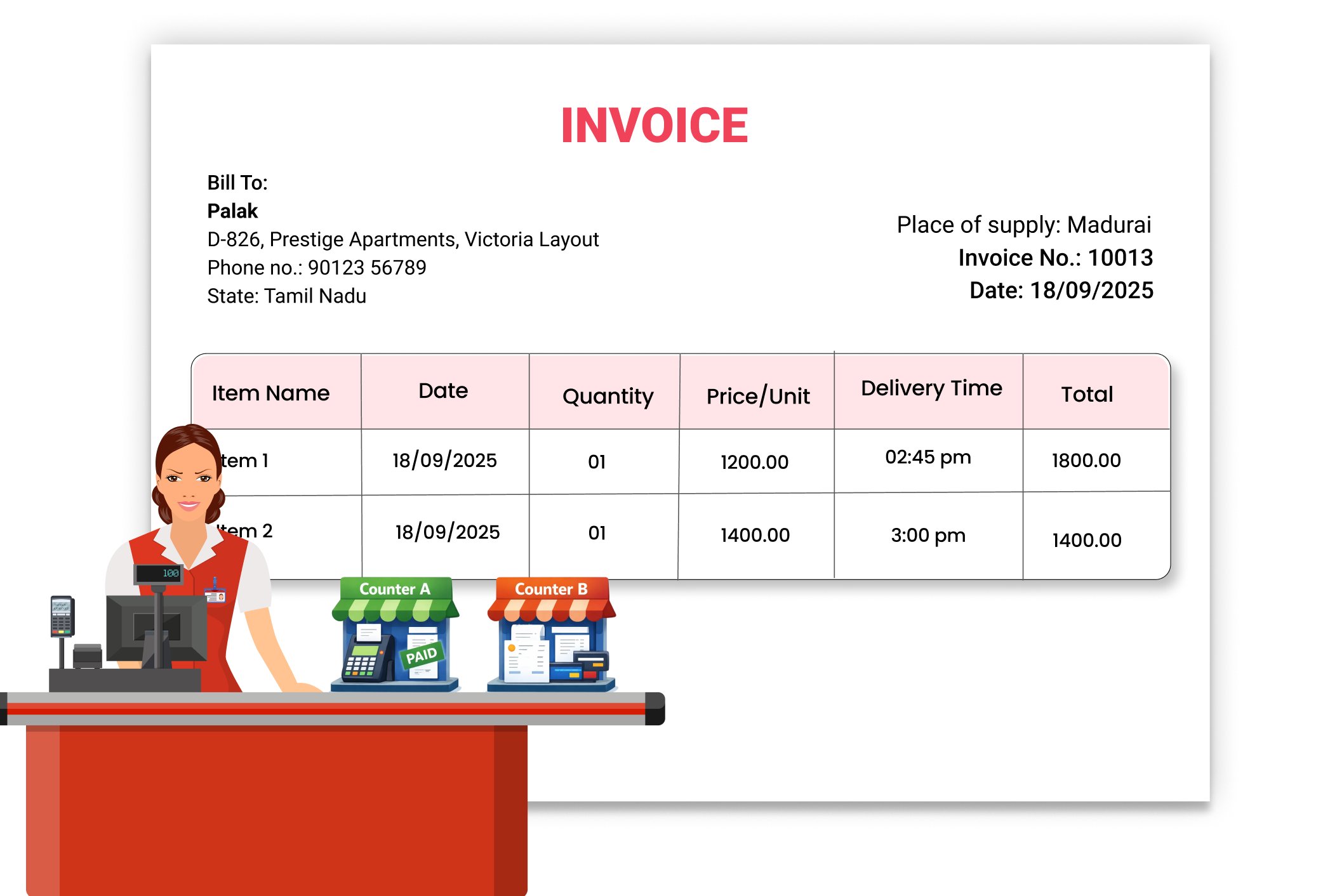
Why Managing Multiple Billing Counters Matters
When you have more than one billing counter, it becomes hard to track who billed what. Manual coordination between counters can lead to billing errors and stock differences. Managing all counters from one system helps you monitor sales clearly, control staff activity, and maintain accurate records.
Sales Tracking
Know how much each counter sells. Vyapar helps you track sales from different billing points. You can monitor performance easily and identify which counter is performing better.
Controlled Staff Access and Permission
Avoid unwanted changes by setting permissions for each billing staff member. This helps prevent mistakes or misuse and ensures every counter operates securely.
Organized Records in One Place
No scattered data. All billing data from multiple counters is stored in one system. You can check reports anytime and ensure accurate record-keeping.
 The Transformation
Before & After Vyapar App
Before
Without Vyapar
- No clarity on which counter made which sale
- Manual coordination between counters
- Risk of billing duplication
- Stock mismatch between counters

After
With Vyapar
 Track sales from multiple counters clearly
- All billing data managed in one place
- Better control over staff access
- Reduced billing confusion
 Business Impact
Real Results for Your Business
Managing multiple billing counters properly helps you reduce errors, track sales better, and improve daily operations — so your business runs smoothly.
High
Operational Control
Monitor multiple counters easily.
60%+
Clear tracking reduces mix-ups.
Clear tracking reduces mix-ups.
Better
Sales Monitoring
Track performance counter-wise
How This Feature Solves Multiple Counter Problems
Vyapar allows you to manage multiple billing points from one system by controlling user access, tracking counter-level sales, and storing all data centrally, so you can operate smoothly even during busy hours.
1

Create Separate Users for Counters
2
Assign Permissions
3
Record Sales from Each Counter
4
Monitor Reports
Set up billing access properly. In Vyapar, you can create different user accounts for staff handling different counters. This helps you identify which billing was done by which user.
Control system access carefully. You can decide what each user can view or edit. This prevents unauthorized changes and keeps billing secure.
Track sales clearly. Each billing counter records invoices through its own login. All entries are saved in the same system, making tracking simple.
Review performance anytime. You can check sales reports to see overall business performance. This helps you monitor activity across counters and make better decisions.
Where This Helps Most
Ideal for These Businesses
This use case is perfect for businesses that operate more than one billing counter and need better control.

Retail Stores
Multiple cash counters during busy hours.
Easy to manage with Vyapar
Edit Link

Super Market
Separate billing desks for faster checkout.
Easy to manage with Vyapar
Edit Link

Pharmacies
Parallel billing counters for quick service.
Easy to manage with Vyapar
Edit Link

Restaurants
Separate billing points for dine-in and takeaway.
Easy to manage with Vyapar
Edit Link

Hardware & Electrical Shops
Different counters for billing and accessories
Easy to manage with Vyapar
Edit Link

Distributer
Multiple staff can easily handle billing at once
Easy to manage with Vyapar
Edit Link
Related Use Cases
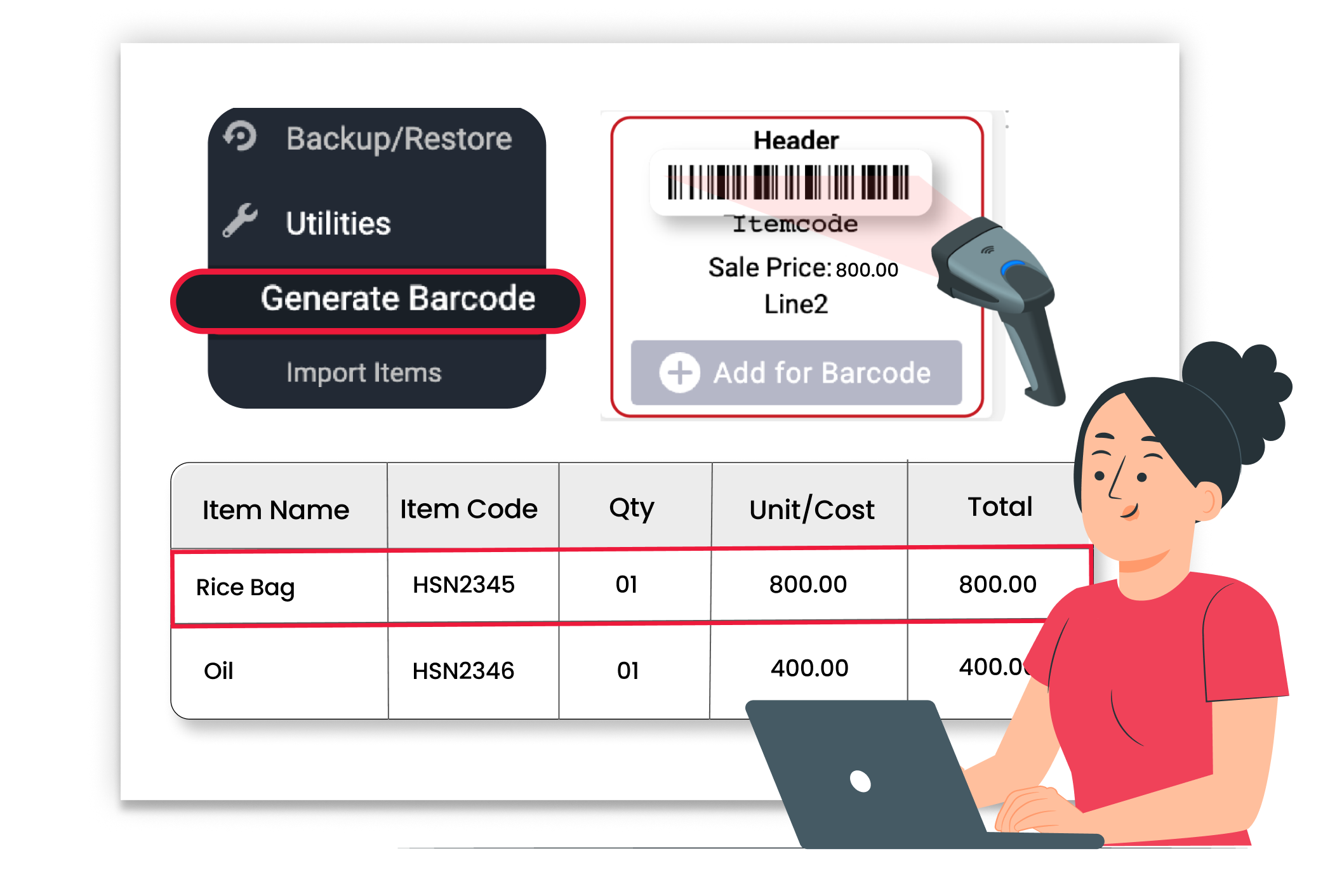
Fast Barcode-Based Checkout

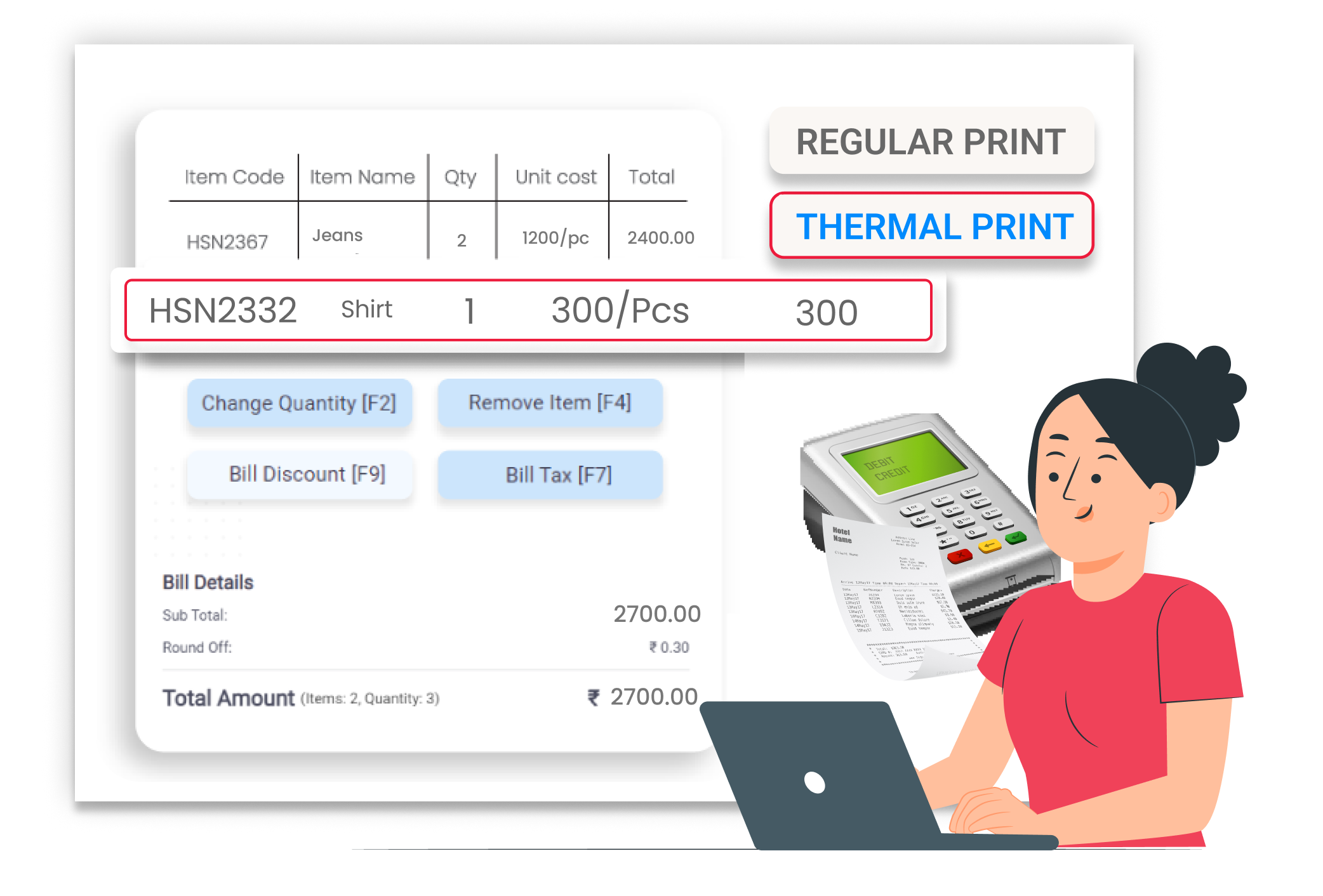
POS Printer Integration
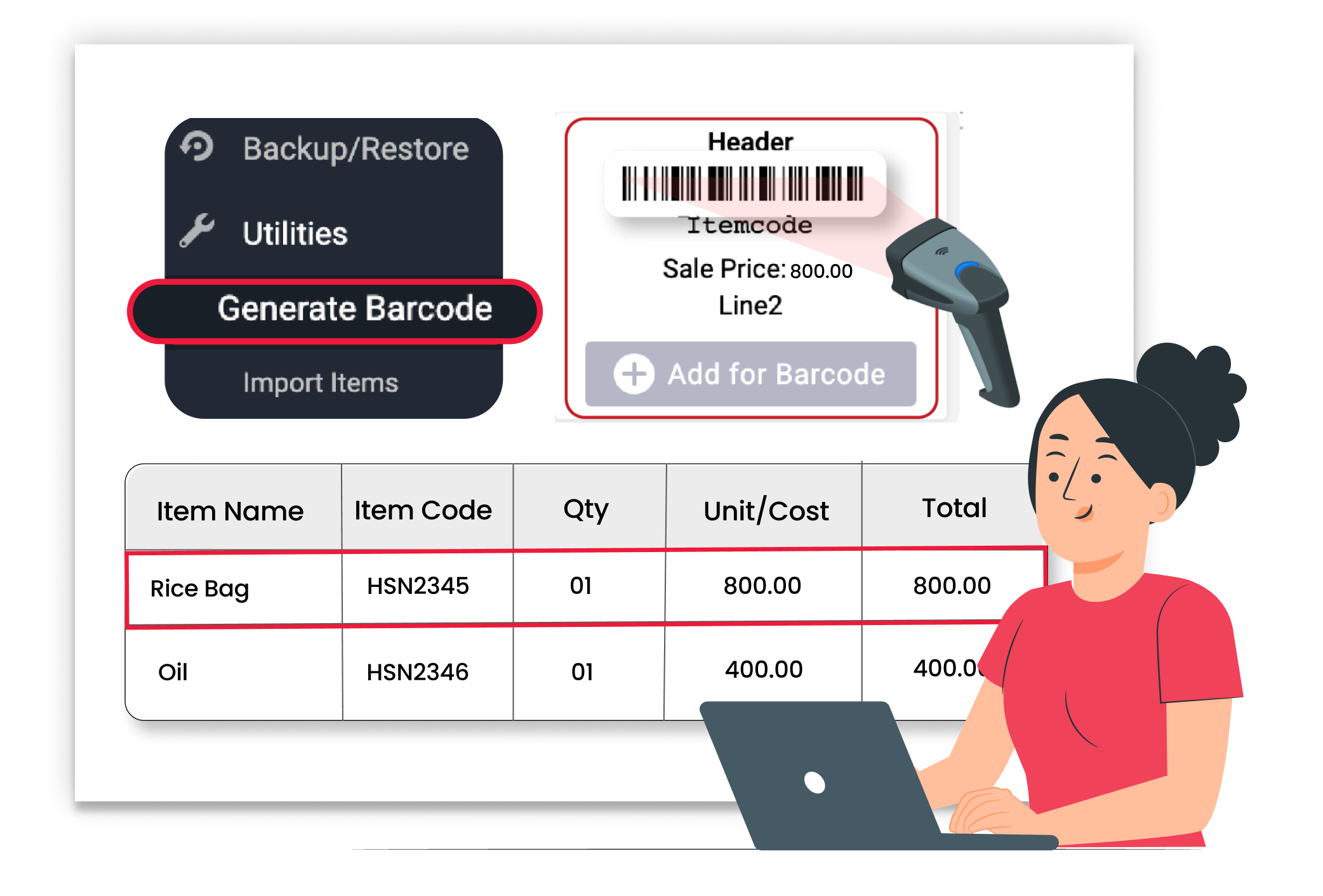
Create Barcodes Quickly





