
How to Make Bills Offline in Vyapar App
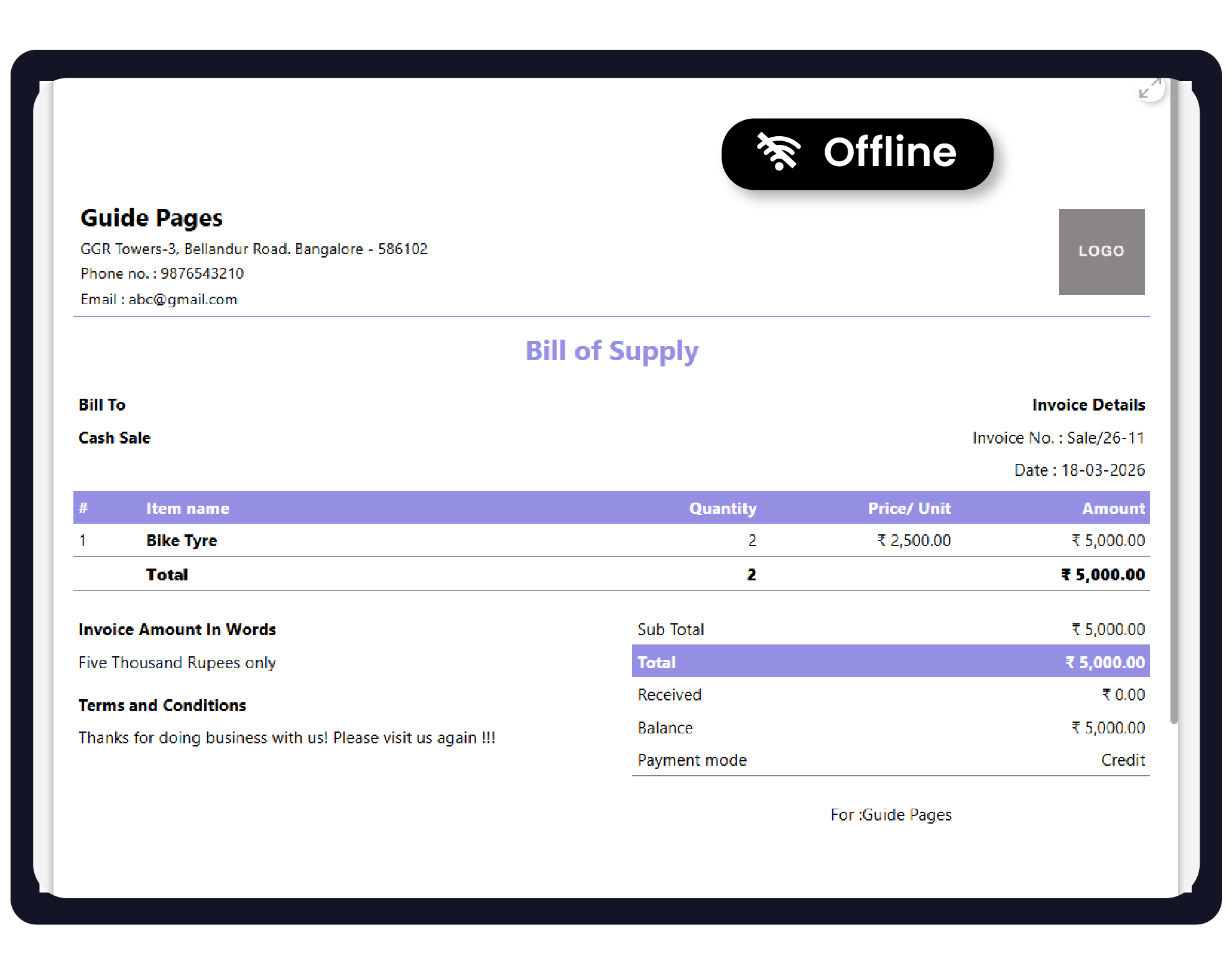
Vyapar is designed as an “offline-first” application. This means all your data, including items, parties, and previous invoices, is saved on your Desktop or Mobile storage, ensuring you can generate professional bills anytime, anywhere.


Before You Start

Local Data: Ensure you have logged in at least once while online so your initial business data is downloaded to the device.
Storage Space: Ensure your device has enough storage to save new transaction files.
Internet Dependency: E-way bills and E-invoice generation require an active internet connection and cannot be created while offline.
Step-by-Step Guide to Offline Billing:
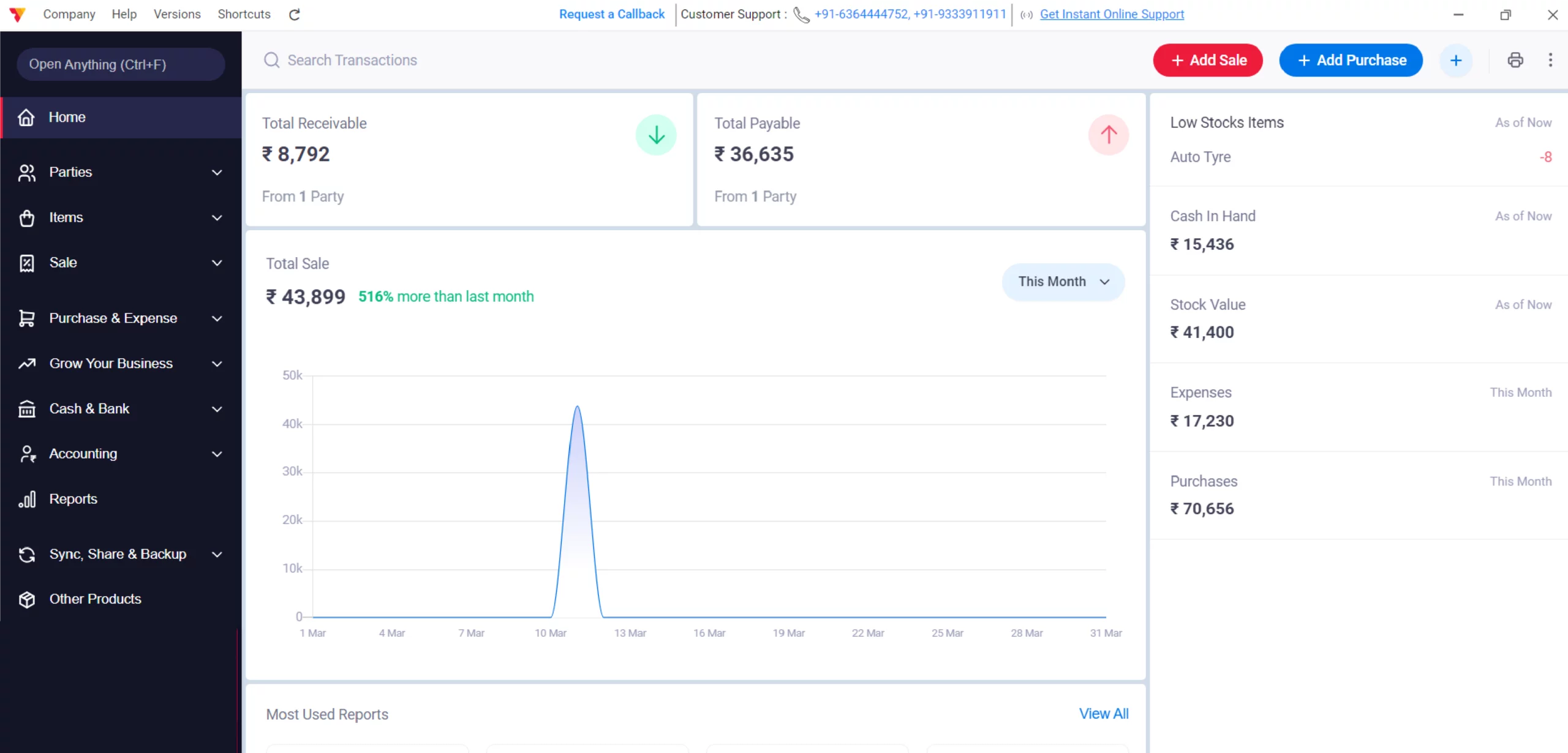
Open Vyapar App
Launch Vyapar billing software on your Desktop device.
01
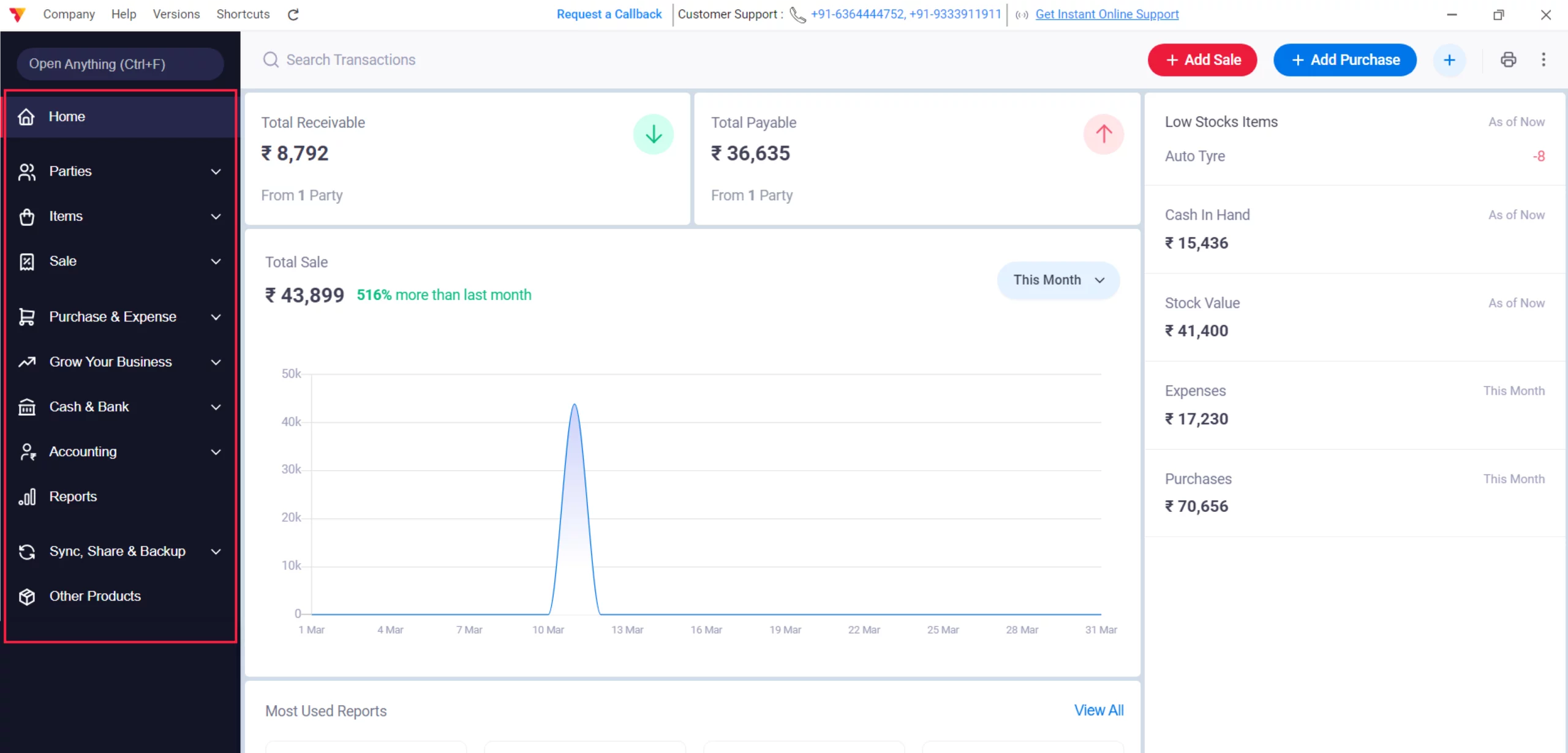
Access the Left Menu
Navigate to the Left Menu, find Settings, and navigate to the main sidebar on the left side of the screen. Click it.
02
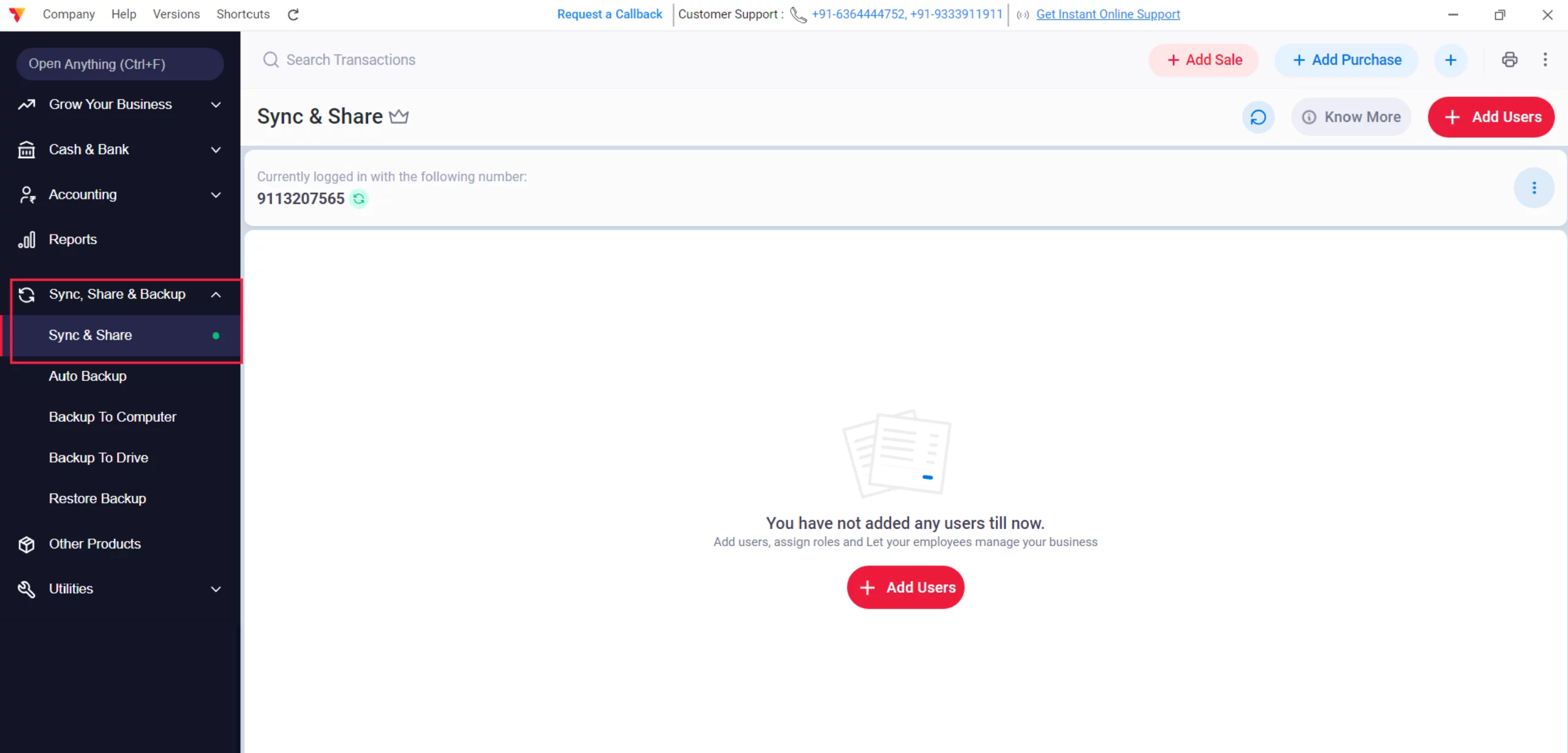
Navigate to Sync & Share
Click on Sync, Share & Backup and then select the Sync & Share option.
03
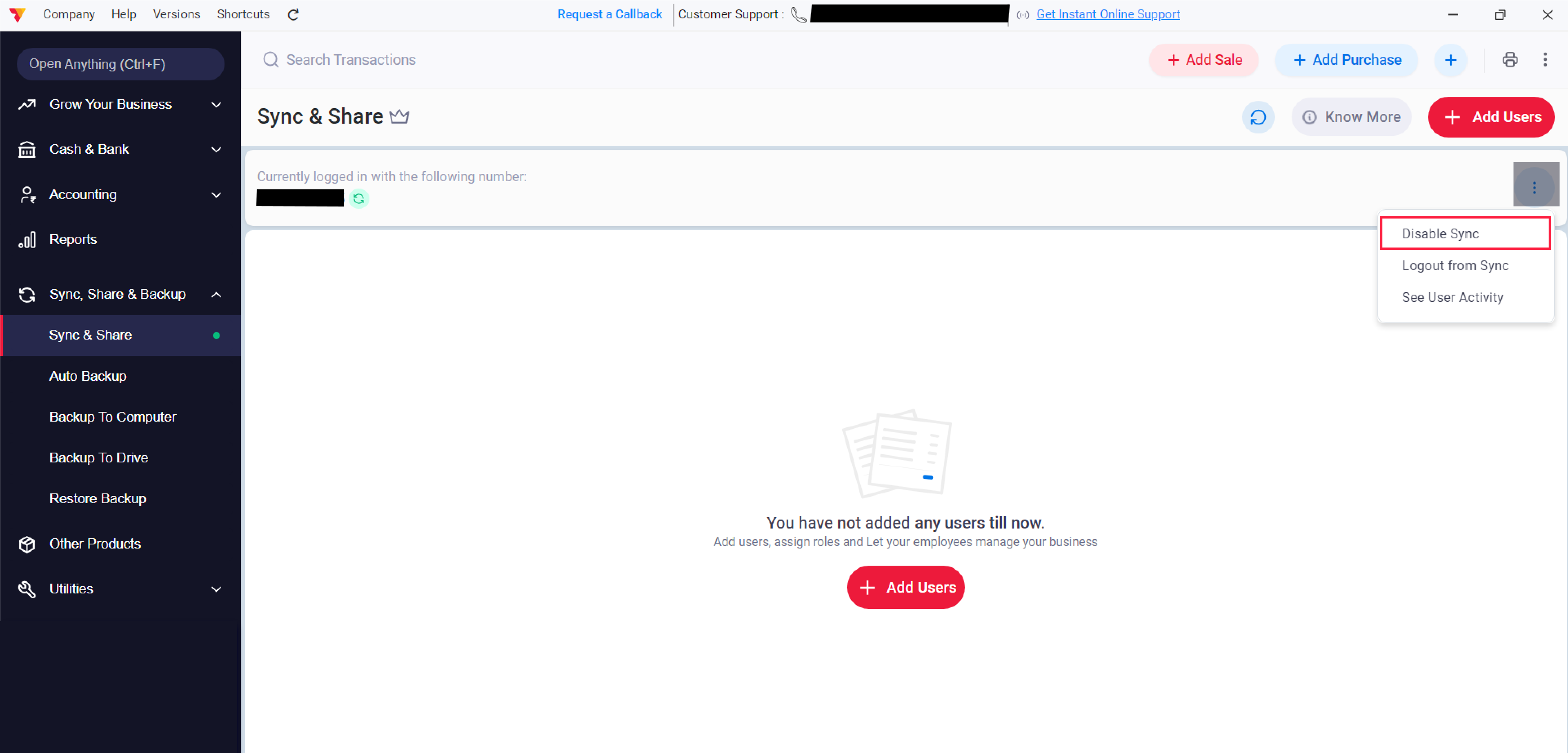
Disable Sync
Ensure the sync feature is turned OFF before you start creating any transactions to keep data local.
04
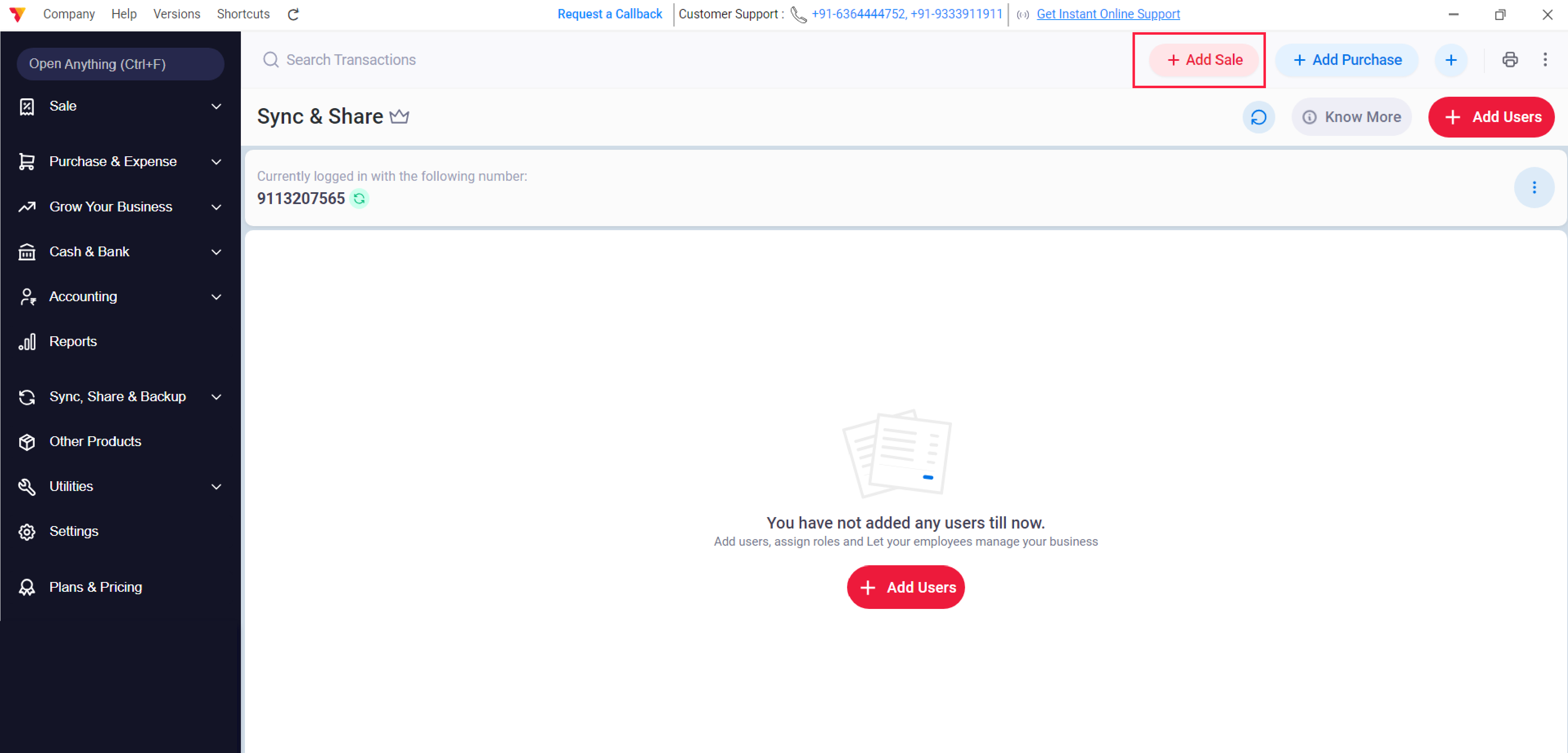
Navigate to Sale
Click on the Sale button or use the shortcut Alt+S to open a new invoice.
05
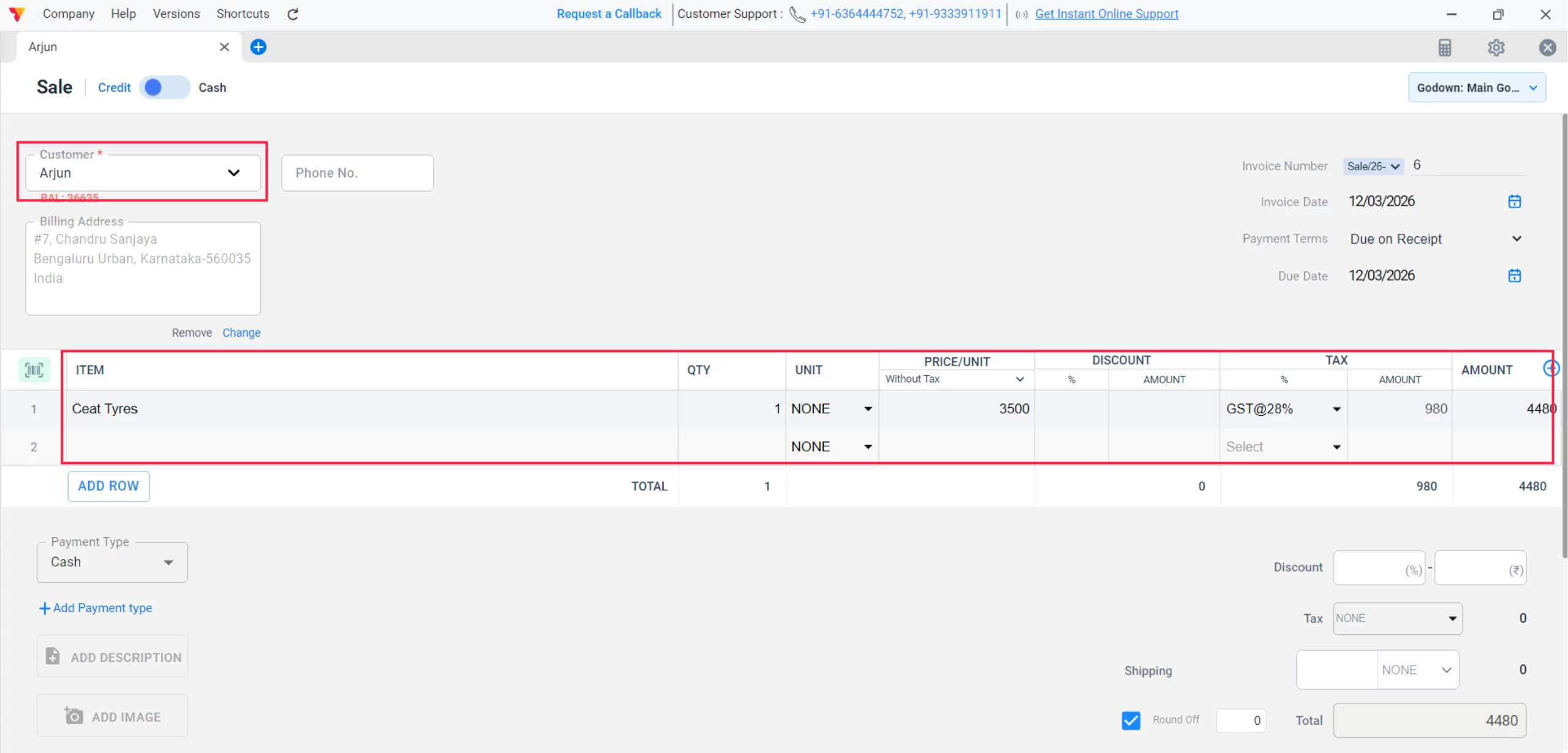
Add Party & Items
Select your customer and add items from your inventory.
06
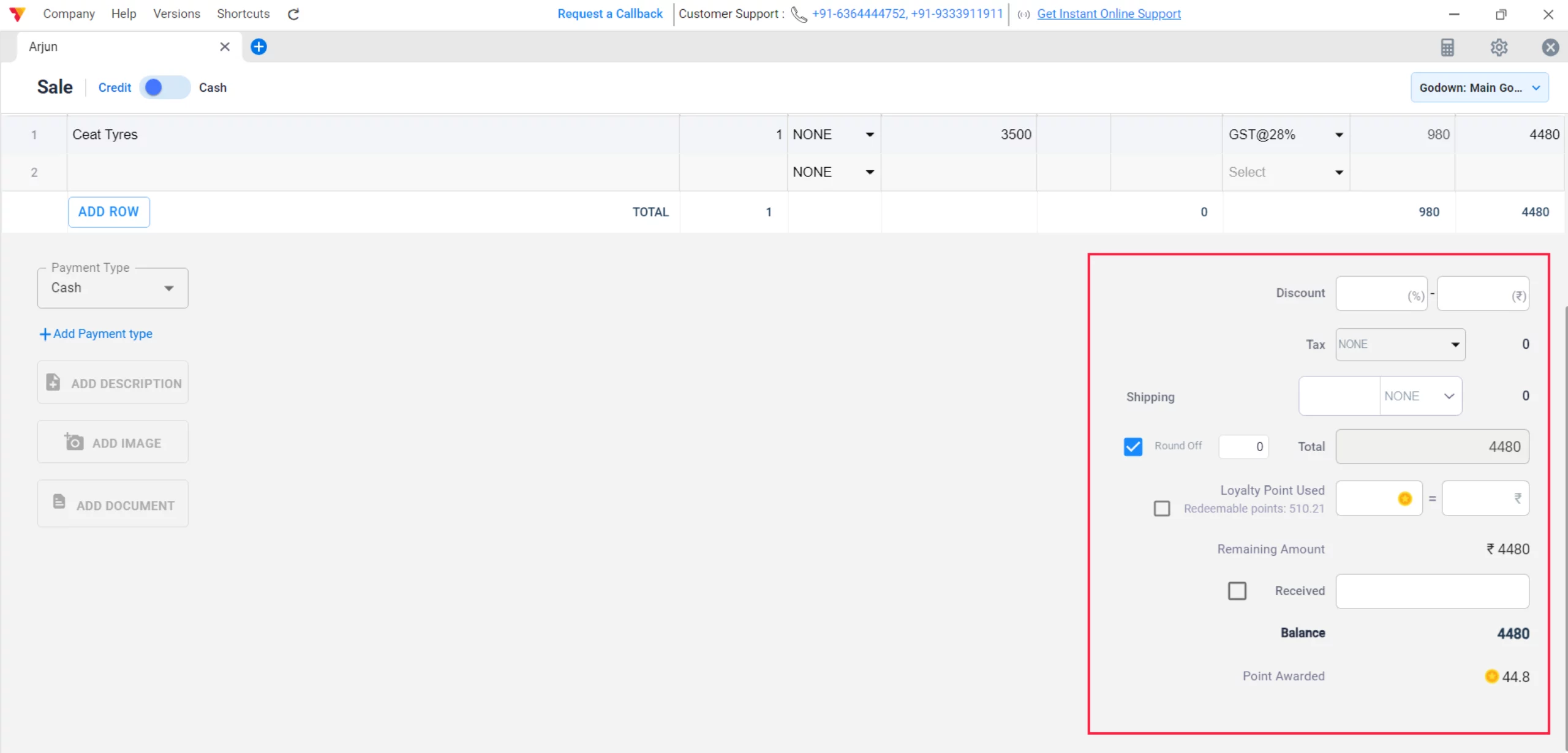
Review Calculations
The app will calculate totals and taxes offline based on your pre-set configurations.
07
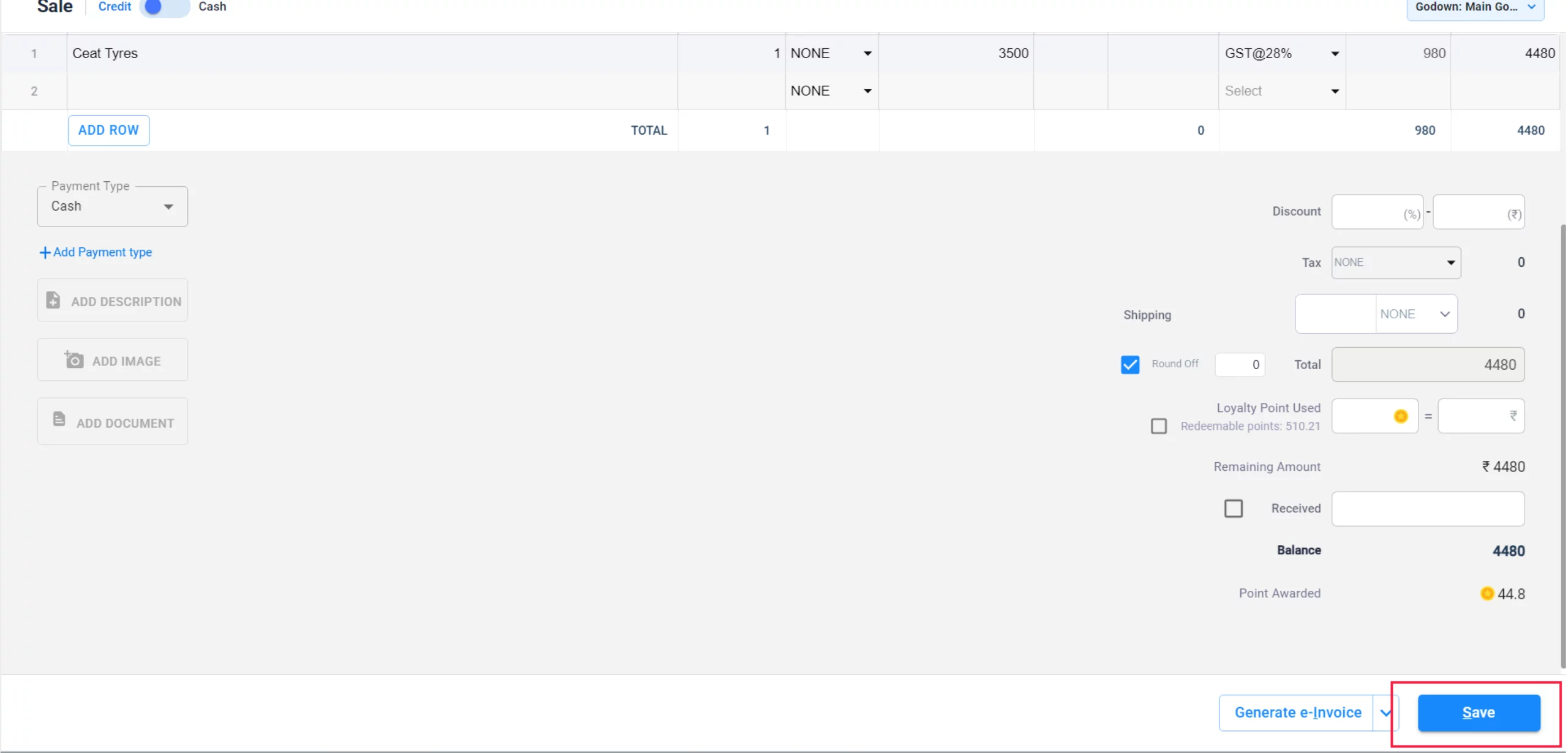
Save the Transaction
Click Save to store the bill in your device’s local database.
08
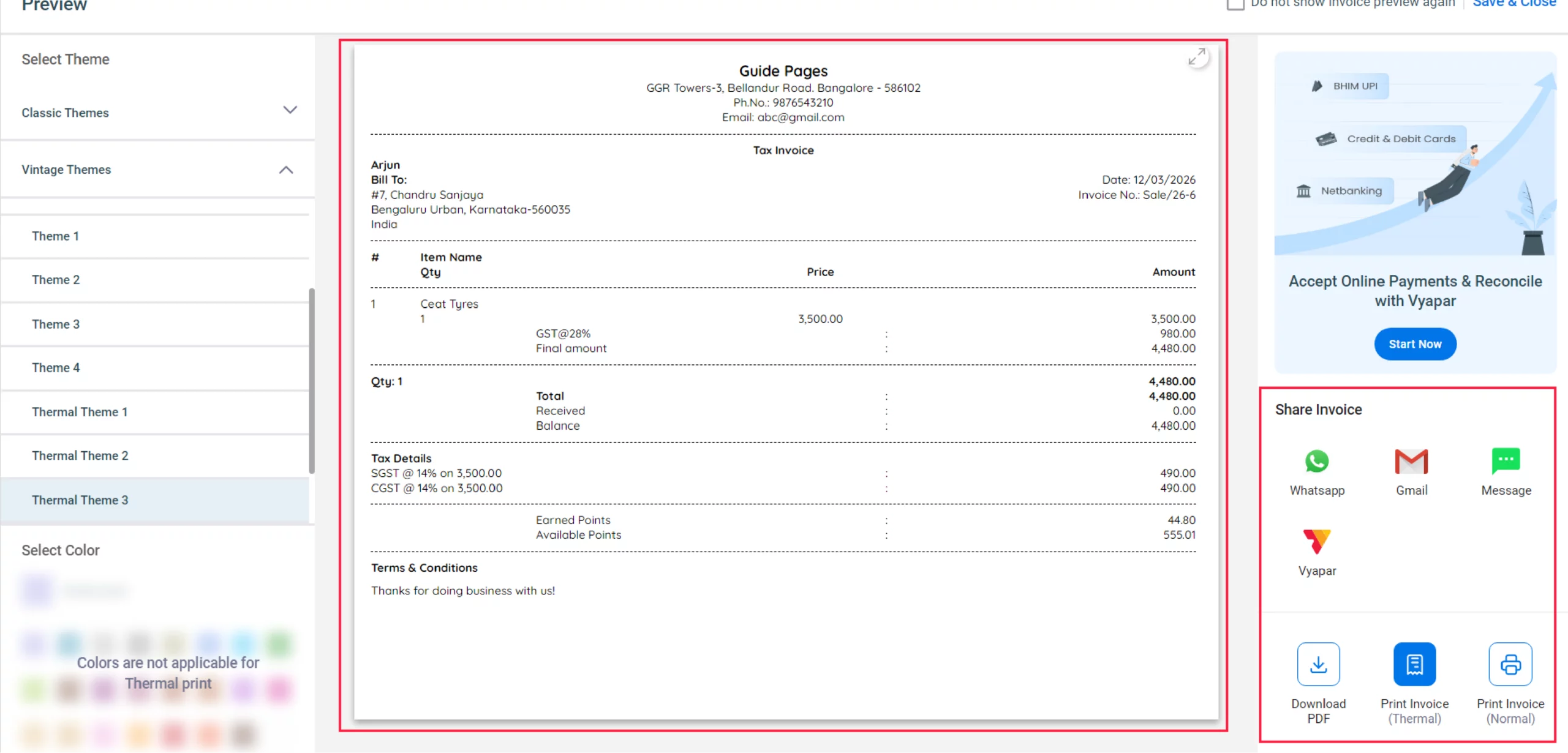
Print or Share
Print a hard copy immediately via your connected printer or save the transaction and download the PDF whenever you need it.
09
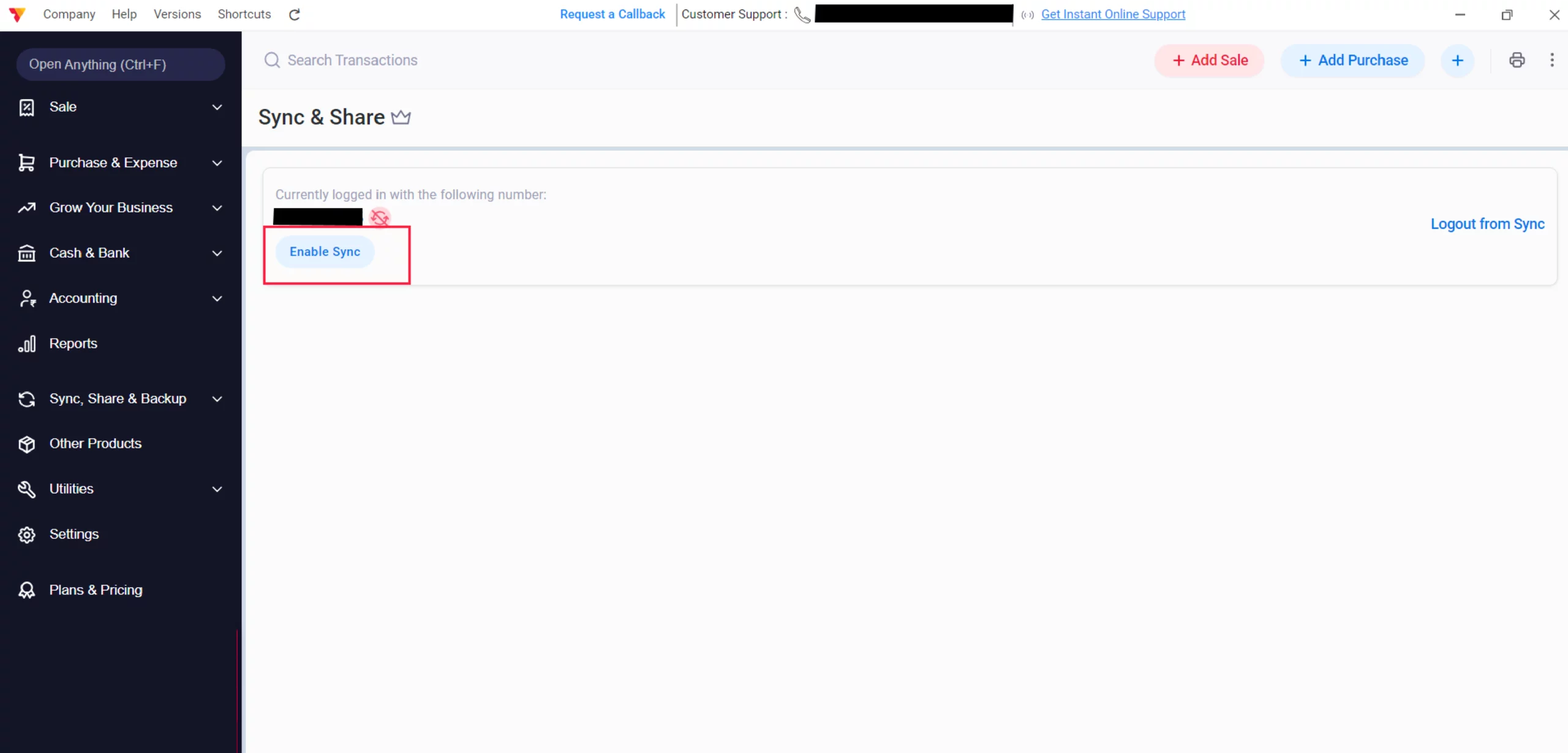
Automatic Sync (Optional)
Once your internet is restored, you can re-enable sync in the Sync & Share menu to update your cloud records.
10
Watch Step-by-Step Video Guide to Make Bills Offline in Vyapar
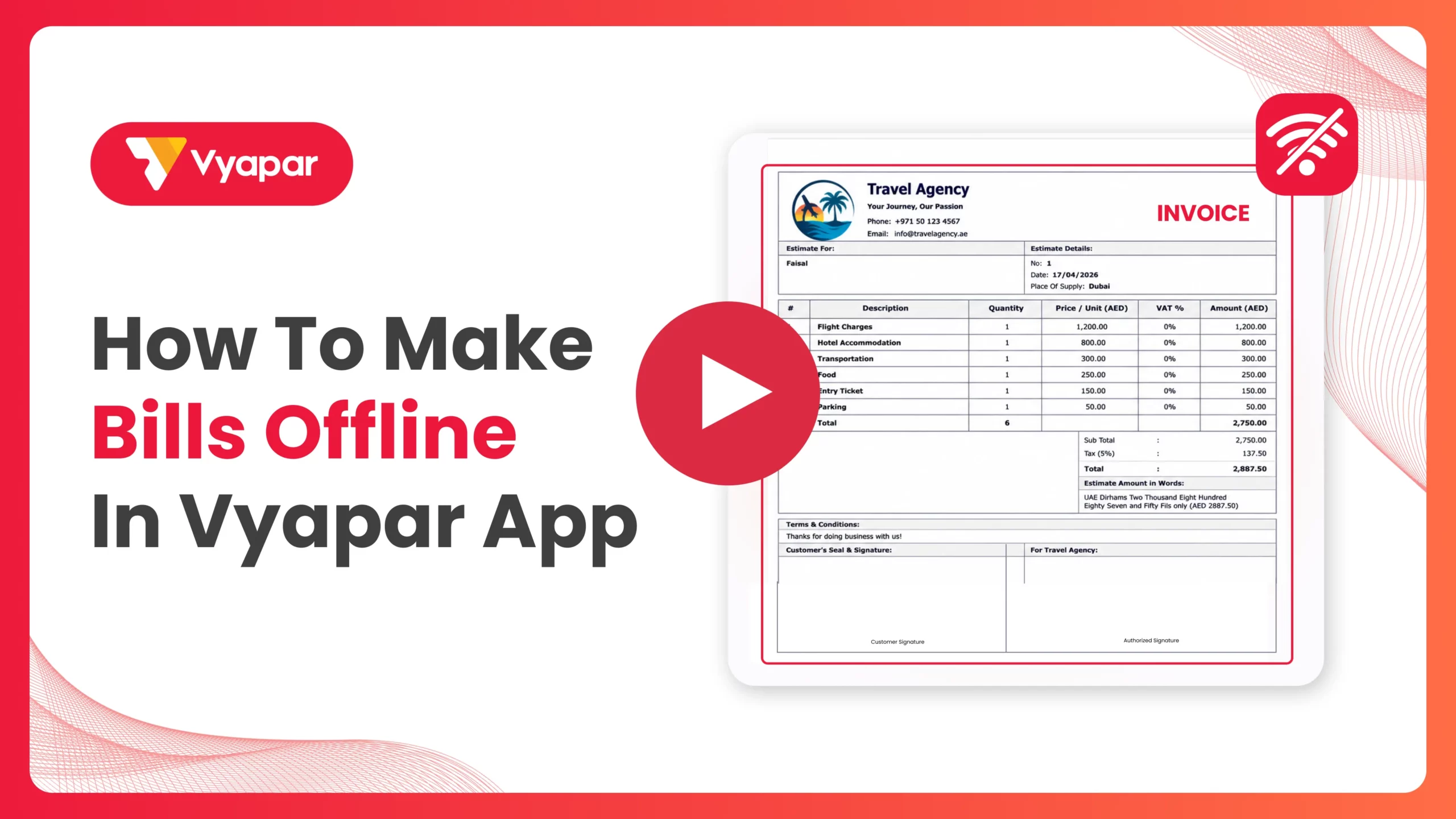
Make Bills Offline in Vyapar: Desktop Guide.
Still stuck? Get help in minutes.
Our support team is ready to help you succeed.
 24/7 Support
Why Use Offline Billing?

Zero Downtime
Perfect for rural areas or shops with unstable internet connections.
Faster Performance
Offline mode is often faster because the app doesn’t have to wait for server responses to save a bil
Data Security
Your primary data stays on your machine, giving you full control over your business records.
Frequently Asked Questions (FAQs)
Will my data be lost if I close the app while offline?
No, Vyapar saves every “Saved” transaction to your local storage immediately.


Can I use the POS interface offline?
Yes, the dedicated Desktop POS interface works fully offline, including barcode scanning and thermal printing.
How do I know if my data has synced?
You can manage and verify your data synchronization status through the Sync & Share section under the “Sync, Share & Backup” menu. This screen shows your current logged-in status and allows you to manage users and cloud data once you are back online
Ready to Bill Without Internet?
Start offline billing today and keep your checkout line moving 100% of the time.
 Download Vyapar Now





