
 POS
POS
POS Printer Integration for Instant Receipt Printing
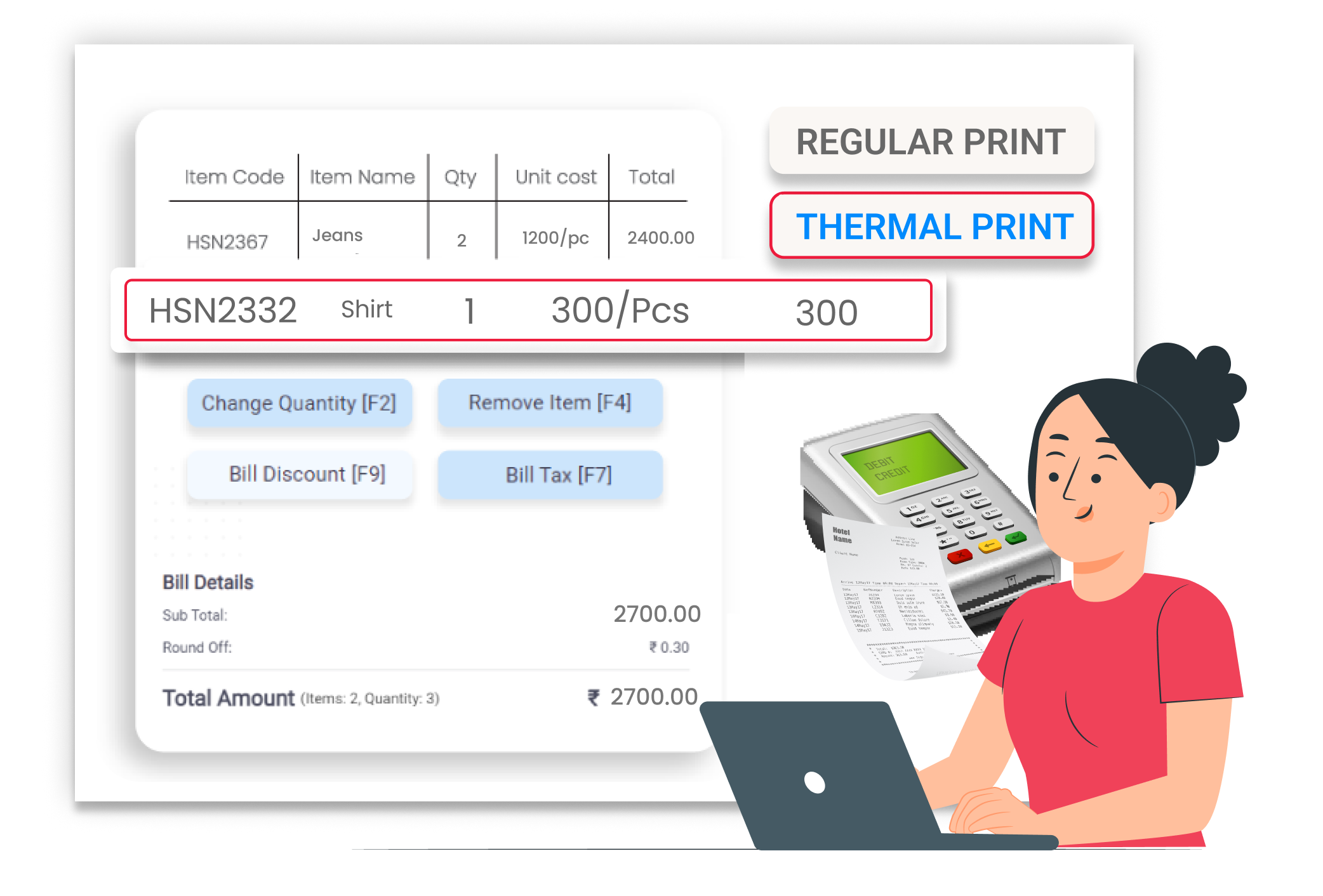
With Vyapar, you can connect your POS printer and print receipts instantly after billing — fast, clear, and professional.
Why Instant Receipt Printing Matters
Customers expect quick billing and printed receipts. If printing takes time or does not work properly, it can create delays at the counter. Instant receipt printing improves customer experience, reduces waiting time, and keeps billing smooth during busy hours.
Instant Print After Billing
Print receipts immediately after saving the bill. No extra steps or manual formatting required during checkout.
Clear Receipts
Printed receipts clearly show item details, totals, and payment mode, helping customers easily verify their purchases.
Smooth Counter Operations
A connected POS printer works directly with billing. There is no need to rewrite or manually reprint receipts during busy hours.
 The Transformation
Before & After Printer Integration
Before
Without Vyapar
- Manual receipt writing
- Delays in printing bills
- Customers waiting at counter
- Unclear or handwritten receipts

After
With Vyapar
 Instant receipt printing after billing
- Clear printed item-wise bills
- Faster customer checkout
- Professional receipt format
 Business Impact
Real Results for Your Business
Connecting a POS printer with Vyapar helps you speed up billing, reduce manual effort, and improve the customer experience at your counter.
High
Billing Speed
Print receipts instantly without delay.
60%+
Faster Check-out
Reduce waiting time during peak hours.
Better
Stock Accuracy
Provide clear and professional printed receipts.
How This Feature Solves Receipt Printing Problems
Vyapar connects easily with compatible POS printers and prints receipts immediately after billing — helping you avoid manual writing, delays, and customer waiting time.
1

Connect POS Printer
Set up your POS printer in Vyapar settings.
2
Create Invoice
Generate the bill as usual in the app.
3
Save & Print
Save the invoice and print instantly.
4
Hand Over Receipt
Give the printed receipt to the customer immediately.
Set up your POS printer easily inside Vyapar. Go to printer settings and connect a compatible printer. Once connected, the system remembers the printer for future invoices.
Complete the billing process as usual. Add items, choose the payment mode, and finalize the invoice using Vyapar’s fast and simple billing screen.
After saving the invoice, simply click print. The receipt is printed instantly through the connected POS printer without extra formatting.
Provide the printed receipt to the customer immediately. The receipt clearly shows item names, quantity, total amount, and payment details.
Where This Helps Most
Ideal for These Businesses
This Future is perfect for businesses that handle many products and need fast billing.

Retail Stores
Very quick and easy invoice sharing at billing counter.
Easy to manage with Vyapar
Edit Link

Super Market
Send bulk order invoices to dealers instantly.
Easy to manage with Vyapar
Edit Link

Pharmacies
Share medicine bills with customers quickly.
Easy to manage with Vyapar
Edit Link

Restaurants
Send service invoices after Payment completion.
Easy to manage with Vyapar
Edit Link

Hardware & Electrical Shops
Send invoices faster after order completion.
Easy to manage with Vyapar
Edit Link

Distributer
Bulk invoices after Payment completion.
Easy to manage with Vyapar
Edit Link
Related Use Cases
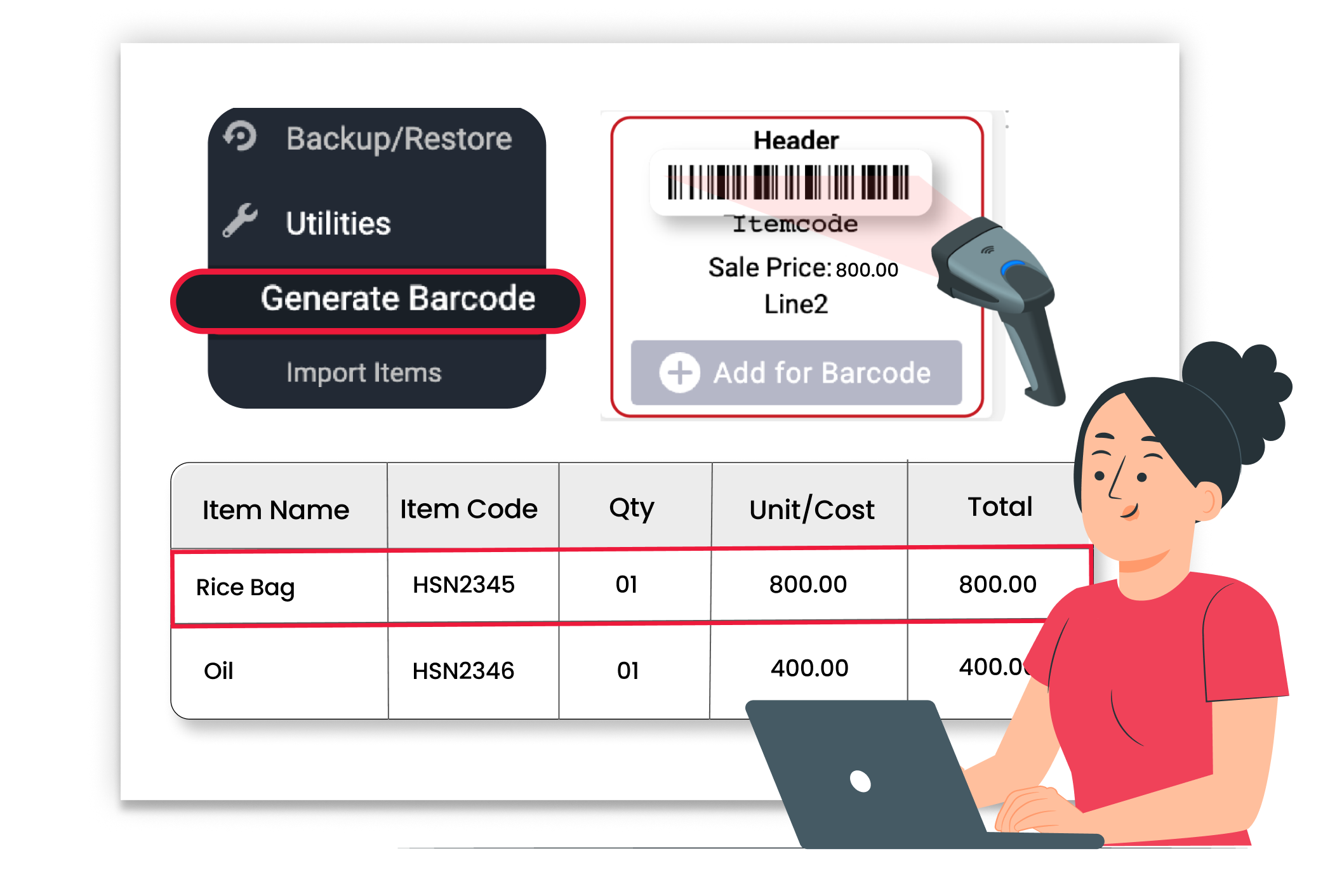
Fast Barcode-Based Checkout

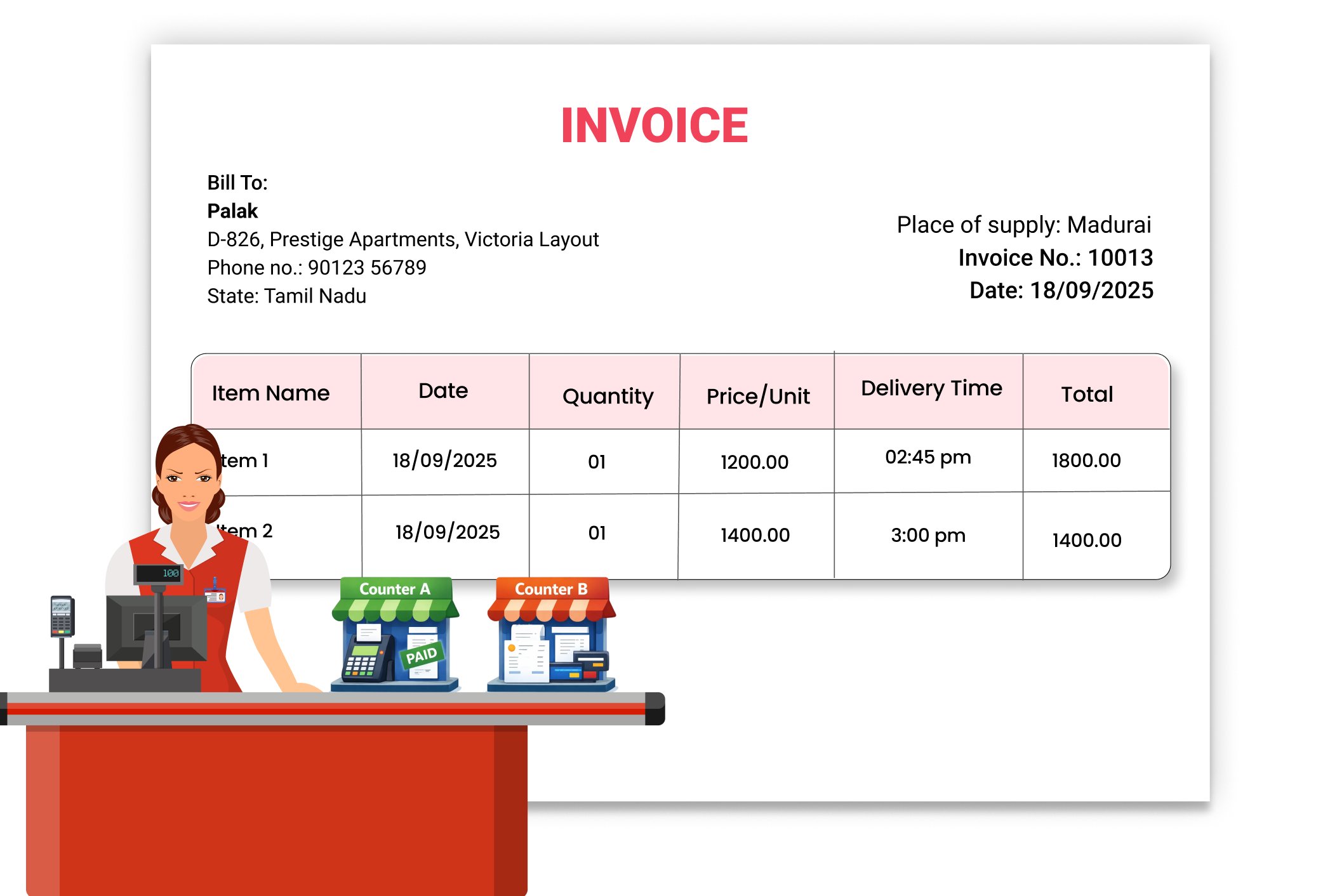
Manage Multiple Billing Counters Seamlessly
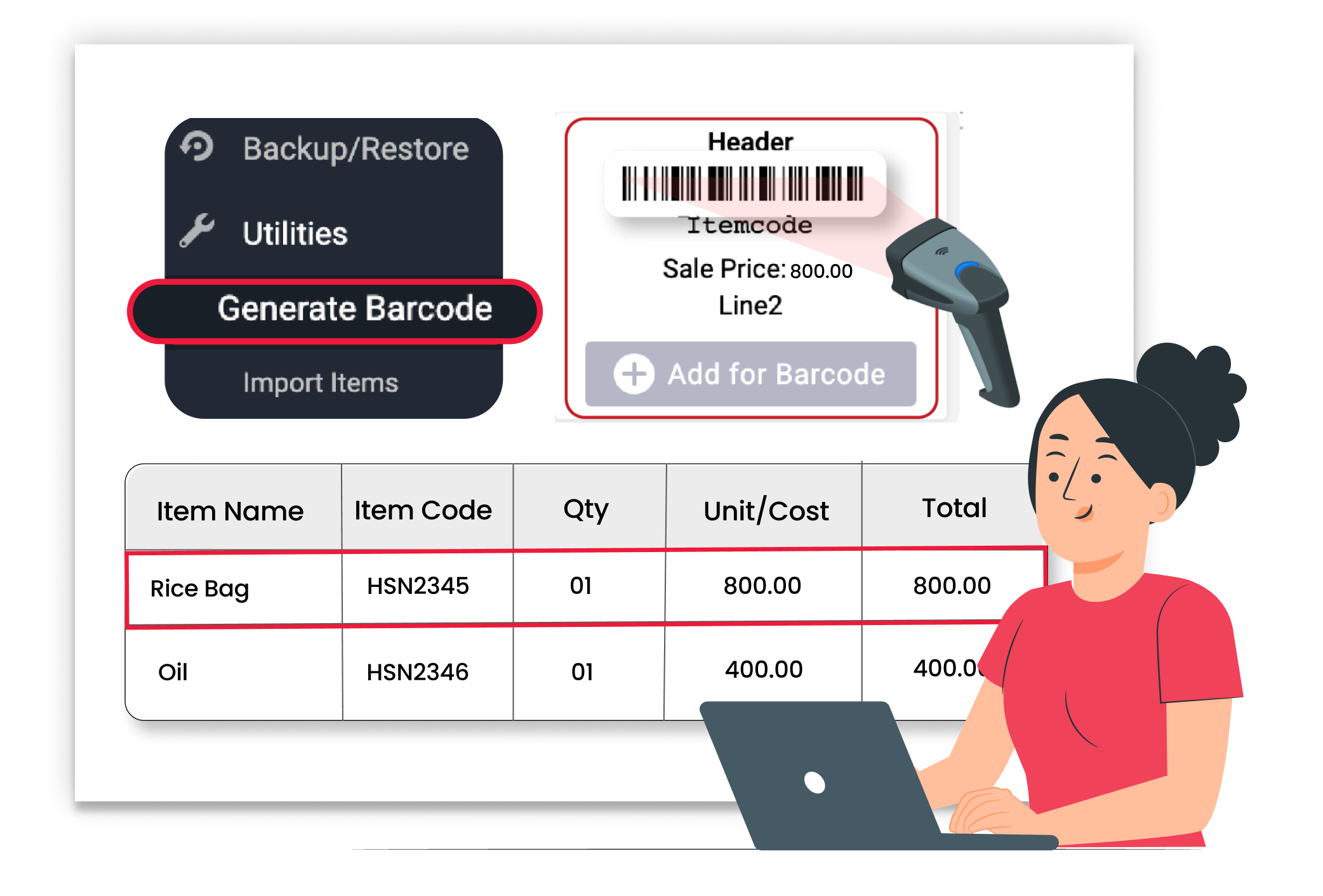
Create Barcodes Quickly





