
 Inventory
Monitor Expiry Dates and Reduce Stock Loss
Stay alert about expiring products and take action early. Track expiry dates inside your system and reduce losses caused by outdated stock.
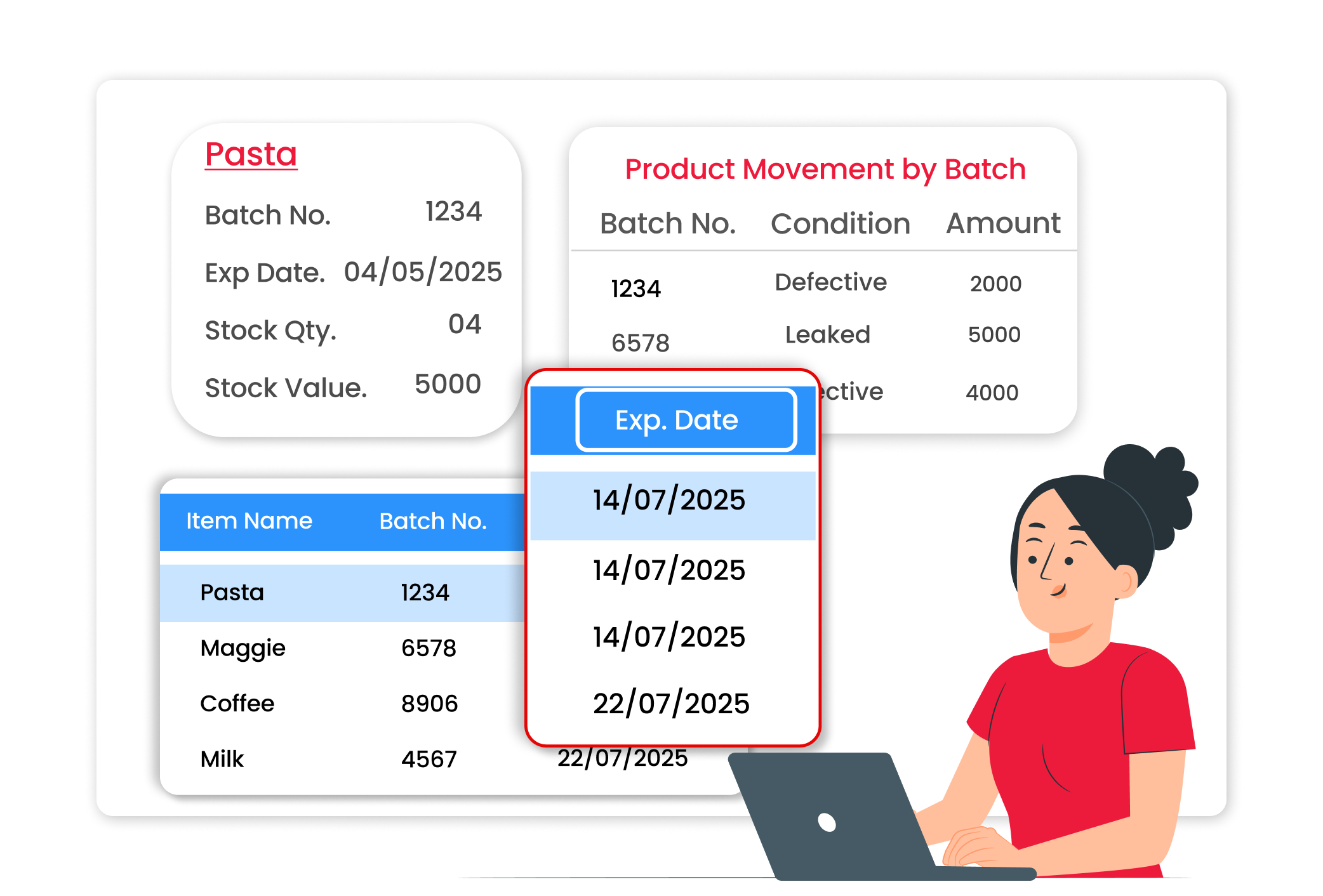
Why Expiry Monitoring Matters
Expired products lead to direct stock loss and unhappy customers. If you sell items without checking expiry, it can harm your business reputation. Expiry monitoring helps you sell products on time, avoid waste, and maintain customer trust.
Avoid Stock Expiry Loss
Easily see which products are nearing expiry while managing stock. Checking expiry dates in time helps prevent losses and keeps your inventory safe and well managed.
Sell Near-Expiry Items Faster
Quickly identify items that are close to expiry and plan discounts or clearance sales before they become unusable. This helps ensure smarter stock movement and reduces wastage.
Better Purchase Planning
Easily see which items expire faster and adjust your future purchase quantity accordingly based on how they move. This helps you make better stock decisions and avoid unnecessary overstocking.
 The Transformation
Before & After Vyapar
Before
Without Vyapar
- Expiry dates written manually on boxes
- No clear view of which items expire first
- Expired stock found during physical checking
- Loss due to unsold, outdated items

After
With Vyapar
- Expiry dates recorded while adding items
- Easy tracking of product expiry inside the system
- Clear visibility of stock nearing expiry
- Better stock rotation and reduced loss
 Business Impact
Real Results for Your Business
Tracking expiry dates reduces stock waste and improves inventory control, helping you protect profits and maintain quality.
Improved
Stock Safety
Monitor expiry dates to reduce loss from outdated stock.
Lower
Stock Waste
Early action helps clear near-expiry items.
Smarter
Purchase Planning
Buy based on product movement and expiry trends.
How This Feature Solves Inventory Loss Problems
Vyapar helps you record and monitor product expiry dates while managing inventory, so you can act early, reduce waste, and maintain better stock control every day.
1

Add Product with Expiry Date
Enter expiry details while adding stock items.
2
Track Expiry in Inventory
View products along with their expiry information inside inventory reports.
3
Identify Near-Expiry Stock
Check which items are close to expiry on dashboard.
4
Take Action Early
Plan discounts or sell items before expiry to reduce loss.
Record expiry at the time of stock entry. Add expiry date details when creating or updating items. This helps you maintain clear records of product validity.
View expiry details along with stock quantity. Inventory records display product information with expiry tracking, making monitoring simple and organised.
Sell older stock first. By checking expiry dates, you can ensure older stock is sold before newer stock, reducing the chances of waste.
Maintain clean and structured inventory data. All expiry details are saved inside your system, helping with stock verification and inventory management.
Where This Helps Most
Ideal for These Businesses
This use case is perfect for businesses that deal with products having expiry dates.

Retail Stores
Manage seasonal products and fast-moving inventory efficiently.
Easy to manage with Vyapar
Edit Link

FMCG Distributors
Handle bulk stock with different expiry dates.
Easy to manage with Vyapar
Edit Link

Pharmacies
Track medicine expiry and avoid stock loss.
Easy to manage with Vyapar
Edit Link

Grocery Stores
Manage packaged food and daily essentials.
Easy to manage with Vyapar
Edit Link

Dairy & Food Stores
Avoid selling expired consumables.
Easy to manage with Vyapar
Edit Link

Cosmetic Shops
Monitor product shelf life carefully.
Easy to manage with Vyapar
Edit Link
Related Use Cases
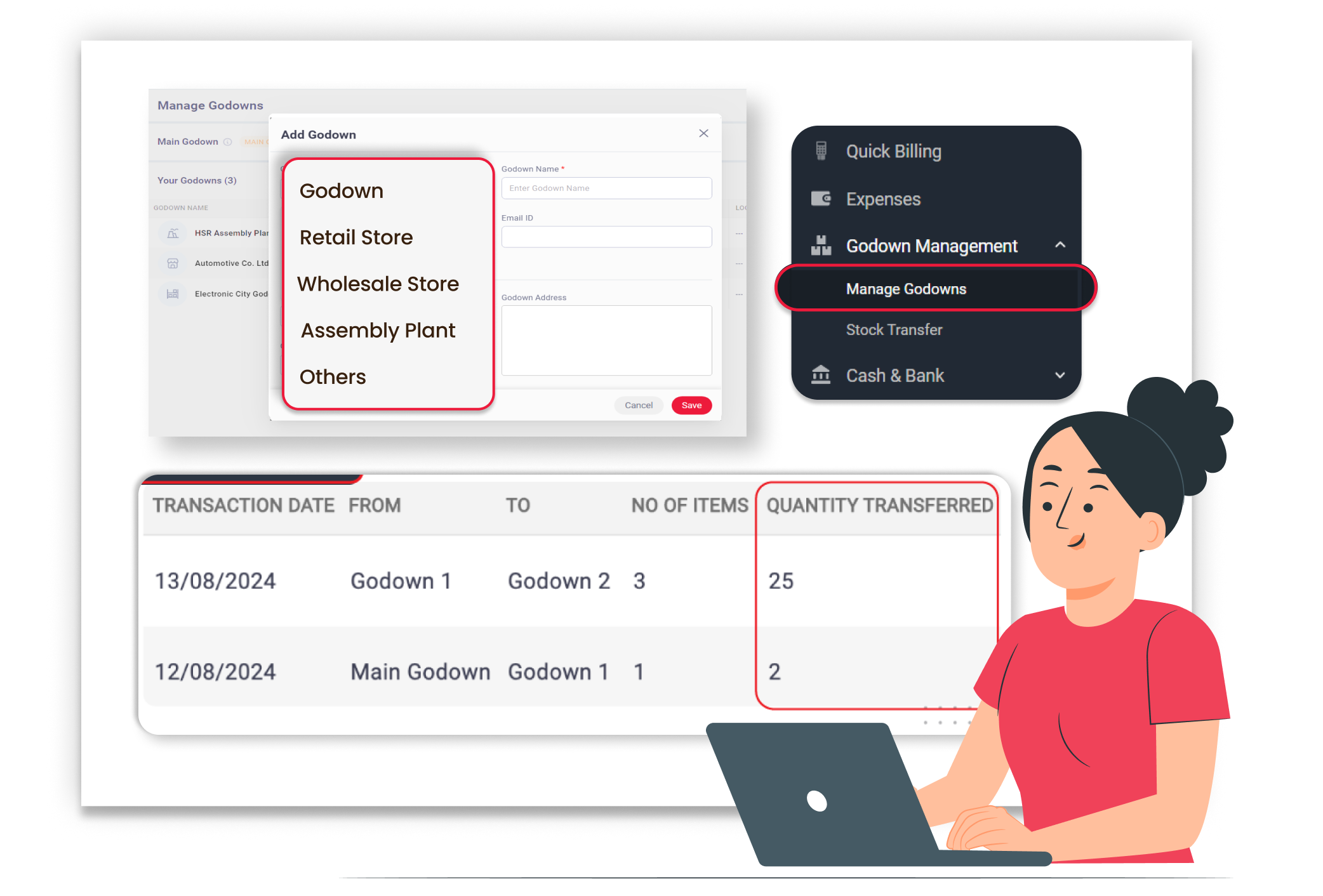
Manage Inventory Across Multiple Locations

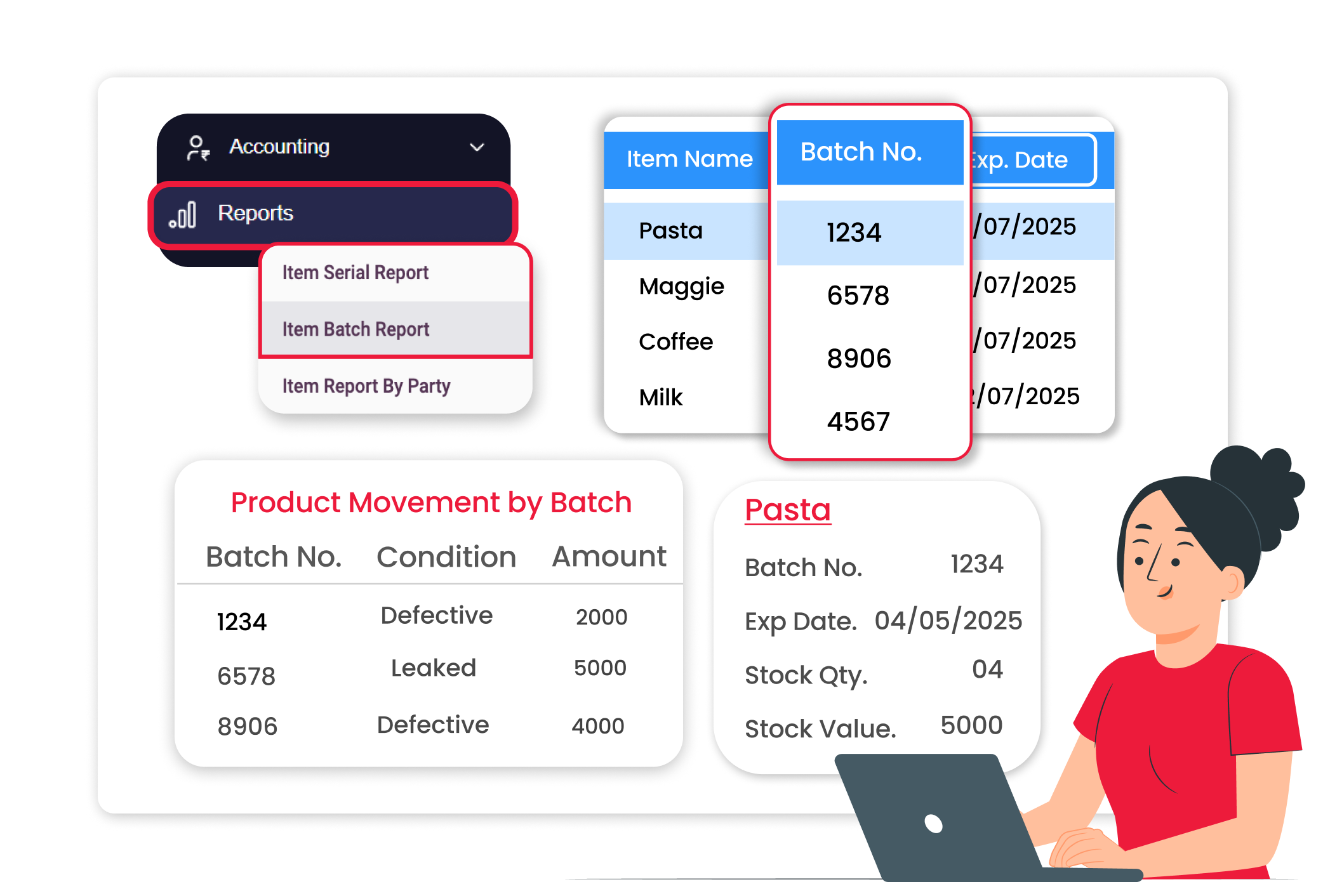
Track Product Batches with Accuracy
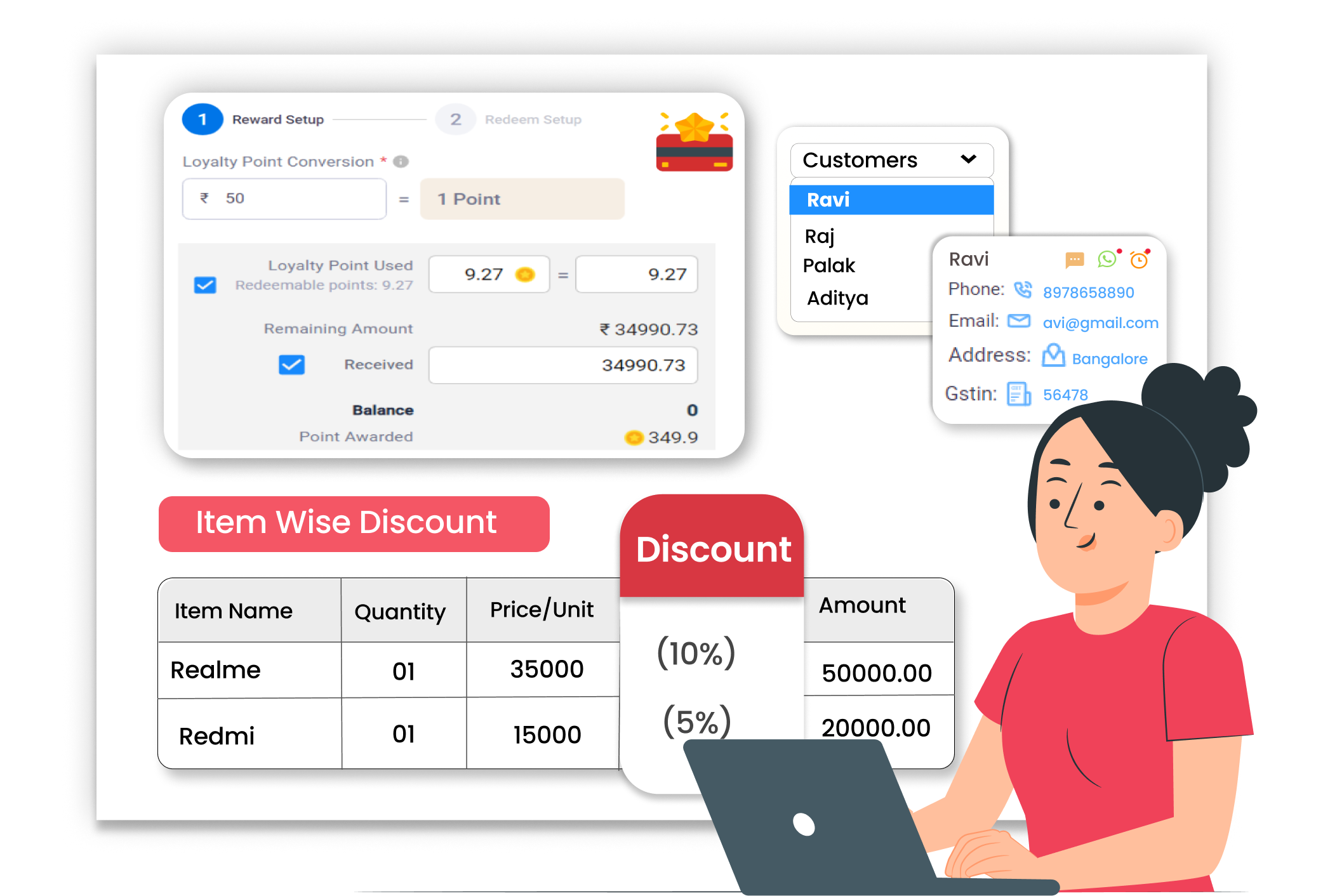
Flexible Item-Level Discount Management





