
 Invoicing
Avoid Confusion with Clear Transaction Reports
With Vyapar, you can view detailed transaction reports anytime — so you always know what was sold, purchased, received, or paid.
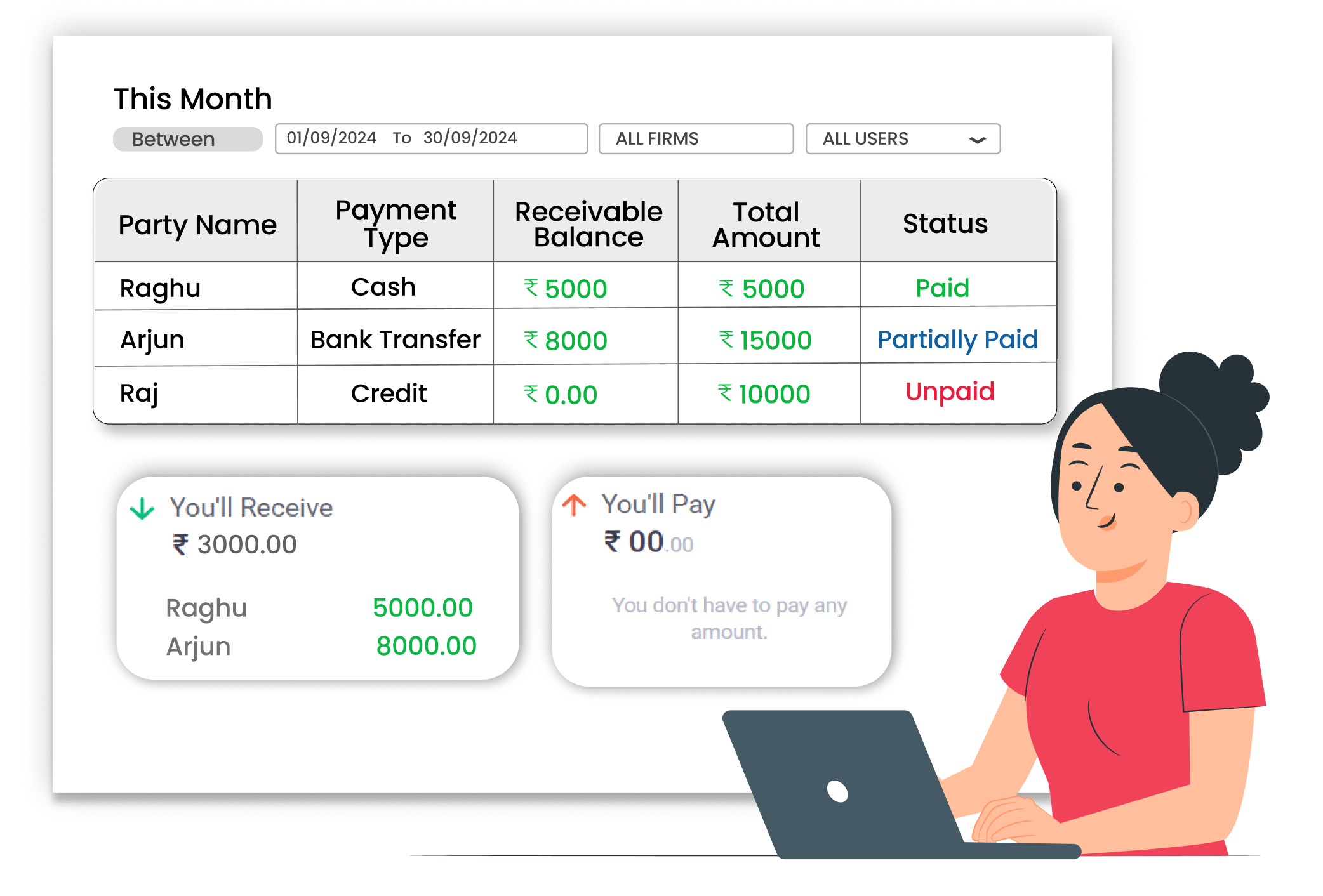
Why Transaction Reports Matter
Without proper reports, businesses may miss payments, forget past sales, or struggle during stock checks. Manual tracking often leads to confusion and wasted time. Clear transaction reports help you track every entry, check totals easily, and make better business decisions.
Complete Sales & Purchase Records
View all transactions in one place. Check every sale and purchase with complete details recorded inside the system.
Clear Payment Status
Know which customers have paid and which payments are still pending. Reports clearly show paid, unpaid, and partially paid transactions.
Easy Business Review with Visibility
Check reports daily, monthly, or for any custom date range. Track how your business is performing over time.
 The Transformation
Before & After Transaction Reports
Before
Without Payment Integration
- Manual entry in notebooks or spreadsheets
- Hard to find old sales or purchase details
- Confusion about pending payments
- Time wasted checking multiple records

After
With Payment Integration
- Payment mode recorded during billing
- Easy search for any invoice or bill
- Clear view of payment status
- Date-wise transaction reports available
 Business Impact
Real Results for Your Business
Clear transaction reports help you track money movement, reduce confusion, and make smarter decisions — so you stay in control of your business.
High
Business Clarity
All transactions available in organized reports.
60%+
Time Saved
Quick access to records reduces manual checking.
Better
Decision making
Use report data to review and improve performance.
How This Feature Solves Reporting Problems
Vyapar App automatically records every sale, purchase, payment, and receipt. These entries are stored safely and shown in clear reports — helping you track transactions without manual effort.
1

Record a Transaction
2
Automatic Entry Saving
3
View Transaction Reports
4
Filter by Date or Party
Start by creating a sale or purchase. Whenever you generate an invoice, record a purchase, or enter a payment, Vyapar automatically saves the transaction with details like party name, amount, and date.
No need to write entries twice. Each transaction is recorded instantly in the system, so you do not have to maintain separate manual registers. The software keeps records organized automatically.
Access reports anytime from the reports section. Sales reports, purchase reports, payment reports, and receipt reports show all recorded entries clearly for quick review.
Use date filters or party filters to quickly find specific transactions. This helps during payment follow-ups, stock checks, or monthly business performance reviews.
Where This Helps Most
Ideal for These Businesses
This use case is perfect for businesses that need fast and simple billing communication.

Retail Stores
Track daily sales and customer payments.
Easy to manage with Vyapar
Edit Link

Super Market
Monitor bulk transactions and supplier payments.
Easy to manage with Vyapar
Edit Link

Pharmacies
Review medicine sales and purchase entries.
Easy to manage with Vyapar
Edit Link

Manufacture
Track raw material purchases and finished goods sales.
Easy to manage with Vyapar
Edit Link

Hardware & Electrical Shops
Maintain records of invoices and payments.
Easy to manage with Vyapar
Edit Link

Garment Shop
Manage frequent transactions with multiple Customers.
Easy to manage with Vyapar
Edit Link
Related Use Cases
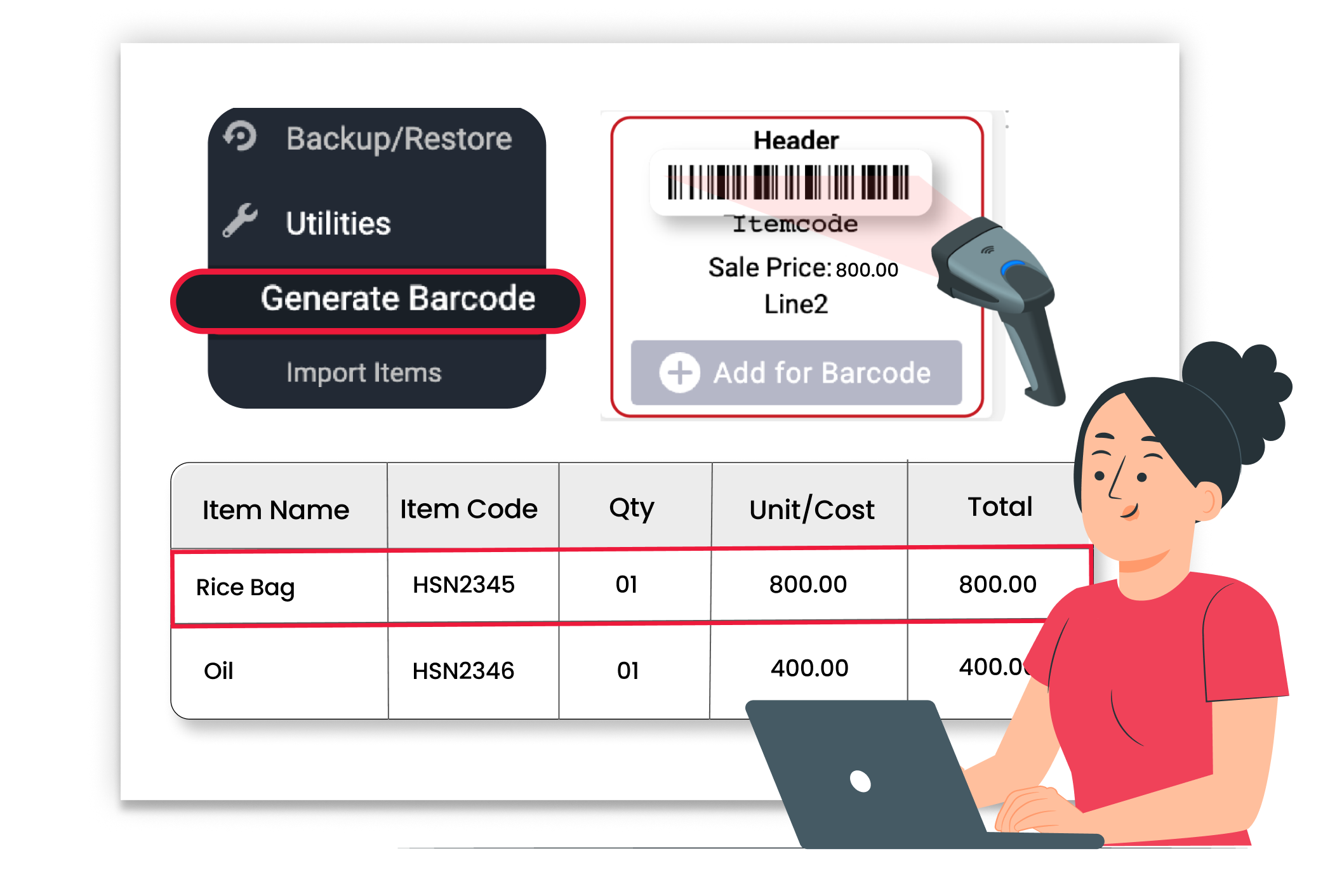
Manage Due Dates & Terms

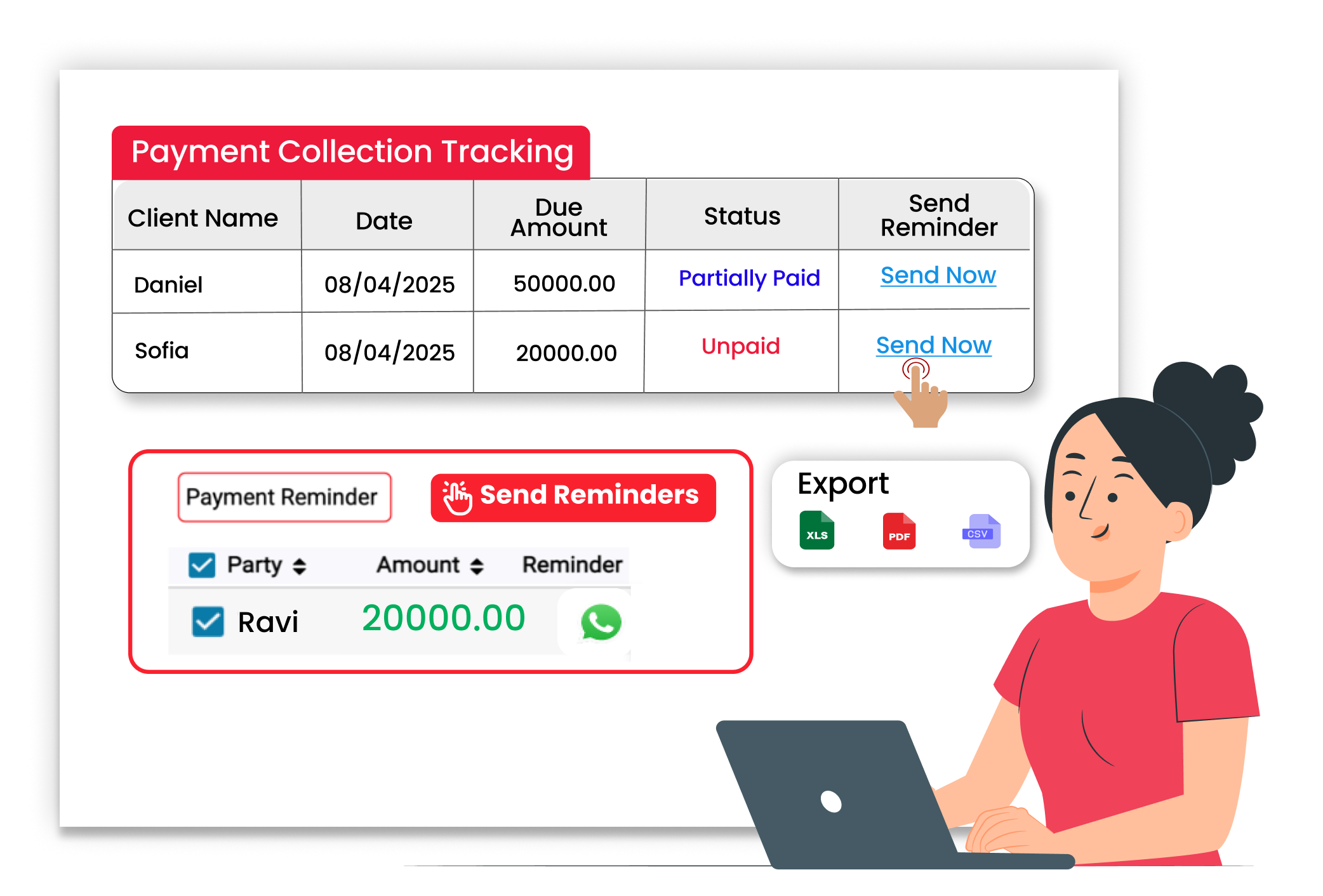
Send Payment Reminders
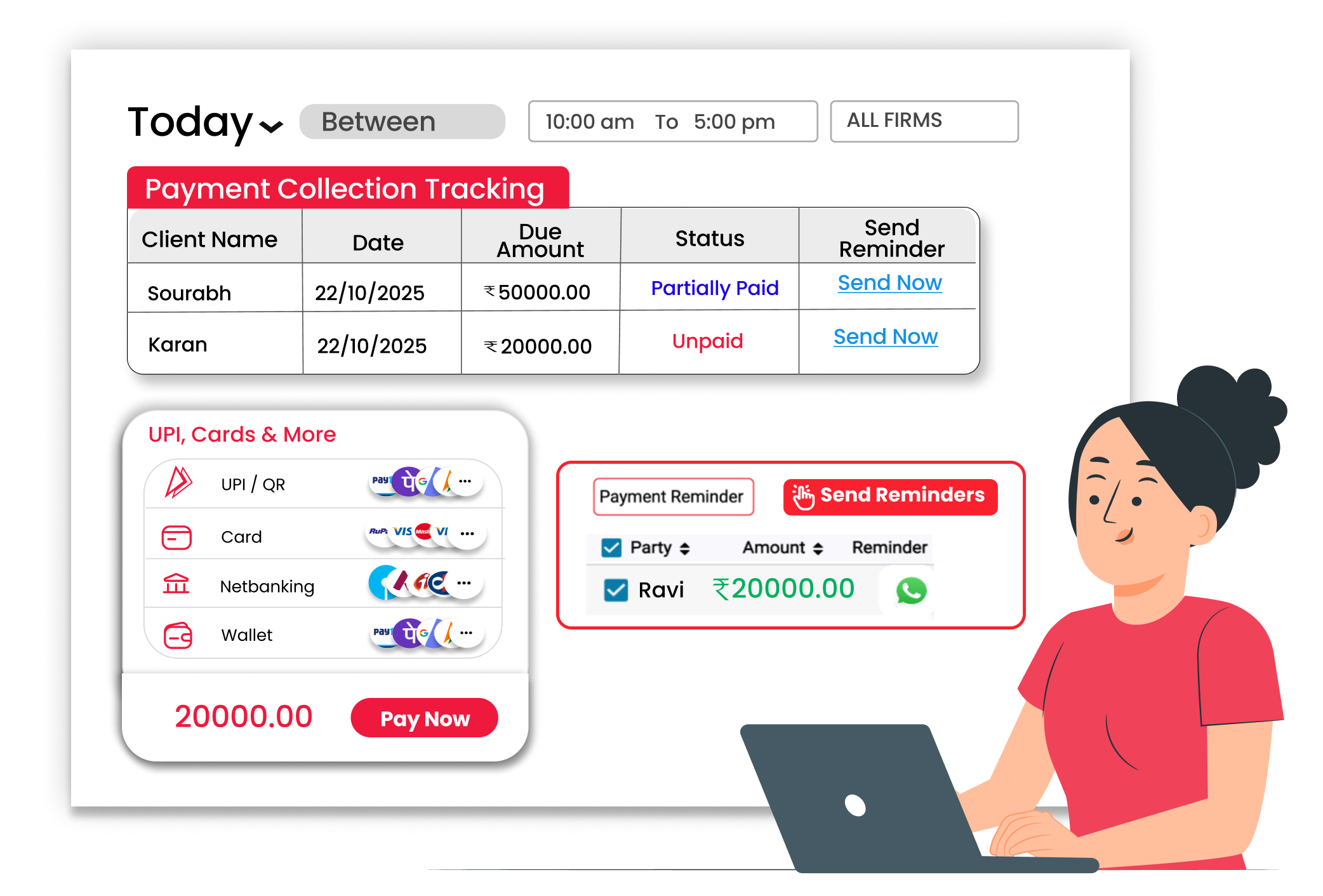
Avoid Payment Confusion with Integrations
With Vyapar, you can record different payment modes directly while billing





