
How To Download JSON File – Video
Learn how to download GST reports in JSON format for easy filing.
Transcript
Step 1: Create Correct GST Transactions
Enter the proper GST number, HSN/SAC codes, invoice numbers, and tax rates while billing.
Step 2: Open GST Reports
Go to Reports → GST Reports to view all available GST returns.
Step 3: Choose Business Scheme
Use the Regular Scheme or enable the Composition Scheme from the GST settings based on your business type.
Step 4: Select Required GST Return
Click on the return you want to file, such as GSTR-1 or GSTR-3B.
Step 5: Download Report in JSON Format
Use the JSON download option to get a GST-ready file without manual conversion.
Step 6: File or Share the GST Report
Upload the JSON file directly to the GST portal or share it with your CA or accountant.
GST filing becomes simpler when reports are generated correctly and in the right format.
By downloading GST reports in JSON format, businesses can save time, reduce errors, and file returns more smoothly.
Read More
Related Videos

How To Use Loyalty Points
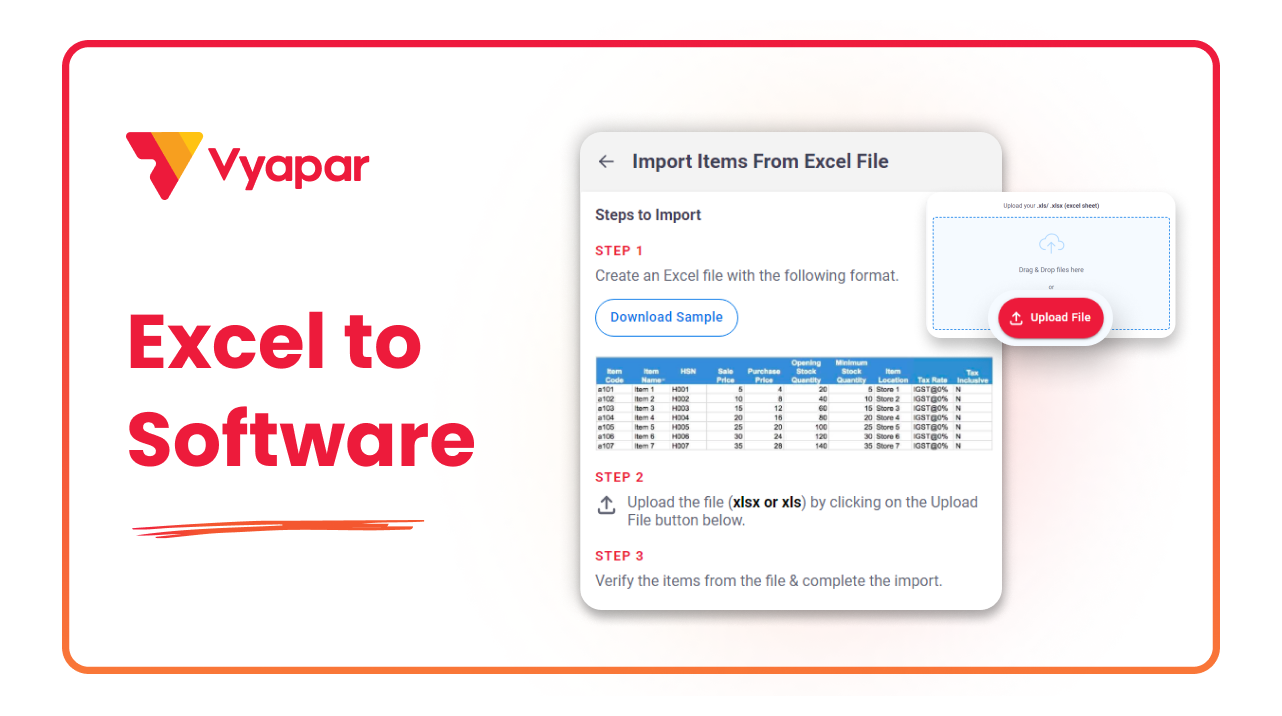
How To Import Batches Through Excel
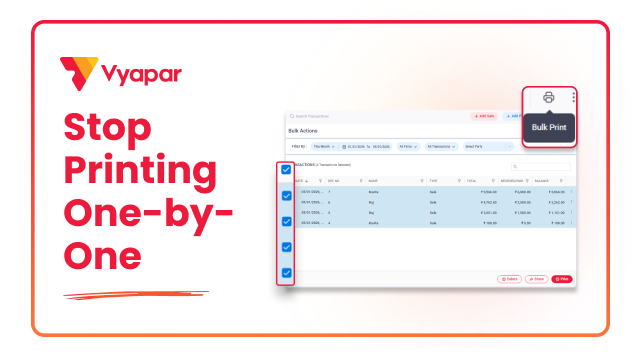
How to Print Invoice in Bulk
Transform Your Business in Just 5 Minutes – Start Free Today!
Join 1.5 crore + small business owners using Vyapar’s automated billing, inventory & accounting software to save 10+ hours every week.





