
How To Use Loyalty Points – Video
This video explains point value, earning rules, redemption limits, expiry, and tracking simply.
Transcript
Step 1: Enable Loyalty Points
Go to Settings → Party Section and turn ON the Loyalty Points option.
Step 2: Set Point Value
Determine the value of one loyalty point, for example, 1 point = ₹1.
Step 3: Define Earning Rules
Set minimum invoice value, maximum limits, and point expiry duration.
Step 4: Set Redemption Rules
Decide how many points can be redeemed, the redemption value, and the maximum percentage allowed per invoice.
Step 5: Use Loyalty Points During Billing
Customers earn points on eligible bills and can redeem points on future purchases based on your settings.
Step 6: Track and Manage Points
Use the Loyalty Dashboard to view earned points, redeemed points, expiring points, and customer-wise details.
Loyalty Points help reward repeat customers and build long-term relationships.
By setting simple earning and redemption rules, businesses can manage discounts more effectively while keeping customers engaged and encouraging them to return.
Read More
Related Videos
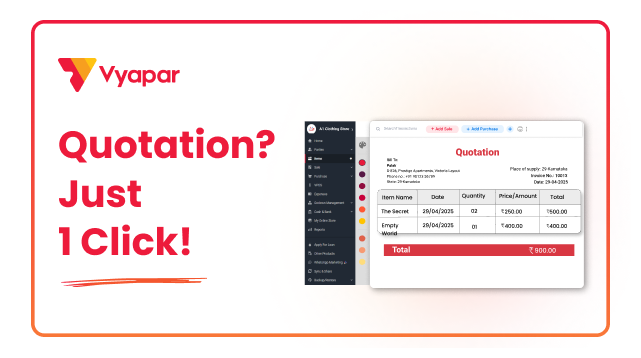
How to Create Quotation in Vyapar
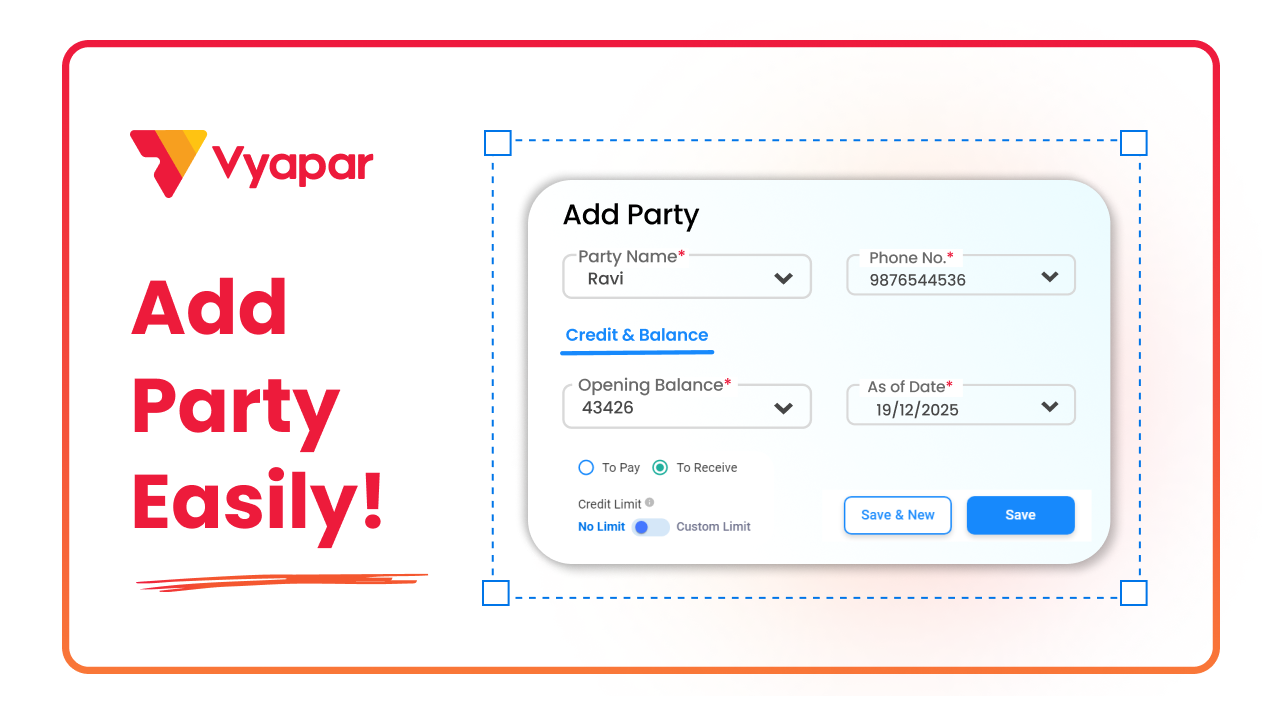
How to Add New Party in Vyapar
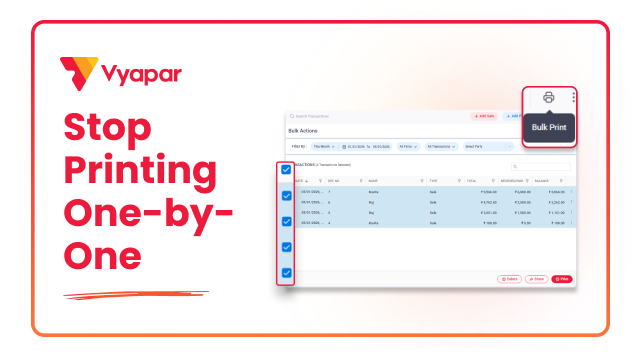
How to Print Invoice in Bulk
Transform Your Business in Just 5 Minutes – Start Free Today!
Join 1.5 crore + small business owners using Vyapar’s automated billing, inventory & accounting software to save 10+ hours every week.





