
Trusted by 10+ Million Businesses
Free Quotation Format
Ready-to-use Professional Templates
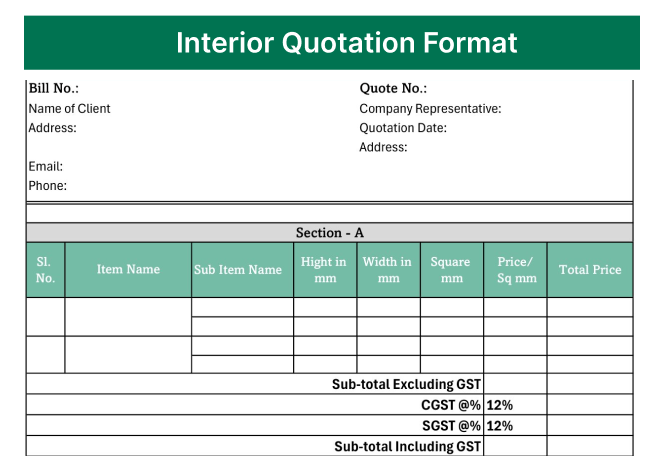
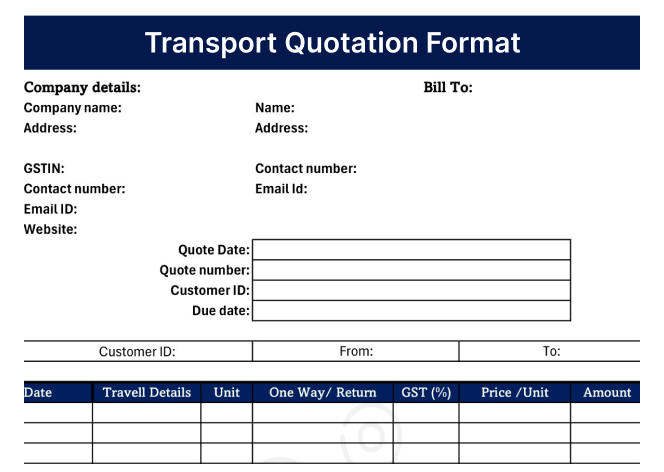
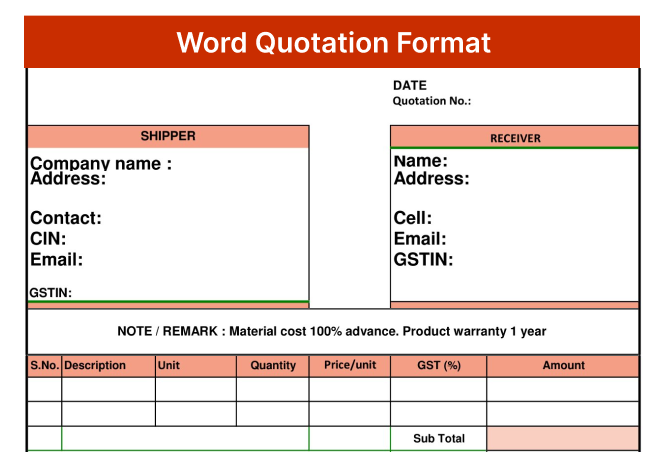
Find free quotation formats in Excel, Word, and PDF to create professional quotations quickly and easily. Simply download, and start using them for your business.
Free Downloads
Choose Your Quotation Formats
Find the right quotation template for your business and download it for free.
Filter by Format
Word
Excel
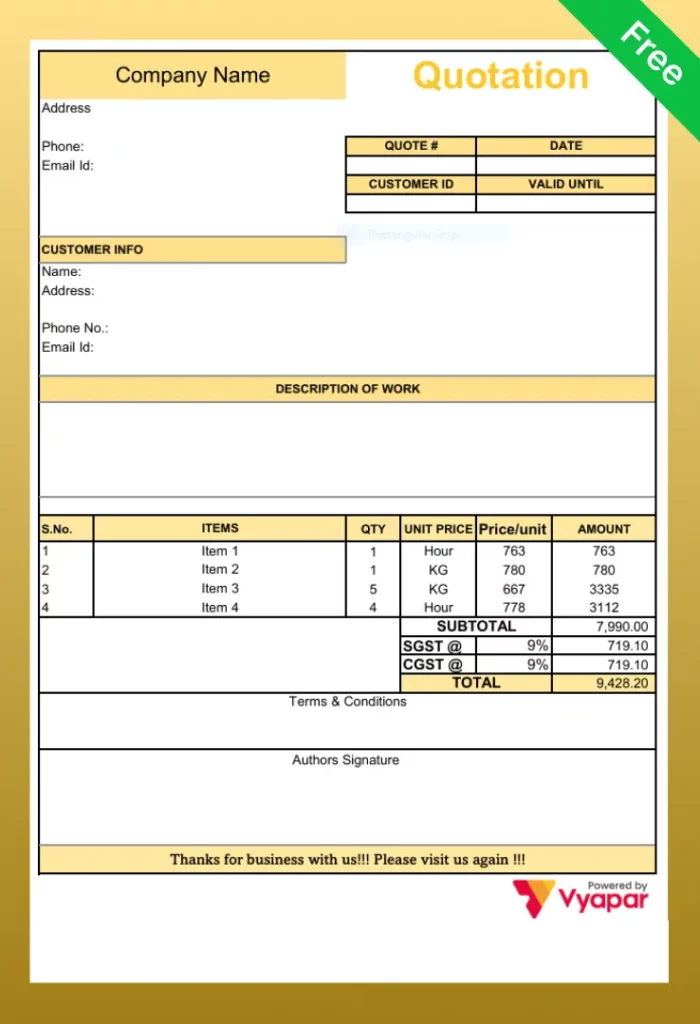
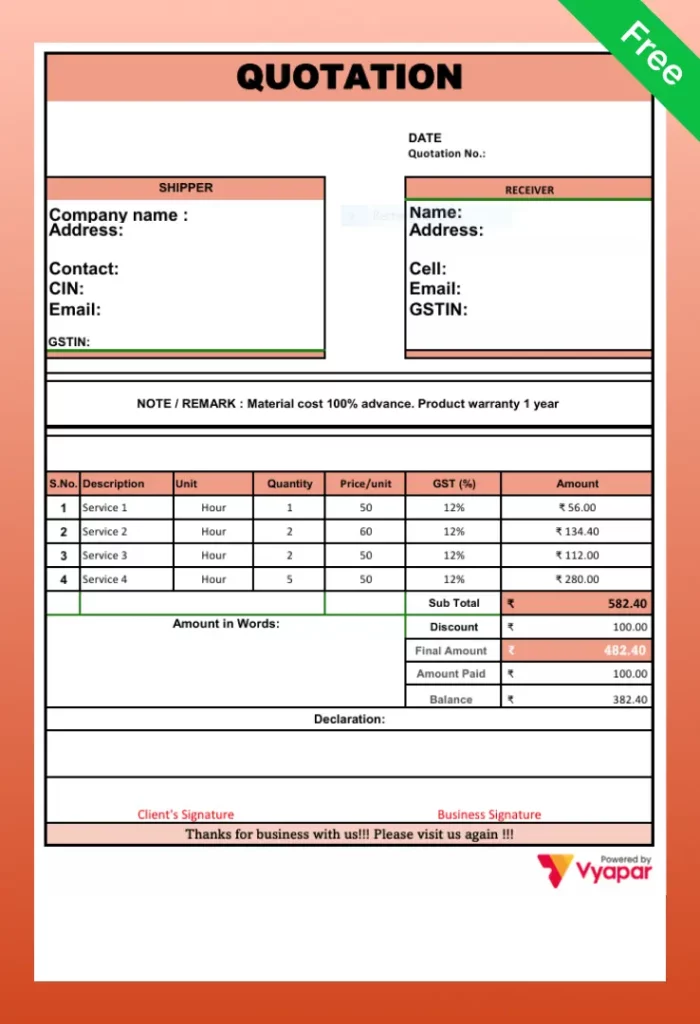

No templates found
Try adjusting your filters to find the templates you’re looking for.
WHAT IT IS
What is a Quotation Format?
A quotation format is a structured document that a seller sends to a buyer showing the price, quantity, and terms for products or services. It tells the buyer exactly what they will get and at what cost, before they place the order. A quotation is not a bill. It is sent before the sale. Once the buyer agrees to the quotation, the seller delivers the goods or services and then raises an invoice. Think of the quotation as the “offer” and the invoice as the “bill.”
In India, a professional quotation also usually includes GST details – CGST, SGST, or IGST, so the buyer knows the total tax-inclusive price upfront.
Quick Guide
How to Use a Quotation Format
01
Download the Right Format
Pick Word, Excel, or PDF based on your business type. Excel is best for product businesses. Word is best for services. PDF is best when you need a clean, final document.
02
Fill in Your Business Details
Add your company name, address, GSTIN, and logo at the top. This makes it look professional and establishes who the quote is from.
03
Add Client Information
Enter the customer name, their company name, address, and contact number. If they are a GST-registered business, add their GSTIN too.
04
List the Items or Services
Add each product or service on a separate line. Include the item name, HSN/SAC code, quantity, unit, rate, and subtotal. Be specific – do not write “miscellaneous charges.”
05
Add GST and Calculate the Total
Select the correct GST rate for each item. Our Excel format auto-calculates CGST, SGST, and IGST. Check the final total once before saving.
06
Add Validity and Terms, Then Send
Write the validity date and any special terms (advance payment, delivery timeline, warranty). Then save as PDF and share via WhatsApp or email.
Understanding The Basics
What Should a Quotation Format Include?
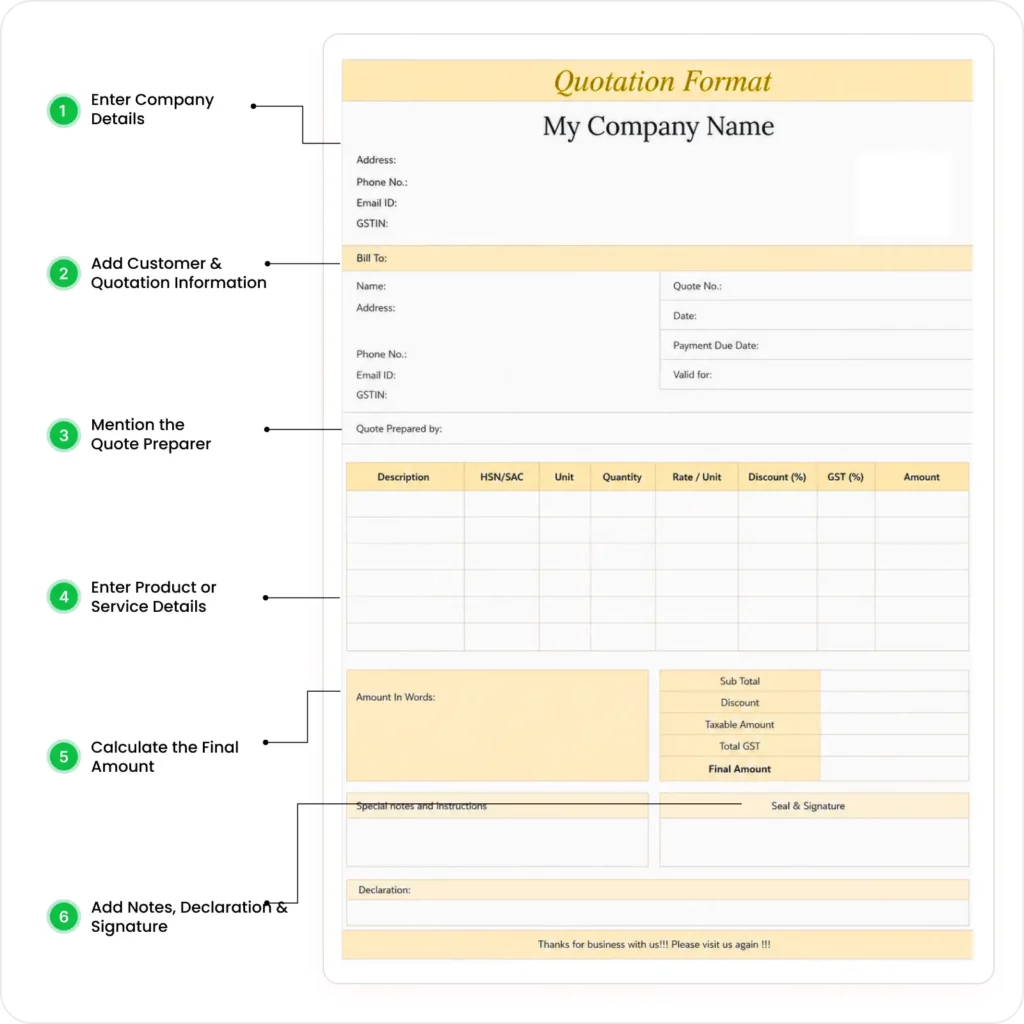
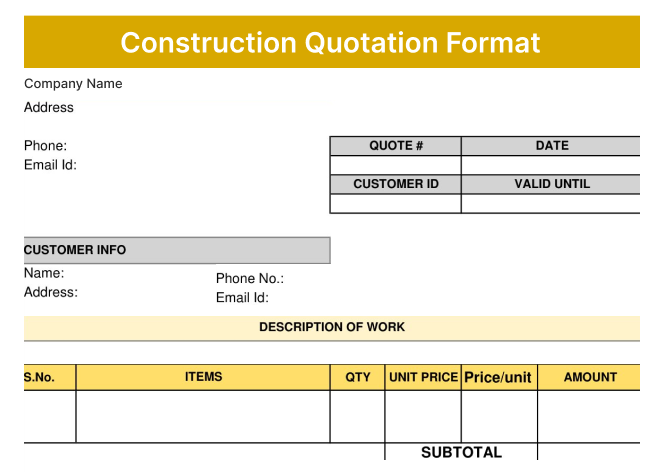
A good quotation must have these 6 parts. Missing any one of them can confuse the client or create problems later.

1. Your Business Details
Company name, address, phone number, email, and GSTIN. This tells the client who is sending the quotation.

2. Client Details
Customer name, company name (if applicable), address, and contact number. Always address the quotation to a specific person when possible.

3. Quotation Number and Date
Every quotation should have a unique number (like QT-2024-001) and the date it was issued. This helps you track your quotes and makes it easy to reference in future conversations.

4. Validity Period
How long is this price valid? Most businesses keep quotation validity between 7 and 30 days. Mention it clearly, for example: “This quotation is valid till 30th June 2025.”

5. Itemised List of Products or Services
List each item with its name, quantity, unit of measurement, rate per unit, and subtotal. Do not give a lump sum; clients trust detailed breakdowns more.

6. Tax Details and Total Amount
Show GST separately – CGST, SGST, or IGST as applicable. Then show the final total. If there is a discount, show it clearly before the tax calculation.
Types
What are the Different Types of Quotation Formats
Not all quotations are the same. Here are the main types, and when each one is used:
1. Sales Quotation Format
It is the most common type. It is used when a business offers to sell goods or services to a buyer at a set price. If the buyer accepts, it leads to a sale. Sales quotation format is used by traders, retailers, and product companies.
2. Business Quotation Format
It is a formal quotation used in B2B (business-to-business) dealings. Usually more detailed business quotation format includes company registration details, payment terms, and sometimes a credit period.
3. Service Quotation Format
It is used by consultants, IT companies, agencies, architects, and any service provider. Instead of listing physical items, service quotation format lists services with their scope, hours, or deliverables.
4. GST Quotation Format
It is a quotation where GST is explicitly calculated and shown. Mandatory for GST-registered businesses. GST quotation format includes GSTIN of both parties and HSN/SAC codes.
5. Proforma Invoice (Quotation cum Invoice)
It is used when the buyer needs a document that looks like an invoice before payment, common in export businesses and when a client needs to arrange financing or approval.
6. Request for Quotation (RFQ)
This is sent by the buyer to multiple sellers, asking them to submit their best price. If you receive an RFQ from a client, you respond with your quotation.
7. Freelancer Quotation Format
Freelancer Quotation Format is used by freelancers and self-employed professionals. Simpler than a business quotation, it focuses on the scope of work, deliverables, timeline, and total fee.
Limitations and Advantages
Should You Use a Free Quotation Format?
Free quotation templates are a great way to get started, but they have both advantages and limitations.

Limitations
of free quotation formats
 Manual data entry takes time
- Higher chance of calculation errors
- No automatic quotation numbering
- Customer and product details must be entered repeatedly
- No integration with billing or inventory
- Difficult to track, edit, and manage multiple quotations
- No automatic conversion from quotation to invoice

Advantages
of free quotation formats
- Free to download and use
- Easy to customise in Excel or Word
- Suitable for small or one-time requirements
- Simple to print or share as a PDF
- No software installation required
- Good for beginners and startups
- Multiple template designs available
Premium Collection
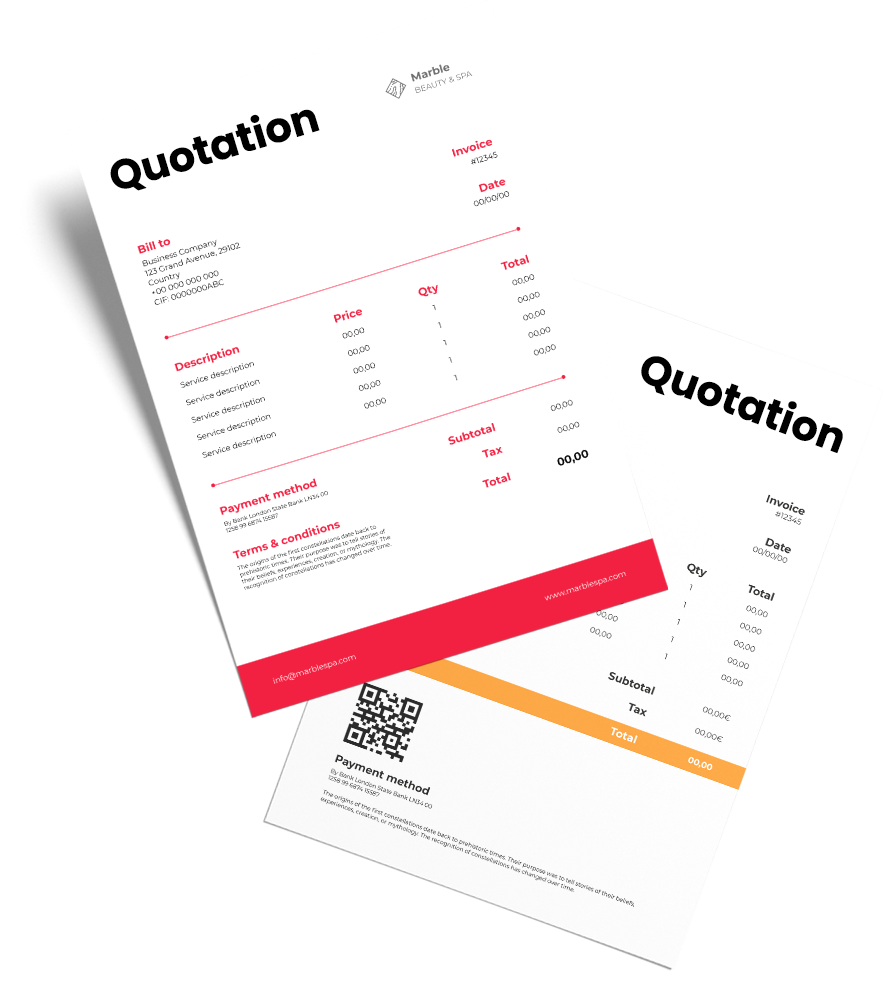
Premium Quotation Templates
Get access to professionally designed premium quotation templates by downloading the Vyapar app.
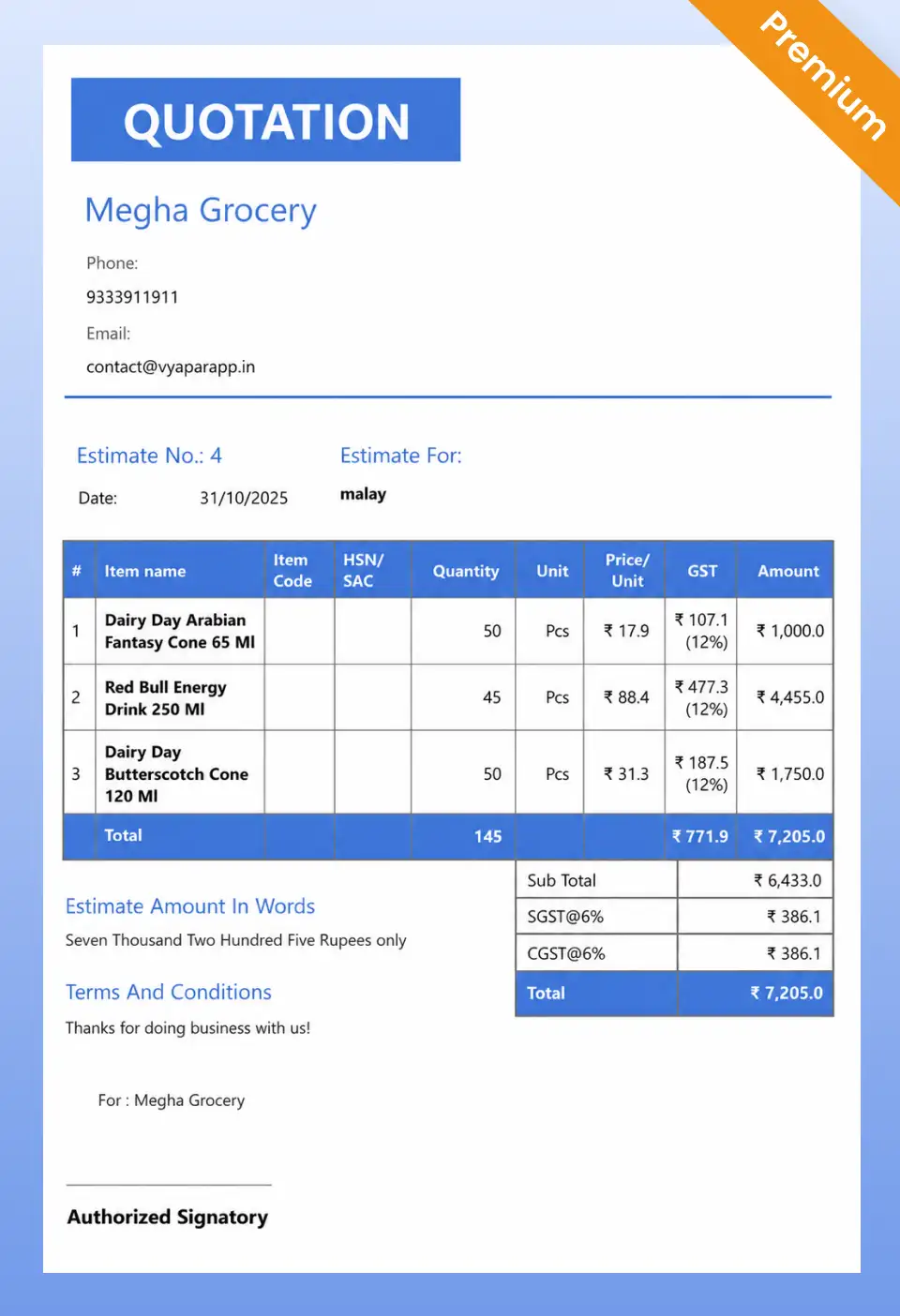
French Elite
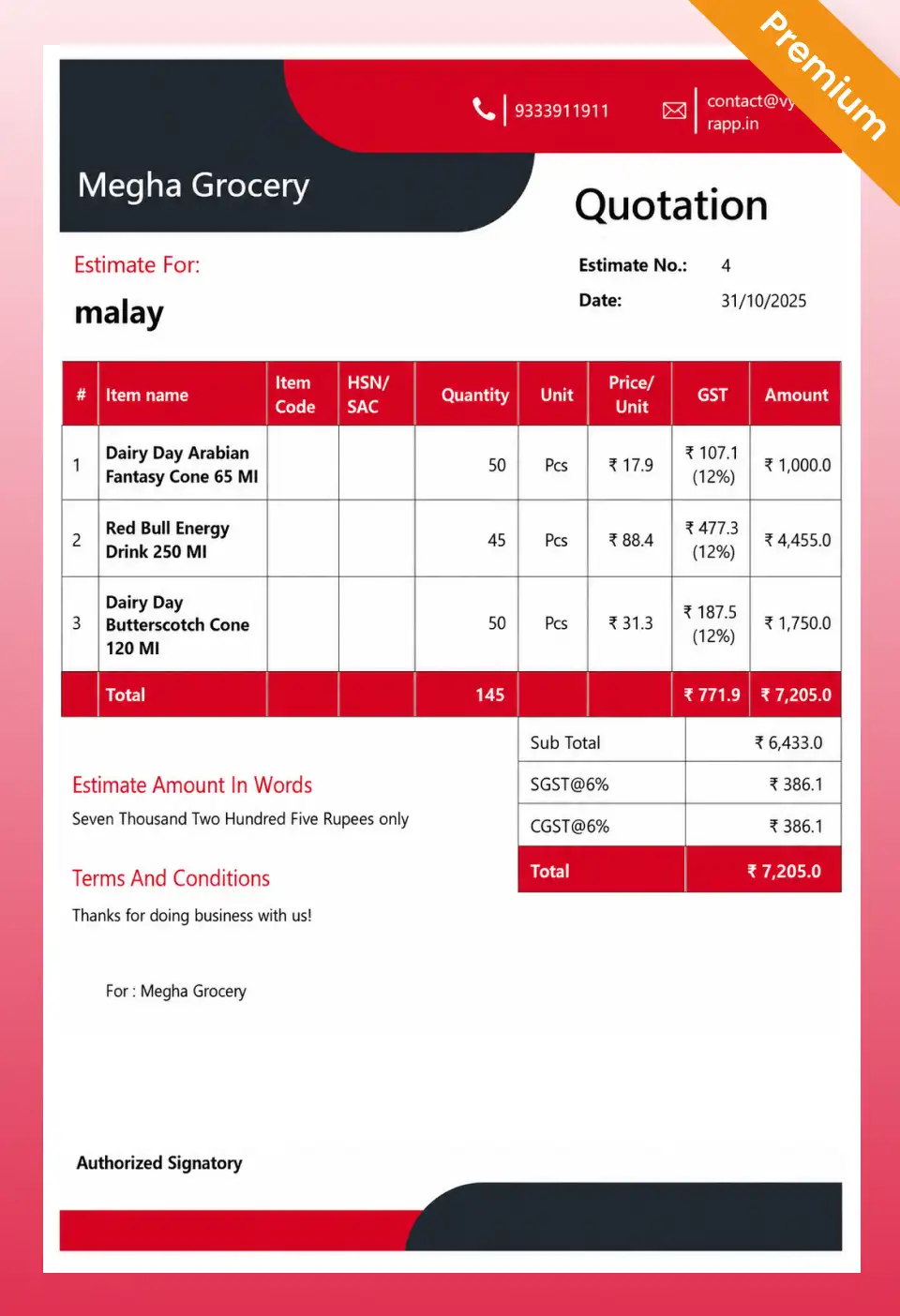
Double Divine
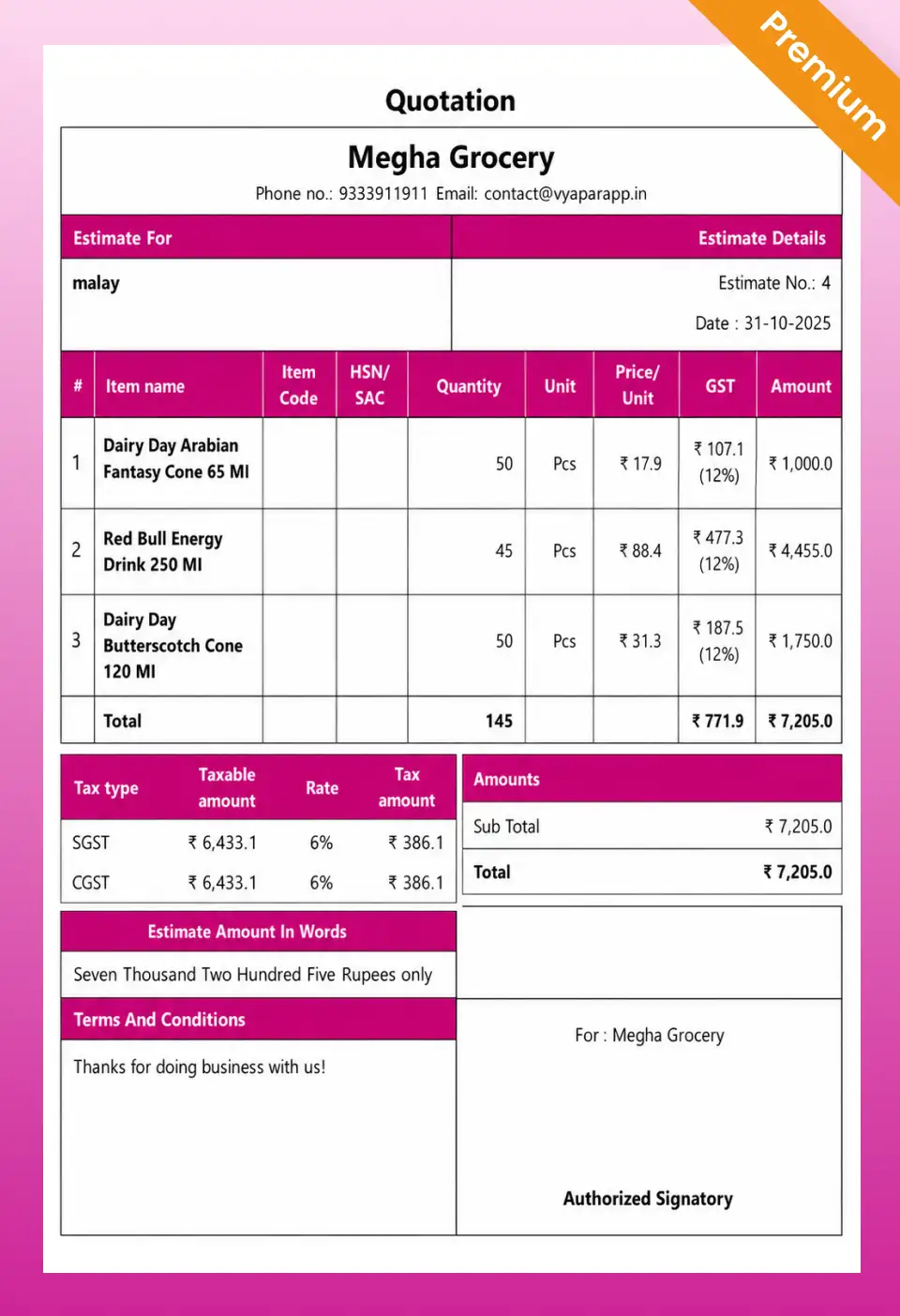
Professional
Go Beyond Templates
All-in-One Software Beyond Quotation Templates
Create quotations and manage your business from one app.
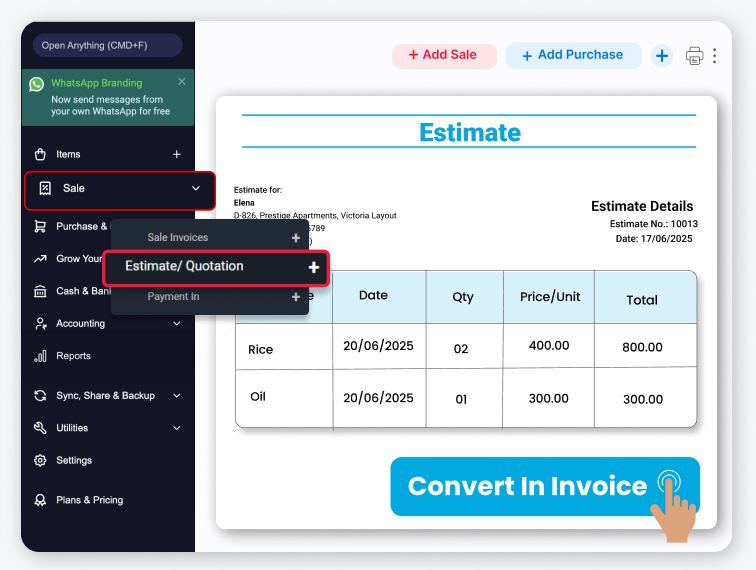
Quotation-to-Invoice Conversion
Convert approved quotations into invoices with a single click.
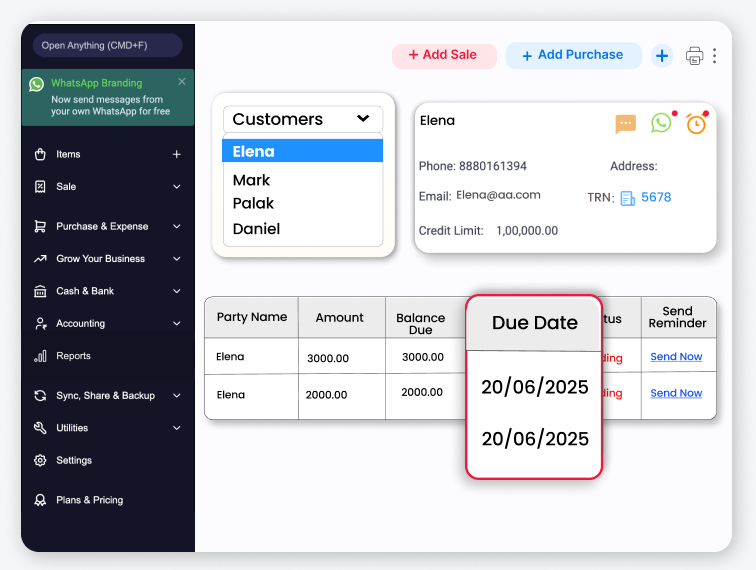
Customer Balance Tracking
Monitor outstanding payments and customer dues easily.
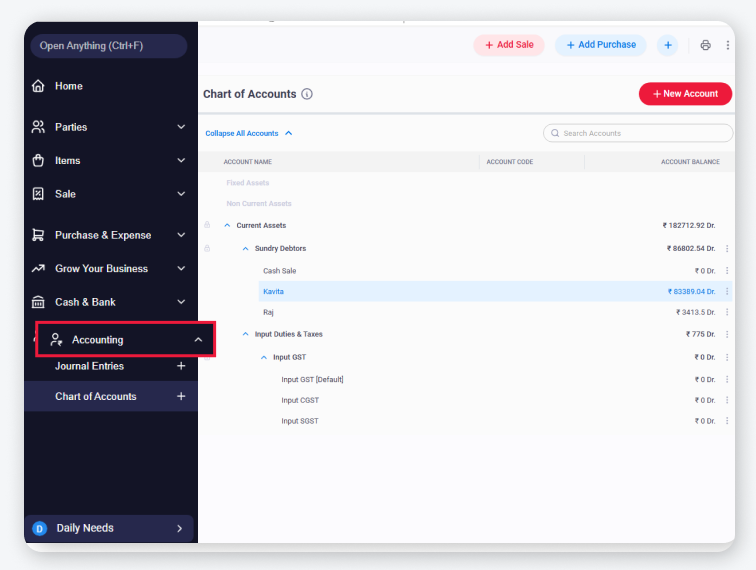
Everything you need to run your business
- Auto GST calculations
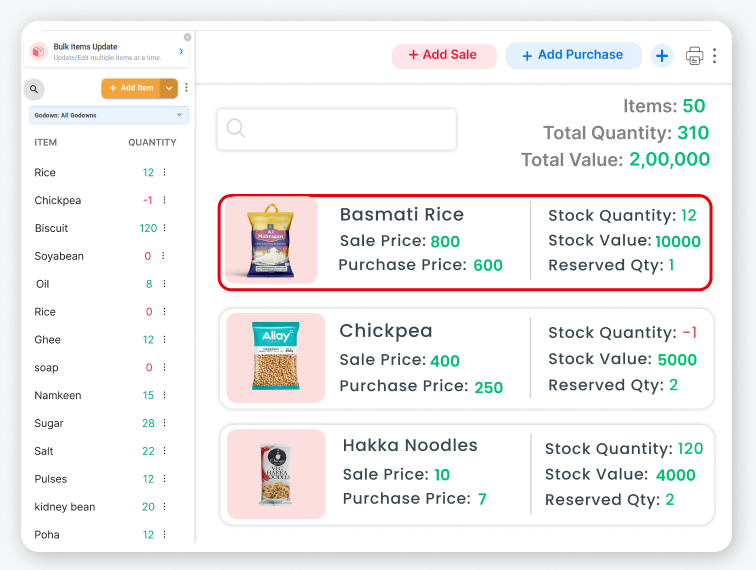
- Inventory management
- Payment reminders
- Multi-device sync
Available in Android, iOS, Mac and Windows
Got Questions?
Frequently Asked Questions
Find answers to common questions about Quotation formats
What is the difference between a quotation and an invoice?
A quotation is sent before the sale to show the price. An invoice is sent after the goods or services are delivered to ask for payment. A quotation becomes an invoice once the buyer accepts and the work is done.
Is a quotation legally binding in India?
A quotation by itself is just an offer. It becomes legally binding once the customer formally accepts it in writing, by email, or by WhatsApp message. After acceptance, both parties are expected to honour the agreed price and terms.
How many days should a quotation be valid?
Most businesses in India keep quotation validity between 7 to 30 days. For construction or large projects, validity can be up to 60 days. Always mention the validity date clearly to avoid disputes.
What is an RFQ (Request for Quotation)?
An RFQ is a document sent by a buyer to multiple suppliers asking for their best price. When you receive an RFQ, you respond with your quotation showing your rates, delivery timeline, and GST details.
What is the difference between a quotation and a proforma invoice?
A quotation is an informal offer of price, while a proforma invoice looks like a real invoice and is used when the buyer needs a formal document for payment approval, advance, or import purposes. Proforma invoices are more common in exports and large corporate deals.
What software is best for creating quotations in India?
For simple one-time use, Excel or Word formats work fine. For businesses sending 5 or more quotations per week, Vyapar App is the most popular tool in India, it is used by over 1 crore small businesses for creating, sending, and tracking quotations.


Billing software in India for small businesses




