
Add Shipping Address – Video
This video shows how to enable shipping address and print them on invoices.
Transcript
Step 1: Open Party Details
Go to Parties and open any party to check the existing billing address details.
Step 2: Enable Shipping Address Option
Go to Settings → Party Settings and turn ON Shipping Address.
Step 3: Enable Print Shipping Address
Turn ON Print Shipping Address if you want it to show on invoices and PDFs.
Step 4: Add Shipping Address
Open the party and add the shipping address as needed.
Step 5: Edit or Delete Addresses
Use the three-dot option to edit or remove any shipping address.
Step 6: Use Shipping Address in Invoice
Create an invoice and select the correct shipping address for that bill.
Using shipping addresses helps manage deliveries more accurately when customers have multiple locations.
By adding and selecting the right shipping address during billing, invoices become clearer, and delivery errors can be avoided.
Read More
Related Videos
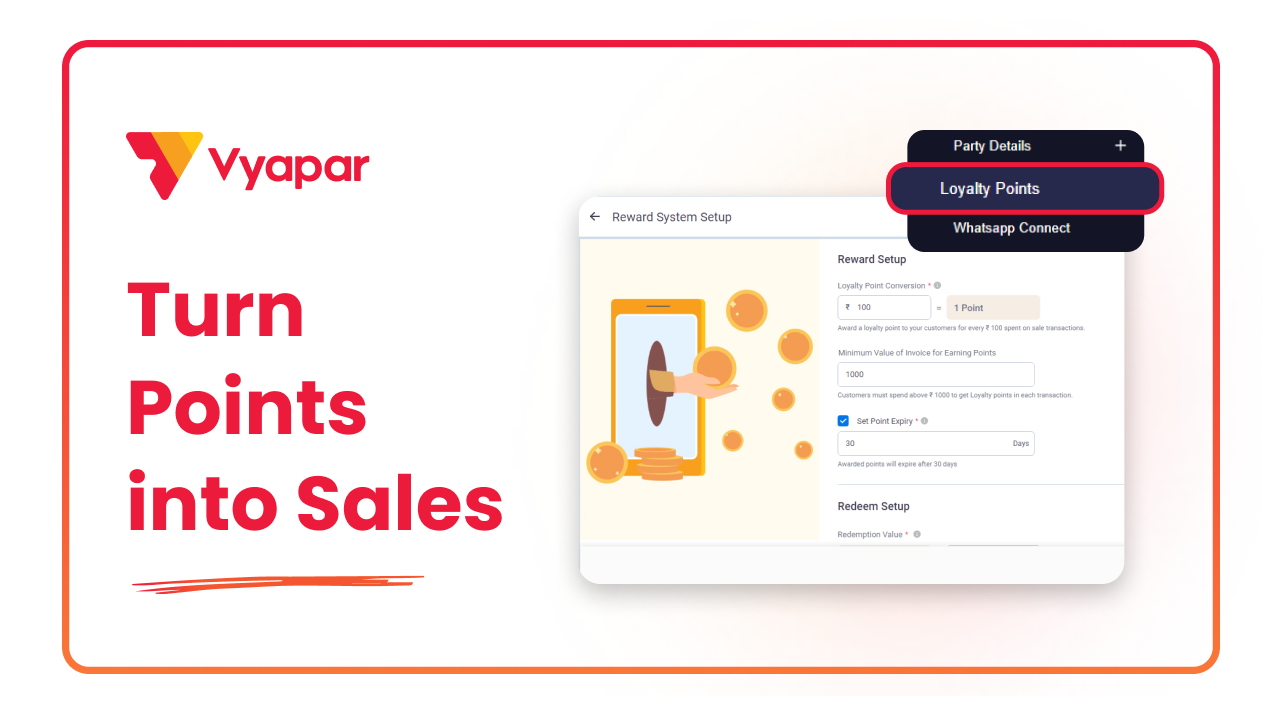
How To Use Loyalty Points
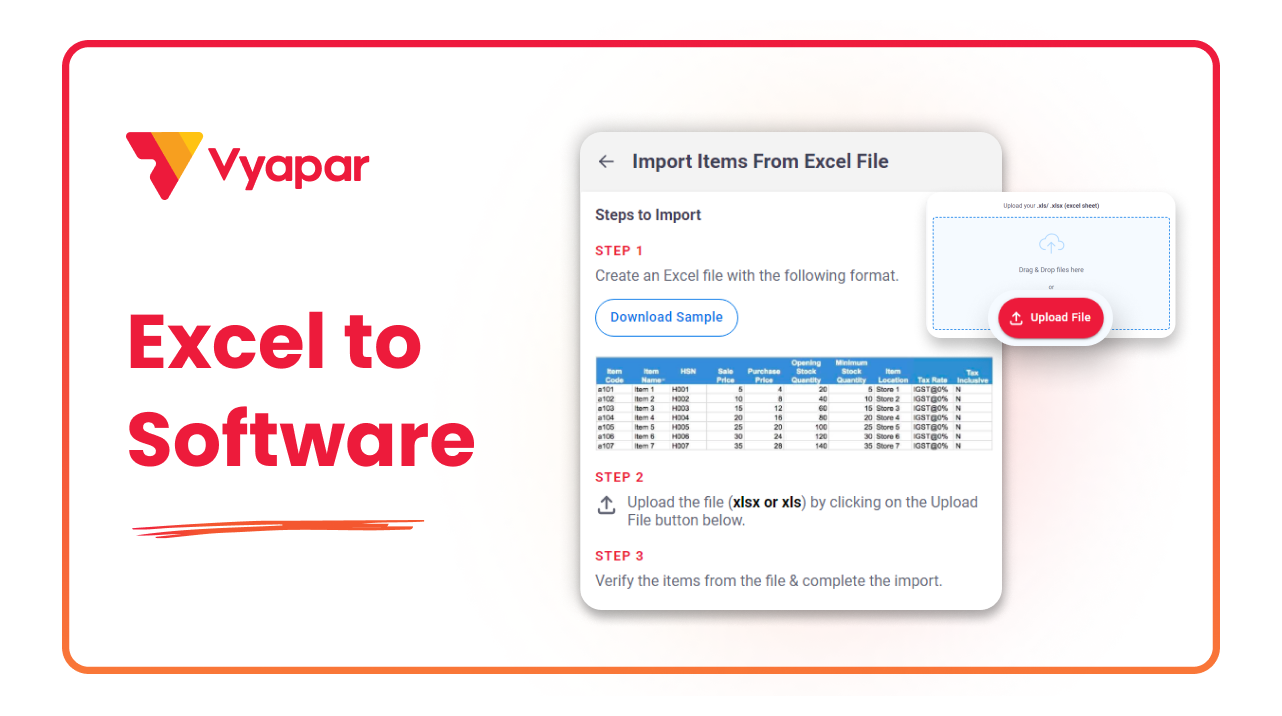
How To Import Batches Through Excel
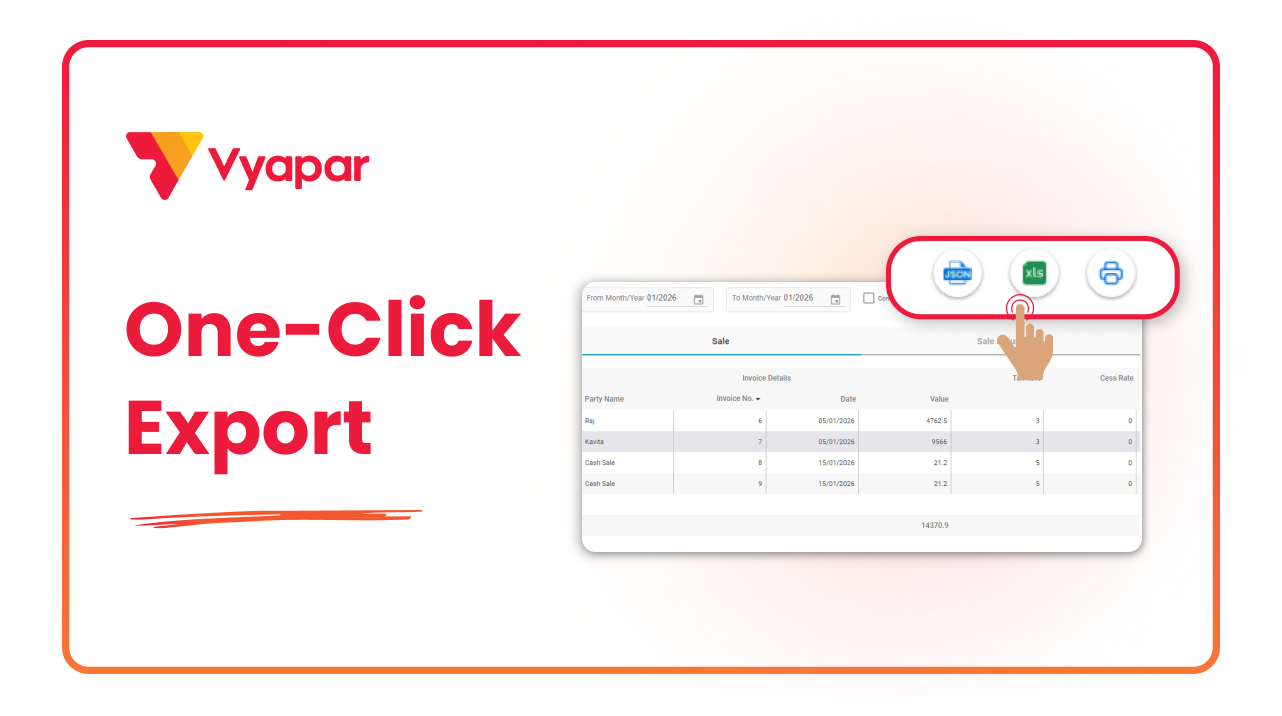
How To Download JSON File
Transform Your Business in Just 5 Minutes – Start Free Today!
Join 1.5 crore + small business owners using Vyapar’s automated billing, inventory & accounting software to save 10+ hours every week.





