
How to Close Financial Year in 2026 – Video
Manage your financial year-end easily. This video shows how to close old data, take a backup, and start fresh while keeping balances and stock intact.
Transcript
Step 1: Open App & Go to Utilities
Open the Vyapar app, go to the left-side menu, scroll down to “Utilities”, and click on “Close Financial Year”.
Step 2: Click Close Financial Year
Clicking this option opens the feature that helps you close your current financial data and move to the new year.
Step 3: Set Invoice Prefix (Optional)
You can set or change the invoice prefix, so your new invoices follow a proper numbering format for the new financial year.
Step 4: Click Start Fresh
Click on “Start Fresh” to begin closing your old data and preparing the system for a new financial year.
Step 5: Select Date & Save Backup
Choose the closing date (usually 31 March) and download the backup file to keep your old data safe.
Step 6: Restart & Start New Year
Restart the app; your old transactions will be cleared, while balances and stock will carry forward for the new year.
Read More
Related Videos

How to Use Vyapar App for Accounting
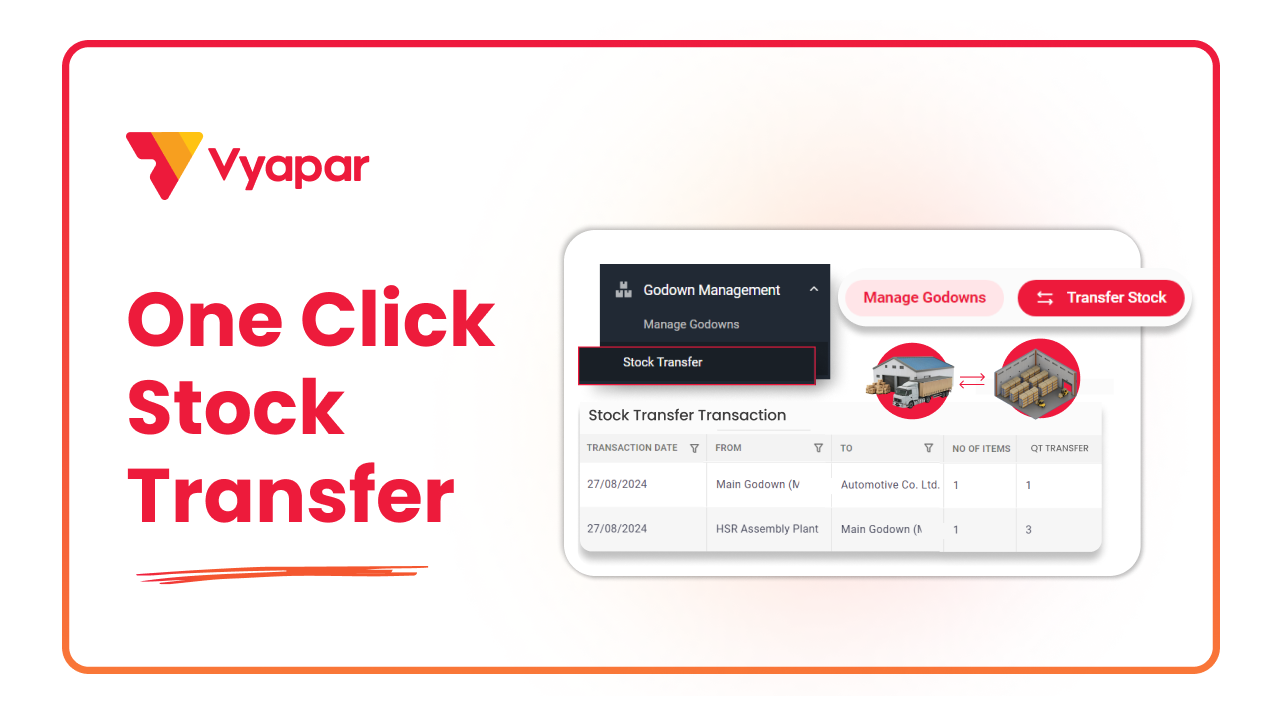
How to Transfer Stock
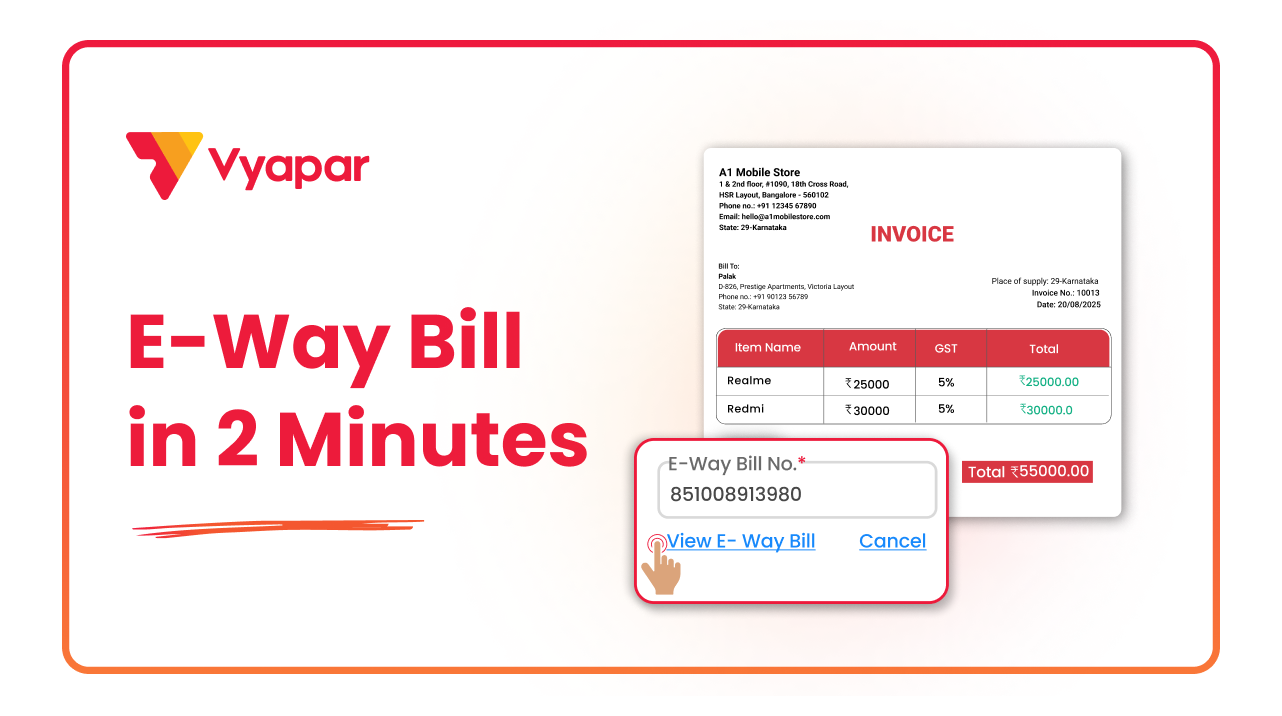
How to Generate E-way Bill
Transform Your Business in Just 5 Minutes – Start Free Today!
Join 1.5 crore + small business owners using Vyapar’s automated billing, inventory & accounting software to save 10+ hours every week.





