
Manage Your Business Accounting with Vyapar App- Video
Watch this video to learn how to use Vyapar app for Accounting.
Transcript
Managing accounts does not have to feel complicated. Vyapar accounting software helps you organise your chart of accounts for sales, purchases, and expenses simply while keeping your books compliant.
You can record journal entries, adjustments, depreciation, and double-entry transactions easily. Everything is done in just a few clicks, giving you full control over your accounts.
Create GST-compliant invoices in seconds. Every transaction automatically updates the related ledgers, which reduces manual work and lowers the chances of errors.
You can generate detailed account statements for any client or vendor instantly. This makes tracking payments and checking balances much easier.
Vyapar keeps you audit-ready with a built-in audit trail. Every edit and deletion is recorded, ensuring full transparency in your records.
It also auto-generates important reports like profit and loss, balance sheet, and GST reports. With Tally integration, your accountant can access real-time financial data whenever needed.
Read More
Related Videos
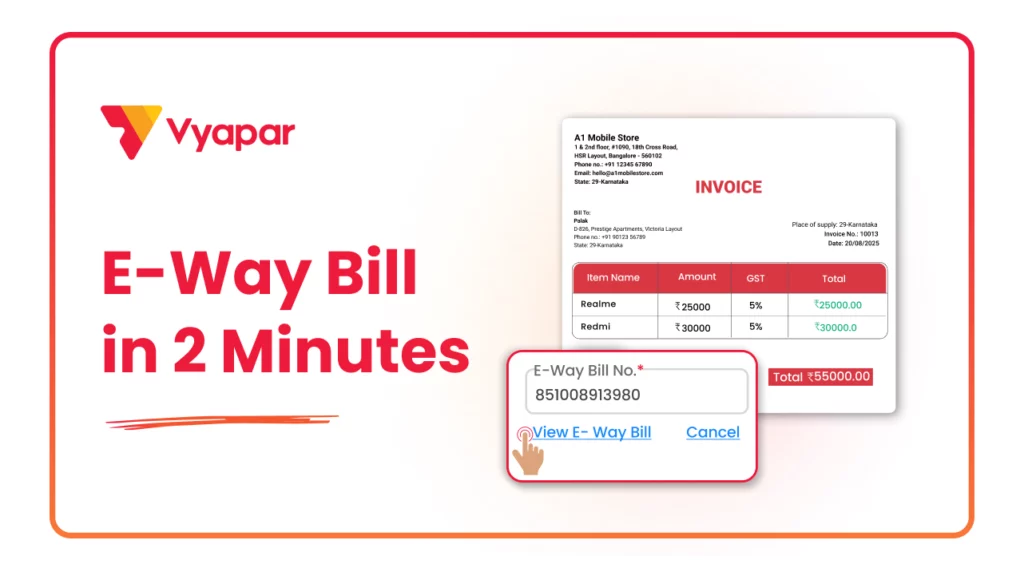
How to Generate E-way Bill
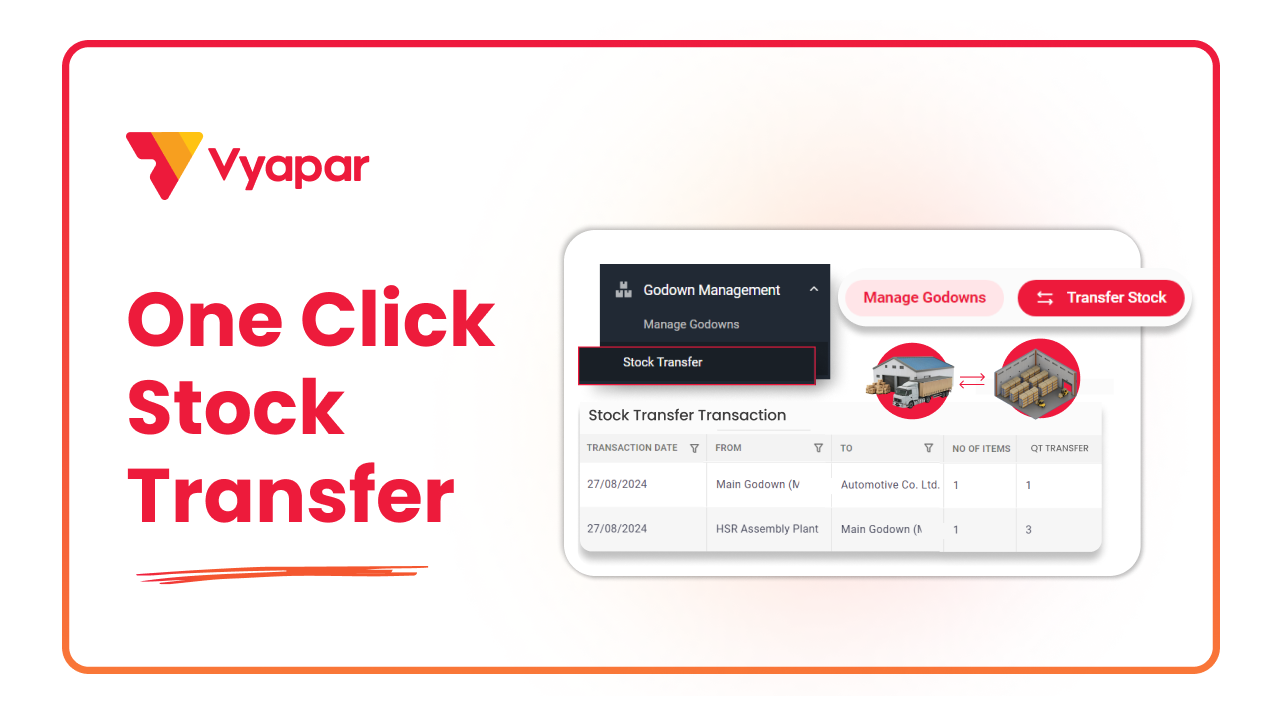
How to Transfer Stock
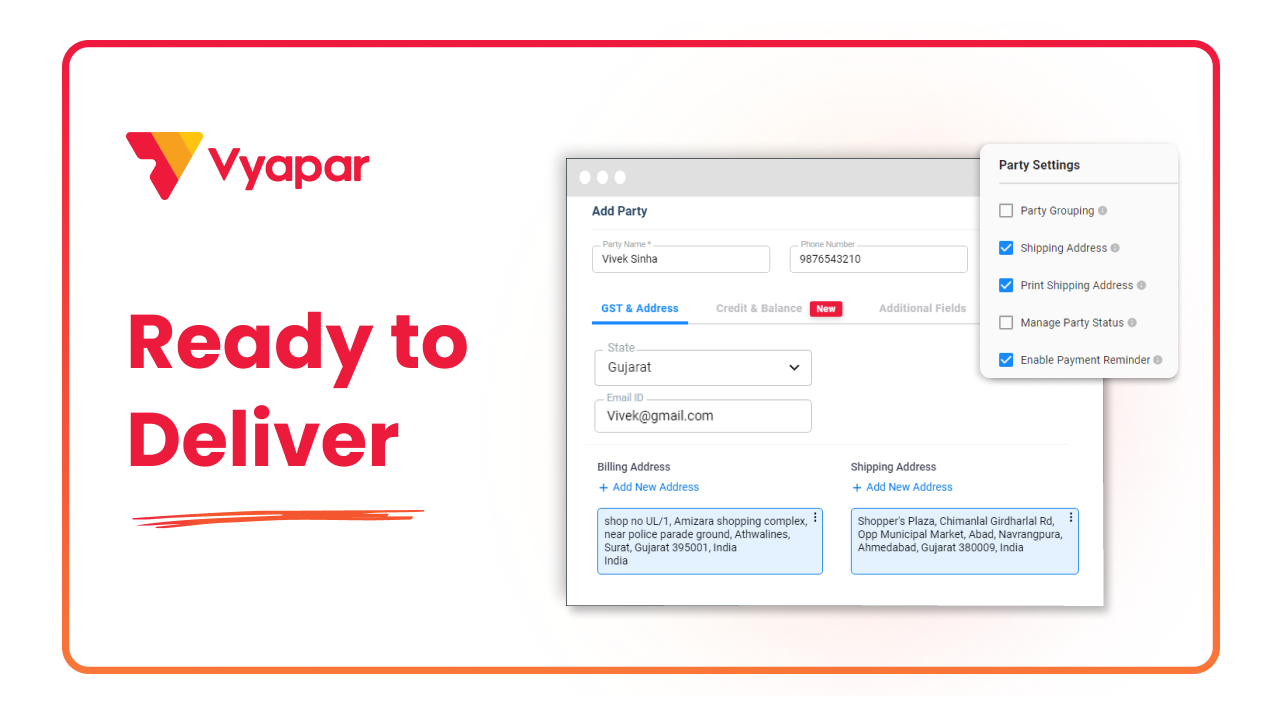
How To Add Shipping Address
Transform Your Business in Just 5 Minutes – Start Free Today!
Join 1.5 crore + small business owners using Vyapar’s automated billing, inventory & accounting software to save 10+ hours every week.





