
Goods Return Entry in Vyapar – Video
Discover how to record a Goods Return Entry quickly and correctly. The easiest way to manage returns using Vyapar.
Related Videos

How to Add Transport Details
How to Manage TCS
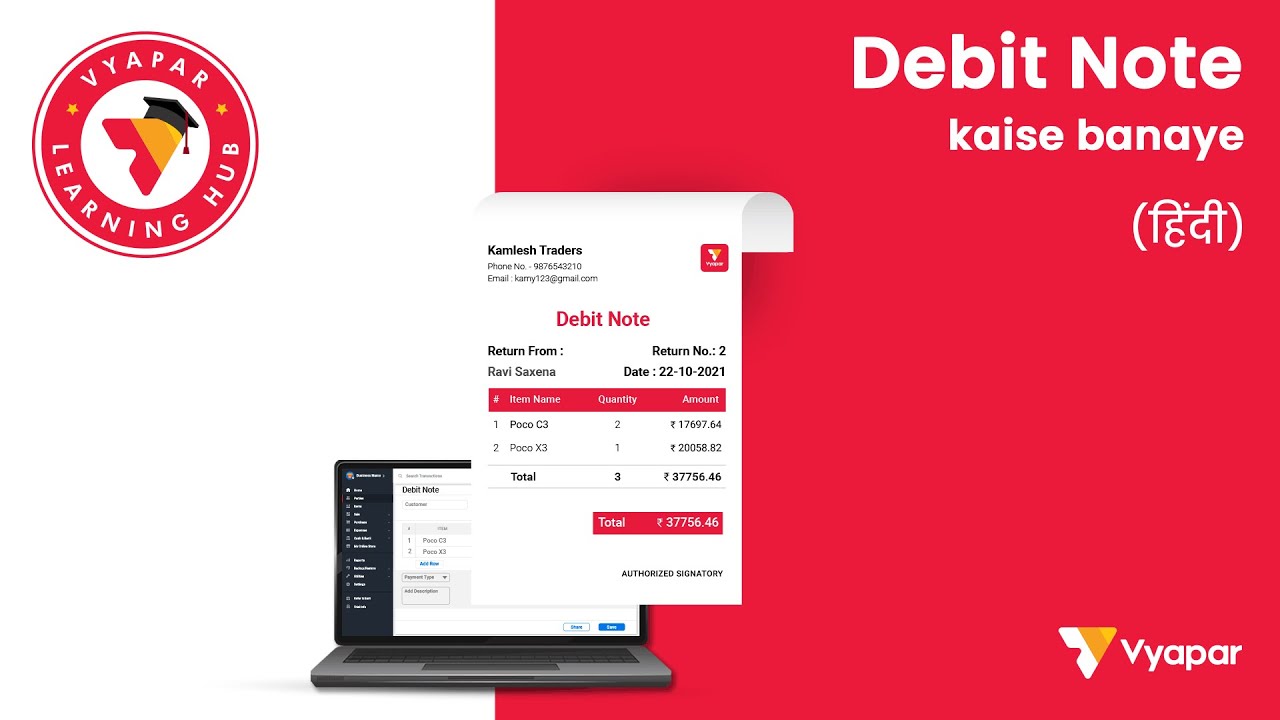
How to Make Debit Note
Transform Your Business in Just 5 Minutes – Start Free Today!
Join 1.5 crore + small business owners using Vyapar’s automated billing, inventory & accounting software to save 10+ hours every week.
You can visit the UAE site to view content specific to your location

Enter Phone Number to Start Download for Free
{{ $type }}
Please Provide a valid Phone Number
Loading...
Enter Phone Number to Start Download for Free
{{ $type }}
Please Provide a valid Phone Number
Loading...

Scan with your mobile camera
Monitor your business activity from anywhere in the world, sync mobile app with desktop app.
Success !!
We have sent an install link to your WhatsApp. Please check and install the app.





