
Profit and Loss Reports in Vyapar- Video
Track your business profit with simple profit and loss reports.
Transcript
Profit reports help you track how much your business is earning and where profits are coming from.
Open the Profit Report: Open the Vyapar billing software and go to the Report section to view your business profit for a selected time period.
Check Profit for a Specific Time Period: Select a particular date range to see profit and loss for that duration. You can also download the report in Excel, PDF or print it.
View Bill-Wise Profit and Loss: Use the Bill Wise Profit & Loss report to check profit or loss from each sale bill.
Analyse Customer-Wise Profit: Apply the party/customer filter to see how much profit or loss you earn from a specific customer.
Check Item-Wise Profit: The Item-Wise Profit & Loss report shows which products are most profitable and which items generate the most sales.
Manage Stock Using Profit Insights: By identifying profitable and fast-selling items, you can manage stock better and avoid running out of important products.
These reports help you clearly understand and track your business’s profitability.
Read More
Related Videos
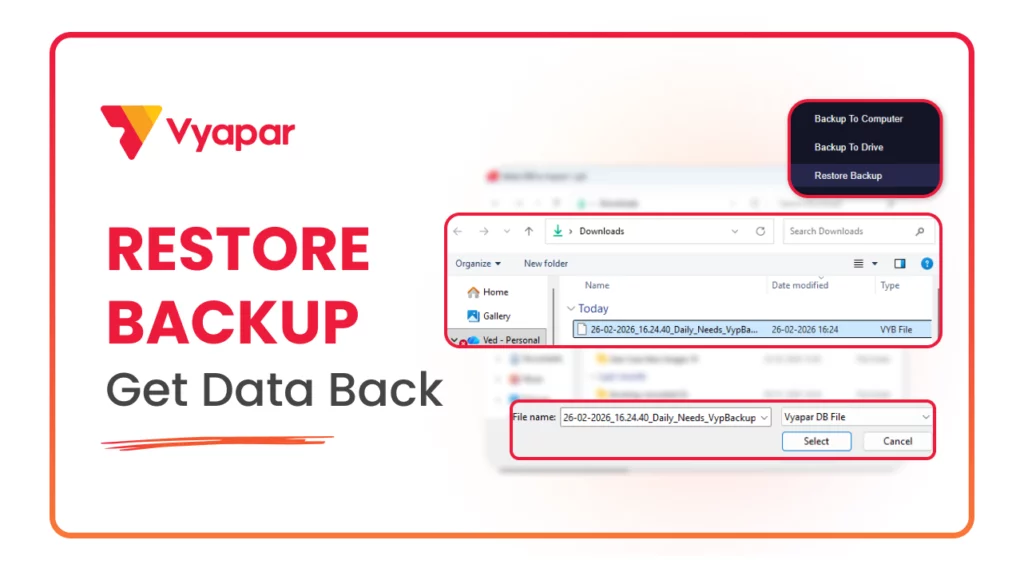
How to Restore Backup
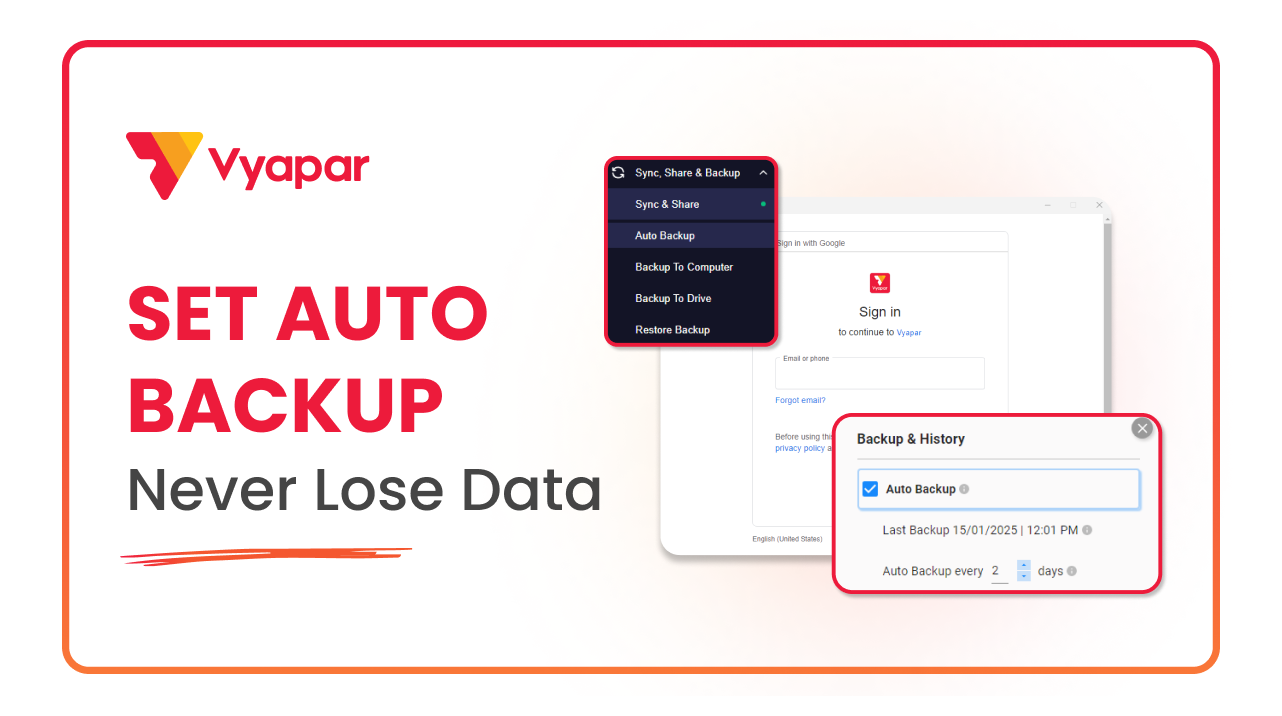
How to Take Auto Backup
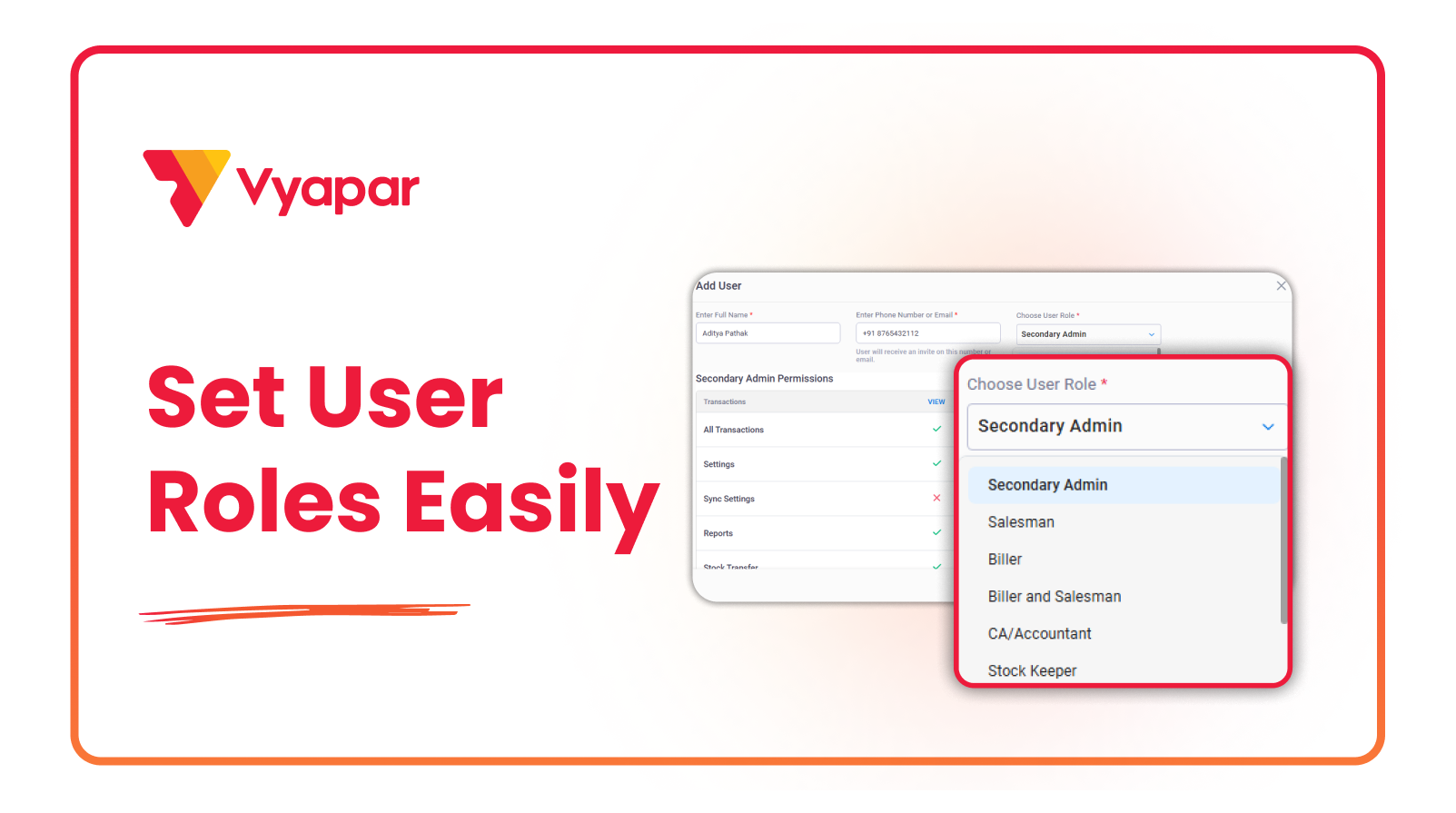
How to Manage User Roles & Permissions
Transform Your Business in Just 5 Minutes – Start Free Today!
Join 1.5 crore + small business owners using Vyapar’s automated billing, inventory & accounting software to save 10+ hours every week.





