
User Roles and Permissions in Vyapar– Video
Manage staff access and user roles easily with the Sync and Share feature.
Transcript
Sync and Share lets you connect multiple devices and give limited access to your staff or partners.
Open Sync & Share: Open the Vyapar app, go to the menu, and click on Sync & Share to start connecting devices and managing user access.
Add a New User: Click Add User and enter the user’s name, phone number, or email ID to invite them to access your company.
Assign a User Role: Select a role such as Secondary Admin, Salesman, Viewer, Biller, Accountant, or Stock Keeper to control what the user can see or edit.
User Joins the Company: The invited user receives an invite link, downloads the app, and joins the shared company from the “Shared With Me” section.
Track and Manage User Activity: You can view user activities, change roles, edit user details, or remove access anytime from the Sync & Share dashboard.
Disable or Re-enable Sync: If needed, you can disable sync to remove access for all users, and enable it again to resend invitations.
Read More
Related Videos
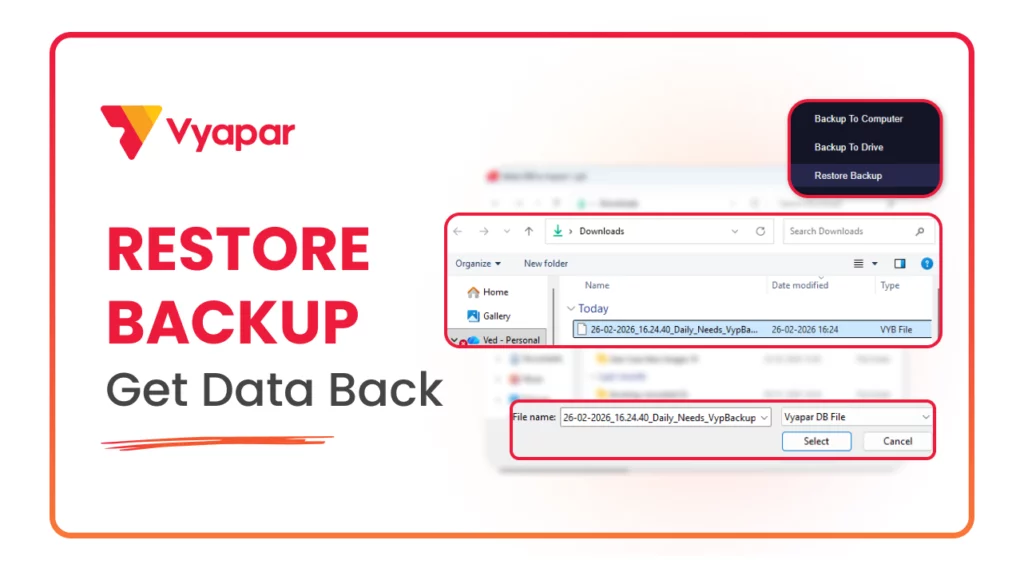
How to Restore Backup
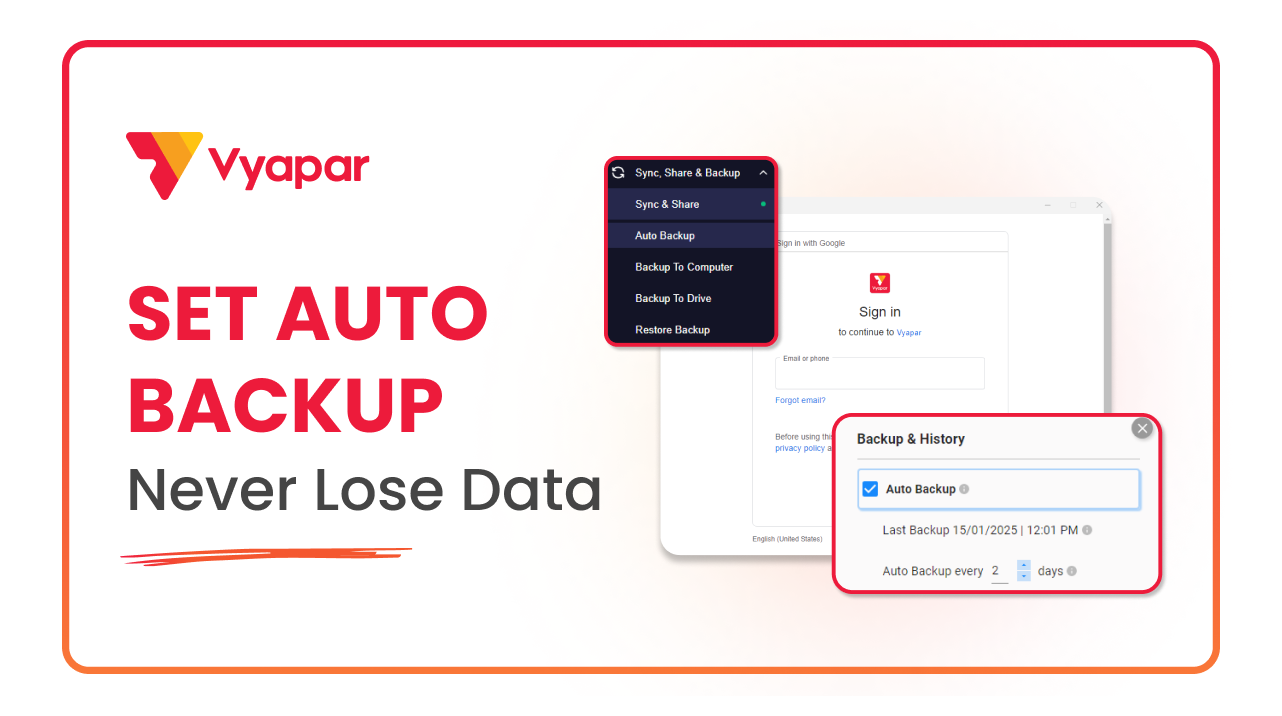
How to Take Auto Backup
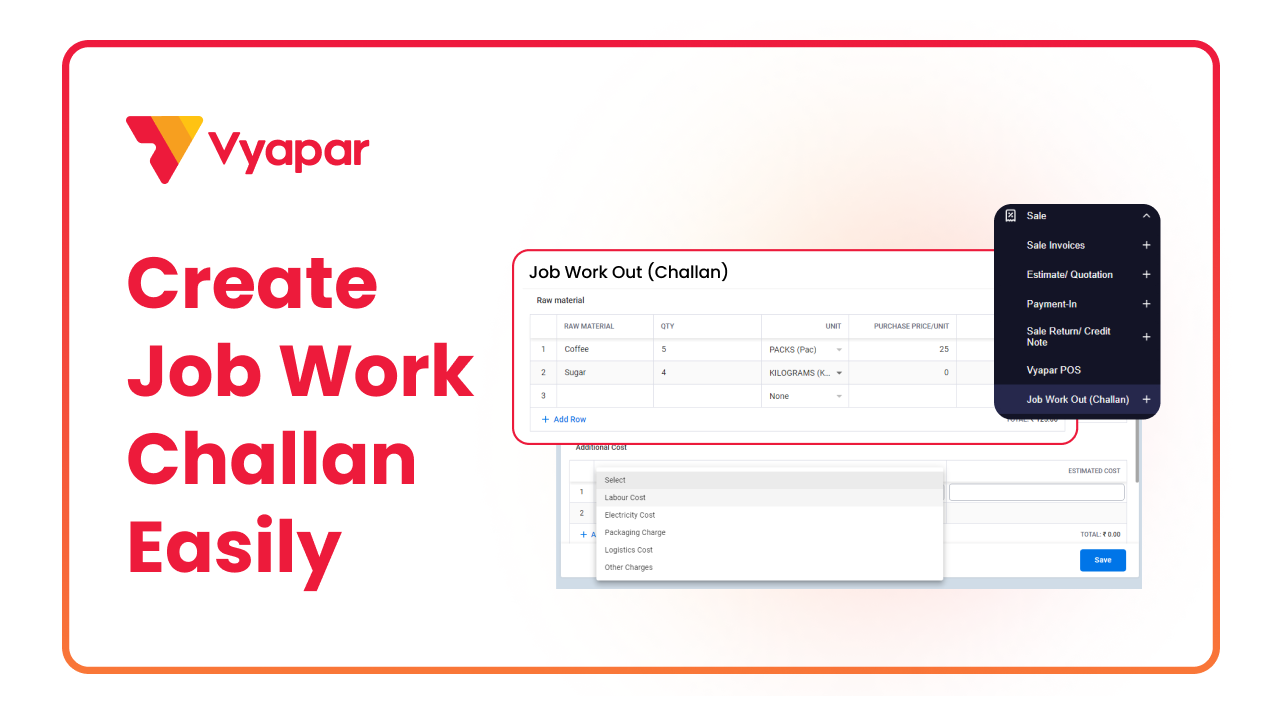
How to Make Job Work Challan
Transform Your Business in Just 5 Minutes – Start Free Today!
Join 1.5 crore + small business owners using Vyapar’s automated billing, inventory & accounting software to save 10+ hours every week.





