
How to Set Credit Limit for Customer – Video
Learn how to set a credit limit for customers. Simple steps to control dues, manage payments, and avoid overdue balances easily.
Transcript
This video explains how to set a credit limit for your customers (parties) in the Vyapar app so you can control how much credit you give and track it easily.
Step 1: Open App & Go to Party Section
Open the Vyapar app and go to the “Parties” section, where you can view or manage all your customers.
Step 2: Add or Edit a Party
You can either edit an existing party or add a new one by entering basic details like name and contact information.
Step 3: Set Credit Limit
Go to the “Credit & Balance” tab, choose custom limit, and enter the maximum amount of credit you want to allow for that party.
Step 4: Create Sales Invoice & Check Limit
While creating a sales invoice, you will see the available credit limit and current outstanding amount for that party.
Step 5: Get a Warning on Exceeding the Limit
If the invoice amount goes beyond the set credit limit, a warning message will appear, helping you decide whether to proceed or adjust the bill.
Step 6: Update Limit with Payments
When you receive payment and record it, the used credit reduces, and the available credit limit gets updated automatically.
Setting a credit limit helps you control credit sales, avoid overdues, and manage customer balances more efficiently.
Read More
Related Videos

How to Accept Cash, Card & UPI Payments in Vyapar
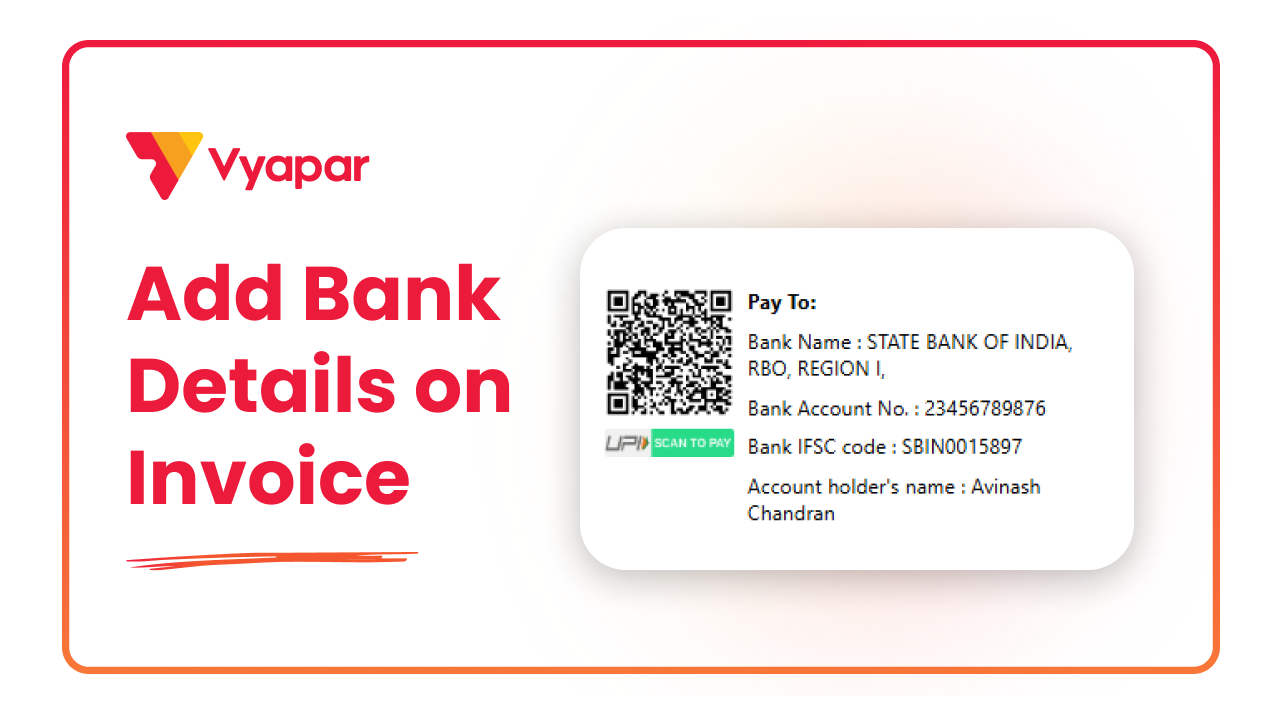
How to Add Bank Account Details on Invoice
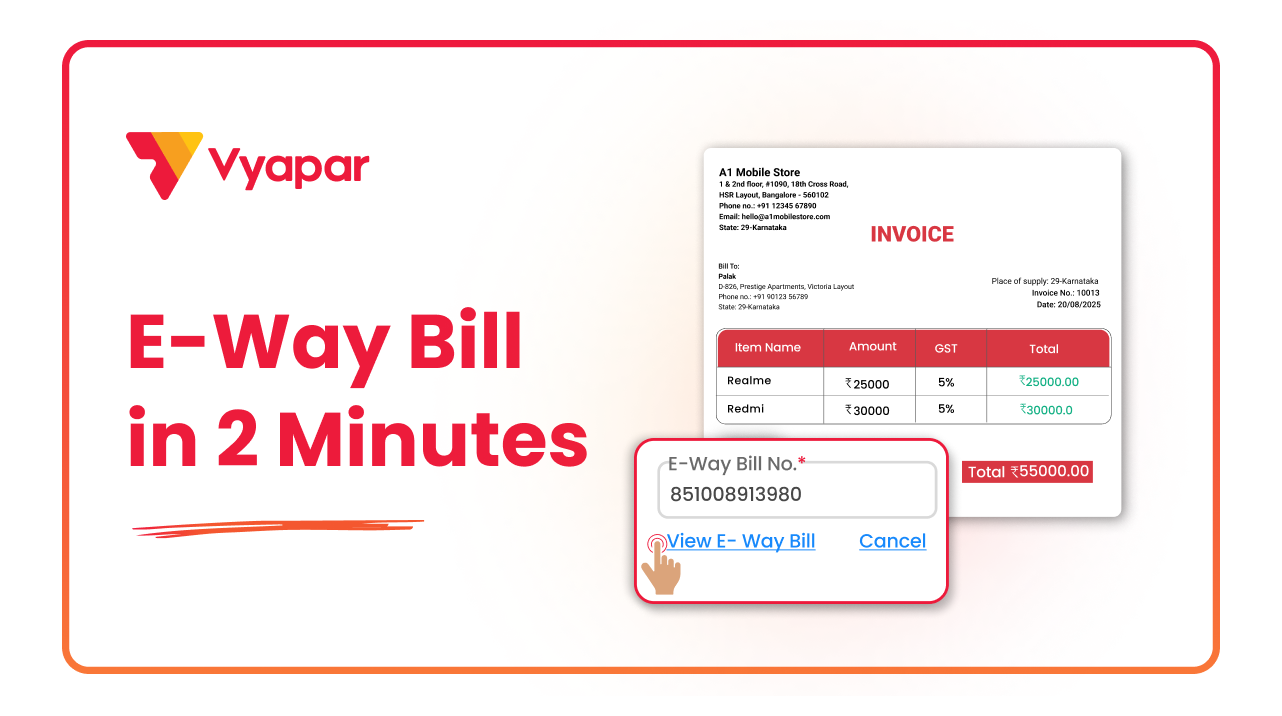
How to Generate E-way Bill
Transform Your Business in Just 5 Minutes – Start Free Today!
Join 1.5 crore + small business owners using Vyapar’s automated billing, inventory & accounting software to save 10+ hours every week.





