
Automatic GST and Tax Calculation – Video
Learn how GST is applied and calculated automatically when creating invoices.
Transcript
Manual billing and GST calculations taking too much time? Here’s a simple way to automate GST calculation and save effort using a billing software.
Step 1: Open App & Go to Items
Open the app and from the left menu, go to the Item section.
Step 2: Add New Item
Click on “Add Item” and enter details like item name, HSN code, and unit of sale.
Step 3: Enter Price & Tax Details
Add the item price and select whether it is “with tax” or “without tax.” Then choose the GST percentage (e.g., 18%)
Step 4: Add Stock Quantity
Apply the party/customer filter to see how much profit or loss you earn from a specific customer.
Step 5: Create Sale Entry
Click on “Add Sale,” select the customer, and choose the item. The app will automatically calculate GST and show the final price.
Step 6: Save & View Bill Details
Save the transaction. You can view the bill with complete details like HSN code, unit price, GST percentage, and total tax amount.
GST calculations are handled automatically, making billing faster, accurate, and hassle-free without manual effort.
Read More
Related Videos
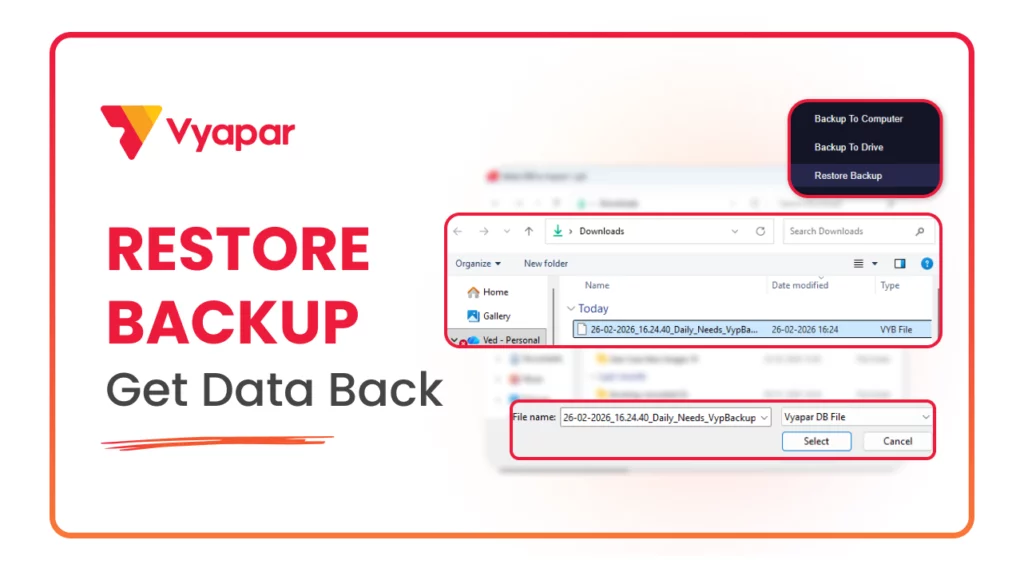
How to Restore Backup
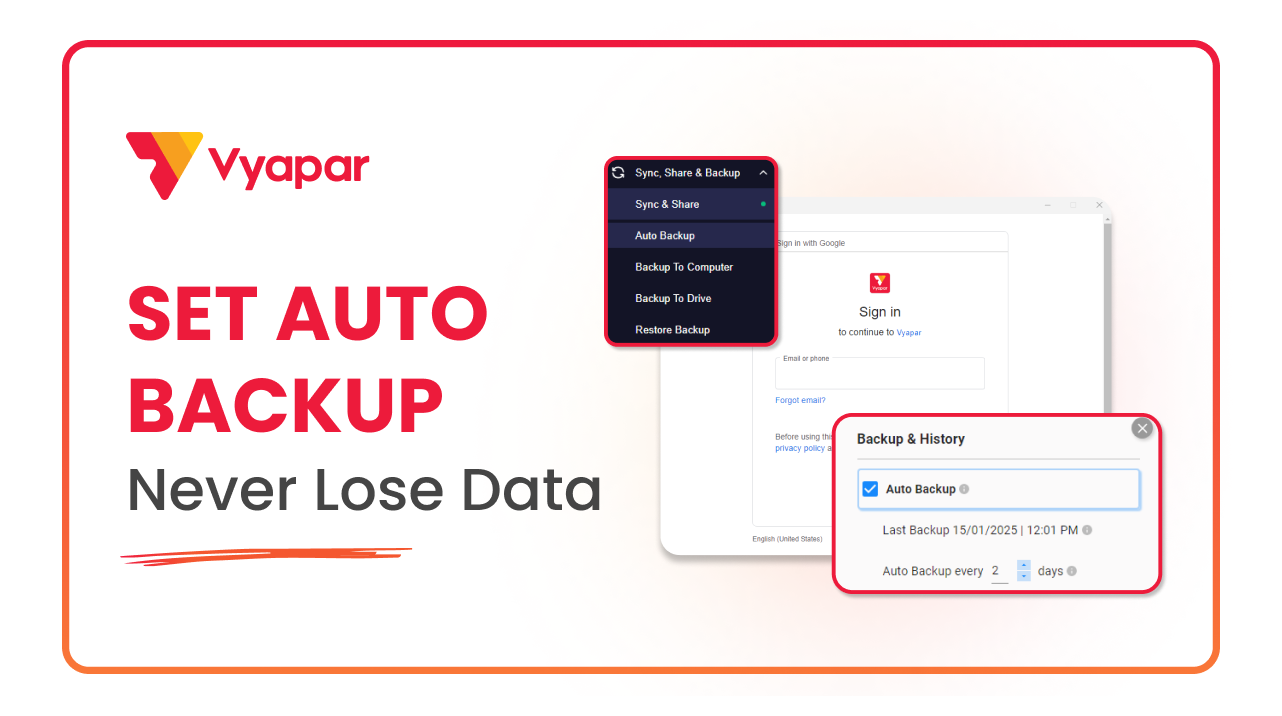
How to Take Auto Backup
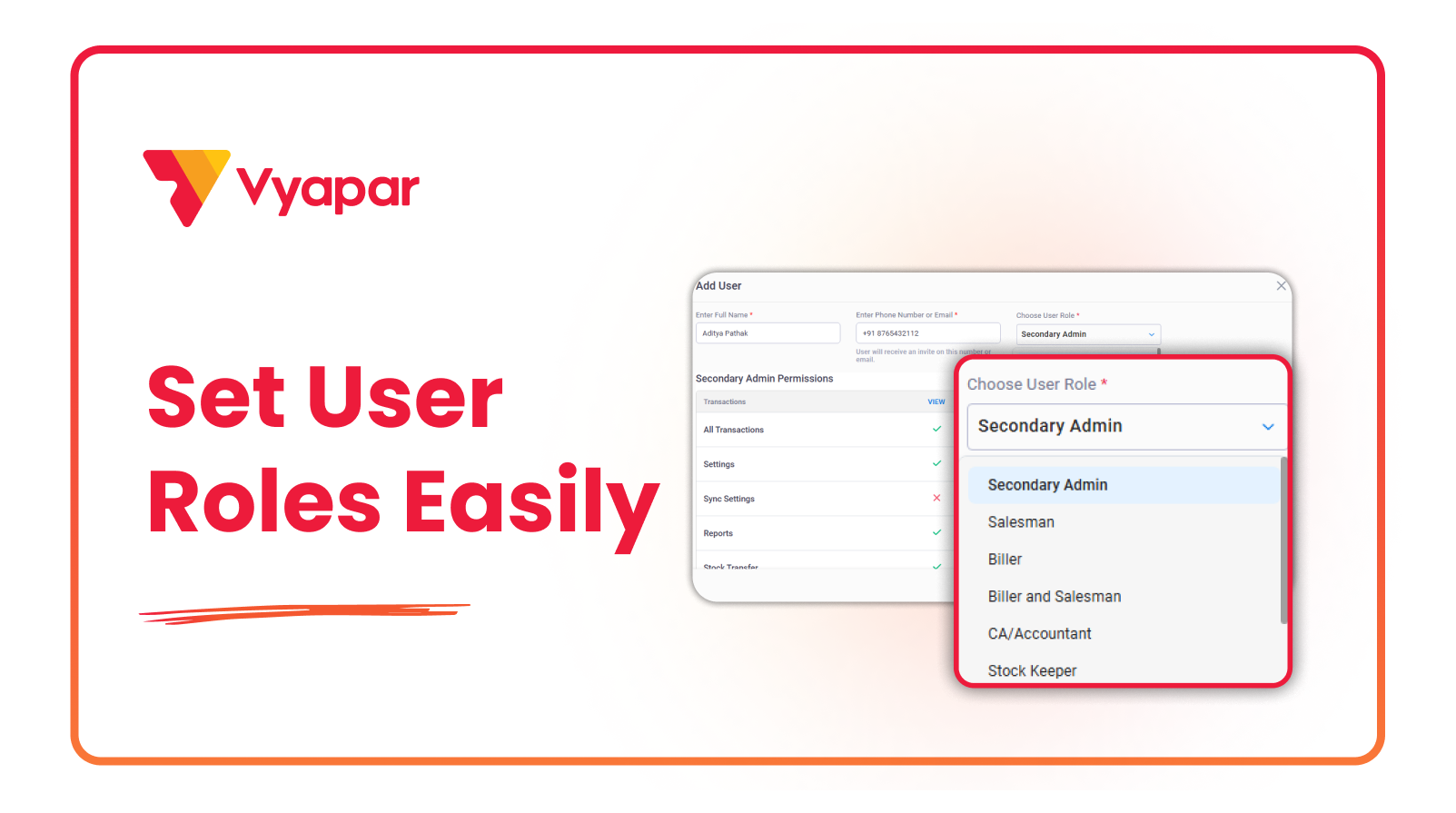
How to Manage User Roles & Permissions
Transform Your Business in Just 5 Minutes – Start Free Today!
Join 1.5 crore + small business owners using Vyapar’s automated billing, inventory & accounting software to save 10+ hours every week.





