Table of Contents
- Key Takeaways of Computerized Accounting
- Understanding Computerized Accounting
- Importance of Computerized Accounting
- Types of Computerized Accounting Software
- Main Features of Computerized Accounting
- How Computerized Accounting Works
- Examples of How Computerized Accounting is Used
- Benefits of Computerized Accounting Over Manual Accounting
- The Future of Computerized Accounting
- How Vyapar App Can Help with Computerized Accounting
- FAQ’s
What is Computerized Accounting? Explanation & More
Estimated reading time: 9 minutes
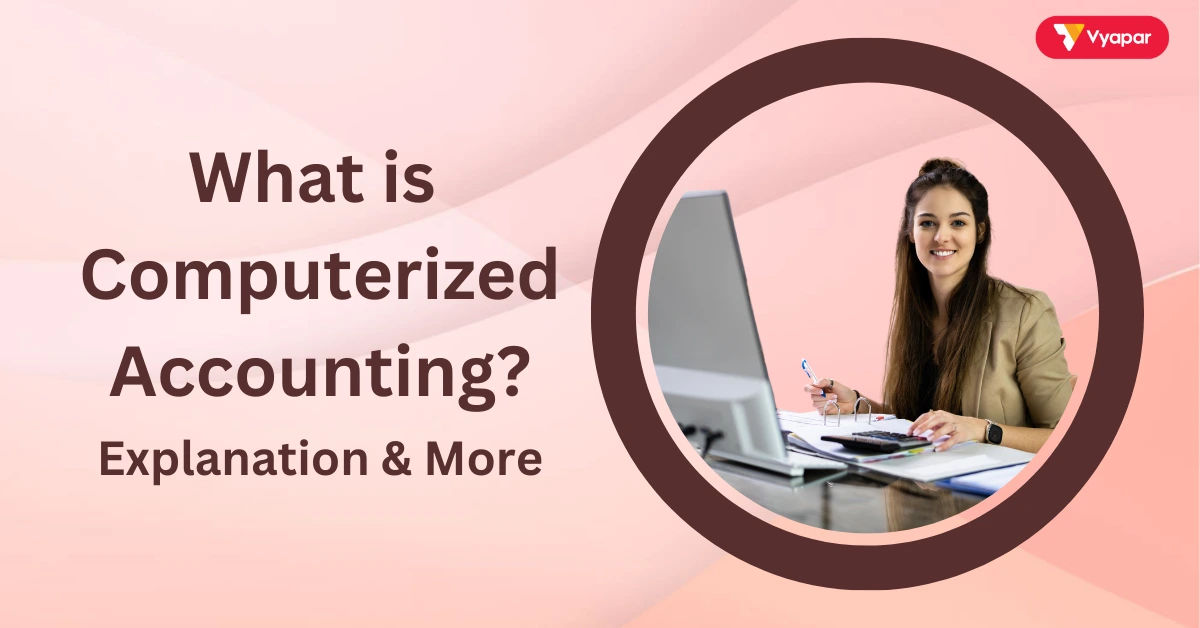
In accounting, computerized accounting means using computers and accounting software to keep track of a business’s money. Computerized accounting speeds up the process of recording transactions. It automatically saves and organizes financial data, making things easier.
It helps business owners see their income, expenses, and profits in real-time, all with a few clicks. This makes managing finances faster, more accurate, and easier, especially for small businesses.
Key Takeaways of Computerized Accounting
- Computerized accounting automates tasks, making accounting faster and more accurate.
- It uses accounting software to record transactions, make reports, and manage finances.
- This method gives real-time data, helping business owners make smart decisions.
- It reduces human error and keeps records up-to-date with accounting standards and legal requirements.
Understanding Computerized Accounting
Computerized accounting takes the traditional way of keeping accounts (with paper and pen) and moves it to a computer. Business owners or accountants enter data into the accounting software, which then automatically calculates totals, balances the accounts, and organizes the information. In this manner, they do not need to handle everything manually, and they can swiftly review their financial status.
Importance of Computerized Accounting
Using computers to handle accounting tasks makes managing money easier for businesses. Here’s why it’s so important:
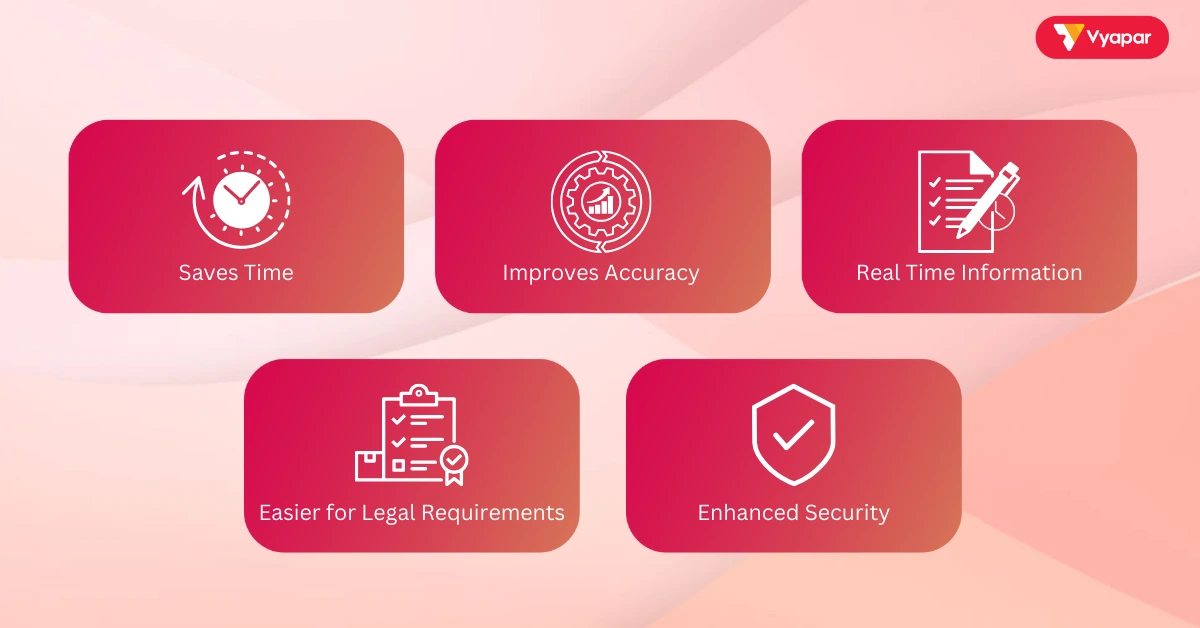
- Saves Time: Automated calculations and entries save hours of work.
- Improves Accuracy: The software reduces mistakes, as it does the calculations automatically.
- Real-Time Information: Business owners can check their financial data at any time. This helps them see their current income, expenses, and profits.
- Easier for Legal Requirements: It organizes records to help with tax returns and audits. This makes it easier to follow the law.
- Enhanced Security: Many systems protect data with passwords and encryption to keep it safe from unauthorized access.
Types of Computerized Accounting Software
Various types of accounting software exist, depending on a business’s needs:
- Basic Accounting Software: Great for small businesses; it handles daily transactions, invoices, and basic reports.
- Enterprise Resource Planning (ERP): Larger companies use ERP systems to manage accounting. These systems also handle inventory, payroll, and other tasks.
- Cloud-Based Software: Stores data online, so business owners can access their accounts from any device with internet access.
- Industry-Specific Software: Certain software is designed for particular sectors or large-scale enterprises. This includes retail stores, shopping malls, and healthcare facilities. It includes special features for those fields.
Each type offers something unique, so businesses can choose the one that fits their needs best.
Main Features of Computerized Accounting
Audits follow a step-by-step process to make sure everything is checked properly. Here’s how it usually works:
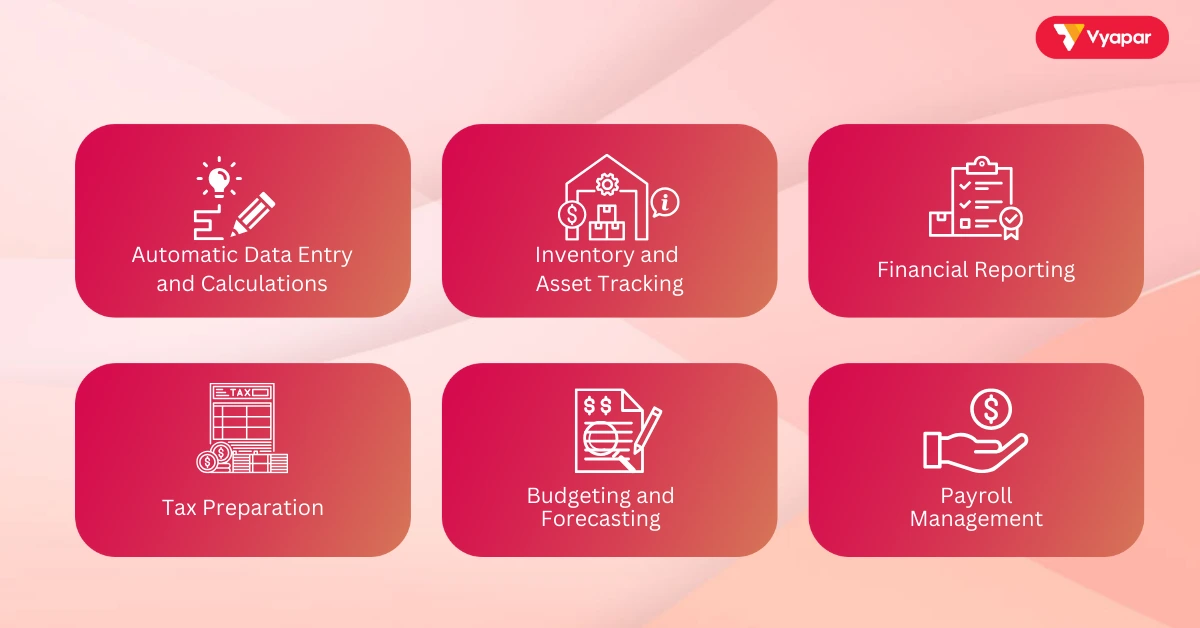
- Automatic Data Entry and Calculations: Enter data once, and the software handles all calculations, reducing manual work.
- Inventory and Asset Tracking: Track items in stock and assets to keep records accurate.
- Financial Reporting: Create reports like balance sheets, profit and loss statements, and cash flow summaries easily.
- Tax Preparation: Organizes records and calculates taxes owed, making tax returns simpler.
- Budgeting and Forecasting: Allows business owners to set budgets and forecast future earnings based on trends.
- Payroll Management: Automatically calculates employee salaries and deductions, keeping payroll accurate.
How Computerized Accounting Works
The process of computerized accounting is simple and organized:
- Input Financial Data: Enter transactions like sales, expenses, and purchases. Some software can connect directly to bank accounts and pull data.
- Process Transactions: The software balances every debit and credit following the double-entry system.
- Store data securely: Store all data electronically, either on a computer or in the cloud. This keeps it safe and easy to reach.
- Generate Reports: Quickly create reports to see the business’s income, expenses, and overall financial health.
- Prepare for Compliance: The software organizes records, making it easy to follow accounting rules and legal requirements.
Examples of How Computerized Accounting is Used
Here are some simple examples to show how computerized accounting helps businesses:
- Sales Tracking in a Retail Store: A store can enter each sale into the software. The software updates inventory, calculates profits, and prepares sales reports.
- Expense Tracking for a Freelancer: Freelancers can keep track of client payments and expenses. This makes it easy to create invoices and view monthly earnings.
- Payroll for a Small Business: A small business can use the software to calculate salaries, taxes, and deductions automatically.
These examples show how computerized accounting helps save time and keeps financial information organized and accurate.
Benefits of Computerized Accounting Over Manual Accounting
Computerized accounting offers many advantages compared to manual methods:
- Speed: Automated entries and calculations are faster, allowing instant updates.
- Accuracy: Reduces human error by handling calculations and checks automatically.
- Data Backup: You can easily copy your accounting data to keep them safe. This helps protect them from loss or damage.
- Cost Savings: Saves time and reduces mistakes, which can cut costs.
- Better Internal Controls: Systems track access to data, ensuring only authorized staff can see or edit records, improving security.
The Future of Computerized Accounting
Technology is making computerized accounting even better with features like:
- AI and Automation: Some software uses AI to handle repetitive tasks like data entry or to spot unusual transactions.
- Machine Learning: Over time, the software learns from data and becomes better at predicting expenses or detecting fraud.
- Integration with Other Tools: Modern accounting software can link with other tools like CRM or POS systems. This provides a complete view of the business.
- Blockchain for Security: Some systems use blockchain to record transactions securely, making them tamper-proof.
- Real-Time Tax Compliance: Software can update itself to meet new tax rules, ensuring businesses stay compliant.
How Vyapar App Can Help with Computerized Accounting
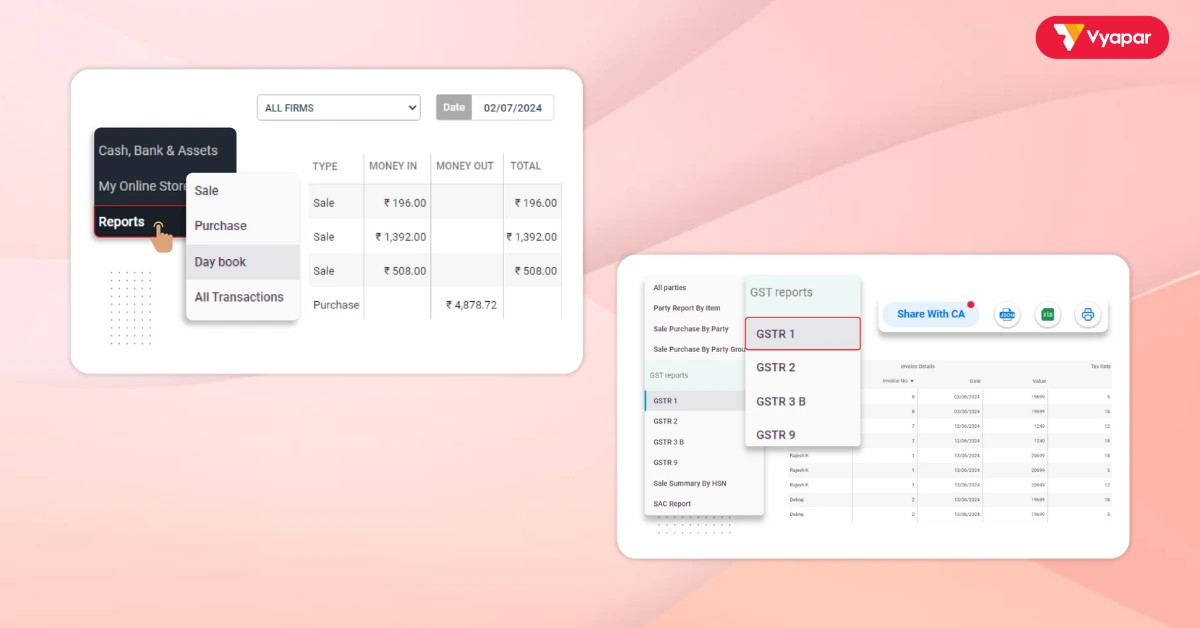
Vyapar App is a great tool for small businesses to manage their finances. Here’s how Vyapar makes computerized accounting easy:
- Automatic Record-Keeping: Vyapar tracks sales, purchases, and payments automatically, reducing errors.
- Real-Time Financial Tracking: Business owners can check sales, expenses, and cash flow anytime, which helps with quick decisions.
- Inventory and Asset Tracking: Vyapar keeps track of stock and assets, so records are always up-to-date.
- Simple Financial Reports: Vyapar makes reports such as balance sheets, trial balance and profit and loss statements. This helps you easily review your finances.
- Tax-Ready Reports: Vyapar organizes records for tax returns, helping businesses stay compliant with legal requirements.
- Secure Data Storage: Vyapar offers secure storage options, keeping financial data safe and accessible from anywhere.
With Vyapar, business owners can focus on growing their business without spending too much time on bookkeeping.
Are you a Business Owner?
Take your business to the next level with Vyapar! Try free!
Try our Android App (FREE for lifetime)
FAQ’s
Computerized accounting is the use of software to manage financial records, replacing the need for manual entries and calculations.
It saves time, improves accuracy, provides real-time data, and helps meet accounting standards and legal requirements.
Small businesses can use simple software, while larger corporations may need ERP solutions. Cloud-based software allows access from anywhere, and some developers tailor software for specific industries.
Vyapar automates entries, tracks inventory, creates financial reports, and prepares tax-ready documents, making accounting easier for small businesses.
Manual accounting requires physical recording, while computerized accounting uses software for fast, automated entries and calculations.
Yes, most software, like Vyapar, includes security features like encryption and backups to protect data from unauthorized access.