Use Invoicing Software: Create invoices digitally to reduce manual work and keep records organised.
Save Customer Details: Reuse saved customer information instead of entering it for every invoice.
Maintain a Product List: Save product prices, GST rates, and HSN/SAC codes for faster billing.
Automate GST Calculations: Let software calculate applicable GST to save time and reduce calculation errors.
Scan Supplier Bills Using OCR: Extract details from purchase bills to reduce manual data entry.
Send Invoices Digitally: Share invoices through WhatsApp or email to avoid printing and speed up communication with customers.
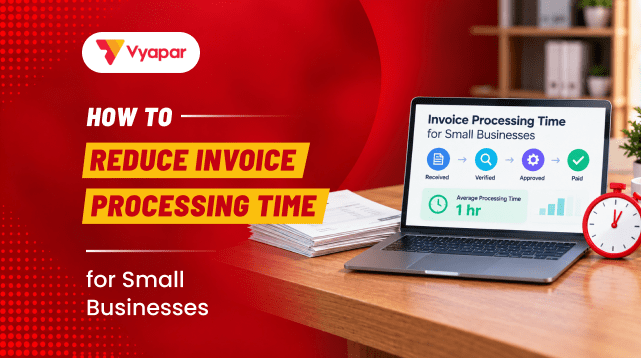
For small businesses, creating bills, checking invoices, and following up on payments can take a lot of time. Tasks like entering customer details again and again, calculating GST, and recording purchases add to the daily work. By making a few simple changes, businesses can reduce this repeated work and process invoices faster and more easily.
Why Does Invoice Processing Take So Much Time?
Creating an invoice involves more than entering the sale amount. A typical transaction may include several separate tasks:
Entering customer details
Adding products or services
Calculating GST
Checking the invoice total
Printing or sharing the invoice
Recording payments
Following up on unpaid invoices
Entering supplier bills into business records
Each task may take only a few minutes. But when the same work is repeated throughout the day or week, it can become a significant part of the daily workload.
For a business with regular customers, typing the same name, address, GSTIN, product details, and prices again and again is unnecessary work. The same applies to payment follow-ups. Checking every unpaid invoice manually can also become difficult as the number of transactions increases.
Common Invoice Processing Mistakes That Waste Time
Some invoicing habits can create extra work without being obvious.
Using Different Invoice Formats
When invoices are created in different formats, it becomes harder to follow the same process every time. Important information can also be missed.
Entering Customer Details Again and Again
Typing the same customer name, address, phone number, or GSTIN on every invoice takes unnecessary time and increases the chance of errors.
Calculating GST Manually
Manually calculating CGST, SGST, or IGST for every transaction adds another step to invoice creation and can lead to calculation errors.
Following Up With Every Customer Manually
Calling or messaging customers individually about every pending payment can take considerable time, especially when there are many credit customers.
Keeping Records in Different Places
When some invoices are in notebooks, some are in spreadsheets, and others are stored digitally, finding information later becomes difficult.
Delaying Invoice Updates
Leaving invoices, payments, or purchase entries for later can create extra work at the end of the month. Keeping records updated regularly makes it easier to track business transactions.
How to Reduce Invoice Processing Time
Small changes can make the invoicing process simpler. Businesses do not have to change everything at once.
1. Move Away From Handwritten Bills
Handwritten bills require the same information to be entered repeatedly. They can also become difficult to read, store, and find later.
A digital invoicing system allows business details, customer information, products, prices, and tax details to be saved. When a new invoice is created, the required information can be selected instead of being written from scratch.
2. Use a Standard Invoice Format
A standard invoice format makes the process easier because the same basic information does not have to be arranged for every sale.
The format can include:
Business name and contact details
GSTIN, where applicable
Customer details
Product or service details
Quantity and price
Applicable taxes
Payment details
Once the format is set up, only transaction-specific information needs to be entered.
3. Automate GST Calculations
GST calculation can become repetitive when invoices are prepared manually. Using invoicing software can reduce manual calculations by applying the configured tax rates during invoice creation.
A quick review before sending the invoice is still useful, particularly for important transactions.
4. Save Customer Details
Regular customers should not require their information to be entered from scratch every time. Customer details such as name, address, phone number, GSTIN, and payment terms can be saved and reused for future invoices.
This is especially useful for wholesalers, distributors, service providers, and retailers that regularly deal with the same customers.
5. Save Product and Service Details
Product information can also be saved instead of being entered repeatedly. Details such as product name, price, unit, HSN/SAC code, and GST rate can be maintained in a product list. The required item can then be selected while creating an invoice.
This is particularly useful for businesses handling a large number of products.
6. Use Recurring Invoices for Regular Billing
Some businesses send invoices to the same customers every week or month. This can include maintenance services, subscriptions, rent, consulting services, or regular supply arrangements.
Creating these invoices manually every time can become repetitive. A recurring invoice can be set up for regular transactions so the same billing process does not have to be repeated from the beginning.
The invoice should still be reviewed before sending if prices, quantities, taxes, or other details have changed.
7. Scan Supplier Bills
Invoice processing also includes purchase bills. Typing every detail from supplier bills into a system can take time, particularly when a business receives many purchase invoices.
OCR scanner feature can help extract information from bills using a phone camera or scanned document, reducing manual data entry.
The extracted information should be checked before saving, especially when the original bill is unclear.
8. Send Invoices Digitally
Printing a bill and waiting for the customer to collect it can delay the payment process. Digital sharing allows invoices to be sent soon after a transaction through supported channels such as WhatsApp or email.
Sending an invoice immediately also makes it easier to keep the payment process moving.
9. Use Payment Reminders
Payment follow-up can take as much time as invoice creation. Instead of checking every pending invoice and contacting customers individually, payment reminders can be used to notify customers about upcoming or overdue payments.
This can reduce repetitive follow-up work and make outstanding payments easier to manage.
Manual Invoicing vs Digital Invoicing
Task
Manual Way
Digital Way
Creating an invoice
Details entered repeatedly
Saved details can be selected
GST calculation
Calculated manually
Calculated by software
Customer details
Typed for each invoice
Saved and reused
Product details
Entered repeatedly
Selected from saved items
Sending invoices
Printed or shared later
Shared digitally
Payment follow-up
Checked manually
Reminders can be used
Finding old invoices
Search through files or registers
Search stored records
Purchase bill entry
Information copied manually
OCR can reduce data entry
Best Practices for Faster Invoice Processing
Making invoicing faster once is useful, but keeping the process simple over time is just as important.
Keep Customer and Supplier Details Updated
Saved information is useful only when it is accurate. Customer addresses, GSTINs, phone numbers, and payment details should be updated when they change.
Keep Product Details Updated
Product prices, units, HSN/SAC codes, and tax information should be reviewed whenever there are changes. Updated product information helps reduce corrections later.
Create and Send Invoices on Time
Invoices should not be left pending for several days. Creating and sharing them soon after the transaction keeps records updated and helps customers receive payment details promptly.
Keep Payment Records Organised
Sales and payments should be easy to track. A clear view of paid, unpaid, and overdue invoices makes payment follow-up easier.
Review Invoices Before Sending
Automation can reduce repetitive work, but important invoice details should still be checked before an invoice is shared. Customer information, products, quantities, taxes, and totals are worth a quick review.
How to Measure Your Invoice Processing Time
After making changes to the invoicing process, a few simple checks can show whether they are actually helping.
Time spent creating an invoice: Compare the time needed to create and send invoices before and after changing the process.
Billing errors: Keep track of corrections related to customer details, prices, quantities, or taxes.
Payment follow-ups: Check whether fewer manual calls or messages are needed for pending payments.
Finding old invoices: See how quickly a previous invoice can be found when a customer or supplier asks for it.
Month-end work: Notice how much time is spent checking invoices, payments, and purchase records at the end of the month.
These simple checks can show which parts of the invoicing process are working well and where more improvement may be needed.
A Simple Example of Faster Invoice Processing
Consider a small hardware shop that handles both cash and credit sales.
Earlier, the shop may have prepared handwritten bills, calculated GST using a calculator, recorded credit sales in a notebook, and contacted customers when payments were overdue.
A digital invoicing process can bring many of these tasks together. Customer details can be saved, products can be selected from a list, GST can be calculated automatically, invoices can be shared digitally, and pending payments can be tracked.
The actual time saved will depend on the number and type of transactions, but removing repeated data entry can make invoice processing easier as the business grows.
Conclusion
Reducing invoice processing time is not about working faster under pressure. It is about removing the repeated tasks that take up time every day.
Saving customer and product details, using a standard invoice format, automating GST calculations, sending invoices digitally, and using payment reminders can make the billing process simpler. A consistent invoicing process also makes it easier to find old invoices, track payments, and keep business records organised.
As the number of customers and transactions grows, reducing unnecessary manual work can help small businesses spend less time on paperwork and more time running the business.
Frequently Asked Questions About Invoice Processing
How can a small business reduce invoice processing time?
Start by reducing repeated work. Save customer and product details, use a standard invoice format, automate GST calculations, send invoices digitally, and use payment reminders for pending invoices.
Can invoice automation help small businesses?
Yes. Invoice automation can reduce repetitive tasks such as data entry, tax calculations, invoice creation, and payment follow-ups. The amount of time saved depends on the business’s invoice volume and existing process.
Is manual checking still needed after automating invoices?
A quick review is still recommended. Automation can reduce repetitive calculations and data entry, but invoice details should be checked before sending, particularly for important transactions.
Can recurring invoices save time?
Yes. Recurring invoices are useful when the same customer is billed regularly. Instead of creating the invoice from the beginning each time, a recurring invoice can handle the repeated billing process.
What is the easiest way to start reducing invoice work?
Start with the tasks that happen most often. For many small businesses, saving customer details, saving product information, using a standard invoice format, and automating GST calculations are practical first steps.
I’m a business enthusiast with 8+ years of experience in business management and finance, holding a Bachelor of Business Management (BBM) in Marketing and an MBA in Finance. With expertise in marketing, accounting, financial management, business law, MIS, and business economics, I focus on simplifying complex business and finance topics into clear, practical insights for entrepreneurs, professionals, and students.
- "Tax Professional & Business Finance Expert"
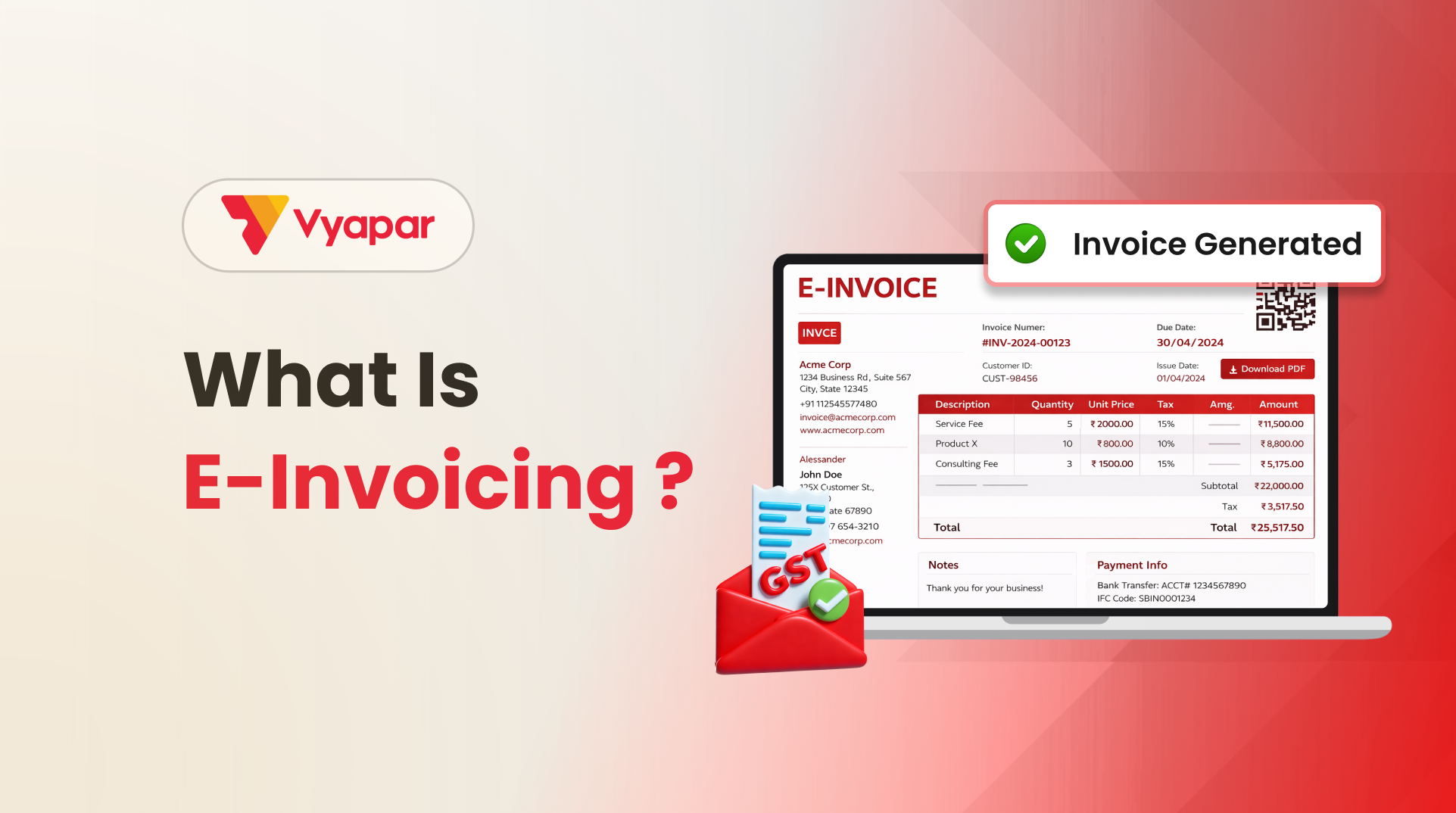
KEY TAKEAWAYS E-invoicing is the electronic authentication of B2B invoices on the government’s Invoice Registration Portal (IRP) Every valid e-invoice carries a unique IRN and a QR code Generating an e-invoice takes a single click through integrated billing software An e-invoice can be cancelled only within 24 hours, and only in full After 24 hours,…
Introduction What worked five years ago no longer works. Customers ask for written quotations. Wholesalers demand clarity before dispatching goods. Transporters want documents ready in advance. Banks and GST consultants expect proper records. In all these situations, one document quietly plays a critical role: the Proforma Invoice. Yet, many small shop owners, retailers, traders, and…
Using invoice Templates/Themes for your business makes sure your invoices are consistent and you are not missing important information. These themes making your invoicing more professional and Clear to the receiver. Also, the Vyapar application lets you customize your invoicing options according to your brand. So here Vyapar updated two latest themes to give your invoice a…