View Categories

What Is Recurring Invoice: A Comprehensive Guide

5 min read

What Is Recurring Invoice

What Is a Recurring Invoice? #

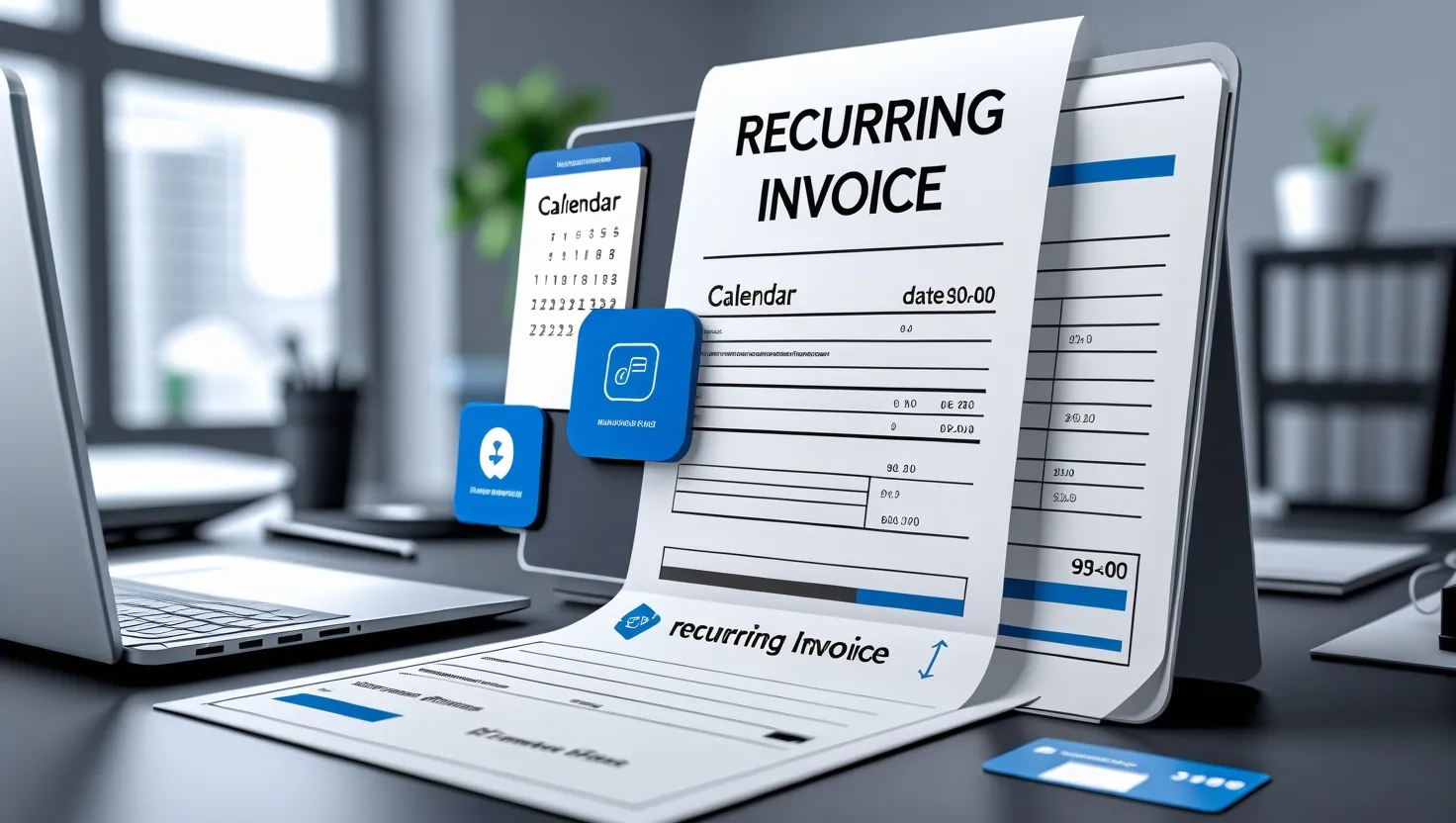
A recurring invoice is an automated billing solution that allows businesses to send the same invoice to a customer at regular intervals — daily, weekly, monthly, or yearly. It’s ideal for businesses with repeat customers or subscription-based services. Instead of creating the same invoice every time, recurring invoicing helps save time, reduce errors, and ensure consistent cash flow — all without manual effort.

Why Recurring Invoices Are Helpful #

A recurring invoice is an essential part of automated billing for businesses offering ongoing services or subscription-based products. It allows you to send an invoice to the customer at regular intervals—weekly, monthly, or annually—based on a predefined payment schedule.

This system helps streamline your billing process by ensuring invoices are automatically generated, reducing manual effort and improving customer satisfaction. Whether you’re billing for products or services, recurring invoices include key payment details and support various payment methods, such as credit cards or UPI.

With the right automation, you can send recurring invoices, manage billing cycles, and handle payment processing efficiently—ultimately helping you save time and stay on top of your finances.

Here is the detailed explanation:

  • Save Time & Reduce Errors: Automates invoice creation, eliminating repetitive manual work.
  • Improve Financial Planning: Scheduled billing helps predict revenue and manage expenses better.
  • Ensure Consistent Cash Flow: Timely invoicing leads to timely payments and fewer delays.
  • Flexible & Customizable: Easily adjust billing dates, payment terms, or pricing as needed.
  • Supports Auto-Payments: Seamlessly integrates with payment gateways for automatic collections.
  • Customer Notifications: Sends automatic reminders to reduce missed payments.
  • Editable Anytime: Update invoice details anytime, even after setting up automation.
  • Track Payments with Ease: Monitor paid and unpaid invoices in one place.
  • Data Security: Keeps customer and payment data protected through encryption.
  • Cost-Efficient: Cuts down admin work and saves money on billing operations.

How Small Businesses Benefit #

  • Saves Valuable Time: Business owners don’t have to create the same invoices again and again. Automating this process lets them focus on other tasks.
  • Improves Cash Flow: Knowing when payments will come in helps businesses budget better.
  • Reduces Errors: The system adds information automatically. This means users are less likely to make mistakes with amounts or customer details.
  • Makes Customers Happy: Customers like receiving timely invoices with clear details. This builds trust and improves relationships.
  • Helps with Budgeting: Regular billing allows businesses to forecast revenue and plan their future spending.
  • Supports the Environment: By going digital, businesses use less paper, which helps the environment.
  • Ensures Compliance with Tax Laws: Automated invoices can include important tax details like GST. This makes it easier to follow tax laws.

How to Set Up Recurring Invoicing #

  • Decide Which Services to Bill Repeatedly: Find services or products that occur regularly, like monthly subscriptions or rental fees.
  • Pick a Good Invoicing Software: Choose a user-friendly invoicing tool that automates invoicing and tracks payments efficiently.
  • Set Up Billing Rules: Define the billing frequency, due dates, and terms based on the agreement with your customers.
  • Personalize Invoice Templates: Add your company logo, payment details, and customer information to make the invoices look professional.
  • Keep Customer Data Updated: Ensure that billing information remains correct to avoid sending invoices to the wrong address.
  • Automate Invoice Sending: Schedule invoices to be sent automatically on specific dates for hassle-free payment collection.
  • Review and Improve: Regularly check invoices for errors and update them if needed. This keeps the system working smoothly.

Recurring Invoice vs. Recurring Billing #

Feature Recurring Invoice Recurring Billing
Meaning Automatically sends invoices to customers on a schedule Automatically charges customer’s payment method on a schedule
Payment Action The customer manually pays after receiving the invoice Payment is auto-collected (e.g., via card or UPI)
Use Case Freelancers, retailers, and businesses using manual collections SaaS apps, subscription services, utility providers
Automation Level Only invoice generation is automated Both billing and payment are automated
Customer Control The customer initiates payment after receiving an invoice The customer is charged automatically without manual action

Common Problems and Solutions #

 Incorrect Billing Information

Problem: A customer’s details might change, leading to wrong invoices.

Solution: Update client records regularly and double-check details before billing.

 Some Customers May Not Like Auto-Billing

Problem: Some clients may prefer manual payments instead of automatic charges.

Solution: Explain the benefits of automatic payments and provide manual billing as an option if needed.

 Software Errors

Problem: Technical glitches might delay or cancel invoices.

Solution: Choose reliable software and have IT support to fix issues quickly.

 Finding the Right Balance Between Automation and a Personal Touch

Problem: Customers may feel neglected if everything is automated.

Solution: Follow up with personal messages or thank-you notes to maintain strong client relationships.

Best Practices for Efficient Recurring Invoicing #

  • Keep customer data updated.
  • Be transparent with customers.
  • Test the system before full implementation.
  • Collect customer feedback.
  • Keep data secure.
  • Train your team properly.
  • Choose software that works well with other tools.
  • Offer multiple payment options.
  • Update software regularly.

Industries That Benefit Most from Recurring Invoicing #

  • Gyms and Fitness Centers: Automates membership payments.
  • Digital Marketing Agencies: Manages monthly retainers.
  • Property Rentals: Streamlines rent collection.
  • Utility Companies: Ensures prompt billing for services.
  • Subscription-Based Businesses: Manages streaming and software subscriptions.

FAQ’s: #

What is a recurring invoice?

A recurring invoice is an automated bill sent at regular intervals for ongoing services or products.

How does recurring invoicing help businesses?

It saves time, ensures steady cash flow, reduces errors, and improves financial planning.

Can customers modify their recurring invoices?

Yes, businesses can adjust billing dates, amounts, and terms as needed.

Does recurring invoicing support automatic payments?

Yes, it integrates with payment gateways for seamless transactions.

Which businesses benefit the most from recurring invoices?

Subscription services, rental businesses, gyms, and agencies that charge monthly fees.

Conclusion #

Recurring invoicing streamlines billing improves cash flow and reduces administrative work. By automating invoices with reliable software, businesses can enhance efficiency, reduce late payments, and focus on growth.

Don't just learn — Start Smarter Billing Today!
Use Vyapar App to handle billing, stock & payments all in one place.
Explore Vyapar App
Running a business? Do it smartly with Vyapar.
Make bills, track stock, and handle payments in one place.
Download Vyapar Now